
Guides
GoHighLevel how to guides. Practical builds, step by step.
Each guide walks a Founder through one HighLevel build from empty to running: what to click, what to write, what to test and when to hand it to the team. Written from the systems CRM Pros has deployed, in the order Michael would build them.
This guide walks through Conversation AI setup step by step: create the bot, connect your calendar, set the handoff rule, test in Suggestive mode, then switch to Autopilot.
Start with Conversation AIThe first agent most Founders build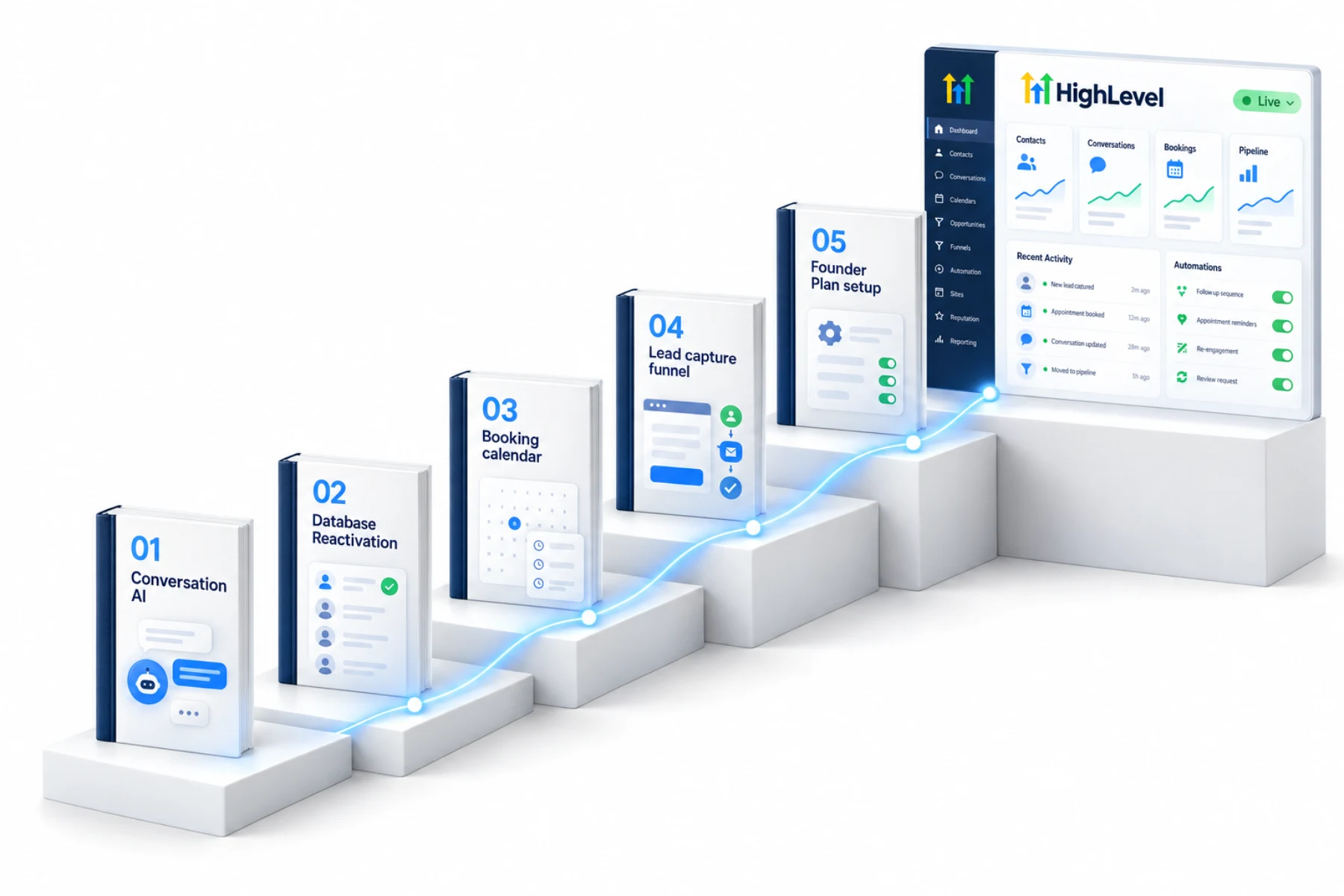
The short answer
Which GoHighLevel how to guides are here?
These GoHighLevel how to guides walk a Founder through one build at a time: twelve full builds and sixty five shorter guides covering Conversation AI, Voice AI, funnels, calendars, workflows, AI Studio and the Founder Plan. Each one gives the click path, what to have ready, how to test it and the mistakes to avoid.
Every guide is built inside a HighLevel account. If you do not have one yet, start a 30 day GoHighLevel trial through Michael's link, check GoHighLevel pricing and read who should get the Founder Plan if you plan to build for clients. New to the platform? The GoHighLevel tutorial shows how to use GoHighLevel from the first day.
Start here
Five builds in the right order.
If you are new to HighLevel, build these five guides in this order. Each one makes the next one easier.
The CRM Pros team
With you in your first 7 days.
Start HighLevel through my link and this is the team that builds the five with you: setup help, an onboarding call, three live calls every week and the private community.
 Michael ReimerFounder
 Bryan ReimerDirector of Production
 Brian KochSales and Strategies
 Kashish ParyaniTechnical Services
 Steven CandiaCommunity and Onboarding
 Kumail AbbasTechnology Specialist
 Shem LazoCreative Support
 Roxze Rita AvilaClient Success
All guides
Twelve builds. Every one live.
Each guide is written from the systems CRM Pros has deployed, in the order Michael would build them, and it is checked against the product as HighLevel ships changes.
 HighLevel Guide 01Set up Conversation AIand let it book the call.This build puts an AI bot on your inbound messages.Explore the guide →
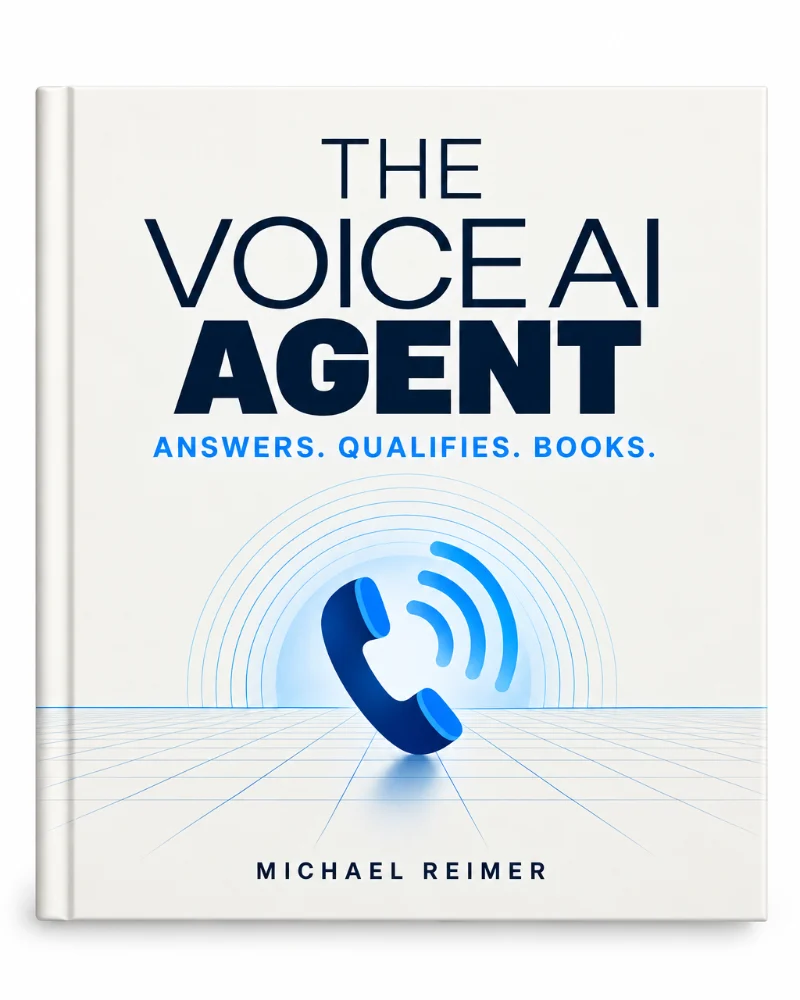 HighLevel Guide 02Build a Voice AI agentthat answers and books.This build puts a Voice AI agent on one of your HighLevel phone numbers.Explore the guide →
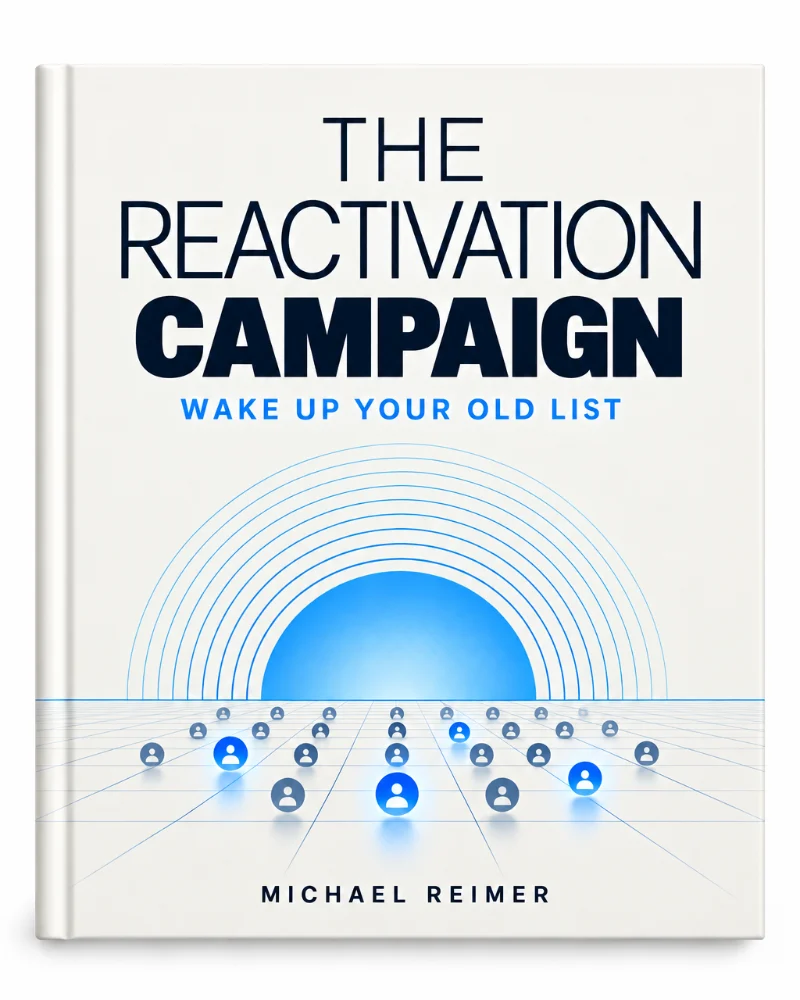 HighLevel Guide 03Wake up your old listand let AI book the replies.Most businesses sit on a list of people who asked about them once and went quiet.Explore the guide →
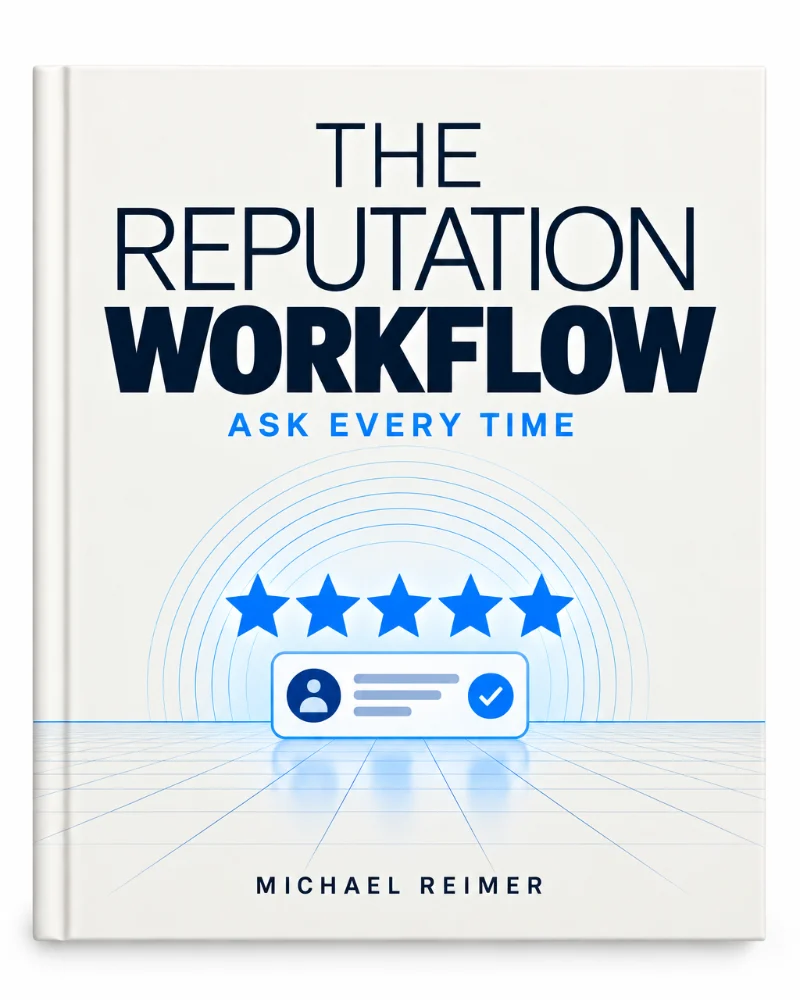 HighLevel Guide 04Build the reputation workflowand ask every time.Most businesses only ask for a review when someone remembers to.Explore the guide →
 HighLevel Guide 05Set up the booking calendarand let the team share the load.A round robin calendar hands each new booking to an available team member without anyone checking who is free.Explore the guide →
 HighLevel Guide 06Launch a lead capture funnelthat follows up on its own.A lead capture funnel is one page, one form and one workflow.Explore the guide →
 HighLevel Guide 07Build the onboarding workflowand welcome every client.A new client signs and the first hour decides how they feel about you.Explore the guide →
 HighLevel Guide 08Build the Founder dashboardyou review every Monday.A Founder should not open six reports to find out how the week went.Explore the guide →
 HighLevel Guide 09Build a website in AI Studioand put it on your domain.AI Studio turns a written description into a working website inside your HighLevel subaccount.Explore the guide →
 HighLevel Guide 10Build an app in AI Studiowired to your CRM.This build turns one business process into a working application inside HighLevel.Explore the guide →
 HighLevel Guide 11Set up the Founder Planand start billing clients.The $497 Founder Plan (formerly Agency Pro) turns HighLevel into a product you resell.Explore the guide →
 HighLevel Guide 12Become a HighLevel affiliateand track every referral.The HighLevel Affiliate Program pays a commission on each paying agency you refer.Explore the guide →
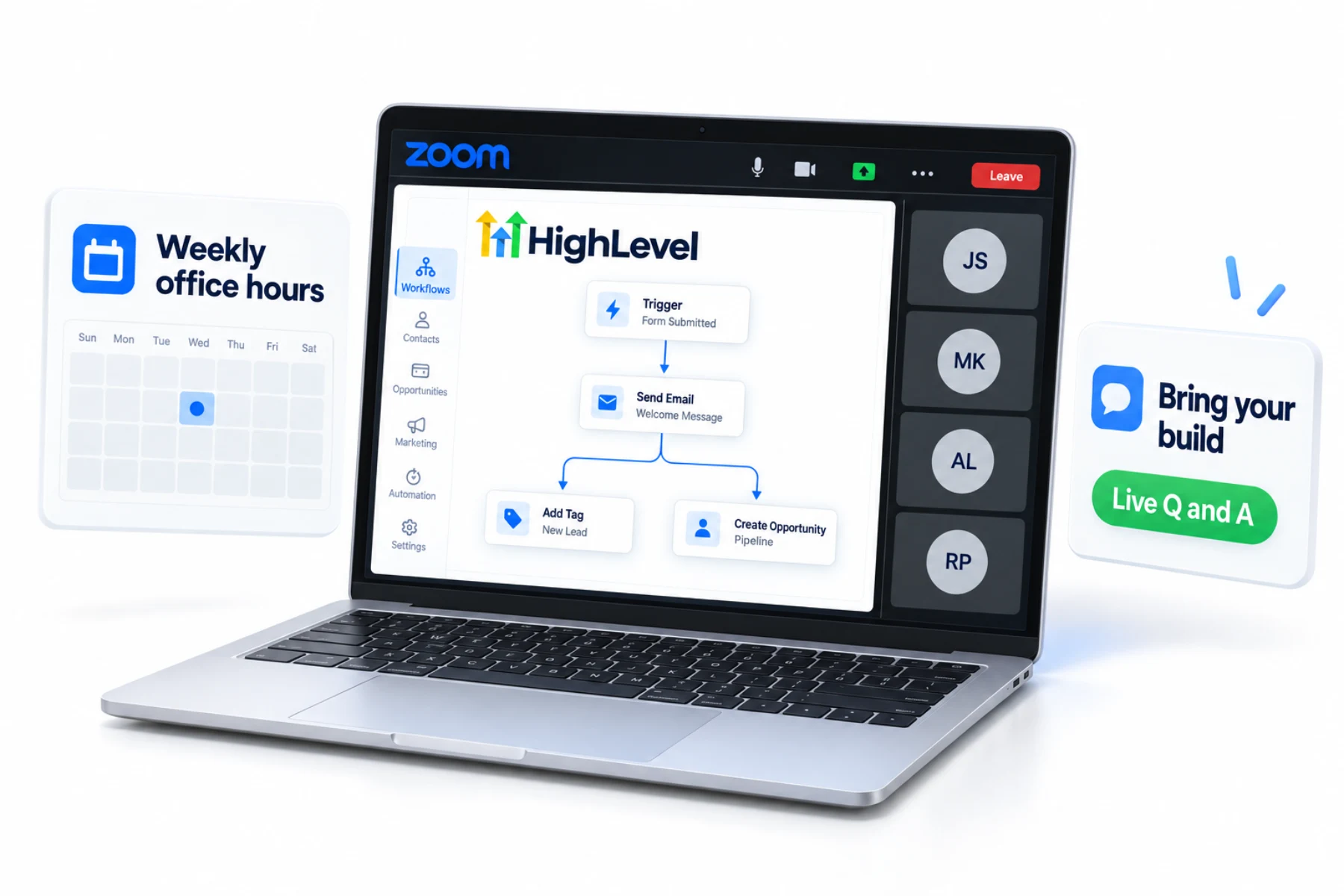
Stuck on a build?
Bring it to office hours.
Weekly office hours are a working conversation about your HighLevel build: what to fix, what to build next and how to keep the team moving. Founder guides and the LevelUp 2026 feature guide cover the rest.
More how to guides
Sixty five shorter guides, one job each.
These are shorter walkthroughs for a single job inside HighLevel, which many people still search for as GoHighLevel. Each one gives you the click path, what to have ready before you start, a way to test the result and the mistakes to avoid.
Account and agency setup
- Set up your agency account
- Set up your first subaccount
- Set up user permissions
- Use custom values
- Use the mobile app
- Set up white label mode
- White label your agency
- Set up rebilling
- Create a snapshot
- Share a snapshot
- Build a client onboarding workflow
- Set up a client portal
- Migrate from another CRM
- How to cancel GoHighLevel
Phone, texting and email
Websites, funnels and forms
Workflows and calendars
Contacts and pipeline
AI agents and AI Studio
Reputation, social and ads
Payments, courses and communities
Reporting and integrations
Questions
What should you know before you start a build?
Which HighLevel guide should I start with?
Start with Conversation AI, then Database Reactivation, the booking calendar, the lead capture funnel and Founder Plan setup. Build them in that order, because each one makes the next one easier. After those five, pick the shorter guide that matches the next job on your list.
Do I need a HighLevel account to follow these guides?
Yes. Every guide is built inside a HighLevel account. HighLevel's standard free trial is 14 days, or 30 days through Michael's link, and usage based fees for phone, SMS, email and AI can apply during the trial. A trial is enough to complete the first builds.
Are HighLevel and GoHighLevel the same thing?
Yes. HighLevel is the product name and GoHighLevel is the name many people search for. The guides here use both for the same platform. You will also see it written as Go High Level or shortened to GHL. Every one of those names points to the same product.
What if a menu in my account looks different from the guide?
HighLevel updates its menus often. If a label has moved, search the setting name in the account search bar. The steps stay the same. Each guide is checked against the product as HighLevel ships changes, so the click paths are kept current.
Where do I go when I am stuck on a build?
Bring it to weekly office hours with the CRM Pros team, or open the troubleshooting pages for the feature you are working on. Each shorter guide also lists the mistakes to avoid and a way to test the result, which often shows where a build went wrong.
Next step
The Founder guides go deeper.
Four free guides on leading in 2027, placing AI in the business, launching an AI agency and running AI systems in production.
Michael has written four guides for Founders. Each one is free to read on this site.
See the Founder GuidesFour guides for Founders