
Home/HighLevel/How to/Appointment reminders
How to · Calendars
How to build an appointment reminder workflow in GoHighLevel. Fewer no shows.
Reminders are the easiest way to protect a booked calendar. A simple workflow confirms the appointment, reminds the contact twice and follows up if they do not show.
Fewer no shows.
The short answer
To build an appointment reminder workflow in GoHighLevel, create a workflow triggered when a customer books an appointment on your calendar, send a confirmation right away, then use wait steps timed to the appointment to send one reminder a day before and another an hour before, and add a separate no show workflow that offers to rebook.
Michael is a sponsored HighLevel affiliate. Links to HighLevel use his partner link at no extra cost to you. HighLevel prices and product facts on this page come from HighLevel's own pricing page and help center, checked on the date above.
Build it
How do you build an appointment reminder workflow in HighLevel?
- Go to Automation and click Create Workflow. Check the recipe list for an appointment confirmation and reminder recipe first.
- Set the trigger to the booked appointment event and filter it to your calendar.
- Add Send Email and Send SMS actions confirming the date, time and location.
- Add a Wait step set relative to the appointment start time, one day before.
- Send the first reminder, then wait until one hour before and send the second.
- Create a second workflow triggered by the appointment status changing to no show, offering a link to rebook.
- Publish both and book a test appointment for yourself.
Messages
What each reminder should say.
| When | Say |
|---|---|
| On booking | Date, time, address or link, how to reschedule |
| 24 hours before | A friendly reminder and a reply option to confirm |
| 1 hour before | Short, with the address or meeting link |
| No show | No blame, an easy link to rebook |
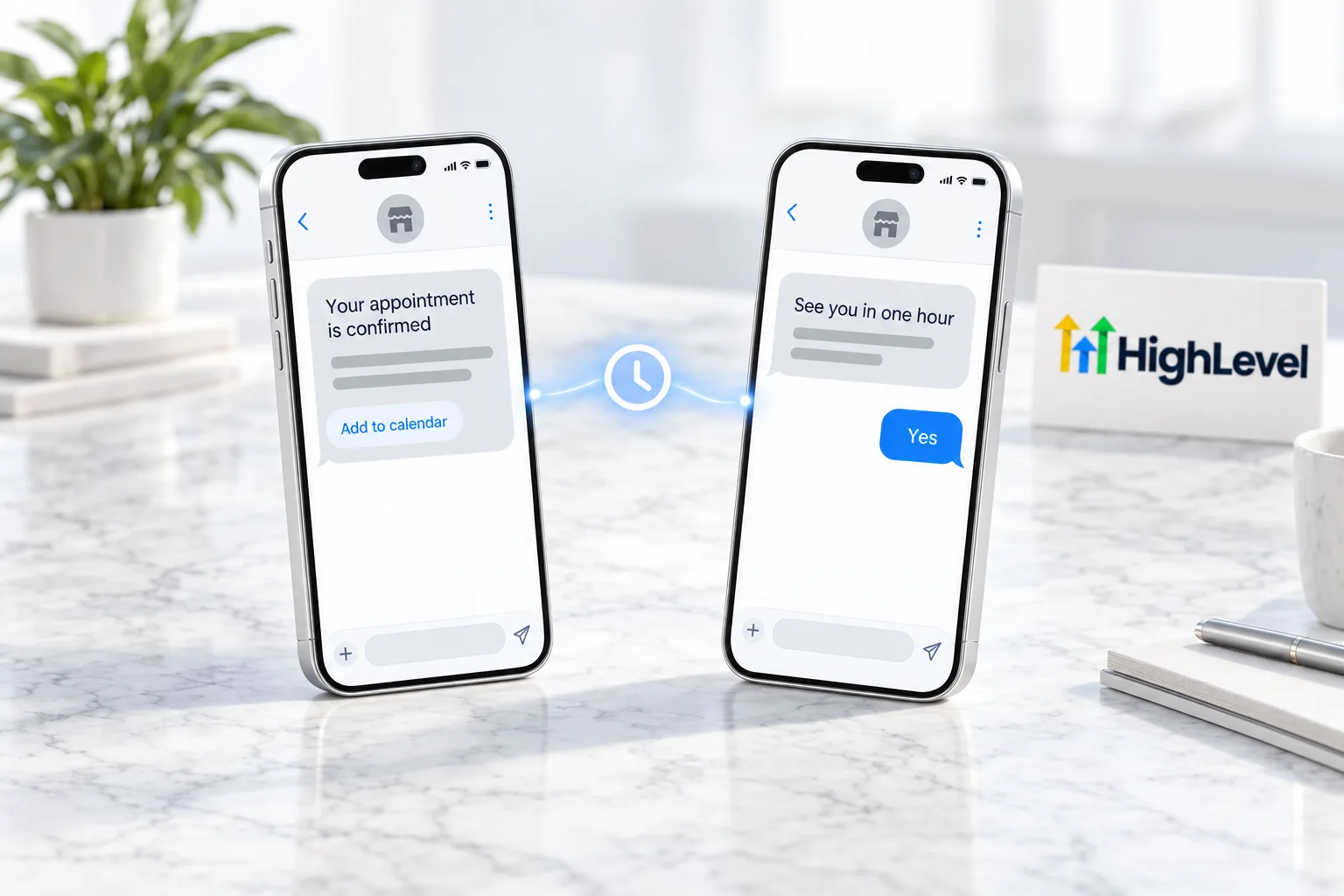
Before you start
What do you need before you build an appointment reminder workflow?
Reminders depend on the calendar and the phone number behind them. In HighLevel, or GoHighLevel if you prefer, check these first.
- A working calendar. See the booking calendar guide
- A phone number that can text, with A2P 10DLC registration for US numbers
- An email sending domain for the confirmation email
- The address or meeting link the reminder should include
- A link people can use to reschedule
If you want an agent to do the booking as well as the reminding, see the AI appointment setter. You can build and test both workflows during a 30 day trial through Michael's link, and the HighLevel review covers how calendars and automation hold up in daily use.
Test it
How do you test appointment reminders?
Book yourself in and let the workflow run.
- Book a test appointment about 90 minutes from now so the one hour reminder fires soon.
- Confirm the confirmation email and text arrive with the right date, time and location.
- Wait for the one hour reminder.
- Book a second test more than a day out and check that the workflow history shows it waiting for the day before reminder.
- Mark a test appointment as no show and confirm the rebooking message arrives.
Common mistakes
What mistakes should you avoid when you build an appointment reminder workflow?
- A trigger with no calendar filter. Without the filter, bookings on every calendar get these messages.
- Waits counted from the booking. Reminders must be timed relative to the appointment start, not to when it was booked.
- No location in the message. People forget details. Put the date, time and address or link in every reminder.
- Reminders that continue after a cancellation. Check that cancelled appointments leave the workflow.
- Nothing for no shows. A separate no show workflow with a link to rebook recovers missed appointments. If reminders do not send at all, see fix appointment reminders not sending.

Ask people to reply YES to confirm. A reply tells you who is really coming.
Questions
Common questions.
How do I send appointment reminders in HighLevel?
Build a workflow triggered when a customer books an appointment, filtered to your calendar. Send a confirmation by email and SMS right away, then use wait steps set relative to the appointment start time to send one reminder a day before and another an hour before. Publish it and book a test appointment.
How many appointment reminders should I send?
A confirmation, a reminder a day before and a reminder an hour before works for most businesses. The confirmation gives the date, time and location. The day before reminder invites a reply to confirm, and the one hour reminder is short, with the address or meeting link.
Can I follow up on no shows automatically?
Yes. Create a second workflow triggered by the appointment status changing to no show, and send a message that offers a link to rebook. Keep it short and without blame. Test it by marking a test appointment as no show and confirming the rebooking message arrives.
Do reminders work for round robin calendars?
Yes. Filter the trigger by the calendar, and the reminder workflow runs for bookings on a round robin calendar the same way it does for a single calendar. Each contact gets the confirmation and reminders for their own appointment time, whichever team member the booking was assigned to.
Why are my appointment reminders not sending?
Check that the workflow is published, the trigger is filtered to the right calendar, the wait steps are set relative to the appointment time and the contact has a valid phone number or email. Then open the workflow history for a test booking to see which step it stopped at.
Should reminders go by text or email?
Use both for the confirmation. Text works well for the one hour reminder because people see it quickly. Text only contacts who gave consent. Ask people to reply YES to confirm in the day before reminder, because a reply tells you who is really coming.
What should a no show message say?
Keep it short and without blame. Say you missed them and give an easy link to rebook. Send it from a separate workflow triggered when the appointment status changes to no show, so it only goes to people who did not turn up.
Next step
See it in your own account. Thirty days, every feature.
Start a trial, build the first system and test it before the first invoice. Usage fees for phone, SMS, email and AI can apply during the trial.
HighLevel has three plans at a flat monthly price, each with unlimited users and contacts. See what each one includes and what it costs.
Compare the PlansStarter, Unlimited and Founder