
01
Capture
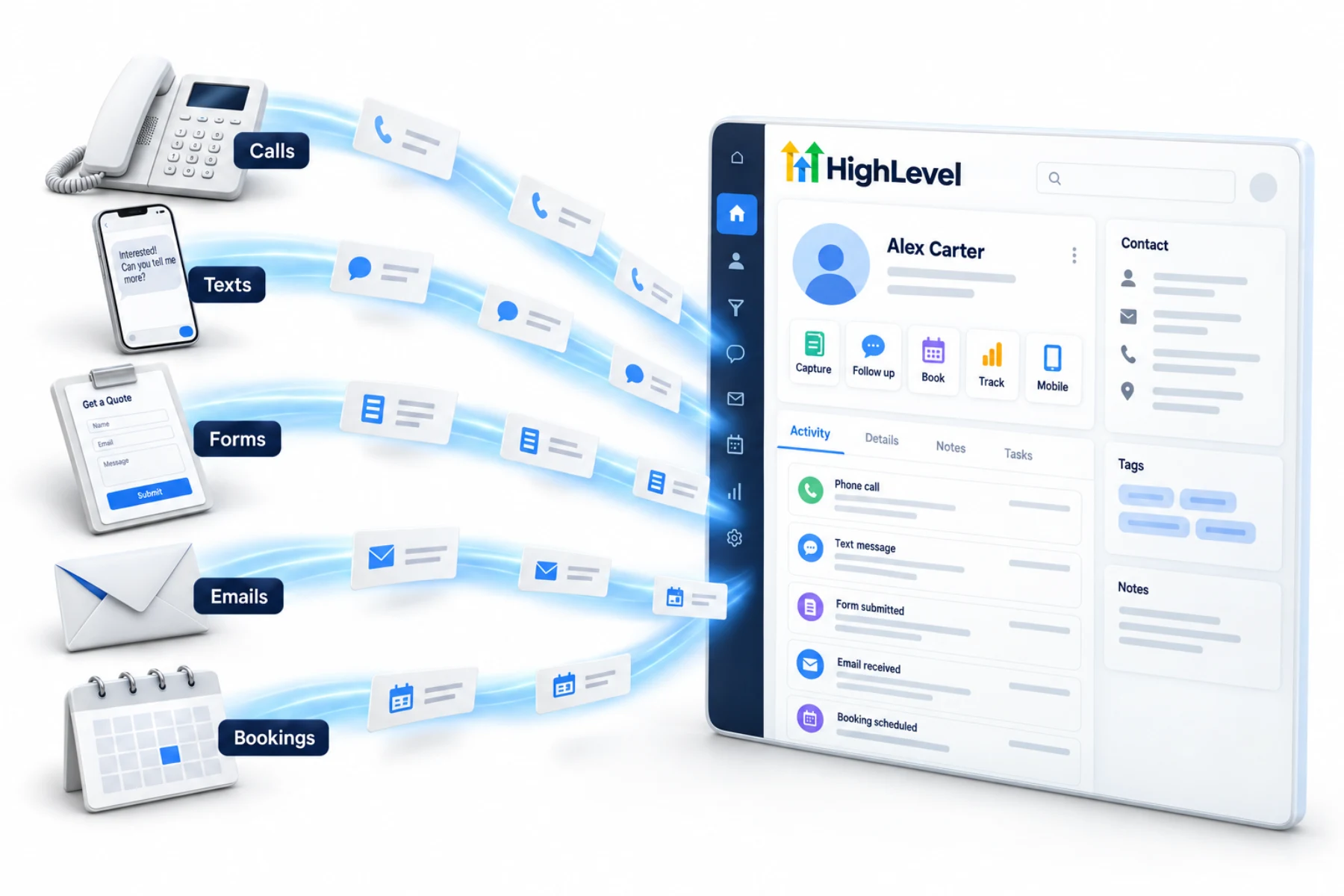
Calls, forms, chats and ads in one list.
Home/CRM guide
CRM guide
A CRM is where a small business keeps track of every person it talks to and every deal it is chasing. The right one also does the follow up for you. This guide covers what to look for, what it costs and how to get your team using it.
The short answer
A CRM for small business should do six jobs: capture every lead from calls, forms and chats; follow up automatically by text and email; book appointments; track deals in a pipeline; work on your phone; and report on what is working. All in one CRMs like HighLevel add texting, calling, reviews and AI from $97 a month. Choose by testing with a real lead.
Michael is a sponsored HighLevel affiliate. Links to HighLevel use his partner link at no extra cost to you. HighLevel prices and product facts on this page come from HighLevel's own pricing page and help center, checked on the date above.
The basics
01
Calls, forms, chats and ads in one list.
02
Automatic texts and emails.
03
Leads pick a time themselves.
04
Every deal in a pipeline.
05
Reply from anywhere.
06
See what is working.
Guides
The plain explanation.
ReadWhen a sheet stops working.
ReadSix decision steps.
ReadWhat to look for.
ReadHow to compare fairly.
ReadGet your list in.
ReadWhat AI adds to a CRM.
ReadWhat to check with any vendor.
ReadWhat automation adds.
ReadChoosing a QuickBooks CRM.
ReadA buying frame for sales teams.
ReadWhat a CRM really costs.
ReadBy industry
Tools compared, with honest limits.
Best CRMTools compared, with honest limits.
Best CRMTools compared, with honest limits.
Best CRMTools compared, with honest limits.
Best CRMTools compared, with honest limits.
Best CRMTools compared, with honest limits.
Best CRMTools compared, with honest limits.
Best CRMTools compared, with honest limits.
Best CRMTools compared, with honest limits.
Best CRMTools compared, with honest limits.
Best CRMTools compared, with honest limits.
Best CRMTools compared, with honest limits.
Best CRMTools compared, with honest limits.
Best CRMTools compared, with honest limits.
Best CRMTools compared, with honest limits.
Best CRMTools compared, with honest limits.
Best CRMTools compared, with honest limits.
Best CRMTools compared, with honest limits.
Best CRMTools compared, with honest limits.
Best CRMWhat to look for and how to choose.
Best CRMWhat to look for and how to choose.
Best CRMWhat to look for and how to choose.
Best CRMWhat to look for and how to choose.
Best CRMWhat to look for and how to choose.
Best CRMHighLevel
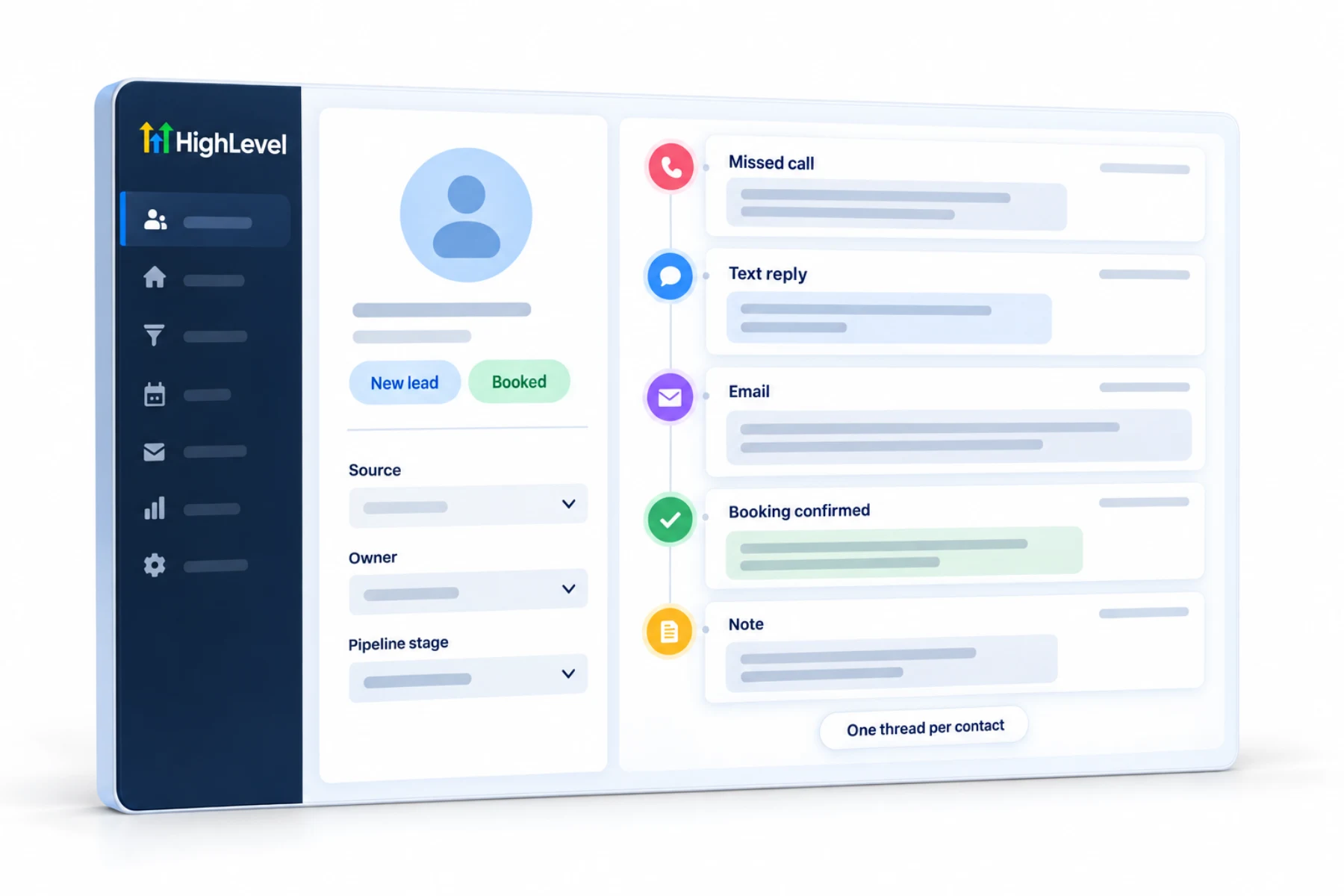
HighLevel combines a CRM with texting, calling, email, funnels, booking, reviews and AI in one login. It is popular with local and service businesses and with the agencies that serve them. Read the HighLevel review for what it does well and where it falls short, or test it yourself with the 30 day trial through Michael's link.
| HighLevel plan | Monthly | Best for |
|---|---|---|
| Starter | $97 | One business, up to three subaccounts |
| Unlimited | $297 | Agencies with many clients |
| Founder Plan | $497 | Selling HighLevel under your own brand |
Usage such as calls, texts, email and AI is billed separately.
Find your guide
This section of the site has a guide for each stage of the decision. Start with the one that matches where you are today.
There are also guides by type of business: local service businesses, coaches, consultants, startups, solo Founders and AI agencies. If you think of it as keeping clients more than winning them, read client management software, and for a team wide view read business CRM software.
Avoid
None of these are about software. They are habits, and a simple system used every day beats a powerful one used sometimes.
This guide is written by Michael Reimer, Founder of CRM Pros, the team that sets up and supports HighLevel accounts. CRM Pros also runs the CRM Pros affiliate community for people who recommend HighLevel.
If HighLevel is on your shortlist, the Go High Level CRM page shows what its CRM includes, what it costs and who it fits.

The best CRM is the one your team opens every morning. Pick for daily use, not for the feature list.
Through my link
Same HighLevel price. The difference is who is in your corner for the first ninety days.
The Founder Plan is HighLevel’s top plan at $497 a month. It is the former Agency Pro plan with an exclusive feature set, rebilling with markup and the Founders Club. The full breakdown is here.
The Founder PlanWhat it includes and who it is for
Questions
A small business should use a CRM that does six jobs: captures every lead from calls, forms and chats, follows up automatically by text and email, books appointments, tracks deals in a pipeline, works on your phone and reports on what is working. Pick the one your team will open every morning, and test it with a real lead.
CRM prices range from free plans to hundreds of dollars a month. HighLevel starts at $97 a month plus usage for calls, texts, email and AI. To compare fairly, total the plan, the users, the usage and any add ons, then set that figure against the tools it replaces.
Yes, once leads come from more than one place or more than one person talks to customers. At that point a spreadsheet or an inbox starts losing follow ups. A business with a handful of customers and one person handling all of them can wait a little longer.
A basic setup can run in a week: lead capture, an automatic first reply, booking and a simple pipeline. A full rollout takes about 30 days, including cleaning and importing your contacts and getting the team to use it daily. Start small and add the rest later.
Set up lead capture and an automatic first reply first, so every enquiry lands in one list and hears back straight away. Then add booking and a simple pipeline. If a person has to remember to reply, some leads will wait, so let the first reply be automatic.
Yes, often. An all in one CRM can replace separate tools for texting, email, booking, pages and reviews, because those jobs run on the same customer record. Move one job at a time, starting with lead capture and follow up, and cancel each old tool once its job is running.
No. Contacts and users are unlimited on every HighLevel plan, so a growing list or a bigger team does not change the plan price. Usage such as calls, texts, email and AI is billed separately, so include it when you work out your monthly cost.
Next step
Start a trial, build the first system and test it before the first invoice. Usage fees for phone, SMS, email and AI can apply during the trial.
HighLevel has three plans at a flat monthly price, each with unlimited users and contacts. See what each one includes and what it costs.
Compare the PlansStarter, Unlimited and Founder