
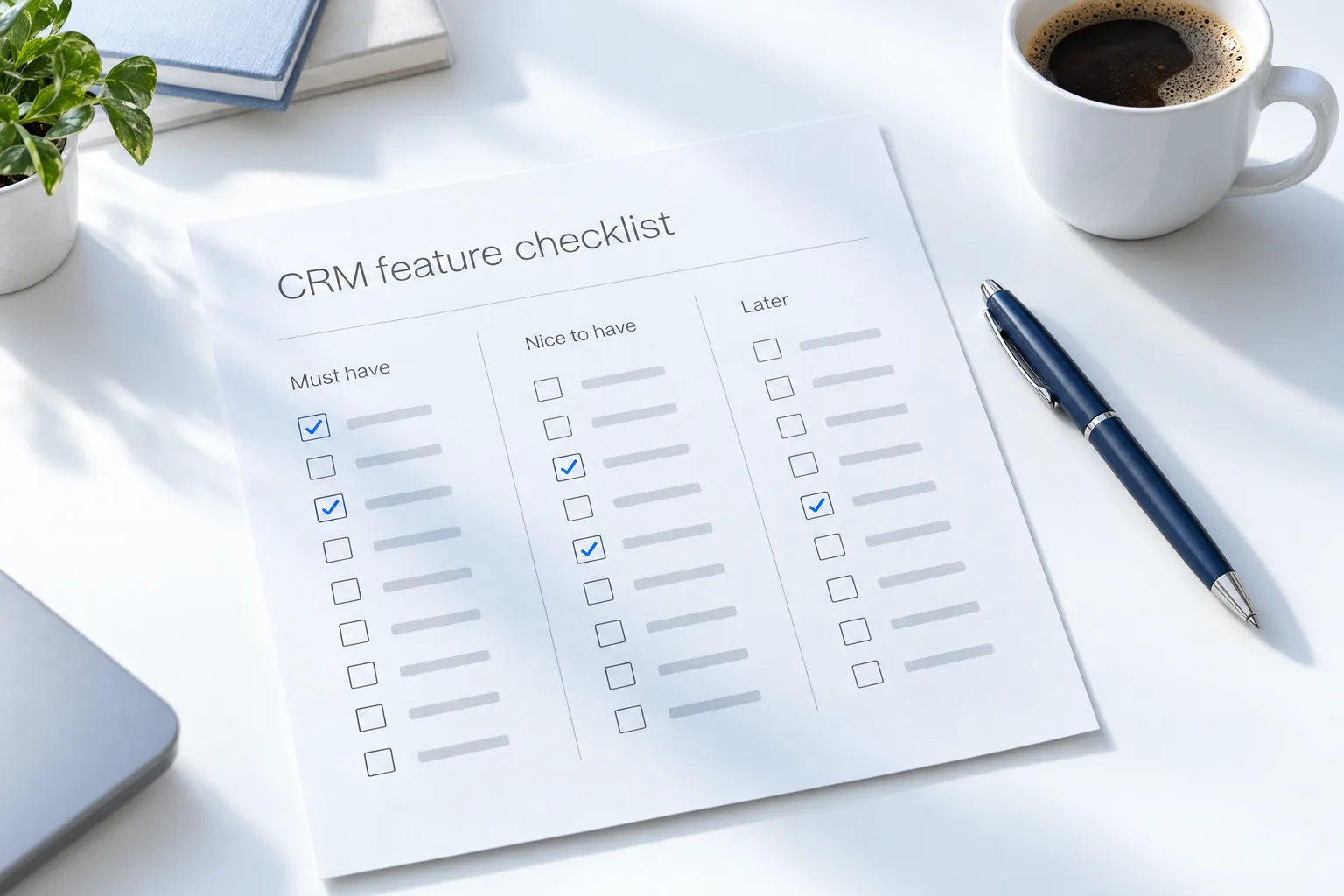
The short answer
A good CRM should include lead capture, automatic follow up, booking, a pipeline, texting and calling, and a mobile app. For growth, add reviews, reporting, workflows and AI. Agencies also need client accounts, templates, white label and rebilling. HighLevel covers all three groups across its plans.
Michael is a sponsored HighLevel affiliate. Links to HighLevel use his partner link at no extra cost to you. HighLevel prices and product facts on this page come from HighLevel's own pricing page and help center, checked on the date above.
Essential
Every business needs these.
- Forms and lead capture
- Contact records with full history
- Automatic text and email follow up
- Calendar booking
- Sales pipeline
- Two way texting
- Calling
- Mobile app
Growth
For growing businesses.
- Workflows and automation
- Review requests and reputation
- Email campaigns
- Dashboards and reporting
- Websites and funnels
- Payments and invoices
- AI for calls and chats
- User roles and permissions
Agency
For agencies.
- Separate client accounts
- Templates such as snapshots
- White label branding
- Rebilling with markup
- Client logins
- Client reporting
- Bulk management
- Your own plans and pricing
Method
How do you use this checklist to compare CRMs?
A list of ticks does not choose a CRM for you. Three vendors can all tick the same box and deliver very different things. Use the checklist in three passes.
- Mark your must haves. Go through the list and pick the five features you cannot work without. Everything else is a bonus.
- Ask how, not whether. For each must have, ask whether it is included in the plan you would buy, limited in some way or sold as an extra.
- Test your top two. Run one real workflow in each, with live leads, for two weeks. A feature that exists and a feature your team will use are different things.
Then put a price beside each column. The CRM pricing guide shows how to total the plan, usage and add ons, and free vs paid CRM helps if a free plan is on your shortlist. The best CRM for small business comparison is a starting shortlist.
Priorities
Which CRM features matter most at each stage?
- Just starting. Lead capture, contact history, automatic follow up, booking and a mobile app. If these work, you are ahead of most competitors.
- Growing. Workflows, review requests, reporting and payments. This is when you stop doing things by hand.
- Adding a team. User roles and permissions, shared inboxes and a pipeline everyone updates.
- Adding AI. Agents that answer calls and chats, trained on your own information, with a clear handoff to a person.
- Running an agency. Separate client accounts, templates, white label branding and rebilling. CRM for AI agencies covers that group in depth.
Do not buy for a stage you are two years away from. Do check that the platform can reach that stage without a migration. Once the features are in place, the small business automation checklist shows what to automate first.
Look closer
What questions reveal what a tick really means?
- Texting: is it two way, and what does each message cost?
- Calling: are numbers and minutes included or billed by use?
- Automation: is there a limit on workflows or runs?
- Contacts and users: is there a cap, and what happens above it?
- AI: is it part of the plan or a separate charge?
- White label: is it your logo only, or your domain and your own plans too?
- Export: can you take your data with you?
For HighLevel, the plan comparison answers these plan by plan. Once you have chosen, the CRM implementation checklist takes over. The 30 day trial through Michael's link gives you time to test your must haves with live leads.
For the AI features worth checking, read what is an AI CRM. For the automation items, read what a CRM with marketing automation does.

If a CRM misses anything in the first group, keep looking.
Questions
Common questions.
What features should a CRM have?
At minimum a CRM should have lead capture, contact records with full history, automatic text and email follow up, calendar booking, a sales pipeline, two way texting, calling and a mobile app. If a CRM misses any of these, keep looking. Reviews, reporting, workflows and AI matter as you grow.
What do agencies need extra?
Agencies need separate client accounts, templates such as snapshots, white label branding and rebilling with markup. Client logins, client reporting, bulk management and the ability to sell your own plans and pricing also matter once you serve more than a few clients.
Does HighLevel have all of these?
Yes, across its plans. HighLevel covers the essentials, the growth features and the agency features. Unlimited subaccounts and the branded desktop app start on Unlimited, and your own plans and markup need the Founder Plan. Check the plan comparison before you choose, because the agency features depend on the plan.
Is AI essential?
Increasingly, yes. AI that answers calls and chats means no lead waits for a reply, even when everyone is busy. It is not in the first group that every business needs on day one. Ask whether AI is part of the plan or a separate charge before you count on it.
How many must have features should I list?
About five. A short list forces you to decide what really runs your business. Go through the checklist, pick the five features you could not work without and compare vendors on those first. Everything else is a tie breaker, not a reason to buy.
Is a feature on the vendor's list enough?
No. A tick on a feature list does not tell you how the feature works. Ask whether it is included in your plan, limited or sold as an extra. Then test it with live leads, because three vendors can tick the same box and deliver very different things.
Should I test a CRM before buying?
Yes. Test your top two choices before you commit. Run one real workflow in each with live leads for about two weeks, and watch how the texting, booking and follow up behave. A trial with real leads tells you more than any demo or feature list.
Next step
See it in your own account. Thirty days, every feature.
Start a trial, build the first system and test it before the first invoice. Usage fees for phone, SMS, email and AI can apply during the trial.
HighLevel has three plans at a flat monthly price, each with unlimited users and contacts. See what each one includes and what it costs.
Compare the PlansStarter, Unlimited and Founder