
Inbound
Answer every call
Always, after hours or after your team does not pick up within the inbound timeout.
HighLevel AI · Voice AI
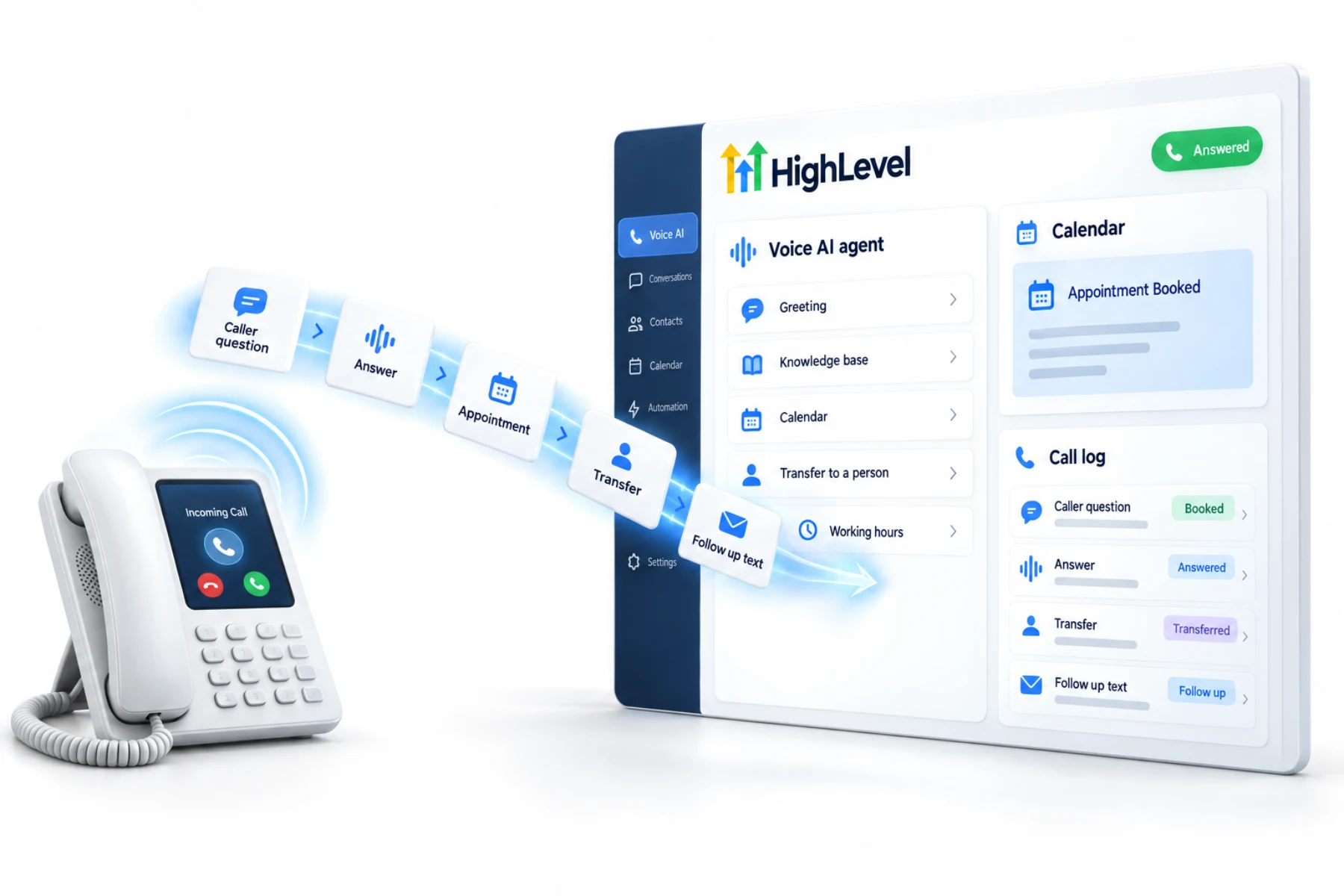
This is the complete guide to GoHighLevel Voice AI. Voice AI is HighLevel's phone agent. It answers inbound calls, places outbound calls, talks naturally, answers from your knowledge base, books on your calendars, transfers calls and triggers workflows after each one. This guide covers every part of it.
The short answer
HighLevel Voice AI creates AI phone agents that answer inbound calls and place outbound calls, answer questions from a knowledge base, book appointments, transfer calls and run actions during and after the call. It works on HighLevel phone system or Twilio numbers. It is billed pay per use or through AI Employee plans, plus phone charges.
Michael is a sponsored HighLevel affiliate. Links to HighLevel use his partner link at no extra cost to you. HighLevel prices and product facts on this page come from HighLevel's own pricing page and help center, checked on the date above.
Capabilities
Inbound
Always, after hours or after your team does not pick up within the inbound timeout.
Outbound
Up to 5,000 outbound AI calls per location per day, with HighLevel's compliance safeguards.
Booking
Offers times, respects calendar rules and can pick the right calendar from the caller's intent.
Knowledge
A knowledge base of documents, web pages and FAQs.
Transfer
Call transfer to your team, or agent transfer to a specialist AI agent on the same call.
Actions
Update fields, tag contacts, send texts, trigger workflows and send summaries.
Voice AI also supports multiple languages, voice selection and voice cloning, speech to speech models for lower delay, a web voice widget, call logs with transcripts and summaries, performance reports, versioning and a prompt optimizer.
Setup
The step by step build with screenshots is in the Voice AI build guide.
Outbound
Outbound Voice AI calls run from a workflow action. HighLevel enforces safeguards such as location eligibility, a cap of 5,000 calls per location per day, calls only between 8 AM and 8 PM in the contact's time zone and same country calling, and asks you to accept location level outbound terms. Accepting those terms does not give you permission to call anyone: the business is responsible for each contact's consent, opt outs and do not disturb preferences.
Cost
| Option | Voice AI minutes | Price per subaccount |
|---|---|---|
| Pay per use | Billed by usage, mostly per minute | No monthly fee |
| AI Employee Growth | 100 a month | $50 a month |
| AI Employee Unlimited | Unlimited, fair use | $97 a month |
Phone system charges apply to every call regardless of plan. Source: AI Product Pricing, November 2026.
Routing
The agent is only half of the setup. The other half is deciding when a call reaches it. There are three common patterns.
Pick one and test it from your own phone at different times of day. AI receptionist setup has the full eight steps, and can Voice AI answer only after hours covers the third pattern.
Avoid
If outbound calls are not going out when you expect, why a Voice AI outbound call is delayed or blocked explains the usual causes.
Measure
Voice AI gives you call logs with transcripts and summaries, plus performance reports. Use them. Each week, look at how many calls the agent answered, how many ended in a booking, how many were transferred and how many callers hung up early. Then read a handful of transcripts from each group.
Early hang ups usually point to the greeting. Transfers that should have been bookings point to a gap in the knowledge base. Fix one thing, save it as a new version and compare. That weekly loop is what turns a working agent into a good one.
The Voice AI questions and answers page has the short versions. Minutes by plan are in the GoHighLevel AI plans overview, and a 30 day trial through Michael's link gives you a number to test on. HighLevel retired the AI Agency Assistant plan, and the AI Agency Assistant plan page explains what replaced it.
For outbound on its own, read the guide to GoHighLevel outbound Voice AI. Still choosing a tool? Compare AI voice agent platforms.

Voice AI is the most valuable AI product HighLevel has for local businesses, because the phone is where their highest intent customers still show up.
Questions
It is HighLevel's AI phone agent. It answers inbound calls and places outbound calls, answers questions from a knowledge base, books appointments, transfers calls and runs actions during and after the call. It works on HighLevel phone system numbers or on Twilio numbers.
Voice AI is billed pay per use, or through an AI Employee plan per subaccount. Growth at $50 a month includes 100 minutes, and Unlimited at $97 a month is unlimited under fair use. Phone system charges apply to every call on top of the AI charge, whatever the plan.
Yes, from workflows, up to 5,000 calls per location per day, with consent the business is responsible for. Voice AI places those calls only between 8 AM and 8 PM in the contact's time zone. That consent matters because the FCC treats AI voices as artificial voices under the TCPA.
Voice AI works on HighLevel phone system numbers or on Twilio numbers. Most businesses use a HighLevel number, because calls work right after you enable the phone system. To make the AI answer every call, assign it a number that is not your default subaccount number.
Yes. Voice AI can transfer a call to a person, and it can also transfer to another Voice AI agent on the same call. Set the transfer as an action and describe in the instructions when to use it, such as when the caller asks for a person or is upset.
Yes. Set custom working hours for the agent in the Deploy tab. The agent answers during those hours, and your normal call routing applies outside them. Covering evenings and weekends first is a low risk way to start, before you let the AI answer all day.
No. Phone system charges apply to every call regardless of AI plan. The AI Employee plan covers the AI minutes.
Yes. Voice AI supports multiple languages, along with voice selection and voice cloning. Check the current language list in your own account, write the greeting and instructions in the language your callers use, and test with a native speaker before you publish.
Next step
Start a trial, build the first system and test it before the first invoice. Usage fees for phone, SMS, email and AI can apply during the trial.
HighLevel has three plans at a flat monthly price, each with unlimited users and contacts. See what each one includes and what it costs.
Compare the PlansStarter, Unlimited and Founder