
Text channels
Conversation AI
Answers SMS, web chat, email, Facebook, Instagram and WhatsApp conversations, qualifies the lead and books the appointment. The first agent most businesses should build.
Pillar 04 · Conversation AI
AI in HighLevel
Agents that answer, book, follow up and report. HighLevel ships AI as working agents inside the platform, not as a chat window on the side. This page maps every AI feature to the pillar it serves, explains what each one does in plain language and shares the production rules Michael uses before an agent ever talks to a lead.
AI Systems in Production is Michael’s guide to building, testing and running Conversation AI, Voice AI and Workflow AI agents on HighLevel.
AI Systems in ProductionThe guide to running AI on HighLevelThe LevelUp 2026 guide lists every HighLevel update announced at the event, sorted by what it does. It shows what is live, what is in beta and what needs the Founder Plan.
The LevelUp 2026 GuideEvery release from the event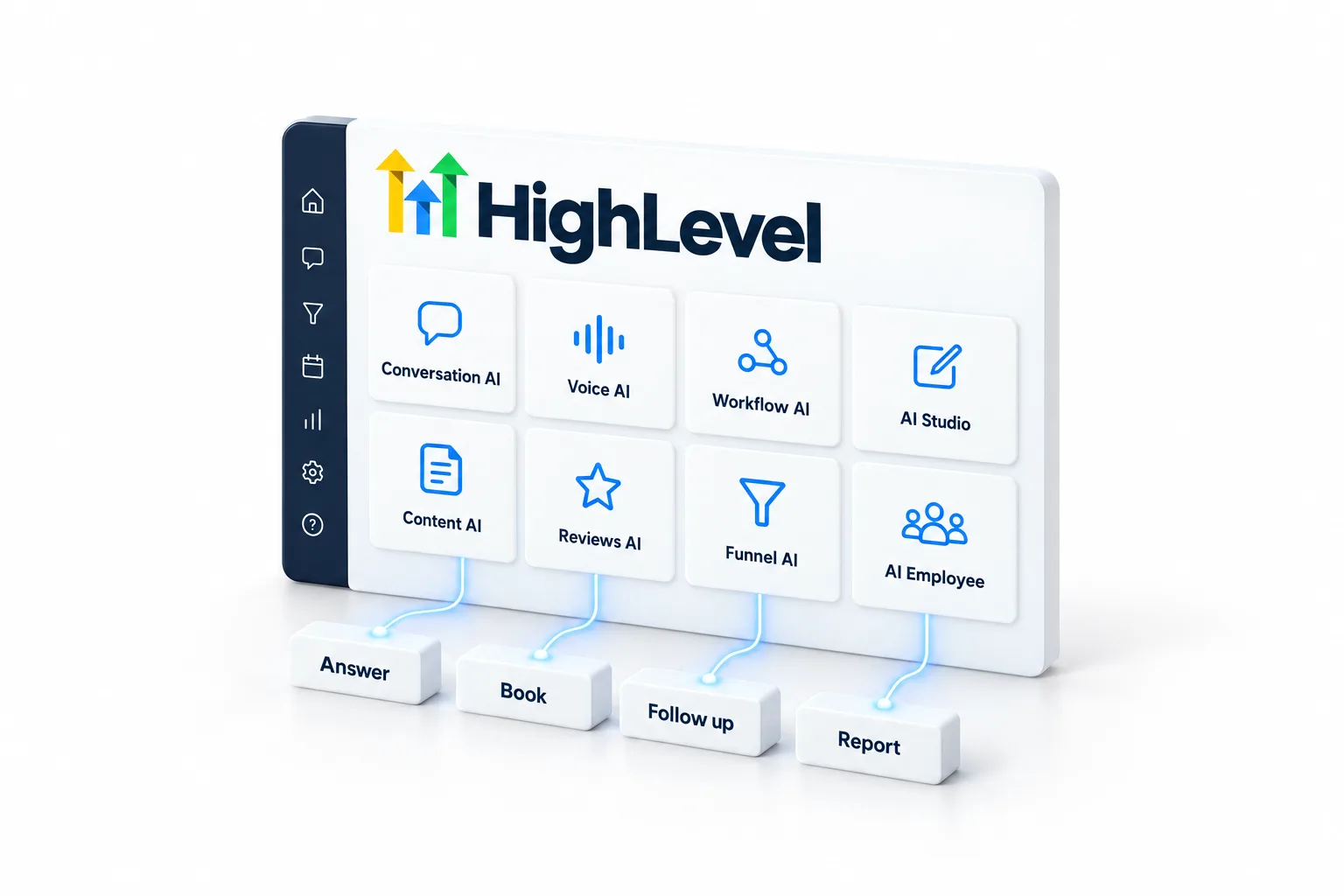
The short answer
HighLevel AI, also called GoHighLevel AI, is a set of agents and builders inside the platform: Conversation AI for text channels, Voice AI for phone calls, Workflow AI and Managed Agents for automation, AI Studio for websites, plus Content AI and Reviews AI. Each one works from the same contact record.
The names blur together, so this page sorts them by the job each one does. If you want the same list sorted by who each agent talks to and what starts it, read every GoHighLevel AI agent explained. If you want the limits first, read what AI can and cannot do.
The map
Text channels
Answers SMS, web chat, email, Facebook, Instagram and WhatsApp conversations, qualifies the lead and books the appointment. The first agent most businesses should build.
Pillar 04 · Conversation AI
Phone
Answers inbound calls, holds a natural conversation, qualifies the caller, books and transfers. Outbound agents follow up on leads and reactivate lists.
Pillar 03 · Voice AI
Automation
Makes decisions inside workflows: classify a message, extract details, write a reply, choose a branch. Turns a static automation into one that adapts.
Every pillar
Build
Describe a website, a landing page or an application in plain language and AI Studio builds it inside HighLevel, connected to the CRM, forms and workflows.
Pillar 05 · Websites and funnels
Writing
Drafts emails, SMS, social posts, blog articles and images inside the tools where you use them.
Pillars 01 and 05
Reputation
Replies to Google and Facebook reviews automatically or with approval, in the voice you set.
Pillar 02 · Reputation Management
Build
Generates a complete funnel from a short brief so a new offer can be live the same day.
Pillar 05 · Websites and funnels
Bundle
HighLevel's name for the bundle of these agents in a subaccount, sold per subaccount as the Starter, Growth and Unlimited plans. Starter is available to Founder Plan agencies.
All five pillars
Where to start
Michael's order for a business that is new to AI: Conversation AI on the main lead channel first, because it is the fastest to test and the easiest to measure. Voice AI second, once the scripts and handoff rules are proven in text. Workflow AI third, to make the follow up adapt. AI Studio whenever a page or an application is the bottleneck.
Each agent gets a number before launch: booked rate, handoff rate and response time. If a number is not moving, the agent is not done.

Production rules
2,600 agentic systems deployed have taught the CRM Pros team that the build is the easy part. These five rules apply to every agent the team ships.

Michael teaches these rules in the Building AI Agents in HighLevel workshop and in the Voice AI Agents in Production workshop. See the planned workshops.
The guides
Every agent and every common job has its own page. Start with the agent you plan to build first, then read the guide for the job you want it to do.
The text agent: modes, training, goals and cost.
AgentsThe phone agent: inbound, outbound, booking and transfers.
AgentsAI teammates that run tasks on CRM events.
AgentsWhere custom agents are built and managed.
AgentsReply to every review, with approval or automatically.
AgentsWho each agent talks to and what starts it.
AgentsEight steps from phone number to first call.
JobsText and voice agents booking into one calendar.
JobsAsk, save the answers and route the ready leads.
JobsFirst reply, qualifying, booking, follow up and handoff.
JobsFast first replies and persistent sequences.
JobsAI actions and the AI Agent action inside automations.
JobsPosts, emails and blog drafts in your brand voice.
JobsBuild pages and interactive experiences from a brief.
BuildAI Studio and the classic builder compared.
BuildWhat your agents know decides what they say.
BuildPrompt patterns for every AI tool in HighLevel.
BuildSix sections for a natural phone agent.
BuildRun your CRM from a conversation.
BuildStarter, Growth or Unlimited, by situation.
PlanSetup, monthly and usage for agencies.
PlanFive layers, fewer tools.
PlanConsent, registration, recording and disclosure.
PlanThe line between agents and people.
PlanWhat shipped and how to keep up.
PlanOutbound calls, consent and setup.
VoiceChannels, limits, cost and setup.
JobsA plain language definition.
BasicsPricing for AI
AI assistants such as Ask AI and AI Studio are free for agency users on every plan, subject to fair use. The agents that work on a business's behalf, such as Conversation AI and Voice AI, are paid per subaccount: the AI Employee Growth plan is $50 a month and the AI Employee Unlimited plan is $97 a month, or you can stay on pay per use. Founder Plan agencies can also buy the $20 Starter plan for client subaccounts and rebill AI usage to clients. Phone system charges apply to every call. Rates change over time, so check GoHighLevel AI pricing and AI usage costs before you quote a client, and use which AI plan is best to choose.
If you are weighing the whole platform, read is HighLevel worth it. You can test every agent on this page during a 30 day trial through Michael's link.
HighLevel has three plans at a flat monthly price, each with unlimited users and contacts. See what each one includes and what it costs.
Pricing and PlansPlans, prices and usage ratesQuestions
HighLevel has Conversation AI for text channels, Voice AI for phone calls, Reviews AI for review replies, Managed Agents and Workflow AI for automation, AI Studio and Funnel AI for building pages, Content AI for writing and Ask AI as an in app copilot.
Partly. AI assistants such as Ask AI and AI Studio are free for agency users on every plan, subject to fair use. Agents such as Conversation AI and Voice AI are paid, through an AI Employee plan per subaccount or pay per use.
Conversation AI on your main lead channel. It is the fastest to test and the easiest to measure. Add Voice AI once the scripts and handoff rules are proven in text.
AI Employee is the name of HighLevel's AI plans for a subaccount: Starter at $20 a month for Founder Plan agencies, Growth at $50 and Unlimited at $97. Each plan covers every user in that subaccount.
Yes. HighLevel's MCP server lets assistants such as Claude read and change records in the subaccounts and permissions you approve, through an OAuth sign in.
Yes. GoHighLevel has AI built into the platform, not added on the side. It has agents that answer texts and calls, reply to reviews and run tasks, plus builders for websites and content. Each one works from the same contact record, and the map on this page matches every feature to the work it does.
AI Employee is priced per subaccount. Growth is $50 a month and Unlimited is $97 a month. Founder Plan agencies can also buy Starter at $20 a month for client subaccounts. Each plan covers every user in that subaccount. Phone system charges apply to every call, whatever the plan.
Partly. Every HighLevel plan includes the AI assistants, such as Ask AI and AI Studio, for agency users under fair use. The agents are an add on. Agents that work on a business's behalf, such as Conversation AI and Voice AI, are paid per subaccount through an AI Employee plan or pay per use.
Next step
The implementation guide covers agent design, guardrails, testing before launch, daily operation and scaling to many systems.