
AI Studio
Best for new builds
- A full draft from one prompt
- Interactive pages such as surveys and booking flows
- Visual edits and a code editor
- Fast first drafts for client pitches
Home/HighLevel/AI/AI website building
HighLevel AI · Websites
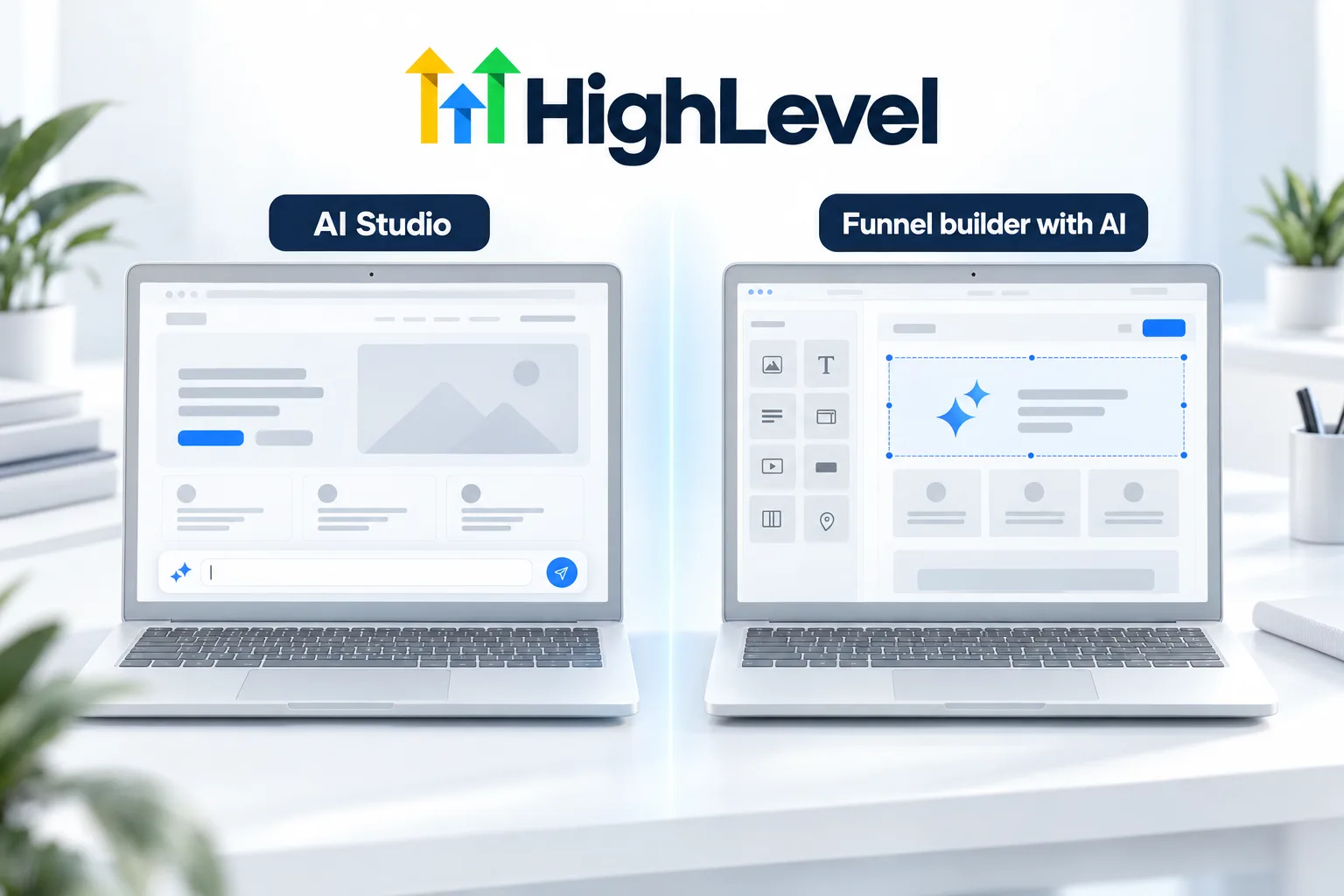
Looking for the GoHighLevel AI website builder? There are two. HighLevel gives you more than one way to build a site with AI. AI Studio builds complete experiences from a prompt. The classic funnel and website builder has its own AI for pages, layouts and copy. Here is which to use when.
The short answer
HighLevel offers two ways to build sites with AI. AI Studio is a conversational builder for complete websites, landing pages and interactive experiences. Funnel and Website AI works inside the classic builder and is free under fair use. AI Studio is free for agency users, and subaccount users need an AI Employee plan or pay per use.
Michael is a sponsored HighLevel affiliate. Links to HighLevel use his partner link at no extra cost to you. HighLevel prices and product facts on this page come from HighLevel's own pricing page and help center, checked on the date above.
Which builder
AI Studio
Classic builder with AI
Workflow
Scenarios
The comparison above is the theory. In practice the choice usually takes ten seconds once you name the project.
Many agencies end up using both in the same account: AI Studio for the website and the classic builder for the checkout. That is a normal setup.
Before you publish
AI gets you to a finished looking draft fast. Finished looking is not the same as ready. Run this list before the site goes live.
After launch
A website is the front door, and the work behind it is what turns a visitor into a customer. Once the site is live, connect it to the rest of the system: an instant reply when a form is submitted, a chat widget for questions and a booking calendar for people who are ready. The chat widget guide and the website build guide cover the next steps, and can you build a website in HighLevel gives the short answer for anyone still deciding.
If websites are part of what you sell, building your core offer shows where they fit. Michael's video on learning through execution is a good companion to this page. AI Studio pricing for client accounts is in the GoHighLevel AI plans overview, and you can build a full site during a 30 day trial through Michael's link.

For client work, AI Studio wins the pitch. A finished looking draft in the first meeting changes the conversation.
Questions
Yes. GoHighLevel has two. AI Studio is a conversational builder that creates complete websites, landing pages and interactive experiences from a prompt. Funnel and Website AI works inside the classic builder for pages, layouts and copy. Use AI Studio for a website and the classic builder for checkout funnels.
Funnel and Website AI is free under fair use. AI Studio is free for agency users under fair use, and subaccount users need an AI Employee plan or pay per use. Hosting for AI Studio is billed separately from generations, so check the hosting tier before you publish.
Use the classic builder for a sales funnel. It is better for order forms and upsells, which a checkout funnel needs. A common setup is AI Studio for the main website and the classic builder for the funnels that take payment, both in the same account.
Yes. HighLevel sites publish on your connected domain. Connect a domain or subdomain in Sites, Settings, Domains, then assign the site or funnel to it. Visitors see your address, and form submissions and bookings still land on the contact record in the HighLevel CRM.
Yes. A common setup is AI Studio for the website and the classic builder for checkout funnels that need order forms and upsells.
Yes. Both builders can generate copy. Treat it as a first draft and check every fact, price and claim before you publish.
Yes. You can connect HighLevel forms and calendars, so submissions and bookings land on the contact record.
Next step
Start a trial, build the first system and test it before the first invoice. Usage fees for phone, SMS, email and AI can apply during the trial.
HighLevel has three plans at a flat monthly price, each with unlimited users and contacts. See what each one includes and what it costs.
Compare the PlansStarter, Unlimited and Founder