
Home/HighLevel/How to/Build a website
How to · Sites
How to build a website in GoHighLevel. Create, customize, connect, assign, publish.
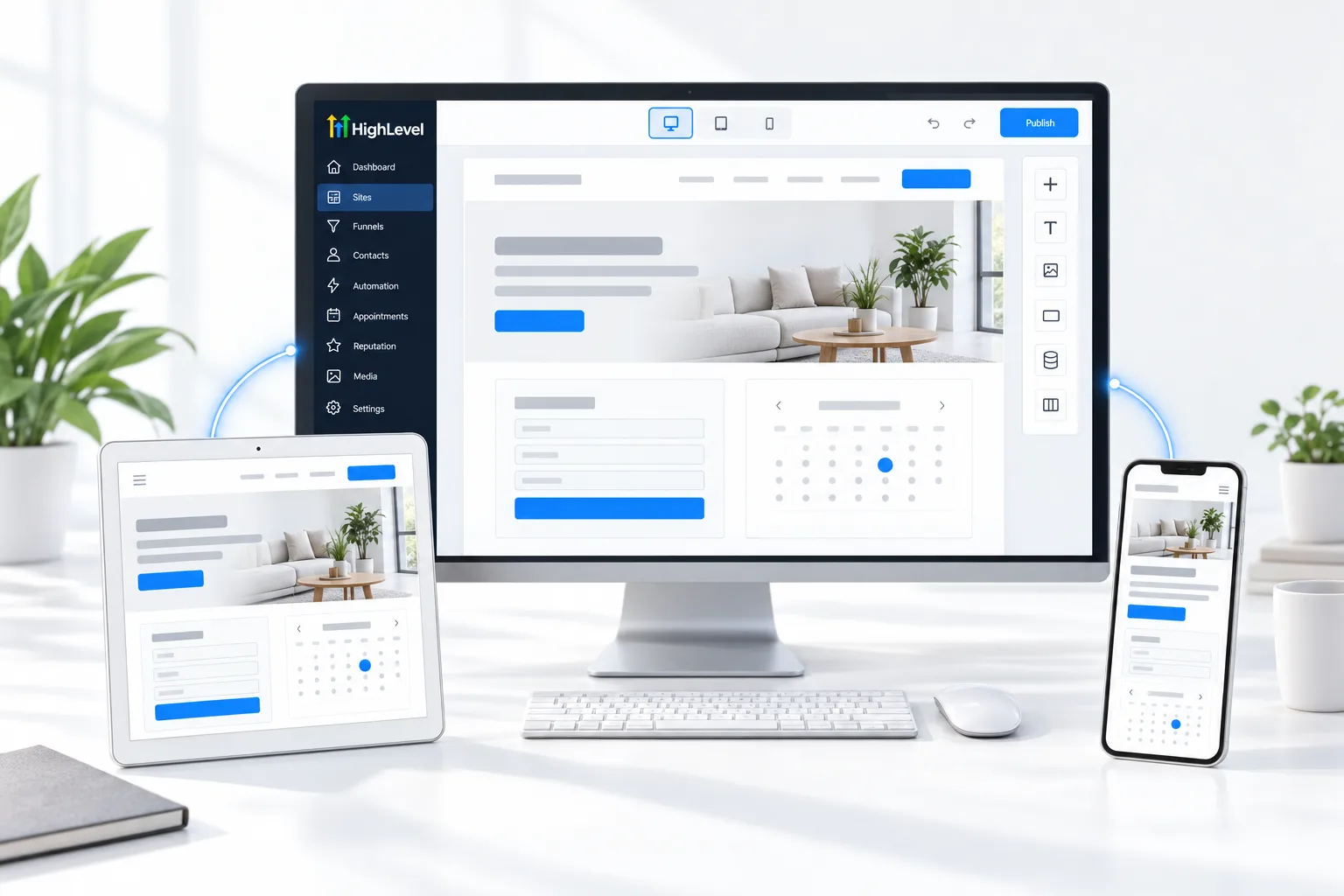
HighLevel's website builder hosts the site, connects forms and calendars to the CRM and lets AI draft pages. The launch order matters: saving is not the same as publishing, and a domain has to be assigned before visitors can see anything.
Create, customize, connect, assign, publish.
The short answer
To build a website in GoHighLevel, go to Sites, Websites, click New Website, start from blank or a template, customize and save each page, connect your domain in Sites, Settings, Domains, assign the website to that domain and click publish so the live site updates. Saving alone does not publish.
Michael is a sponsored HighLevel affiliate. Links to HighLevel use his partner link at no extra cost to you. HighLevel prices and product facts on this page come from HighLevel's own pricing page and help center, checked on the date above.
Build
How do you build a website in GoHighLevel?
- Create: go to Sites, then Websites, click New Website, choose blank or a template, name it and click Create.
- Customize: open each page and update text, images, colors, navigation, buttons and forms. Check mobile and tablet views. Save.
- Connect: add the domain in Sites, Settings, Domains.
- Assign: point the domain to the website and set the home page.
- Publish: publish the site, then open it on the live domain to check every page.
Launch checklist
Before you share it.
- Every page published, not just saved
- Forms submit and create contacts
- Calendar bookings work
- Navigation links go to live pages
- Mobile layout checked
- SEO title and description set on each page
Faster
Build it with AI.
HighLevel's AI tools can draft a full website from a description. For custom, coded sites, AI Studio builds apps and sites from prompts.
Before you start
What do you need before you build a website?
Building is faster when the content exists first. Before you open Sites, Websites in HighLevel (GoHighLevel), gather these.
- The homepage headline and the main call to action
- Text and images for each page
- A logo and brand colors
- Access to the domain DNS. See connect a custom domain
- The form and calendar the site will use. See build a form and the booking calendar guide
For the short answer, see whether you can build a website in HighLevel, and for the two builders side by side, read the GoHighLevel website builder and AI Studio. You can build and publish a site during a 30 day trial through Michael's link. If you are building a business that sells sites like this, read what a Founder is.
Coming from WordPress? Read GoHighLevel vs WordPress before you rebuild. Coming from Wix? Read Wix vs GoHighLevel. Want a head start? Read where to find GoHighLevel website templates.
Starting from a ready made design? See how GoHighLevel website templates work.
Test it
How do you test a new website?
Test on the live domain. The builder preview does not prove the site is published.
- Open the domain in a private browser window.
- Click every navigation link and button.
- Submit the form and confirm a contact was created.
- Book a test appointment if the site has a calendar.
- Open the site on a phone and check each page.
- Check that each page has its own SEO title and description.
Common mistakes
What mistakes should you avoid when you build a website?
- Saving without publishing. Saving stores your changes. Only publishing makes them visible.
- A domain connected but not assigned. The domain has to point at this website and a home page. See fix a custom domain not connecting.
- Picking a template before writing the words. The words decide the design.
- Ignoring the mobile view. Check phone and tablet layouts in the builder before you publish.
- Forms that go nowhere. Connect each form to a workflow so every enquiry gets a reply.

Write the homepage headline before you pick a template. The words decide the design, not the other way round.
Questions
Common questions.
How do I build a website in GoHighLevel?
Go to Sites, Websites and click New Website. Start from blank or a template, name it and click Create. Customize and save each page, connect your domain in Sites, Settings, Domains, assign the website to that domain and set the home page, then publish and check every page on the live domain.
Why are my website changes not live?
Saving does not publish. Saving stores your changes in the builder, and only publishing makes them visible to visitors. Click publish to update the live site, then open the domain in a private browser window to check. A domain also has to be assigned to the website before visitors can see anything.
Can I use a website template in HighLevel?
Yes. Choose From Templates when you create the website, or start from blank. After that, open each page and update the text, images, colors, navigation, buttons and forms, and check the mobile and tablet views. Write the homepage headline before you pick a template, because the words decide the design.
Is website hosting included with HighLevel?
Yes. Websites are hosted by HighLevel on your connected domain, so there is no separate hosting account to set up. Add the domain in Sites, Settings, Domains, point it to the website, set the home page and publish. Forms and calendars on the site connect to the CRM.
Should I build a website or a funnel in HighLevel?
A website is the full presence of the business, with navigation between pages. A funnel is a short sequence built for one action, such as booking a call. Many businesses use both: the website for people who browse and a funnel for one clear offer. See build a funnel.
Can AI build the website for me?
HighLevel's AI tools can draft a full website from a description, and AI Studio builds custom sites from prompts. Either way, treat the result as a first draft. Review and edit every page, check the mobile view and test the form before you publish to the live domain.
Can I keep my WordPress site and still use HighLevel?
Yes. You can keep the site where it is and embed HighLevel forms so leads still reach the CRM. The site stays on WordPress while contacts and follow up run in HighLevel. See HighLevel and WordPress for how the two work together.
Next step
See it in your own account. Thirty days, every feature.
Start a trial, build the first system and test it before the first invoice. Usage fees for phone, SMS, email and AI can apply during the trial.
HighLevel has three plans at a flat monthly price, each with unlimited users and contacts. See what each one includes and what it costs.
Compare the PlansStarter, Unlimited and Founder