
Home/HighLevel/How to/Build with AI Studio
How to · AI Studio
GoHighLevel AI Studio tutorial: build an app. Describe it, refine it, publish it.
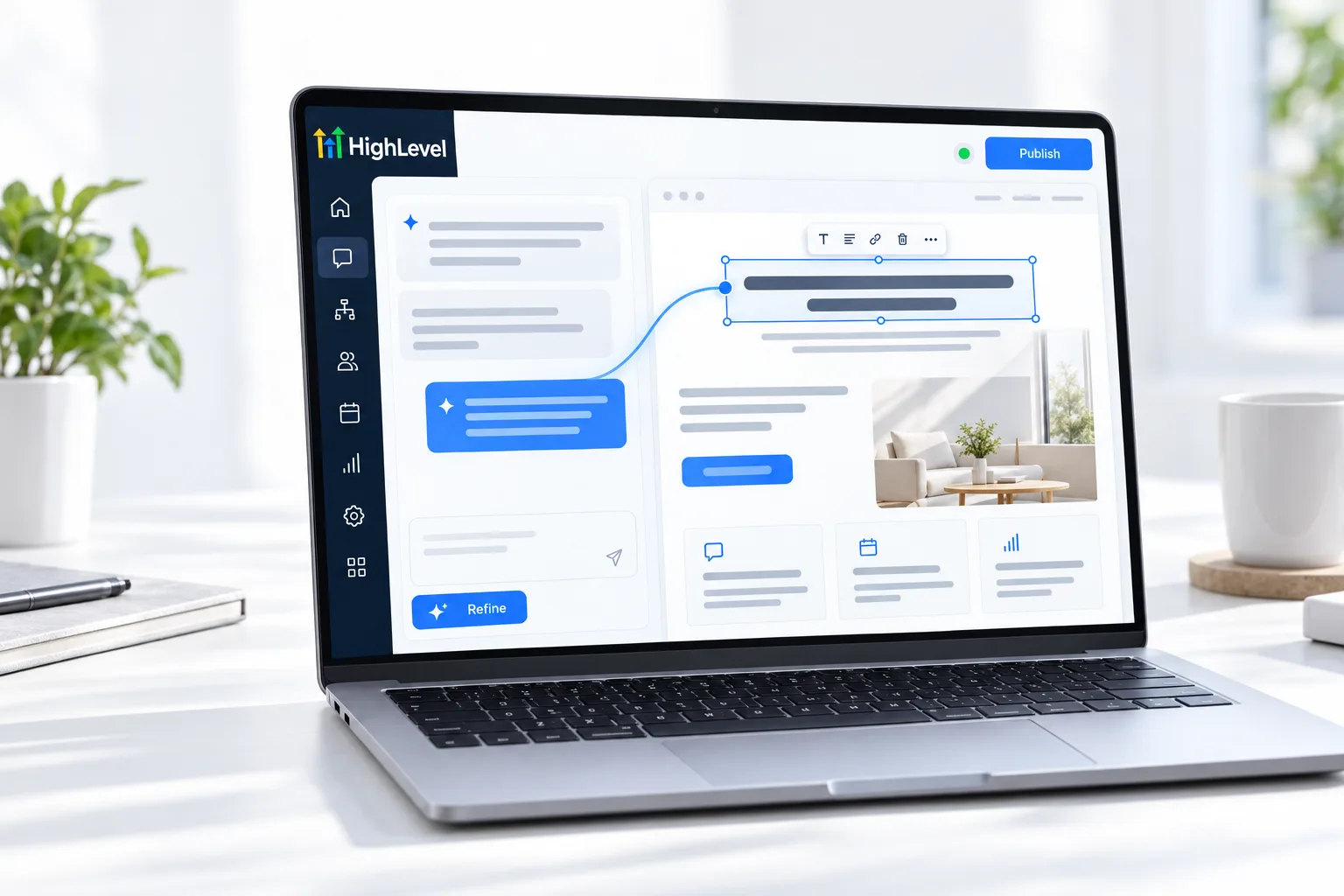
AI Studio is HighLevel's AI builder. You describe a website, landing page or interactive tool in plain language, and it builds it. You refine it with follow up prompts, visual edits or the code editor, connect it to forms and calendars, and publish.
Describe it, refine it, publish it.
The short answer
To build an app with AI Studio in GoHighLevel, open AI Studio, start a project and describe what you want or begin from a template, reference URL or image, then refine it with follow up prompts, visual edits or the code editor, connect forms and calendars so submissions reach the CRM, and publish.
Michael is a sponsored HighLevel affiliate. Links to HighLevel use his partner link at no extra cost to you. HighLevel prices and product facts on this page come from HighLevel's own pricing page and help center, checked on the date above.
Build
How do you build an app with AI Studio in HighLevel?
- Open AI Studio in the subaccount and create a project.
- Describe the site or tool: who it is for, what it should do and the pages it needs. Add a reference URL or image if you have one.
- Review the first version in the preview.
- Refine with follow up prompts, visual edits for quick changes, or the code editor for detail.
- Connect forms and calendars so submissions create contacts and bookings.
- Set SEO details, check version history, preview on mobile and publish.
Prompts
Write a better first prompt.
- Name the business and the audience
- List every page or section
- Say what the visitor should do
- Describe the style with three words
- Mention the form or calendar to connect
For full client websites, see AI Studio website.
Before you start
What do you need before you build an app with AI Studio?
AI Studio builds what you describe, so the description is the real work. Before you open it in HighLevel (GoHighLevel), prepare these.
- A one paragraph brief: the business, the audience and what the visitor should do
- A list of every page or section
- A reference URL or image if you have a look in mind
- The form or calendar it should connect to
- An understanding of how usage is billed. See AI usage costs
AI Studio builds web projects. If you are looking for the phone app instead, see whether HighLevel has a mobile app. You can open AI Studio and build a first project during a 30 day trial through Michael's link, and the best HighLevel alternatives page compares other platforms.
Test it
How do you test an AI Studio project?
Treat the first build as a draft and test it like a visitor.
- Open the preview and click through every page or section.
- Check the layout on mobile.
- Submit the connected form and confirm a contact appears in the CRM.
- Book through the connected calendar if there is one.
- Publish, then repeat the checks on the live link.
Common mistakes
What mistakes should you avoid when you build an app with AI Studio?
- A one line first prompt. Ten minutes on the first prompt saves an hour of fixes.
- Changing everything at once. Ask for one change per follow up so you can see what each prompt did.
- Forgetting to connect forms. A form that is not connected does not create contacts.
- Never checking version history. If a prompt makes things worse, go back a version instead of prompting your way out.
- Using it where a template would do. A standard page is quicker in the regular builder. See build a website.

Spend ten minutes on the first prompt. It saves an hour of follow up fixes.
Questions
Common questions.
What is AI Studio in GoHighLevel?
AI Studio is HighLevel's AI builder for websites, landing pages and interactive tools. You describe what you want in plain language and it builds a first version. You refine it with follow up prompts, visual edits or the code editor, connect forms and calendars, and publish.
Can I edit the code in AI Studio?
Yes. AI Studio includes a code editor for detailed changes. Most edits do not need it: follow up prompts handle bigger changes and visual edits handle quick ones. The code editor is there when you or a developer want finer control over how the project is built.
Do AI Studio forms connect to the CRM?
Yes. Connect forms and calendars in AI Studio so submissions create contacts and bookings in the CRM. Test the connection before you publish: submit the connected form and confirm a contact appears, then book through the connected calendar if the project has one.
Is AI Studio usage billed?
AI Studio usage can be billed on top of your plan, so treat it as a usage cost like phone or email. See AI usage costs for current rates. Ten minutes spent on a clear first prompt saves an hour of follow up fixes later.
What can I build with AI Studio?
Websites, landing pages and interactive tools described in plain language. You can start from a description, a template, a reference URL or an image. For a full walk through of an app build, see the AI Studio app guide, which goes part by part.
Do I need to know how to code?
No. You can build and edit with prompts and visual edits, so no coding is needed to get a working project. The code editor is there if you or a developer want finer control. What matters more is the description: who it is for, what it should do and the pages it needs.
How is AI Studio different from the website builder?
The website builder is drag and drop with templates, and you place each element yourself. AI Studio generates a custom build from your description and you refine it with prompts. More in the AI Studio complete guide, which covers the feature from end to end.
Keep reading
Related pages.
Next step
See it in your own account. Thirty days, every feature.
Start a trial, build the first system and test it before the first invoice. Usage fees for phone, SMS, email and AI can apply during the trial.
HighLevel has three plans at a flat monthly price, each with unlimited users and contacts. See what each one includes and what it costs.
Compare the PlansStarter, Unlimited and Founder