
Home/Resources
Resources
GoHighLevel resources. Guides, templates and tools.
Everything I have built to help you get results with HighLevel, in one place: free tools, guides, templates and videos, plus what comes with signing up through my link.
The short answer
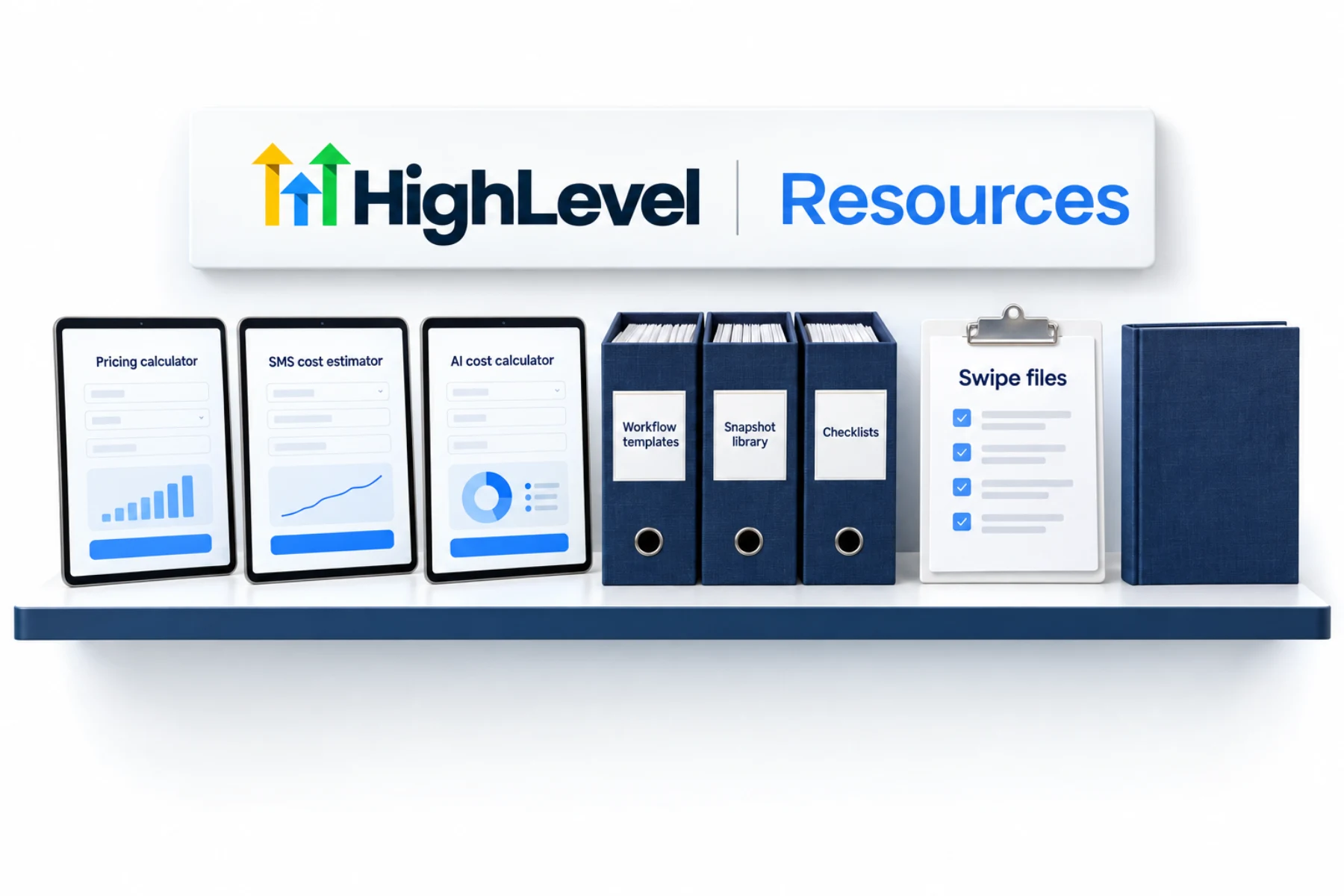
Michael's resources include free calculators and tools for pricing, texting, AI and niches, a workflow template library, snapshots, checklists, swipe files, a video library, downloadable guides and the book Starting an AI Agency. The full snapshots, templates and swipes come with signing up through his link.
Michael is a sponsored HighLevel affiliate. Links to HighLevel use his partner link at no extra cost to you. HighLevel prices and product facts on this page come from HighLevel's own pricing page and help center, checked on the date above.
Tools
Free tools.
Pricing calculator
Plan price plus texts, calls, email and numbers in one monthly total.
OpenSMS cost estimator
Turn messages and characters into segments and a monthly texting cost.
OpenAI cost calculator
Check your expected AI usage against the AI Employee plans.
OpenAgency margin calculator
Your fees minus your plan, usage, tools and team costs.
OpenNiche picker
Score up to three niches on five questions and pick one to test.
OpenWorkflow ideas
Five workflows to build first for your type of business.
OpenVoice AI prompt
A plain starting prompt for a Voice AI receptionist.
OpenSwitching savings
What you pay for separate tools today against one HighLevel plan.
OpenLibraries
Templates and guides.
Workflow templates
Recipes, snapshots and step by step guides for the core workflows.
OpenSnapshot library
Where ready made snapshots come from and how to load one safely.
OpenChecklists
Setup, A2P, email and rollout checklists, each tied to a full guide.
OpenSwipe files
Example texts and emails to adapt in your own voice.
OpenVideo library
Tutorials and new feature walkthroughs, paired with written guides.
OpenDownloadable guides
Web guides with a PDF version to keep.
OpenPodcast and audio
The audiobook and the videos that work as audio.
OpenBest snapshots and how to judge them
Seven questions to ask before you load any snapshot.
OpenGlossary
Every common HighLevel term in plain words.
OpenBook
The book.
Starting an AI Agency (A Complete Guide), a bestseller in three categories when it launched, in print and audiobook editions.

Start with one tool and one guide. Then build something.
Start here
Which HighLevel resource should you open first?
Start from the problem in front of you, not from the top of the list. Every page here answers one question, so the fastest route is to match your question to a page.
- You have not chosen a plan yet. Run the HighLevel pricing calculator with your expected texts, calls and emails, then read the plan comparison.
- You have an account and nothing built. Open the how to guides and build one system this week. The workflow idea generator tells you which one to start with.
- You are launching a client. Work through the checklists for A2P registration and email authentication before you send a single message.
- You want to sell this as a service. Score your options in the niche picker, then read the book.
There are eight more scorecards and planners for Founders on the tools hub, including a plan picker and a Voice AI call planner.
Free and included
What is free and what comes with the signup link?
The calculators, the guides, the checklists, the example messages and the videos are free to use. The calculators run in your browser on the numbers you type in. Nothing is stored.
The ready made snapshots, the templates and the full email swipes are different. They come with a HighLevel account started through Michael's link, at the same HighLevel price, along with setup help and the live calls from the CRM Pros team. The training page explains how the calls and the programs fit together.
One habit makes all of this work. Pick one tool and one guide, build the thing, test it with your own contact, then come back for the next one. People who read everything first rarely build anything. GoHighLevel rewards the person who ships one small system and then improves it.
Not on the platform yet? The 30 day GoHighLevel trial through Michael's link is where the snapshots, templates and swipe files come in. Agencies choosing a plan can read about the Founder Plan, and if you are still comparing platforms, see the best HighLevel alternatives. Looking for a specific page? The site map lists every page on MichaelReimer.AI.
Questions
Common questions.
Are these resources free?
The tools and guides are free, including the calculators, which run in your browser without an account. The full snapshots, templates and swipe files come with signing up through Michael's link.
Where are the videos?
The videos are in the video library on this site, which pairs topics with videos, and on Michael's YouTube channel.
Is there a book?
Yes. Michael wrote Starting an AI Agency (A Complete Guide). The book section on this page has the details.
Do I need a HighLevel account to use the free tools?
No. The calculators run in your browser and work without an account. You need a HighLevel account only when you start building from a guide.
Is GoHighLevel the same as HighLevel?
Yes. HighLevel is the product name and GoHighLevel comes from its web address, so people search for both. Everything on this page applies to the same platform.
Which resource should a beginner open first?
Start with the how to guides and build one system. Use the workflow idea generator if you are not sure which system that should be.
Keep reading
Related pages.
Next step
See it in your own account. Thirty days, every feature.
Start a trial, build the first system and test it before the first invoice. Usage fees for phone, SMS, email and AI can apply during the trial.
HighLevel has three plans at a flat monthly price, each with unlimited users and contacts. See what each one includes and what it costs.
Compare the PlansStarter, Unlimited and Founder