
Home/Resources/Workflow templates
Resources · Workflows
Workflow template library. Start from something that already works.
You rarely need a blank workflow. Ready made GoHighLevel workflow templates come from three places: HighLevel ships workflow recipes, signups through my link get snapshots and templates, and every core workflow has a step by step guide here.
The short answer
Ready made HighLevel workflows come from three places: HighLevel's built in workflow recipes, offered when you create a new workflow under Automation, the snapshots and templates included when you sign up through Michael's link, and the step by step guides on this site for each core workflow.
Michael is a sponsored HighLevel affiliate. Links to HighLevel use his partner link at no extra cost to you. HighLevel prices and product facts on this page come from HighLevel's own pricing page and help center, checked on the date above.
Guides
Core workflows, step by step.
Included
With my link.
Snapshots, templates and email swipes come with signing up through my link, along with the private community. See what is included.
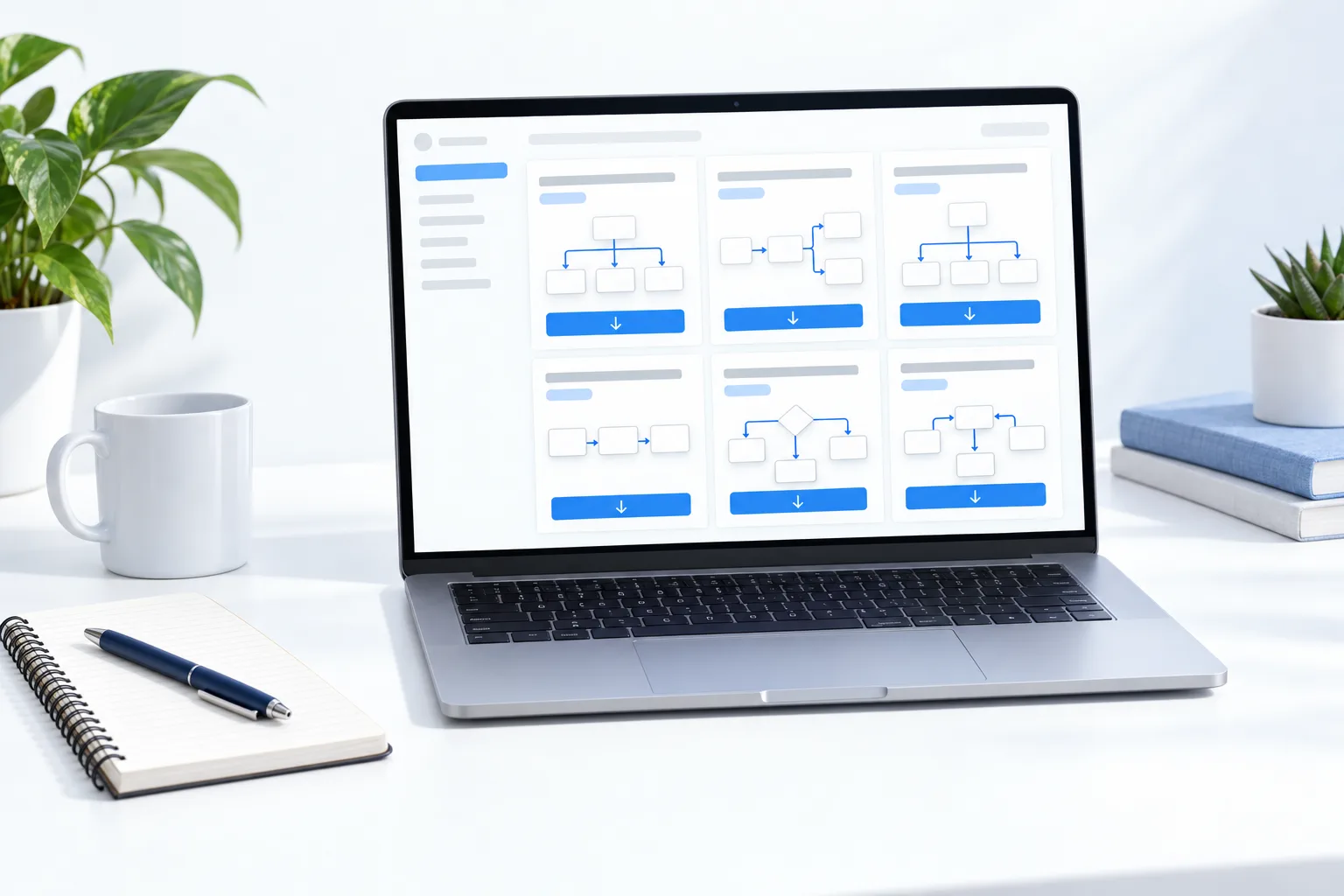

Keep workflows in draft inside templates. Publishing should be a deliberate step for each client.
Recipes
What is a HighLevel workflow recipe?
A recipe is a ready made workflow structure that you edit. Go to Automation, click Create Workflow and HighLevel offers recipes such as Email Drip Sequence alongside the option to start from scratch. Pick one and you get a trigger and a series of actions already laid out, so you change the words and the timing instead of drawing the whole thing.
Every workflow works the same way underneath. A trigger, such as a form submission, starts it. Actions follow, such as sending a text, waiting a day or adding a tag. It stays in draft until you publish it.
Three sources
Recipe, snapshot or guide: which should you start from?
| Source | Best when | Watch for |
|---|---|---|
| HighLevel recipe | You want one workflow quickly inside an account you already run | The messages are generic. Rewrite every one. |
| Snapshot | You want a whole system loaded at once, with funnels, calendars and workflows together | A loaded snapshot cannot be unloaded as a whole. Test in a spare subaccount. |
| Step by step guide | You want to understand each trigger and action so you can fix it later | It takes longer the first time. That is the point. |
A sensible path uses all three. Build your first workflow from a recipe with the guide open. Once you understand the parts, load a snapshot and you will be able to read what it contains.
Make it yours
How do you turn a GoHighLevel template into your own workflow?
- Set the trigger and filter it. A Form Submitted trigger should be filtered to your form, or every form will start it.
- Rewrite each email and text in the voice of the business.
- Replace typed details with custom values, so the phone number and booking link update everywhere at once.
- Run it with your own contact and check the workflow history.
- Publish it. Until then nothing sends.
Three mistakes account for most problems. Publishing a template nobody has read. Leaving the trigger without a filter. Building five workflows in one afternoon, which means none of them get tested. If you are not sure which one to build first, the workflow idea generator gives you an order for your type of business, and the checklists cover the setup that has to be in place before messages can send.
A WhatsApp message template is a different thing from a workflow template. If one is rejected, see how to fix a rejected WhatsApp template. For the AI steps inside a workflow, the AI prompt library has prompts you can adapt. Not on HighLevel yet? The GoHighLevel 30 day trial through Michael's link gives you 30 days to build and test. What your account includes depends on the plan, so check GoHighLevel plans compared.
Questions
Common questions.
Does GoHighLevel have workflow templates?
Yes. HighLevel ships built in workflow recipes, which are offered when you create a new workflow under Automation. Signing up through Michael's link also includes snapshots and templates from the CRM Pros team, and this site has a step by step guide for each core workflow.
Where can I find ready made HighLevel workflows?
HighLevel recipes, the snapshots included through Michael's link and the guides here.
Are recipes free?
Yes, they are built into HighLevel.
Can I copy a workflow to another account?
Yes, through a snapshot, which copies workflows between subaccounts.
What is a workflow recipe in GoHighLevel?
A ready made workflow structure you edit, such as Email Drip Sequence. HighLevel offers recipes when you click Create Workflow under Automation.
Why is my workflow template not running?
It is often still in draft, or the trigger filter does not match. Publish it, check the filter and test with your own contact.
How do I test a workflow before real contacts enter it?
Run it with your own contact and check the workflow history to see each step that fired.
Next step
See it in your own account. Thirty days, every feature.
Start a trial, build the first system and test it before the first invoice. Usage fees for phone, SMS, email and AI can apply during the trial.
HighLevel has three plans at a flat monthly price, each with unlimited users and contacts. See what each one includes and what it costs.
Compare the PlansStarter, Unlimited and Founder