
Websites and landing pages
Single or multi section pages with a consistent look.
HighLevel AI · AI Studio
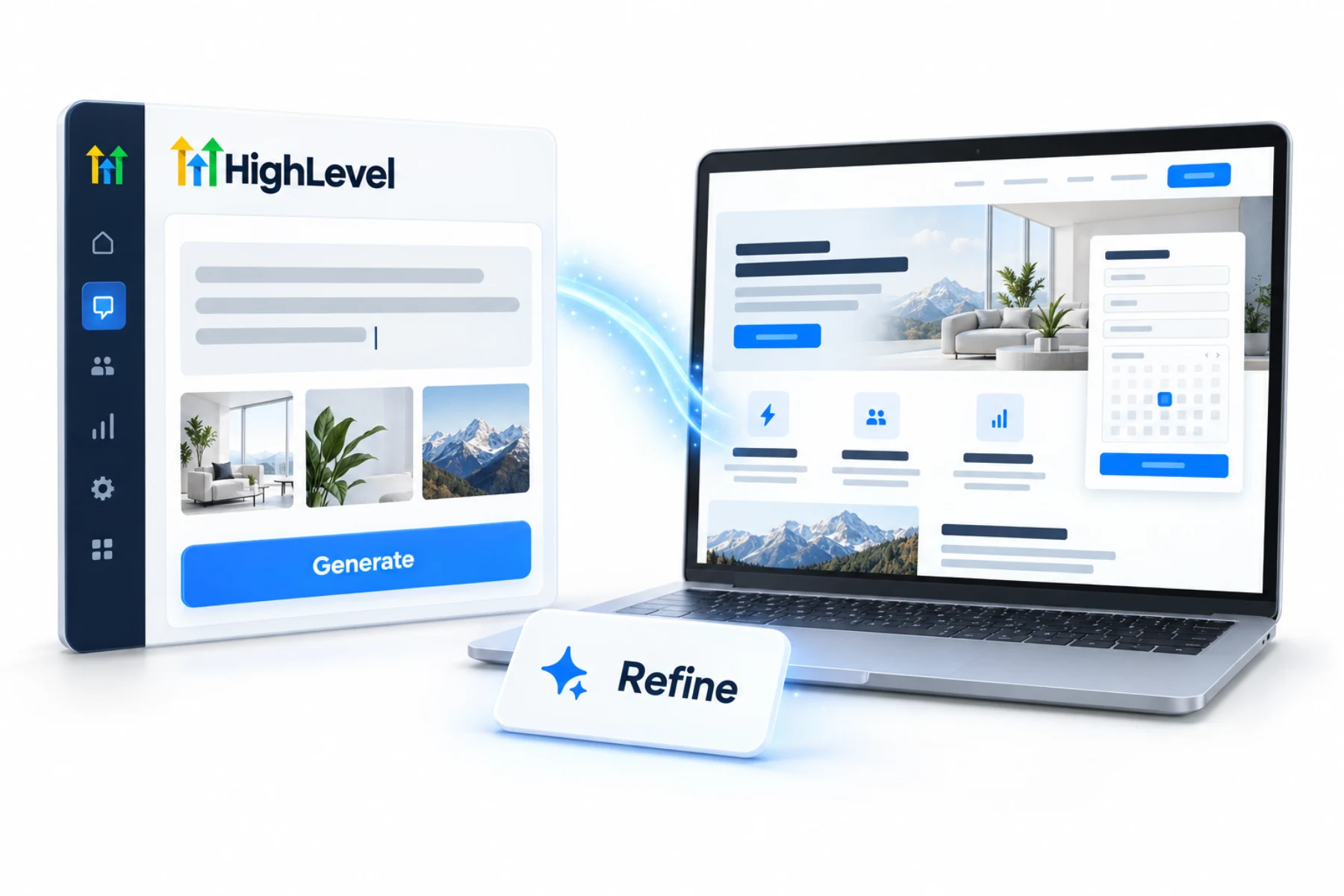
This is the complete guide to GoHighLevel AI Studio. AI Studio is HighLevel's conversational builder. You describe the website, landing page or interactive experience you want, and it builds a working draft with layout, content and images, which you then refine with follow up prompts, visual edits or code. Here is what it can build and how to use it well.
The short answer
HighLevel AI Studio is an AI builder that creates websites, landing pages, surveys, branded forms and booking flows from plain language prompts. You refine the draft with follow up prompts, visual edits or the code editor, then publish. It is free for agency users under fair use. Subaccount users need an AI Employee plan or pay per use.
Michael is a sponsored HighLevel affiliate. Links to HighLevel use his partner link at no extra cost to you. HighLevel prices and product facts on this page come from HighLevel's own pricing page and help center, checked on the date above.
What it builds
Single or multi section pages with a consistent look.
Multi step surveys, custom booking flows and branded forms.
A live URL for layout inspiration, or your own uploaded photos.
Workflow
The AI Studio website guide walks through a full build, and the HighLevel AI hub shows where AI Studio fits with the other AI tools.
Cost
| User | AI Studio generations |
|---|---|
| Agency admins and users | Free, subject to fair use |
| Subaccount users without an AI Employee plan | Pay per use |
| AI Employee Starter, $20 (Founder Plan agencies) | Standard usage |
| AI Employee Growth, $50 | High usage |
| AI Employee Unlimited, $97 | Unlimited usage, fair use |
Usage is measured in five hour windows. Cloud hosting is billed separately: the Nano tier is free, Micro and above are charged. Source: AI Product Pricing.
Worked example
The fastest way to a good page is a brief that answers the questions a designer would ask you. Here is one for a dental practice that wants more new patient bookings.
That brief takes five minutes to write. Compare it with build me a dentist website, which leaves every decision to the AI. After the first draft, refine one change at a time: ask for a shorter hero, then a different order, then a new photo. The AI prompt library has more patterns like this.
Fit
AI Studio is strong at new builds and interactive pages. It is not the answer to everything, and saying so saves you time.
AI website building in HighLevel compares the two builders side by side.
For more on the builder, read the article on the GoHighLevel website builder and AI Studio. Do not confuse AI Studio with Agent Studio, which builds custom AI agents. You can try AI Studio during a 30 day trial through Michael's link.
Avoid
If you want to go past pages into small applications, the AI Studio app guide is the next read.

The best AI Studio prompts read like a creative brief, not a wish. Tell it who the page is for and what you want them to do.
Questions
GoHighLevel AI Studio is an AI builder that creates websites, landing pages, surveys, branded forms and booking flows from plain language prompts. You describe what you want, it builds a working draft with layout, content and images, and you refine it with follow up prompts, visual edits or the code editor.
AI Studio is free for agency users under fair use. Subaccount users need an AI Employee plan or pay per use. Cloud hosting is billed separately from generations: the Nano tier is free, and Micro and above are charged. So GHL AI Studio is free for agency users, and only hosting above the Nano tier costs extra.
Yes. AI Studio includes a code editor alongside prompts and visual edits. Start with a prompt: describe the change and let it rebuild. Use visual edits for small adjustments, and open the code editor when you need exact control over one part of the page.
Yes. AI Studio pages can use HighLevel forms and calendars, so a submission or a booking lands on the contact record in the CRM. A page built by prompt still feeds the same workflows, pipelines and follow up as a page built in the classic builder.
Cloud hosting is billed separately from generations. The Nano tier is free, and Micro and above are charged.
Yes. You can give it a live URL for layout inspiration, and you can upload your own photos.
Usage is measured in five hour windows. Agency users have free use under fair use, and subaccount users get standard, high or unlimited usage depending on their AI Employee plan, or pay per use.
Next step
Start a trial, build the first system and test it before the first invoice. Usage fees for phone, SMS, email and AI can apply during the trial.
HighLevel has three plans at a flat monthly price, each with unlimited users and contacts. See what each one includes and what it costs.
Compare the PlansStarter, Unlimited and Founder