
Flow agents
Visual canvas
- Drag and drop nodes
- LLM, API, MCP, knowledge base and web search nodes
- Draft, staging and production versions
- Maintained for existing agents
Home/HighLevel/AI/Agent Studio
HighLevel AI · Agent Studio
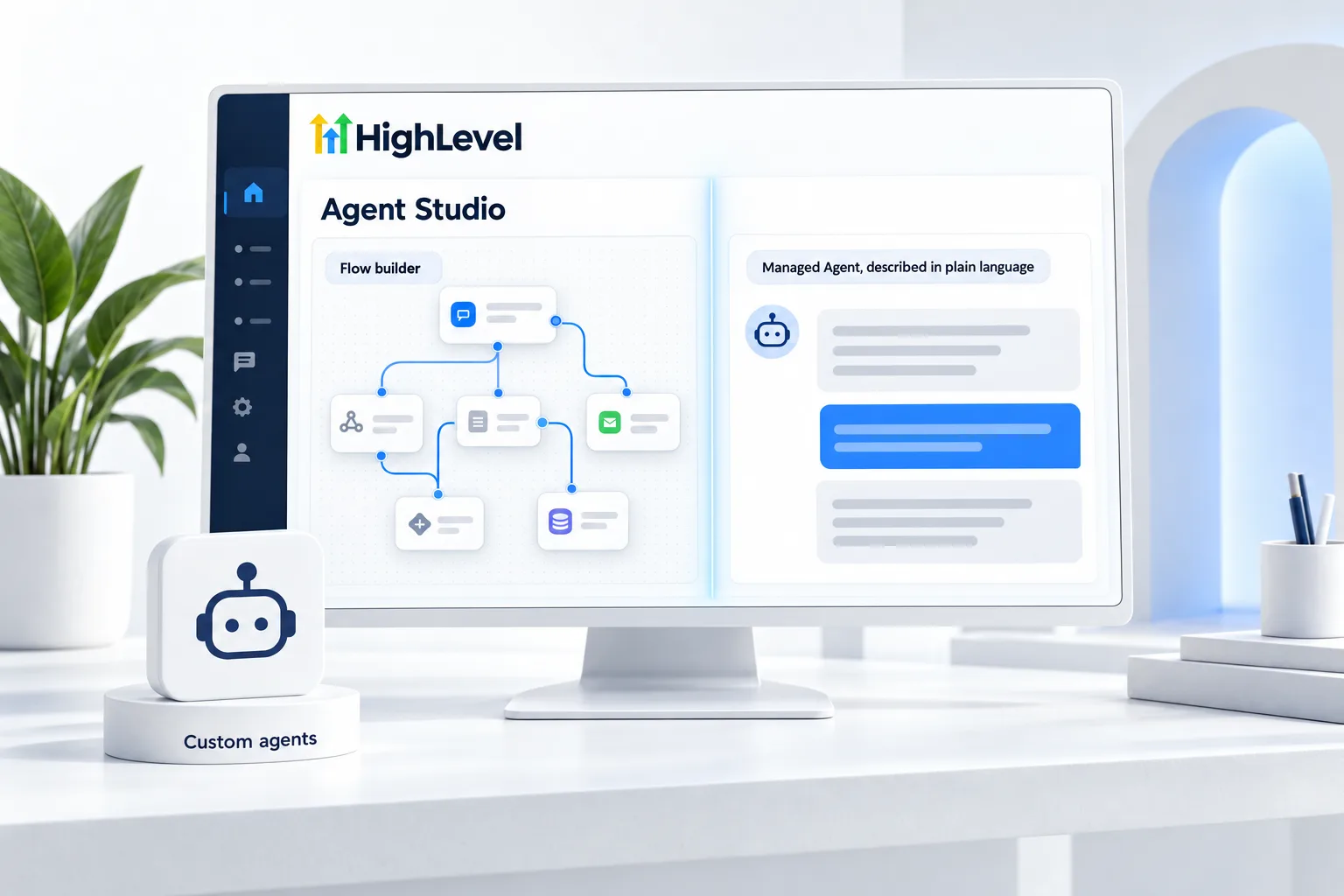
GoHighLevel Agent Studio is where you build and manage custom AI agents in HighLevel. It started as a visual, flow based builder. New agents are now created as Managed Agents in plain language, while existing flow agents keep running and can still be edited. Here is how the two fit together.
The short answer
HighLevel Agent Studio is the workspace where you build and manage custom AI agents. HighLevel now creates every new agent as a Managed Agent described in plain language. Existing flow agents, built on the drag and drop canvas, keep running with their triggers and can still be edited in draft, staging and production versions.
Michael is a sponsored HighLevel affiliate. Links to HighLevel use his partner link at no extra cost to you. HighLevel prices and product facts on this page come from HighLevel's own pricing page and help center, checked on the date above.
Two types
Flow agents
Managed Agents
If you have flow agents
In practice
Think of Agent Studio as the workshop and the agents as the things you build in it. You open it inside a subaccount, pick an agent or create one, and work on three things: what the agent is for, what starts it and what it is allowed to touch.
For a Managed Agent, the whole build is a conversation in plain language. You describe the role, choose a trigger such as Contact Created, Opportunity Created or Form Submitted, allow the actions and connectors it may use, and test it in the testing panel before you change its status from Draft to Published. The Managed Agents guide covers that build in detail, and the Managed Agents setup walkthrough takes you through it click by click.
For a flow agent you already have, the work happens on the canvas. Each node does one job, such as calling a language model, calling an API, reading a knowledge base or searching the web. You make changes in a draft version, check them in staging and promote to production only when the result is right. Customers and teammates only ever touch the production version.
Decide
There is no deadline that forces a rebuild. Existing flow agents and their triggers keep working. The question is whether the agent still earns the time it takes to maintain. I use three tests.
If none of those apply and the flow agent works, leave it alone. Keep a short note of what it does and what triggers it, so the rebuild is easy on the day you need it.
Fit
Agent Studio is for custom agents that work for your team. It is not where you build the agents that talk to customers. Phone calls belong to Voice AI and text conversations belong to Conversation AI, each with its own builder. If the job is one judgment call inside an automation, an AI step in a workflow is often enough, and AI workflows explains those. The guide to every HighLevel AI agent sorts all of them by who they talk to and what starts them.
Agent Studio is easy to confuse with AI Studio, which builds websites and pages. The AI Studio guide and the article on the GoHighLevel website builder and AI Studio cover that side. To try both in your own account, start a 30 day trial through Michael's link.

If you are starting fresh, skip the flow builder and go straight to Managed Agents. Describing a job in plain language is faster and easier to maintain.
Questions
GoHighLevel Agent Studio is the workspace where you build and manage custom AI agents. It holds two kinds: flow agents, built on a drag and drop canvas, and Managed Agents, described in plain language. HighLevel now creates every new agent as a Managed Agent, while existing flow agents keep running.
Not for agents you already have. HighLevel now creates every new custom agent as a Managed Agent, described in plain language. Existing flow agents keep running with their triggers, and you can still edit them in draft, staging and production versions inside Agent Studio.
Agency admins and users can use Agent Studio, and so can subaccount admins and users. That means an agency can build an agent for a client, and the client's own team can open the same workspace in their subaccount to review or adjust it, depending on the permissions you give them.
Yes. Flow agents support MCP nodes, so an existing flow agent can call outside tools through the Model Context Protocol from a step on the canvas. New agents are created as Managed Agents, which reach other tools through connectors and are described in plain language.
A flow agent is built on a visual canvas by connecting nodes. A Managed Agent is built by describing its role and allowed actions in plain language. HighLevel now creates every new custom agent as a Managed Agent.
Managed Agents are billed by runs. AI Employee Growth includes 100 runs a month and Unlimited includes 1,000. Without a plan, runs are pay per use.
Yes. Managed Agents can be cloned and shared through snapshots, so an agency can deploy the same agent to many clients.
Agent Studio itself is the workspace, and what you pay for is agent runs. Managed Agents are billed by runs: the AI Employee Growth plan includes 100 runs a month and the Unlimited plan includes 1,000. Without an AI Employee plan, runs are pay per use. The GoHighLevel AI plans overview compares them.
Next step
Start a trial, build the first system and test it before the first invoice. Usage fees for phone, SMS, email and AI can apply during the trial.
HighLevel has three plans at a flat monthly price, each with unlimited users and contacts. See what each one includes and what it costs.
Compare the PlansStarter, Unlimited and Founder