
Builder
Workflow AI Builder
Describe what you want automated and it drafts the workflow. Free, fair use.
Home/HighLevel/AI/AI workflows
HighLevel AI · Workflows
GoHighLevel AI workflows add judgment to automation. Classic workflows follow fixed rules. AI workflows can read a message, decide what it means and choose the next step. HighLevel adds AI to workflows in three ways: a builder that drafts workflows for you, single purpose AI actions and an AI Agent action that plans and completes multi step tasks.
The short answer
HighLevel adds AI to workflows in three ways. The Workflow AI Builder drafts a workflow from a plain language description, free under fair use. Premium AI actions such as decision maker, intent detection, summarize and translate cost $0.01 each. The AI Agent action plans and completes multi step tasks with the tools you allow, billed on usage.
Michael is a sponsored HighLevel affiliate. Links to HighLevel use his partner link at no extra cost to you. HighLevel prices and product facts on this page come from HighLevel's own pricing page and help center, checked on the date above.
Three ways
Builder
Describe what you want automated and it drafts the workflow. Free, fair use.
Actions
Decision maker, intent detection, summarize and translate at $0.01 each.
Agent
Decides which tools to use, in what order, and completes the task with the tools you allow.
Examples
Start small
You do not need to rebuild anything. Pick one workflow where a person currently has to read something and decide, and put an AI step in that spot.
If you are new to workflows, start with the first workflow guide. If you need ideas, the workflow idea generator suggests automations by business type.
Which one
A good rule: use the simplest option that does the job. A fixed rule beats an AI step when the rule is clear, and an AI step beats an agent when the task is one decision. The guide to every HighLevel AI agent shows how these fit with the customer facing agents.
Avoid
For a full example of AI steps in a sequence, see AI follow up automation.
The workflow questions and answers page covers more of the basics. AI plan pricing is in the GoHighLevel AI plans overview, and a 30 day trial through Michael's link lets you run these actions on your own contacts.

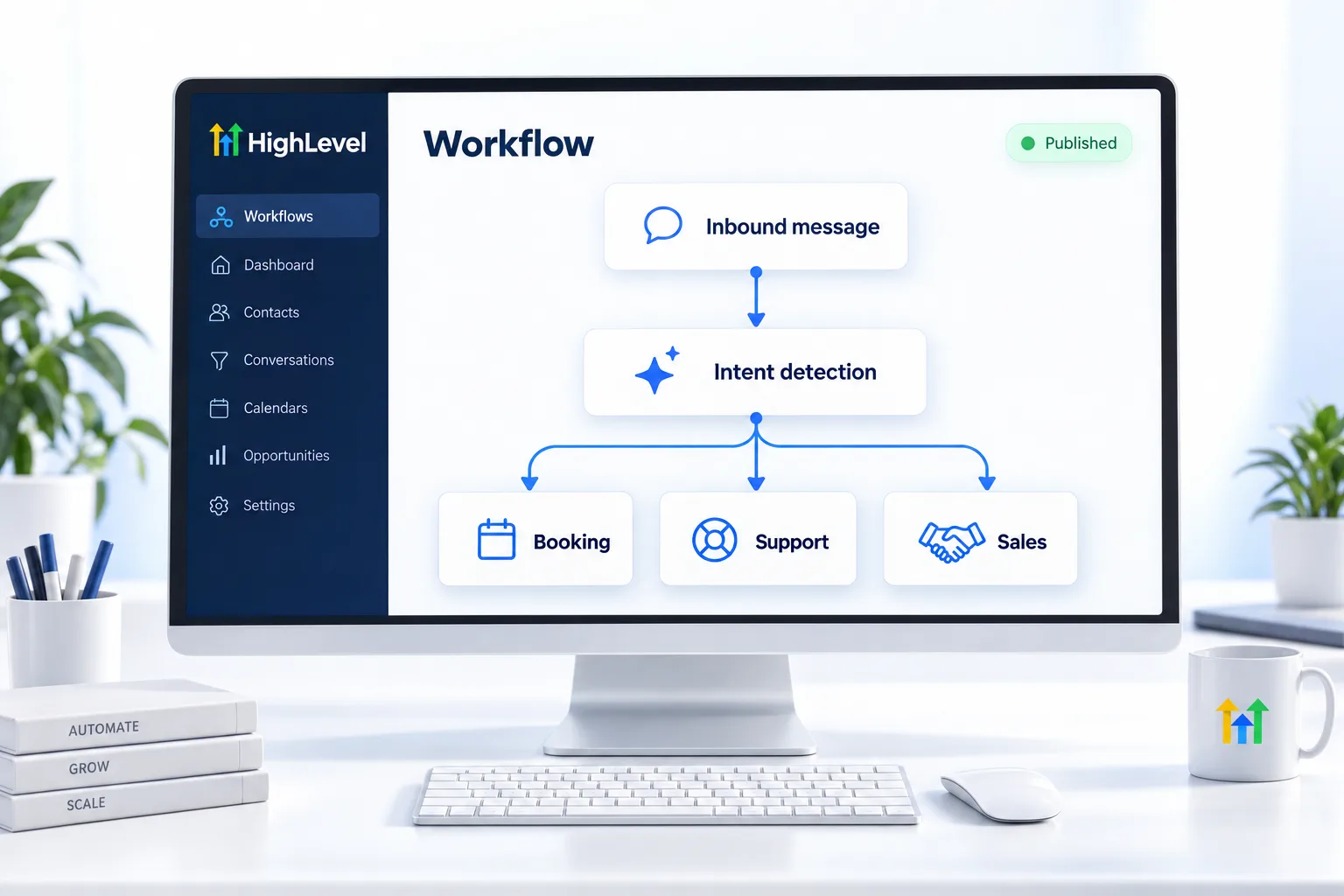
Use intent detection before anything else. It is a cent a run and it turns one messy inbox into three clean paths.
Questions
Yes. The Workflow AI Builder drafts a workflow from a plain language description, free under fair use. You describe the trigger and the steps you want, review the draft and adjust it. It is a builder, not an agent: once published, the workflow runs on the rules it contains.
Premium AI actions cost $0.01 per execution. They include decision maker, intent detection, summarize and translate. AI Employee plans do not cover them. Workflow Pro plans at $10, $25 and $50 a month include 10,000, 30,000 and 65,000 premium executions with lower overage rates, but not AI model charges.
The AI Agent action is a workflow step that plans and completes multi step tasks using the tools you allow. It is billed on usage. Use a single purpose AI action when you need one judgment, such as intent, and the AI Agent action when the task takes several steps.
Yes. Workflows can call OpenAI models as external model actions, which are billed by tokens. That charge is separate from the $0.01 premium AI actions and is not covered by Workflow Pro plans, so watch the volume on any workflow that runs an external model for every contact.
Yes. Describing a workflow in plain language to have it drafted is free, subject to fair use.
No. Premium workflow AI actions are $0.01 per execution whatever AI plan the subaccount has.
Plans at $10, $25 and $50 a month that include 10,000, 30,000 and 65,000 premium executions with lower overage rates. They do not cover AI model charges.
Workflow AI is the name for the AI inside GoHighLevel workflows. It has three parts: the Workflow AI Builder, which drafts a workflow from a description, premium AI actions such as decision maker and intent detection, and the AI Agent action, which plans and completes multi step tasks with the tools you allow.
No. The Workflow AI Builder drafts a workflow for you from a plain language description, and the finished workflow then follows its rules. The AI Agent action is different: it is a step inside a workflow that plans and completes multi step tasks with the tools you allow.
Next step
Start a trial, build the first system and test it before the first invoice. Usage fees for phone, SMS, email and AI can apply during the trial.
HighLevel has three plans at a flat monthly price, each with unlimited users and contacts. See what each one includes and what it costs.
Compare the PlansStarter, Unlimited and Founder