
Context
Who and for whom
The business, the audience and the situation.
Home/HighLevel/AI/Prompt library
HighLevel AI · Prompts
This GoHighLevel AI prompt library collects the patterns I use most. Good prompts in HighLevel follow a few patterns, whether you are asking Ask AI for a report, briefing AI Studio on a landing page or writing instructions for a Conversation AI bot. These are the patterns, with example prompts you can adapt.
The short answer
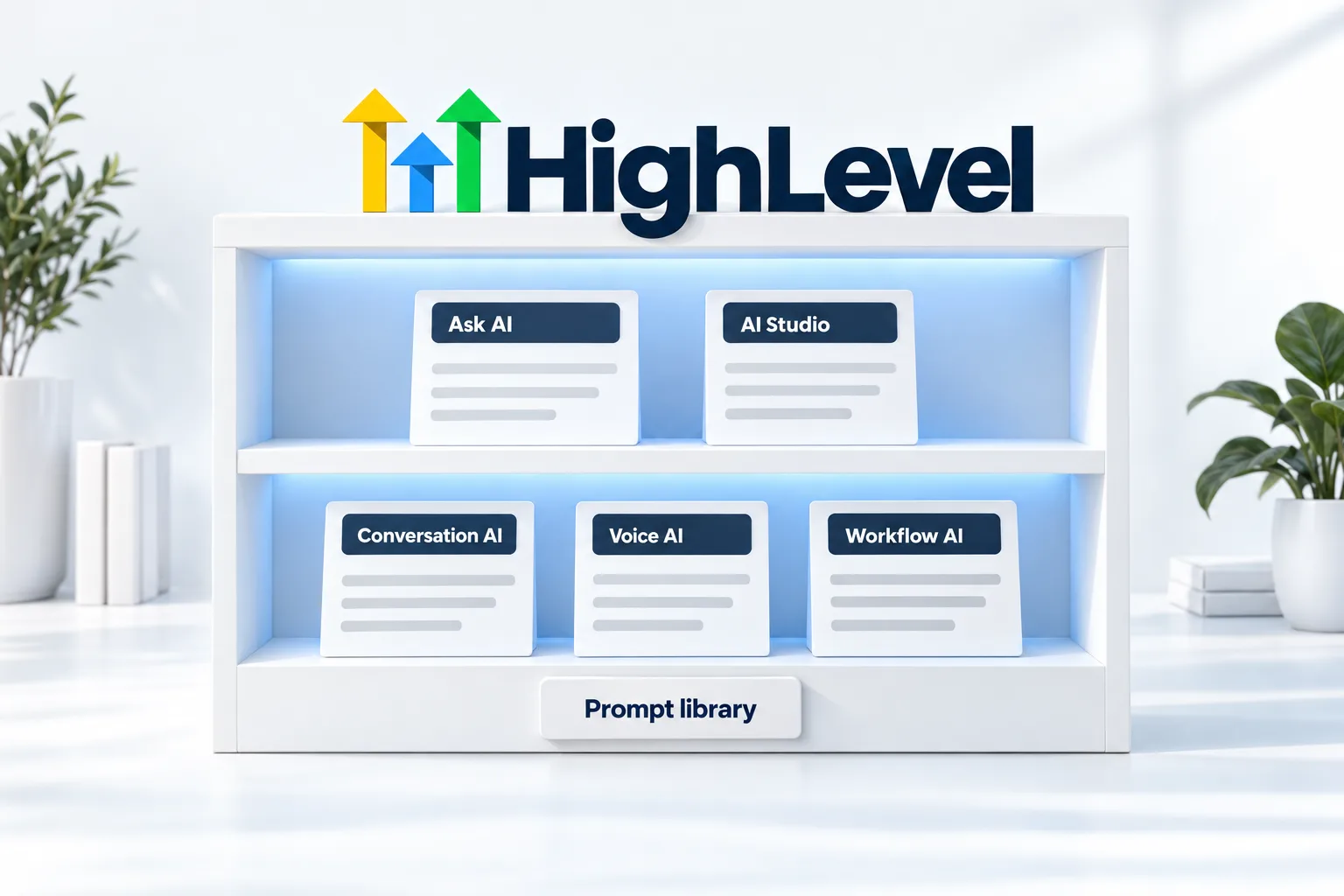
A good HighLevel AI prompt has four parts: the context (your business and audience), the task, the constraints (tone, length and what to avoid) and the output you want back. The same pattern works in Ask AI, AI Studio, Conversation AI, Voice AI and workflow AI. For agents, keep behavior in the instructions and facts in the knowledge base.
Michael is a sponsored HighLevel affiliate. Links to HighLevel use his partner link at no extra cost to you. HighLevel prices and product facts on this page come from HighLevel's own pricing page and help center, checked on the date above.
The pattern
Context
The business, the audience and the situation.
Task
One clear job.
Constraints
Tone, length, words to avoid, what not to promise.
Output
Format, sections, fields or a file.
Examples
| Tool | Example prompt |
|---|---|
| Ask AI | List contacts tagged webinar who have not booked a call, and create a follow up task for each, due tomorrow. |
| AI Studio | Build a one page site for a family owned HVAC company in Tampa. Audience: homeowners with a broken AC. Sections: hero with a booking button, services, reviews, service area, FAQ. Tone: calm and local. Use our booking calendar. |
| Conversation AI | You reply to new website leads for a dental practice. Be brief and warm. Your goal is to book a new patient exam. Never discuss treatment or diagnosis; hand off those questions. |
| Voice AI | You are the virtual receptionist for a plumbing company. Transfer immediately for flooding or gas smells. Offer two appointment times at most. |
| Workflow AI | Write a two sentence text confirming a roof inspection, friendly, under 160 characters, no emoji. |
Refine
Worked example
Here is one request, written badly and then written well. The task is a follow up email after a quote.
The weak version: write a follow up email about our quote. The AI has no idea who you are, who the customer is or what you want to happen, so it fills the gaps with generic filler.
The second version takes one more minute to write and saves three rounds of edits. Every tool in HighLevel responds to the same four parts, whether it is Content AI, an AI step in a workflow or a builder.
Avoid
Housekeeping
Once you have prompts that work, treat them as assets. Keep the current version of each agent prompt in one document with a date and a note on what changed. For Voice AI, use versions inside HighLevel, so you can test a new prompt against the current one before you publish it.
Agencies should build the proven prompt into a template subaccount and deploy it with a snapshot, then adjust the business details for each client. That keeps the structure consistent and makes fixes easy to roll out. If you want a starting point for a phone agent, the voice prompt generator drafts one from a few answers, and the Conversation AI guide covers where instructions, goals and brand voice go for a text agent.
Prompts cost nothing to write, but the agents that run them are billed, so check the GoHighLevel AI plans overview before you roll one out. You can test every pattern on this page during a 30 day trial through Michael's link.

The prompt that works is almost never the first one. Write it, test it on real cases, add a rule for each mistake. Ten minutes of that beats an hour of perfect wording.
Questions
Give every GoHighLevel AI prompt four parts: the context, meaning your business and audience, a clear task, the constraints such as tone, length and what to avoid, and the output you want back. The same pattern works in Ask AI, AI Studio, Conversation AI, Voice AI and workflow AI.
For agents, no. Keep facts such as prices, hours and policies in the knowledge base, and keep behavior in the instructions. You then update a fact in one place and every agent answers from the same source. It also keeps the prompt shorter and easier to test.
Yes, for voice. Voice AI agents can be created from a template, which gives you a starting prompt to adapt to your business. Treat it as a first draft: add your own identity, goal and handoff rules, then test it on real calls before you publish.
Yes. Voice AI has a prompt optimizer that suggests improvements to an agent's prompt. Use it as a second opinion, not as a replacement for testing. Run the improved prompt against real cases, change one thing at a time and add a rule for each mistake you see.
Long enough to cover the context, the task, the constraints and the output. For agents, keep behavior rules in the instructions and move facts to the knowledge base, which keeps the prompt shorter.
Not well. A voice agent needs short spoken sentences, one question per turn and no long lists, so write a separate prompt for it.
Run the prompt against real cases, not ideal ones. Change one thing at a time, so you know what caused each improvement, and add a rule for each mistake you see. For voice agents, HighLevel supports versions that you can test and compare before publishing.
A Conversation AI prompt should hold behavior, not facts. Describe who the bot is, the goal such as a booking, the tone, the questions to ask one at a time and when to hand off to a person. Keep prices, hours and policies in the knowledge base, so the bot answers from one source.
Next step
Start a trial, build the first system and test it before the first invoice. Usage fees for phone, SMS, email and AI can apply during the trial.
HighLevel has three plans at a flat monthly price, each with unlimited users and contacts. See what each one includes and what it costs.
Compare the PlansStarter, Unlimited and Founder