
Home/Tools/Voice AI prompt generator
Tools · Voice AI
Voice AI prompt generator. A starting point, not a finished agent.
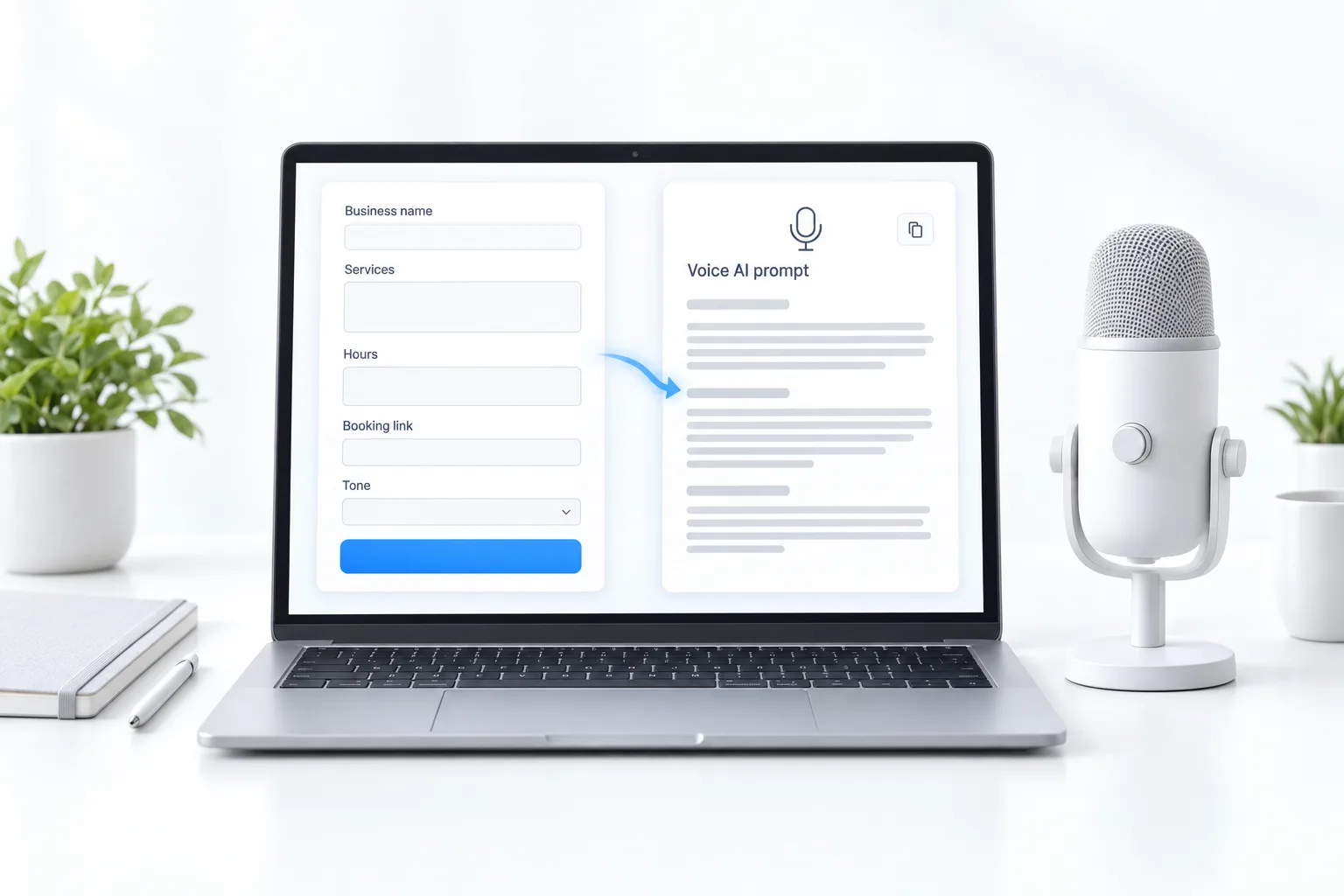
Enter your business details and this tool assembles a plain starting prompt for a Voice AI receptionist. It fills a template in your browser; it does not use AI. Test and refine it with real calls.
The short answer
A good Voice AI receptionist prompt names the business and greeting, the services and hours, how to book, when to transfer to a person, and what not to do, such as giving medical, legal or pricing promises. Fill in the form below for a starting prompt, then test it.
Michael is a sponsored HighLevel affiliate. Links to HighLevel use his partner link at no extra cost to you. HighLevel prices and product facts on this page come from HighLevel's own pricing page and help center, checked on the date above.
Generator
Build your starting prompt.

The first prompt is never the last. Rewrite it after every ten test calls.
The output
What does the generated Voice AI prompt contain?
The tool takes your seven answers and places them in a fixed structure. You get six parts:
- Role. One line that tells the agent it is the receptionist for your business and what kind of business that is.
- Greeting. The exact opening line, with your business name.
- Services and hours. What you offer and when you are open.
- Booking. Your booking rule, plus an instruction to confirm the date, the time and the caller's name and mobile number before the call ends.
- Transfer. Hand the call to a person when the caller asks for one, is upset or asks something the agent cannot answer from its knowledge base.
- Rules. Keep answers short, ask one question at a time, never do the thing you listed, and offer a callback when it does not know.
It is a template filled in your browser. No AI writes it, and nothing you type is sent anywhere by the tool.
In the account
Where does the prompt go in HighLevel?
- Go to AI Agents, Voice AI and click Create Agent.
- Choose Flow Builder and pick the template closest to your call type, or choose Create Your Custom Agent.
- Paste the prompt into the agent's instructions and edit it to match the template's actions.
- Attach a knowledge base so the agent has real answers about the business. The knowledge base guide shows how to build one.
- Connect a calendar so it can book, and connect a phone number.
- Test it with real calls, then publish.
The prompt tells the agent how to behave. The knowledge base tells it what is true. When an agent gives a wrong answer, the cause is usually a missing or wrong source in the knowledge base, so fix that before you rewrite the prompt.
Testing
How do you test and improve a Voice AI receptionist prompt?
Make the twenty test calls with a plan. Call as five kinds of caller, several times each:
- Someone who wants to book.
- Someone asking about hours or services.
- Someone asking for a price or advice the agent must not give.
- Someone upset who wants a person.
- Someone with a question the business has never written down.
After every ten calls, change one thing and call again. Add the question it missed to the knowledge base. Tighten the rule it broke. Shorten the greeting if callers talk over it.
Before you build, the Voice AI call planner sizes how many calls the agent should take and how many it should hand off. For a fuller prompt structure, see the voice agent prompt framework. If the agent will ever call out, read AI compliance and consent first, because outbound GoHighLevel Voice AI calls need proper consent from each contact.
This is one of the free tools for Founders on this site. For the automations around the agent, try the workflow idea generator. Not on HighLevel yet? The GoHighLevel 30 day trial through Michael's link gives you 30 days to build and test. Comparing platforms? See the best HighLevel alternatives.
Questions
Common questions.
Does this tool use AI?
No. It fills a template with your details in your browser.
Can I paste it into HighLevel?
Yes, into a Voice AI agent's instructions, then test it.
What should a Voice AI never do?
Give advice it is not qualified to give, or promise prices or outcomes.
Where do I paste the prompt in GoHighLevel?
In AI Agents, Voice AI. Create an agent, then paste the prompt into the agent's instructions and test it.
Can a Voice AI agent book appointments?
Yes. Connect a calendar and the agent can book appointments on calls.
Why does my Voice AI agent give wrong answers?
Usually the knowledge base source is wrong or missing. Fix the knowledge base first, then adjust the prompt.
Next step
See it in your own account. Thirty days, every feature.
Start a trial, build the first system and test it before the first invoice. Usage fees for phone, SMS, email and AI can apply during the trial.
HighLevel has three plans at a flat monthly price, each with unlimited users and contacts. See what each one includes and what it costs.
Compare the PlansStarter, Unlimited and Founder