
Find and summarize
Look up a contact and summarize their history, or list open opportunities in a stage.
Home/HighLevel/AI/Claude with the HighLevel MCP
HighLevel AI · MCP
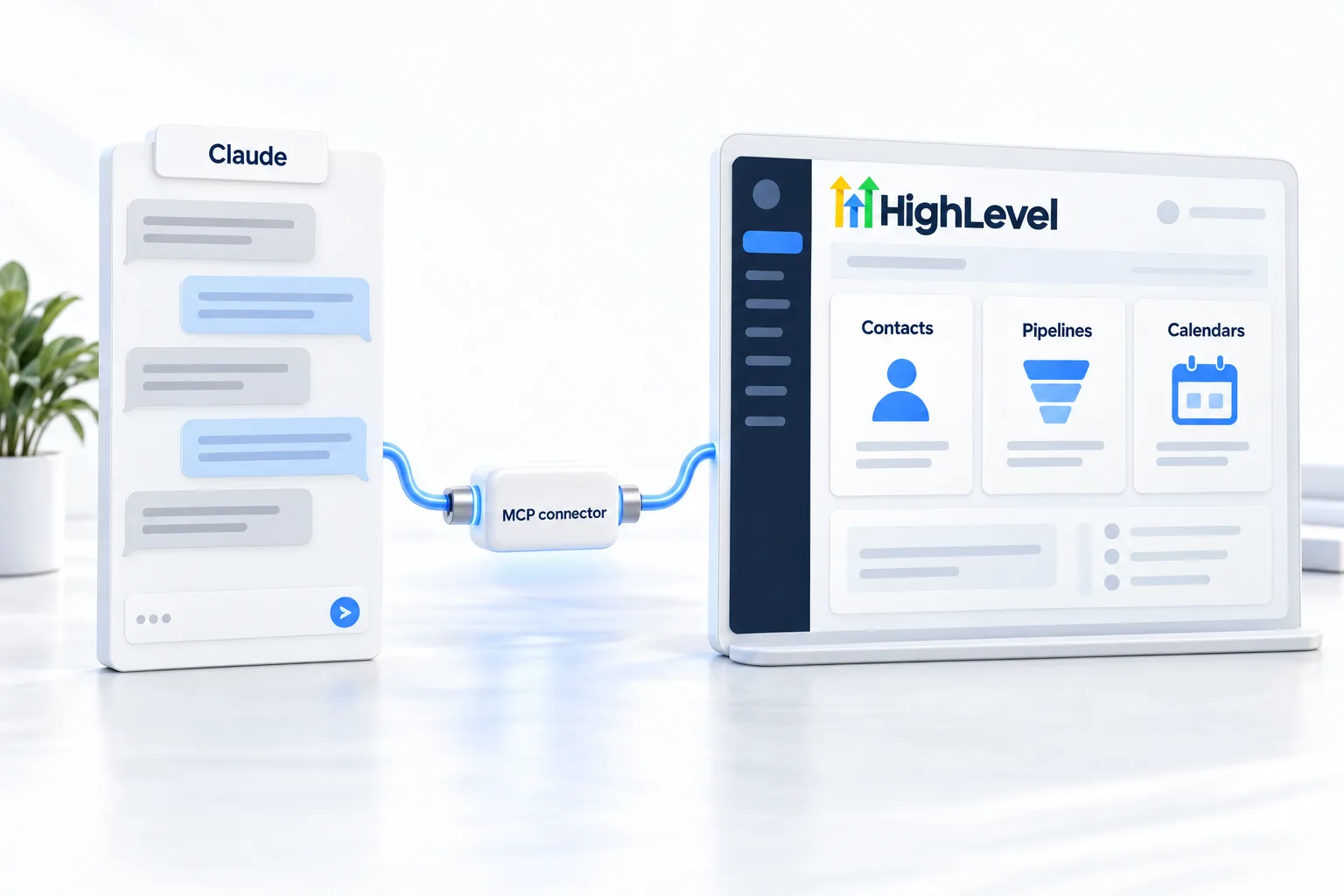
Can GoHighLevel connect to Claude? Yes. HighLevel's MCP server lets AI assistants like Claude work directly with your HighLevel account: find contacts, read pipelines, create records and take supported actions from plain language. I use it every day to run CRM Pros. Here is how to connect it and use it safely.
The short answer
The HighLevel MCP server, also called the LeadConnector MCP server, connects AI assistants including Claude, ChatGPT, Codex and Cursor to your HighLevel account through an OAuth sign in. They can then read and change records in the subaccounts and scopes you approve. The catalog includes 625 read, create, update and delete operations.
Michael is a sponsored HighLevel affiliate. Links to HighLevel use his partner link at no extra cost to you. HighLevel prices and product facts on this page come from HighLevel's own pricing page and help center, checked on the date above.
Connect
What it can do
Look up a contact and summarize their history, or list open opportunities in a stage.
Add contacts, tags, notes and tasks, or move an opportunity.
Count new leads this week by source, or list appointments for tomorrow.
Find everyone tagged webinar, add a task for each and draft a follow up.
Safety
Worked example
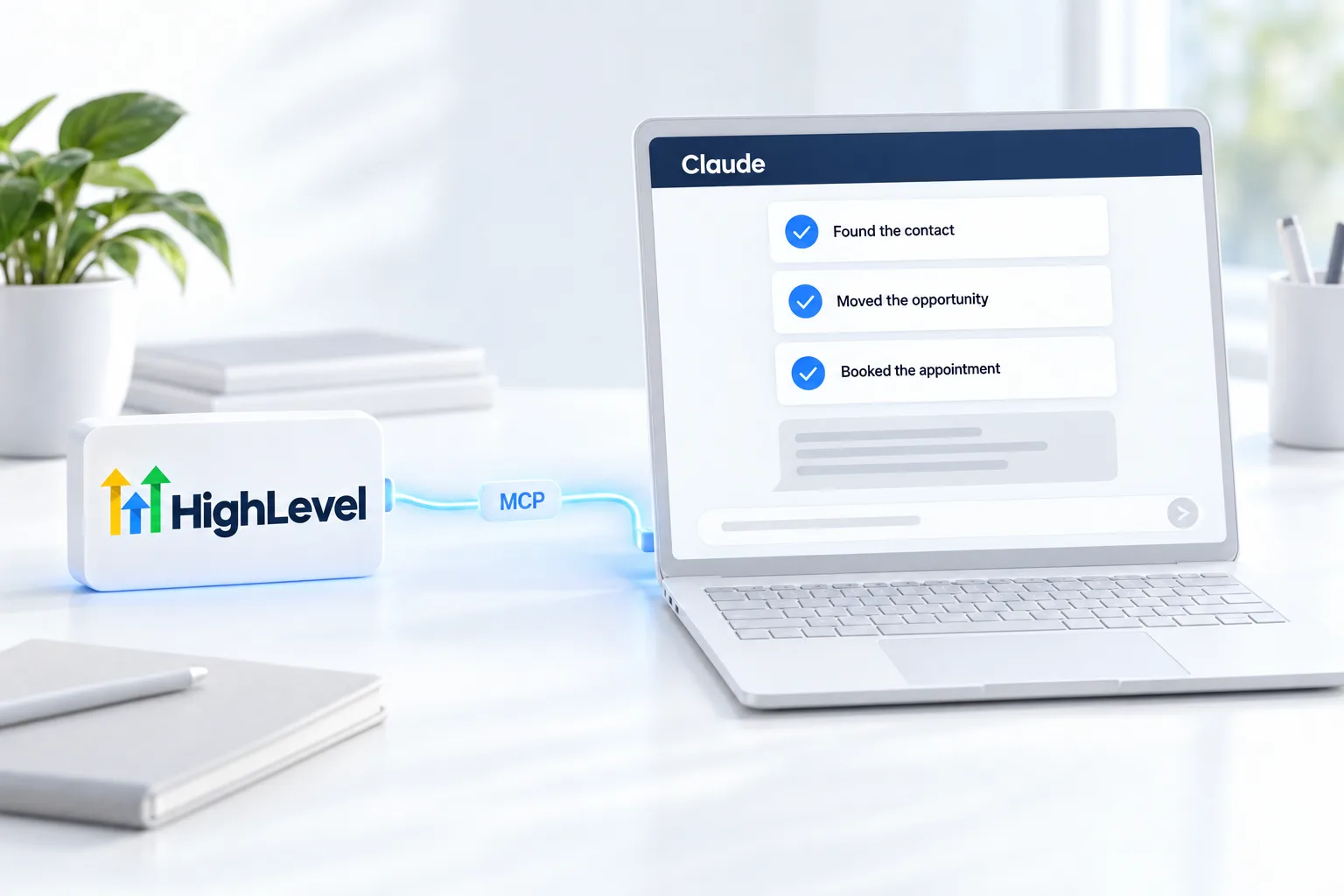
The easiest way to understand the connection is to see a morning with it. These are the kinds of requests I type, in order.
Notice the pattern: read first, preview before any change, then check the result. It takes a few minutes and replaces a long session of clicking. For more request patterns, see the AI prompt library.
Limits
An assistant with access to your account is powerful, so decide the limits before you need them.
Good data makes all of this safer. If your records are messy, clean up your contact data first. And remember that an assistant has the access you approved, so review who on your team can connect one. The user permissions guide covers roles.
Compare
They are not competitors. I use the assistant to figure out what should be automated, then build the repeatable part as a Managed Agent in Agent Studio.
The Claude and MCP integration page is the shorter reference for this setup, and the HighLevel MCP server voice agent demo shows the server at work in a video. HighLevel's own AI pricing is in the GoHighLevel AI plans overview, and a 30 day trial through Michael's link gives you an account to connect.

This changed how I work. Most of my CRM housekeeping now happens in a conversation instead of twenty clicks. Start with questions, then let it take actions once you trust it.
Questions
Yes. Claude connects to GoHighLevel through HighLevel's MCP server, also called the LeadConnector MCP server, with an OAuth sign in. Once connected, Claude can read and change records in the subaccounts and scopes you approve. No API key is needed, and Claude acts only when you ask.
The HighLevel MCP server URL for Claude is https://services.leadconnectorhq.com/mcp/anthropic/v2. In claude.ai, open Settings, Connectors, and add a custom connector with that URL. Click Connect, sign in to LeadConnector, select the subaccounts to include and approve the requested permissions.
Claude can run supported read, create, update and delete operations in HighLevel: 625 operations across 40 product domains. In practice that means finding contacts, reading pipelines, creating records and taking supported actions from plain language. It is limited to the subaccounts and permissions you approve during sign in.
Yes, where the multi subaccount installation is enabled, which HighLevel is still rolling out. Select them during authorization.
No. The HighLevel MCP server uses an OAuth sign in, not an API key. You click Connect in the assistant, sign in to LeadConnector, select the subaccounts to include and approve the requested permissions. The assistant can then work only inside what you approved.
No. It acts when you ask, inside the subaccounts and permissions you approved during sign in.
Claude, ChatGPT, Codex and Cursor are among the assistants that can connect through an OAuth sign in.
Start with read only requests, ask for a preview before any bulk update and review the changes in HighLevel afterward.
Yes. GoHighLevel has an MCP server, also called the LeadConnector MCP server. It connects AI assistants including Claude, ChatGPT, Codex and Cursor to your HighLevel account through an OAuth sign in. The catalog includes 625 read, create, update and delete operations, limited to the subaccounts and scopes you approve.
Next step
Start a trial, build the first system and test it before the first invoice. Usage fees for phone, SMS, email and AI can apply during the trial.
HighLevel has three plans at a flat monthly price, each with unlimited users and contacts. See what each one includes and what it costs.
Compare the PlansStarter, Unlimited and Founder