
Answer
Common questions
Hours, services, location and how booking works.
Home/HighLevel/AI/AI chatbot for business
HighLevel AI · AI chatbots
An AI chatbot answers the messages your team cannot get to. This guide explains what a chatbot does for a small business, which channels it should cover, what it should never answer, and how Conversation AI in GoHighLevel handles website chat, SMS, WhatsApp, Instagram and Facebook from one inbox.
The short answer
An AI chatbot for business is software that replies to customer messages on its own. It answers common questions from information you give it, collects contact details, books appointments and hands the conversation to a person when it should. In GoHighLevel the chatbot is called Conversation AI, and it covers web chat, SMS, WhatsApp, Instagram and Facebook.
Michael is a sponsored HighLevel affiliate. Links to HighLevel use his partner link at no extra cost to you. HighLevel prices and product facts on this page come from HighLevel's own pricing page and help center, checked on the date above.
The basics
An AI chatbot replies to incoming messages right away, at any hour, using information you have given it. It handles the first few minutes of a conversation: the greeting, the common questions, the details you need and the next step. Your team picks up where judgment is needed.
Answer
Hours, services, location and how booking works.
Capture
So a lead does not live only in a chat window.
Qualify
What the person needs, before your team steps in.
Book
Times from your calendar, confirmed without a phone call.
Hand off
When someone asks, or when it does not have the answer.
Record
One thread your team can read before they reply.
Expect it to reply at once and to cover the hours your team is away. Do not expect it to handle complaints, give professional advice or close a complicated sale on its own. It only knows what you train it on.
Channels
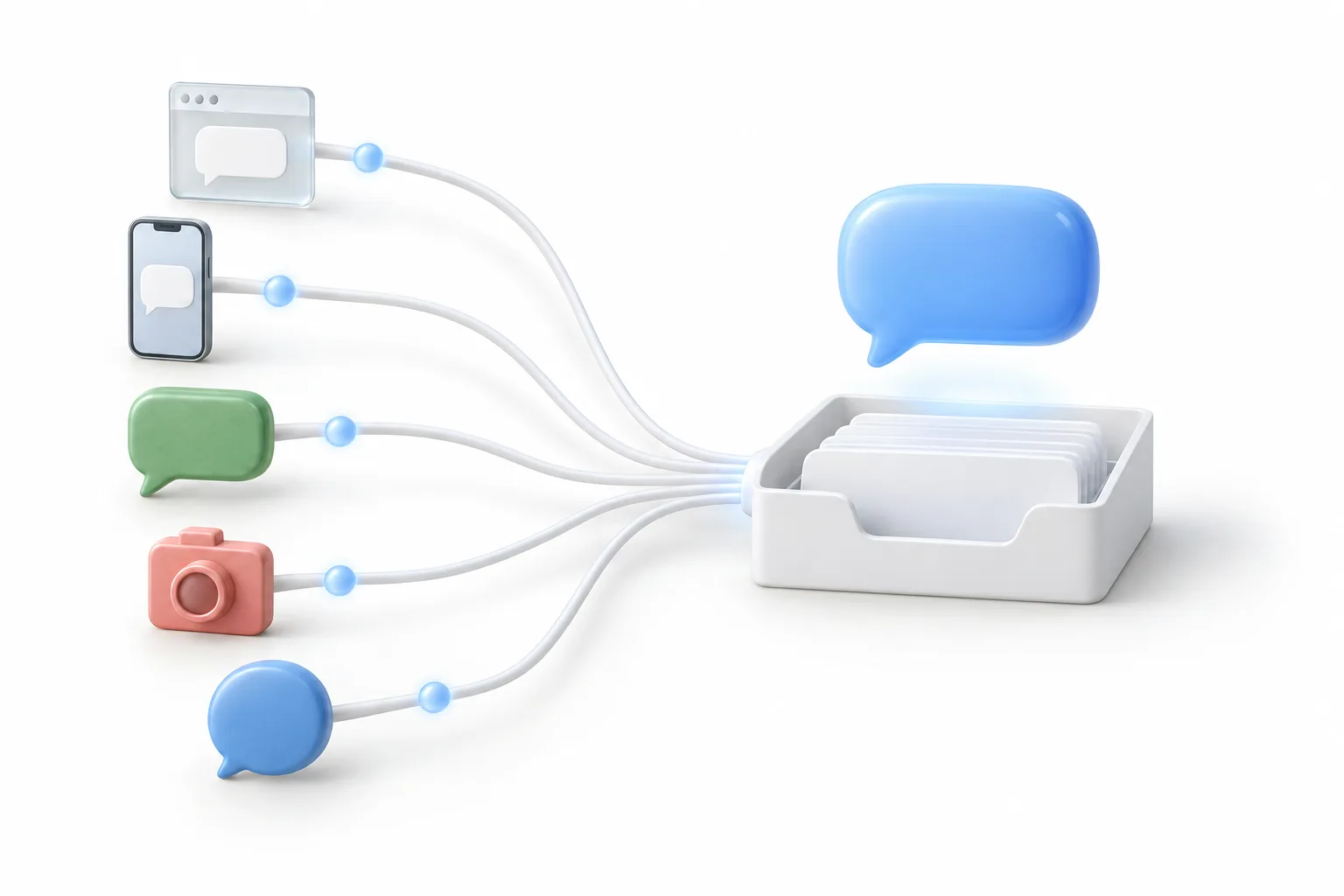
Cover the channels your customers already use to reach you. For most local businesses that means website chat and text messages first, then WhatsApp, Instagram and Facebook where those are busy. A chatbot that lives on only one of them leaves the others unanswered.
| Channel | How customers use it | What it needs in HighLevel |
|---|---|---|
| Website chat | Questions while they are looking at your site | A chat widget from Sites, Chat Widget, pasted into your site with one embed code |
| SMS | Quick questions and replies to your texts | A phone number that can text, and A2P registration for US mobile numbers |
| Everyday messaging in markets where WhatsApp is the norm | The WhatsApp subscription and a WhatsApp Business number connected through Meta | |
| Direct messages from people who found you on social | The business Instagram account connected to the subaccount | |
| Messages sent to your business page | The Facebook page connected to the subaccount |
Conversation AI also replies by email. A bot only answers on channels that are already connected in the subaccount, so connect each one before you assign it to the bot.
An SMS chatbot, a WhatsApp chatbot, an Instagram chatbot and live chat on your website can all be one bot working on different channels. Start with your busiest one. For most businesses that is the website, and how to add a chat widget to your website has the steps.
Limits
Let the chatbot answer questions that have one correct answer you have already written down. Send anything that needs judgment, a license or an apology to a person.
| Good for the chatbot | Send to a person |
|---|---|
| Hours, location, parking and service area | Complaints and upset customers |
| Services you offer and how booking works | Health, legal and financial advice |
| Prices you already publish | Custom quotes and negotiations |
| What to bring or prepare for an appointment | Refunds, billing disputes and account changes |
| Collecting a name, phone, email and reason for contact | Anything the bot has no information about |
Put facts such as prices and hours in the knowledge base, and keep the bot's instructions about behavior: what it must not say and when it should stop. Then tell the bot plainly to say it does not know instead of guessing.
Booking
Yes. Booking is the most useful job you can give a business chatbot, because it turns a question into a time on the calendar while the person is still in the conversation. In HighLevel, booking is one of the goals you can set for a Conversation AI bot. It books on your HighLevel calendars inside the conversation and follows the calendar's availability.
Give the bot one goal, usually a booking. Then add a reminder workflow, so booked appointments turn into kept appointments. The AI appointment setter guide covers the calendar and the qualifying questions.
Handoff
A good chatbot stops replying, tells the customer a person is coming and alerts your team, all in the same thread. In HighLevel the bot and your team work from one inbox, so whoever picks up the conversation can read everything the bot already said.
Conversation AI has a Human Handover action inside Bot Goals, with three prebuilt scenarios you can switch on.
When a scenario fires, the bot sends a final message and pauses. The conversation is assigned to a user, with a task and a tag so your team sees it. HighLevel releases Human Handover through Labs, so turn it on under Settings, Labs if you do not see it. The full steps are in how to hand off Conversation AI to a human.
In HighLevel
Conversation AI covers them with one bot and one inbox. It is the AI chatbot built into HighLevel, the platform many people know as GoHighLevel or Go High Level. A single bot can reply on SMS, email, website chat, WhatsApp, Instagram and Facebook, and every message lands in the same Conversations inbox your team uses. The Conversation AI complete guide covers every setting, and the HighLevel AI hub shows the other agents beside it.
It runs in one of three modes. Off means it does nothing. In suggestive mode it drafts replies and your team approves and sends each one. On autopilot it replies on its own and works toward the goal you set. You train it through the knowledge base: your website through the web crawler, plus documents, FAQs and tables.
Conversation AI is billed pay per use by tokens, or through an AI Employee plan for the subaccount.
| Option | Included | Price per subaccount |
|---|---|---|
| Pay per use | Billed by input and output tokens for the model used | No monthly fee |
| AI Employee Growth | 1,000 Conversation AI responses a month | $50 a month |
| AI Employee Unlimited | Unlimited, fair use | $97 a month |
Text and messaging charges are separate, and these AI charges are on top of the HighLevel subscription. Source: AI Product Pricing, checked November 2026. More detail is in the GoHighLevel AI pricing and plans overview.
Setup
Set it up in seven steps: connect one channel, build the bot, train it, give it one goal and a handoff rule, then review its drafts before it replies on its own.
Business texting to US mobile numbers needs A2P registration before the bot can reach people by SMS, so start that early. You can do all of this inside a 30 day trial through Michael's link, which leaves time to run the bot in suggestive mode on real conversations. Usage fees for messaging and AI can apply during the trial.
Fit
A single channel tool is enough when nearly all of your conversations happen in one place and the chat does not need to connect to anything else.
The wider platform earns its place when a message should become a contact, a booking, a reminder and a review request without anyone copying details between tools. HighLevel vs Manychat walks through that choice for social chat.

Start every Conversation AI bot in suggestive mode. A week of approving its drafts teaches you exactly what to fix before it talks to customers on its own.
Questions
It is software that replies to customer messages on its own, using information the business has given it. It answers common questions, collects contact details, books appointments and hands the conversation to a person when it should.
Yes. The AI chatbot in GoHighLevel is called Conversation AI. It replies on SMS, email, web chat, WhatsApp, Facebook and Instagram. In suggestive mode your team approves each reply. On autopilot it replies on its own.
It depends on the tool. In HighLevel, Conversation AI is billed pay per use by tokens, or through an AI Employee plan per subaccount. Growth at $50 a month includes 1,000 Conversation AI responses, and Unlimited at $97 a month is unlimited under fair use. Text and messaging charges are separate.
Yes. In HighLevel one Conversation AI bot can reply on WhatsApp, Instagram and Facebook as well as SMS and website chat. Each channel has to be connected first. WhatsApp needs the WhatsApp subscription and a WhatsApp Business number connected through Meta.
Yes. In HighLevel, booking is one of the goals you can give a Conversation AI bot. It books on your HighLevel calendars inside the conversation and follows the calendar's availability. Add a reminder workflow after it, so that booked appointments turn into kept appointments.
No. An AI chatbot handles the first part of a conversation: common questions, contact details and booking. Complaints, professional advice, custom quotes and anything it has no information about should go to a person. Set a handoff rule, so the bot knows when to stop.
Next step
Start a 30 day trial through Michael's link, build the first system and test it before the first invoice. Usage fees for phone, SMS, email and AI can apply during the trial.
HighLevel has three plans at a flat monthly price, each with unlimited users and contacts. See what each one includes and what it costs.
Compare the PlansStarter, Unlimited and Founder