
Home/HighLevel/How to/Connect WhatsApp
How to · Conversations
How to connect WhatsApp to GoHighLevel Conversations. Message customers where they already are.
In many countries WhatsApp is how customers expect to reach a business. HighLevel connects to the WhatsApp Business Platform so messages land in Conversations, workflows can send them and AI can answer them.
Message customers where they already are.
The short answer
To connect WhatsApp to GoHighLevel, turn on the WhatsApp subscription for the subaccount and complete the Meta onboarding to link a WhatsApp Business number, then reply freely inside the 24 hour window that opens when a contact messages you and use approved templates outside it.
Michael is a sponsored HighLevel affiliate. Links to HighLevel use his partner link at no extra cost to you. HighLevel prices and product facts on this page come from HighLevel's own pricing page and help center, checked on the date above.
Connect
How do you connect WhatsApp to HighLevel?
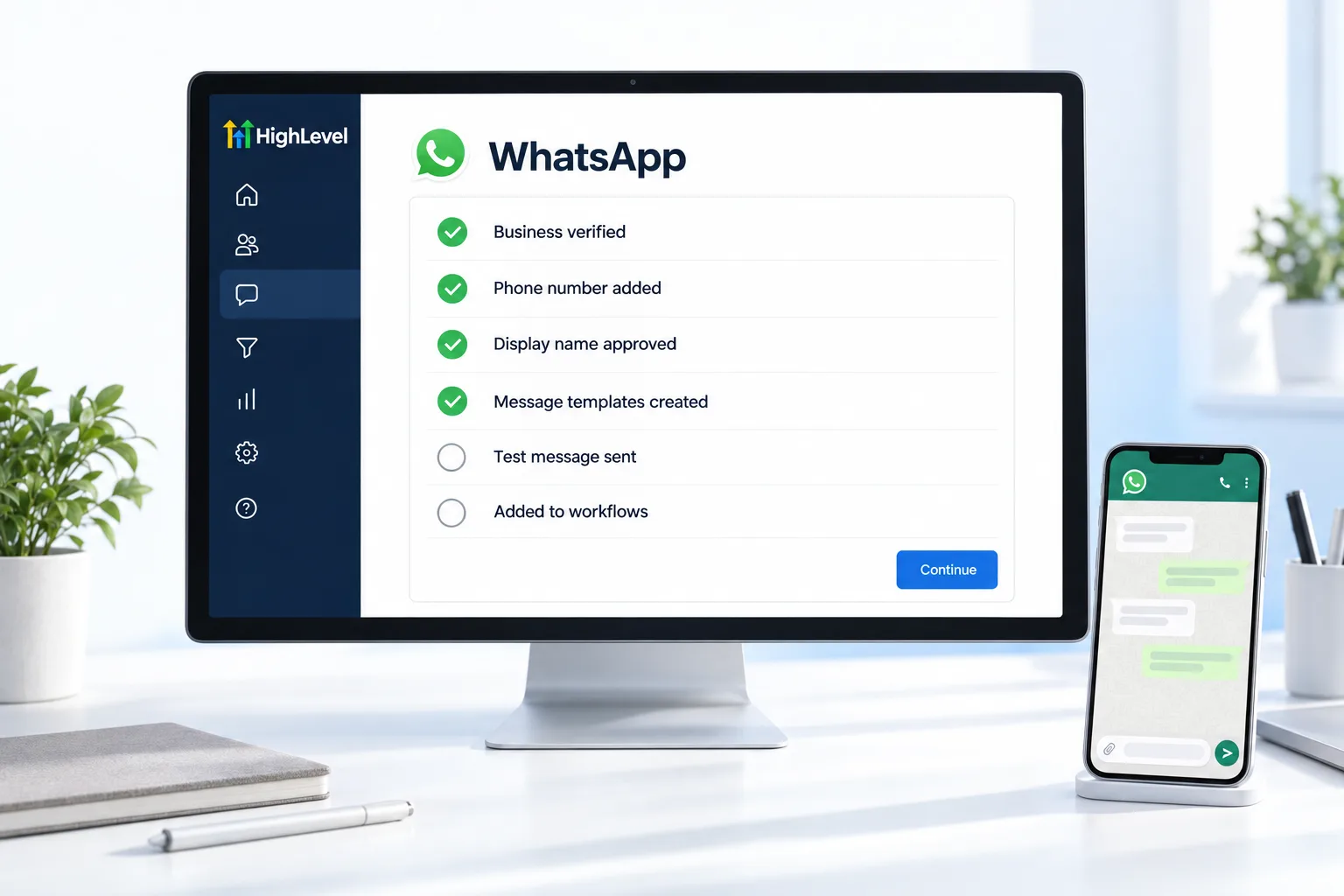
- In the subaccount, find WhatsApp in the settings or Conversations area and start the purchase.
- Complete the Meta signup and connect the business phone number.
- Follow the WhatsApp onboarding checklist for display name and profile.
- Create message templates for messages sent outside the 24 hour window.
- Test by messaging the number from your own WhatsApp.
- Add WhatsApp actions to workflows and connect Conversation AI if you want AI replies.
How it bills
Billing for agencies.
HighLevel charges the agency $10 a month for each subaccount with WhatsApp turned on. In the agency view you set the price your customer pays for the subscription. Message and calling usage is billed separately at base rates, and you can rebill it to the client.
Before you start
What do you need before you connect WhatsApp?
WhatsApp setup runs through Meta, so most of the preparation is on Meta's side. Before you start in HighLevel (GoHighLevel), have these ready.
- A phone number to use as the WhatsApp Business number
- Access to the business's Meta account to complete the signup
- The display name and profile details for the business
- Template messages drafted for anything sent outside the 24 hour window
- An understanding of the cost: $10 a month for each subaccount plus message usage
You can turn on WhatsApp in a subaccount and send a test message during a 30 day trial through Michael's link. If you are building a business that sells messaging systems like this, read what a Founder is. For short answers on this topic, see GoHighLevel texting and messaging answers.
Next step after connecting: build a WhatsApp AI chatbot in GoHighLevel.
Test it
How do you test the WhatsApp connection?
Message the number from your own WhatsApp.
- Send a WhatsApp message to the business number from your personal phone.
- Confirm it lands in Conversations on the right contact.
- Reply from Conversations and confirm the reply arrives in WhatsApp.
- Send an approved template to a test contact who has not messaged in the last 24 hours.
- If Conversation AI is connected, ask a question and check the reply.
Common mistakes
What mistakes should you avoid when you connect WhatsApp?
- Sending free text outside the window. Outside the 24 hour window you need an approved template.
- Templates written like ads. Keep templates clear and useful. See fix a WhatsApp template rejected.
- Assuming the old app keeps working. Keeping the WhatsApp Business app on the same number depends on Meta's coexistence eligibility.
- Forgetting to price it for clients. Agencies set the client price in the agency view and can rebill usage.
- Slow replies. Reply inside the window whenever you can. It keeps the conversation natural.

Reply inside the 24 hour window whenever you can. It keeps the conversation natural and avoids template rules.
Questions
Common questions.
Can I use WhatsApp in GoHighLevel?
Yes. HighLevel connects to the WhatsApp Business Platform, so WhatsApp messages land in Conversations with your other channels. Workflows can send WhatsApp messages and Conversation AI can answer them. You turn on the WhatsApp subscription for the subaccount and complete the Meta onboarding to link a business number.
What does WhatsApp cost in HighLevel?
HighLevel charges the agency $10 a month for each subaccount with WhatsApp turned on. Message and calling usage is billed separately at base rates, and you can rebill it to the client. In the agency view you set the price your customer pays for the subscription.
What is the WhatsApp 24 hour window?
After a contact messages you, you can reply freely for 24 hours, and each new message from the contact extends the window. Outside the window you can only send approved message templates. Reply inside the window whenever you can, because it keeps the conversation natural and avoids template rules.
Can I keep the WhatsApp Business app?
Sometimes. Some businesses can keep using the WhatsApp Business app on the same number through coexistence. Eligibility depends on Meta, and some numbers need more activity before they qualify. Check eligibility during the Meta onboarding before you promise a client they can keep the app.
Do I need a new phone number for WhatsApp in HighLevel?
Not always. You link a WhatsApp Business number during the Meta onboarding. Some businesses can keep using the WhatsApp Business app on the same number through coexistence, depending on Meta eligibility, and some numbers need more activity before they qualify.
Can workflows send WhatsApp messages?
Yes. Add WhatsApp actions to workflows to send messages automatically. Inside the 24 hour window a workflow can reply freely. Outside it, the message must use an approved template, so create your templates during setup and test one on a contact who has not messaged in the last 24 hours.
Can AI answer WhatsApp messages?
Yes, when Conversation AI is connected to the channel. Test it by asking a question from your own WhatsApp and checking the reply. See set up a Conversation AI bot and HighLevel with WhatsApp for the setup on both sides.
Next step
See it in your own account. Thirty days, every feature.
Start a trial, build the first system and test it before the first invoice. Usage fees for phone, SMS, email and AI can apply during the trial.
HighLevel has three plans at a flat monthly price, each with unlimited users and contacts. See what each one includes and what it costs.
Compare the PlansStarter, Unlimited and Founder