
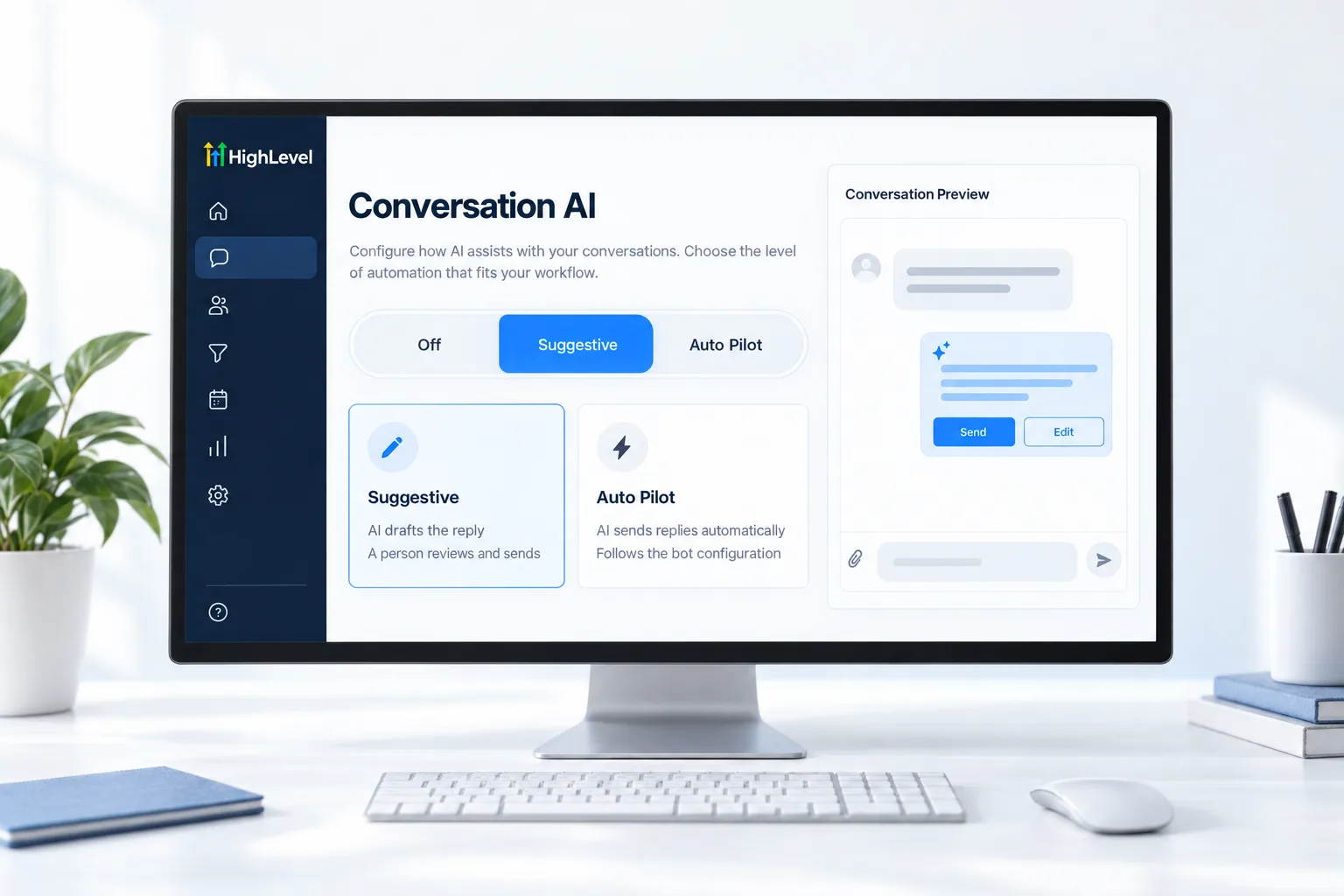
Suggestive
Team approves
- AI drafts the reply
- A person reviews and sends
- Best for launch week
Home/HighLevel/How to/Set up Conversation AI
How to · Conversation AI
Conversation AI is the GoHighLevel chatbot. It replies to texts, chats and social messages, answers questions and books appointments. There are three ways to build a bot, and a safe way to launch it: suggestions first, Auto Pilot once it has earned it.
Answer texts and chats around the clock.
The short answer
To set up a Conversation AI bot in GoHighLevel, open AI Agents, Conversation AI, create a bot with Guided Form Setup, a Prompt Based setup or the Flow Based Builder, add business details and a calendar, choose the channels it answers, test it, then run it in Suggestive mode before you switch it to Auto Pilot.
Michael is a sponsored HighLevel affiliate. Links to HighLevel use his partner link at no extra cost to you. HighLevel prices and product facts on this page come from HighLevel's own pricing page and help center, checked on the date above.
Pick a method
| Method | Best for |
|---|---|
| Guided Form Setup | Lead capture, booking and simple questions |
| Prompt Based | People comfortable writing detailed prompts |
| Flow Based Builder | Advanced logic and multi step paths |
Build
Next, read how to hand off Conversation AI to a human.
Modes
Suggestive
Auto Pilot
Before you start
A bot repeats what it is given, so the inputs matter. Before you create one in HighLevel (GoHighLevel), collect these.
Test it
Talk to it the way a customer would, mistakes and all.
Common mistakes

Run Suggestive for a week. Every reply you correct teaches you what to fix in the setup.
Questions
Go to AI Agents, then Conversation AI, and create a new bot. Choose Guided Form Setup, Prompt Based or Flow Based. Add the business information, connect a calendar if it should book, and choose the channels. Test it, set it to Suggestive, review replies for a few days, then switch to Auto Pilot.
New bots may start set to Off, so check the status switch first and move it to Suggestive or Auto Pilot. Then confirm the channels it should answer are connected in the subaccount. If you want it quiet outside certain times, see whether you can set working hours for Conversation AI.
In Suggestive mode the AI drafts each reply and a person on your team reviews and sends it. It is the best setting for launch week, because every reply you correct shows what to fix in the bot. Auto Pilot sends replies automatically, so switch to it only after testing.
Yes, when a calendar is connected. Without one it cannot book. Test it by asking to book from a personal phone or the web chat and confirm the appointment lands on the calendar. You can build and test a bot during a 30 day GoHighLevel trial through Michael's link.
Guided Form Setup suits lead capture, booking and simple questions. Prompt Based suits people comfortable writing detailed prompts. The Flow Based Builder suits advanced logic and multi step paths. If you are setting up bots for clients as an agency, see who should get the Founder Plan.
SMS, web chat, Facebook, Instagram and other supported channels, depending on what is connected in the subaccount. Connect the channels before you create the bot, then choose which ones it answers. For response time rules, see whether conversation SLAs can count only business hours.
The longer walk through is in the Conversation AI setup guide, and the glossary entry covers the basics. Before you build, collect the business facts the bot should know and decide when it hands over to a person, because a bot repeats what it is given. Conversation AI is a usage based feature, so check AI usage costs first.
Next step
Start a trial, build the first system and test it before the first invoice. Usage fees for phone, SMS, email and AI can apply during the trial.
HighLevel has three plans at a flat monthly price, each with unlimited users and contacts. See what each one includes and what it costs.
Compare the PlansStarter, Unlimited and Founder