
Suggestive
You stay in control
- AI drafts each reply
- You edit and post
- Best for negative or detailed reviews
Home/HighLevel/AI/Review replies
HighLevel AI · Reviews
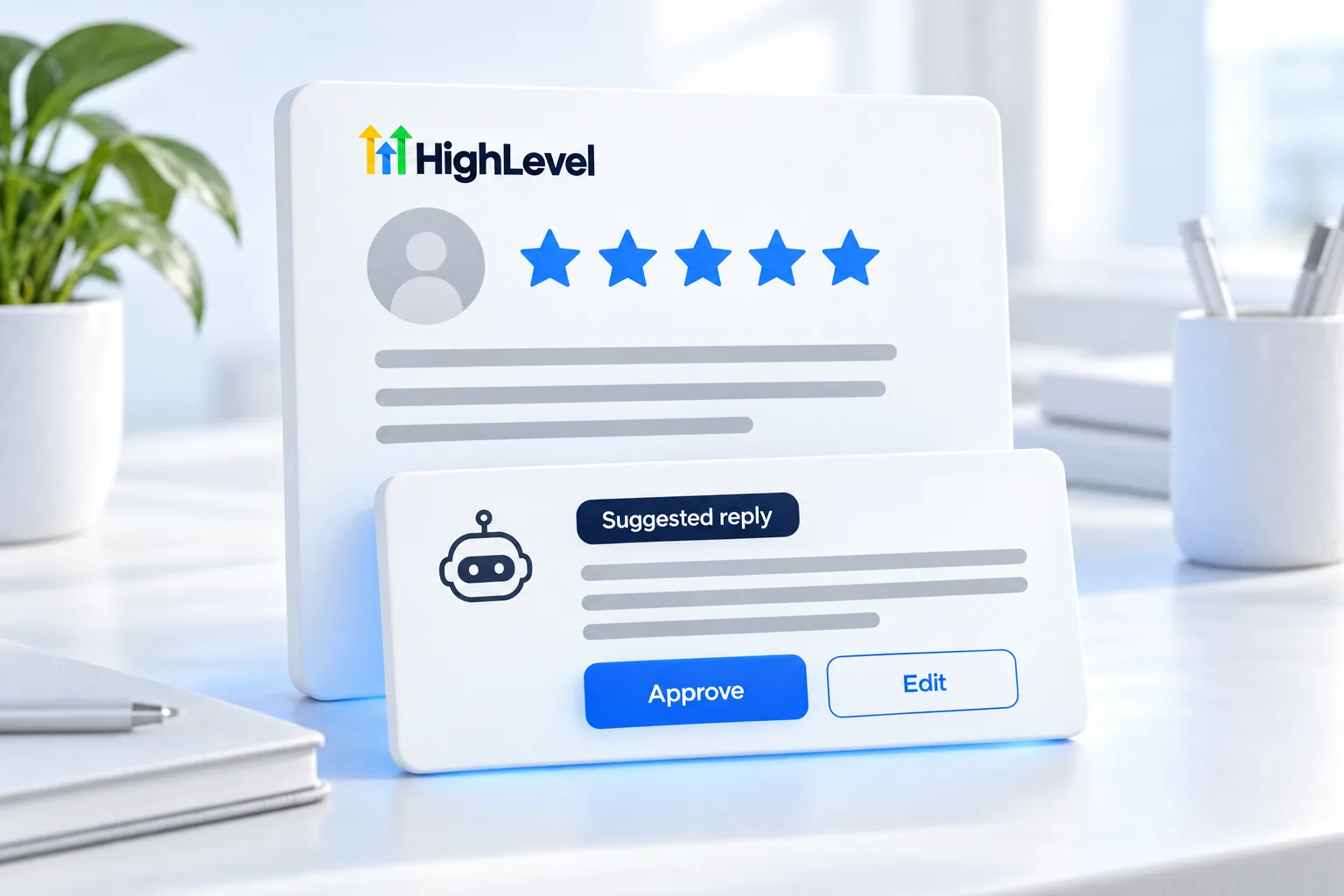
Replying to reviews shows future customers you care, and most businesses fall behind on it. GoHighLevel Reviews AI writes the replies for you, either as suggestions you approve or automatically. Here is how it works and how to use it well.
The short answer
Reviews AI in HighLevel writes replies to customer reviews in three modes: off, suggestive, where it drafts a reply you approve, or auto responses, where it replies on its own. Agencies can set the mode for many subaccounts at once. It is unlimited under fair use on the AI Employee Growth and Unlimited plans.
Michael is a sponsored HighLevel affiliate. Links to HighLevel use his partner link at no extra cost to you. HighLevel prices and product facts on this page come from HighLevel's own pricing page and help center, checked on the date above.
Modes
Suggestive
Auto responses
Good replies
Rollout
Reviews AI is quick to switch on, which is exactly why it pays to roll it out in stages. Replies are public, and the next customer reads them.
Agencies can apply the same rollout across clients, because the mode can be set for many subaccounts at once from the agency view.
Hard cases
A negative review is a customer service moment in front of an audience. The reply is not about winning the argument. It is about showing the next reader how you treat people when something goes wrong.
Use the AI draft as a starting point and have the owner or a manager finish it. This is one of the jobs that should stay with a person, and what AI can and cannot do explains where that line sits.
The bigger picture
Replying is half of reputation work. The other half is asking. A business that requests a review after every completed job has a steady flow of recent reviews, and Reviews AI keeps every one of them answered. The review request workflow guide shows the asking side, and can HighLevel handle reviews gives the short version. If you run an agency, review management is a simple service to package, and the review management agency guide covers the offer.
You can turn Reviews AI on during a 30 day trial through Michael's link. If you are still weighing the platform itself, read the HighLevel review for 2026.

Review replies are read by the next customer, not the last one. Keep them warm, short and human.
Questions
GoHighLevel Reviews AI writes replies to customer reviews on Google and Facebook. It works in three modes: off, suggestive, where it drafts a reply for you to approve, and auto responses, where it replies on its own. Agencies can set the mode for many subaccounts at once.
Yes. In suggestive mode, Reviews AI drafts each reply and waits for you to approve it. A person reads the draft, edits it if needed and posts it. I recommend keeping low ratings in suggestive mode, even if you let positive reviews go out automatically.
Yes. Agencies set the Reviews AI mode from Agency, AI Suite, AI Setup, for one subaccount or many at once. That makes it practical to roll out across a client base: start every client in suggestive mode, then move the ones you trust to auto responses.
Reviews AI is unlimited under fair use on the AI Employee Growth and Unlimited plans. Growth is $50 a month and Unlimited is $97 a month. Those plans are billed per subaccount, so each client account that uses Reviews AI needs one of them.
I recommend against it. Keep low ratings in suggestive mode, so a person reads the draft, edits it and posts it.
It replies to Google and Facebook reviews, automatically or with your approval.
Yes. The mode is a setting. Agencies can change it for one subaccount or many from Agency, AI Suite, AI Setup.
Next step
Start a trial, build the first system and test it before the first invoice. Usage fees for phone, SMS, email and AI can apply during the trial.
HighLevel has three plans at a flat monthly price, each with unlimited users and contacts. See what each one includes and what it costs.
Compare the PlansStarter, Unlimited and Founder