
Home/HighLevel/Agency/Review management agency
Agency · Reviews
Running a review management agency. More reviews, better replies.
Reviews are one of the clearest signals local customers use. A review management service asks every happy customer, replies to every review and shows the owner the numbers each month. GoHighLevel automates most of it.
The short answer
Run a review management agency on HighLevel by connecting each client's Google Business Profile, triggering review requests by text or email after every job or payment, replying to every review promptly, and reporting review count and rating to the owner every month. Never gate or incentivize reviews in ways the platforms prohibit.
Michael is a sponsored HighLevel affiliate. Links to HighLevel use his partner link at no extra cost to you. HighLevel prices and product facts on this page come from HighLevel's own pricing page and help center, checked on the date above.
System
How does the review system work?
- Connect Google Business Profile.
- Turn on review requests in the subaccount settings.
- Trigger a review request after each completed job or paid invoice.
- Reply to every review within a business day.
- Report count, rating and replies monthly.
Rules
Which rules must a review service follow?
- Ask every customer, not only happy ones
- Do not pay or reward customers for reviews
- Do not write fake reviews
- Follow each review platform's policies
Requests
When and how should you ask for a review?
Two things decide whether a request gets a review: when it arrives and how easy it is to act on. Automation handles both, if you choose the trigger well.
| Business type | Good trigger | Why |
|---|---|---|
| Home services | Invoice paid | The job is finished and the customer has paid |
| Clinics and salons | Appointment marked showed | The visit just happened |
| Project work | Opportunity moved to won | The result has been delivered |
In HighLevel, the workflow is short: the trigger, an optional wait of an hour or so, then the Send Review Request action by SMS or email. A text is easy to act on because the link opens on the phone already in the customer's hand. Keep the message brief and personal: the customer's first name, the business name, a thank you, and the link. The link comes from the connected Google Business Profile, or from a third party review link if the business collects reviews elsewhere. The build is on build a review request workflow.
Before you turn it on, confirm the texts are covered by the client's A2P registration and that customers agreed to receive messages. A review request is still a business text.
Replies
How should you reply to good and bad reviews?
Replying is the half of the service clients forget to value until they see it done. Every review gets a reply, and the tone is the owner's, not a template's.
- Positive review: thank them by name, mention the specific job if they did, and keep it short.
- Short positive review with no text: a brief thank you is enough.
- Negative review: acknowledge the problem, do not argue, and move the conversation to a phone call or email.
- Review that seems to be about a different business: reply politely that you cannot find their record and invite them to get in touch.
- Review with private details: never repeat personal or health information in a reply.
Agree a rule with the client for negative reviews. You draft the reply and they approve it before it posts, within a set time. Healthcare, legal and financial clients need extra care, because confirming someone was a customer can itself be a privacy problem. AI can help with first drafts, as shown on AI review replies, but a person should read every reply to a complaint.
Reporting
What should you track and report each month?
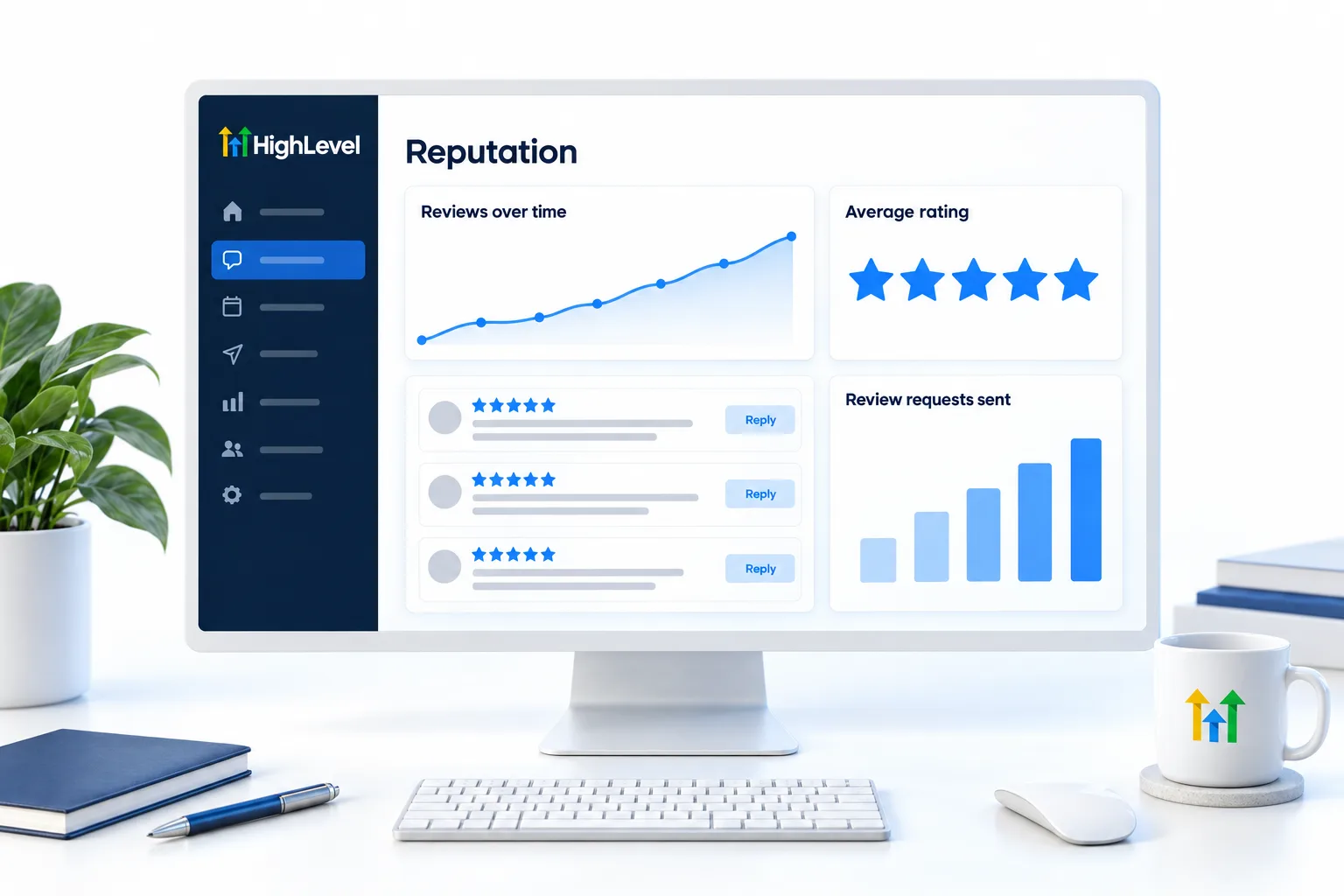
The reputation area of the subaccount shows what happened to every request. Under Reputation, Requests, each one carries a status: queued, sent, delivered or failed. A failed status is often an invalid number, which is worth passing back to the client so their records get fixed.
| Number | What it tells the owner |
|---|---|
| Requests sent | The system is running after every job |
| New reviews this month | Customers are responding |
| Average rating | The trend in reputation |
| Reviews replied to | Nobody is being ignored |
Put those four on the client's dashboard and compare them with the month before. Do not promise a number of reviews or a rating. You control the asking and the replying, not what customers write.
Review management is a good first service because the result is public and easy to see. It is also a natural part of something larger. The reputation workflow extends it, the local marketing agency page shows the full local package, and upsells and expansion explains when to offer the next system. If you run it on GoHighLevel for several clients, one snapshot with the workflow in draft keeps every launch the same.
Review requests depend on clean customer records, which is the job of client management software. To keep reply tasks from slipping, the video on HighLevel project management shows how to track them. Reviews are one offer in the GoHighLevel agency path.
HighLevel Founder Plan explained and the Founder Plan, formerly Agency Pro page explain the plan agencies grow into, and the GoHighLevel 30 day trial through Michael's link lets you connect a profile and send a test request.

Reply to the bad reviews first. Future customers read those replies more closely than the praise.
Questions
Common questions.
What does a review management agency do?
It automates review requests, replies to reviews and reports growth. After each job or payment, the customer gets a text or email asking for a review. The agency drafts or posts replies to every review and shows the owner the review count, average rating and reply rate each month.
Can HighLevel request reviews automatically?
Yes, with the Send Review Request workflow action. Add it to a workflow that starts when an invoice is paid or an appointment is marked as showed, and HighLevel sends the request by text or email. Connect the client's Google Business Profile first, so the request points to the right place.
Can I offer incentives for reviews?
Check each platform's rules, because many prohibit them. Do not pay for reviews, offer discounts in exchange for them or ask only happy customers while steering unhappy ones elsewhere. Ask every customer the same way. A lawyer can confirm what is allowed for your client's industry and location.
What should I report?
Report review count, average rating and reply rate. Show each one against last month, so the owner can see the direction. Add the number of requests sent, since that is the part you control. A short monthly report with those four figures is enough to show the service is working.
When is the best time to ask for a review?
Right after the job is done, such as when an invoice is paid or an appointment is marked showed, while the experience is fresh. Automating the request means it goes out every single time, not only when someone on the team remembers.
Should I reply to negative reviews?
Yes. Acknowledge the problem, do not argue and offer to continue by phone or email. Have the owner approve the reply. A calm, helpful reply is read by future customers as much as by the person who wrote the review.
Can review requests go to a site other than Google?
Yes. HighLevel lets you set a third party review link for the request. That is useful when a client's customers rely on an industry site more than on Google. Use one main destination per request, so the customer has a single clear step, and follow that site's own rules.
Next step
See it in your own account. Thirty days, every feature.
Start a trial, build the first system and test it before the first invoice. Usage fees for phone, SMS, email and AI can apply during the trial.
HighLevel has three plans at a flat monthly price, each with unlimited users and contacts. See what each one includes and what it costs.
Compare the PlansStarter, Unlimited and Founder