
Client records
Details, notes and full history.
Home/CRM guide/Client management software
CRM guide · Clients
Client management software keeps track of the people you already serve: their details, appointments, payments, messages and documents. For service businesses it is the same job as a CRM, with more focus on what happens after the sale.
The short answer
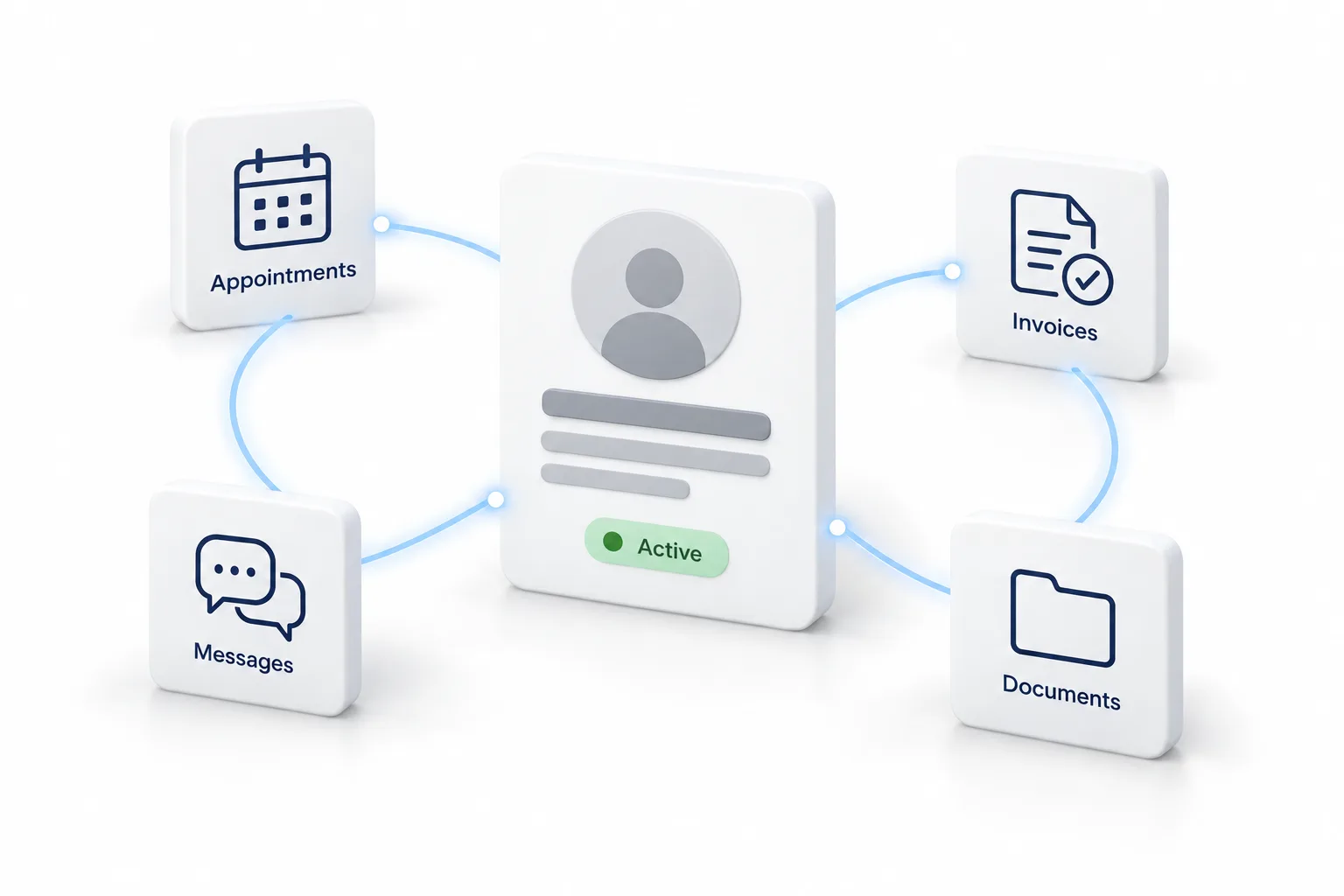
Client management software stores each client's details, history, appointments, invoices, messages and documents in one place, and automates reminders, follow ups and review requests. For small businesses it is usually a CRM with booking, payments and a client portal. HighLevel includes all of these from $97 a month.
Michael is a sponsored HighLevel affiliate. Links to HighLevel use his partner link at no extra cost to you. HighLevel prices and product facts on this page come from HighLevel's own pricing page and help center, checked on the date above.
Features
Details, notes and full history.
Appointments and reminders.
Invoices, plans and receipts.
Texts, emails and chat in one inbox.
Contracts and shared files.
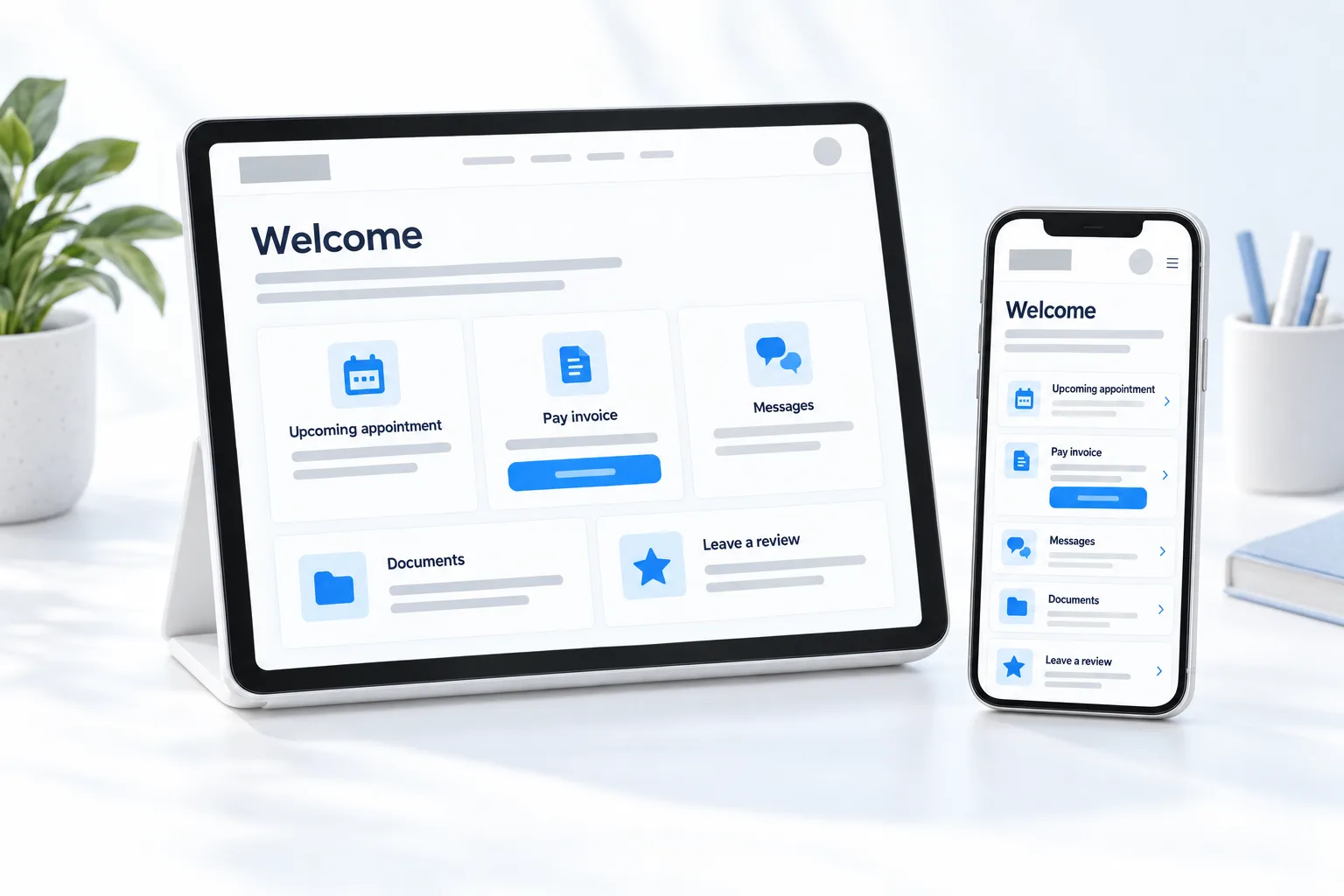
Clients help themselves.
Versus CRM
CRM focus
Client management focus
Most small businesses need both. All in one platforms such as HighLevel cover both in the same record.
HighLevel
| HighLevel plan | Monthly | Best for |
|---|---|---|
| Starter | $97 | One business, up to three subaccounts |
| Unlimited | $297 | Agencies with many clients |
| Founder Plan | $497 | Selling HighLevel under your own brand |
Usage such as calls, texts, email and AI is billed separately.
After the sale
Clients rarely leave over one big failure. They leave over small ones: a missed reminder, an invoice that surprised them, a question that sat for two days. Good client management removes those, and most of it can run on its own.
The client onboarding workflow guide, the appointment reminder guide and the review request guide cover the three automations that matter most. For the work itself, this video on HighLevel project management, tasks and workflows covers tasks. Agencies that run reviews for their clients can read about the review management agency model.
Choosing
Start from your own client journey, not from a feature list. Write down each point where you contact a client, from the first booking to the final invoice. Then check each tool against that list.
If you also need to win new clients, look for a tool that covers both sides, so leads and clients live in the same record. The CRM feature checklist lists what to look for, and what is a CRM explains the difference in plain terms. The best CRM for small business comparison lists options, and the 30 day trial through Michael's link lets you run your own client journey through one.
Comparing tools before you commit? Read the best CRM for law firms. Comparing tools before you commit? Read the best CRM for property management. Managing candidates rather than clients? Read the best CRM for recruiters. Booking trips for clients? Read the best CRM for travel agencies.
Avoid

Clients judge you on reminders, invoices and response time. Automate all three.
Through my link
Same HighLevel price. The difference is who is in your corner for the first ninety days.
The Founder Plan is HighLevel’s top plan at $497 a month. It is the former Agency Pro plan with an exclusive feature set, rebilling with markup and the Founders Club. The full breakdown is here.
The Founder PlanWhat it includes and who it is for
Questions
It is software that keeps each client's details, history, appointments, invoices, messages and documents in one place, and automates reminders, follow ups and review requests. For most small businesses it is a CRM with booking, payments and a client portal, focused on what happens after the sale.
Close. A CRM focuses on winning clients: leads, pipeline and follow up until they buy. Client management focuses on keeping them: appointments, invoices, documents and a portal. Most small businesses need both, and many tools, including all in one platforms such as HighLevel, do both in one account.
Yes. HighLevel covers client records with full history, booking and reminders, invoices and payment plans, one inbox for texts, emails and chat, documents and contracts, and a client portal. It also covers the CRM side, so the same account wins new clients and looks after existing ones.
Yes. In HighLevel, clients get a login through the client portal, where they can reach what you share with them in one place. Keep it simple. If clients need training to use the portal, they will not open it, so show only what they need.
Yes. Workflows can send booking confirmations, appointment reminders and invoice reminders without manual work. That matters most on your busiest days, which is when reminders sent by hand get forgotten. Set them up once and every client gets the same reliable experience.
Not with an all in one platform. HighLevel includes invoices and payment plans, with payments taken through a connected processor such as Stripe. Invoices go out on time, reminders follow up politely and the payment history stays on the client record beside the messages and appointments.
Automate the welcome and the appointment reminders first. They are the first things a new client notices. The moment someone becomes a client they should get a welcome message, and every booking should get a confirmation and reminders, so fewer appointments are missed.
Next step
Start a trial, build the first system and test it before the first invoice. Usage fees for phone, SMS, email and AI can apply during the trial.
HighLevel has three plans at a flat monthly price, each with unlimited users and contacts. See what each one includes and what it costs.
Compare the PlansStarter, Unlimited and Founder