
Home/HighLevel/How to/Send your first invoice
How to · Payments
How to send your first invoice in GoHighLevel. Get paid from the CRM.
Invoices in GoHighLevel go out by email or text with a pay now link. Set your branding once, then every invoice looks professional and gets paid faster.
Get paid from the CRM.
The short answer
To send your first invoice in GoHighLevel, connect a payment provider such as Stripe, go to Payments, Invoices and Estimates, click New, New Invoice, choose the customer, add the items and prices, click Save and then Send it by email, text or both. Set your logo, company details and default terms first from the settings gear on the same page.
Michael is a sponsored HighLevel affiliate. Links to HighLevel use his partner link at no extra cost to you. HighLevel prices and product facts on this page come from HighLevel's own pricing page and help center, checked on the date above.
Branding first
Set it once.
- Go to Payments, then Invoices and Estimates.
- Click the settings gear.
- Add your logo, company details and default payment terms.
- Click Save.
Send it
Your first invoice.
- Go to Payments, then Invoices and Estimates.
- Click New, then New Invoice.
- Choose the customer and add items, quantities and prices.
- Click Save.
- Click Send and choose email, text or both.
Next
Get paid faster.
- Turn on automated invoice reminders
- Offer payment plans for larger amounts
- Set up recurring invoices for monthly services
- Send a review request when the invoice is paid
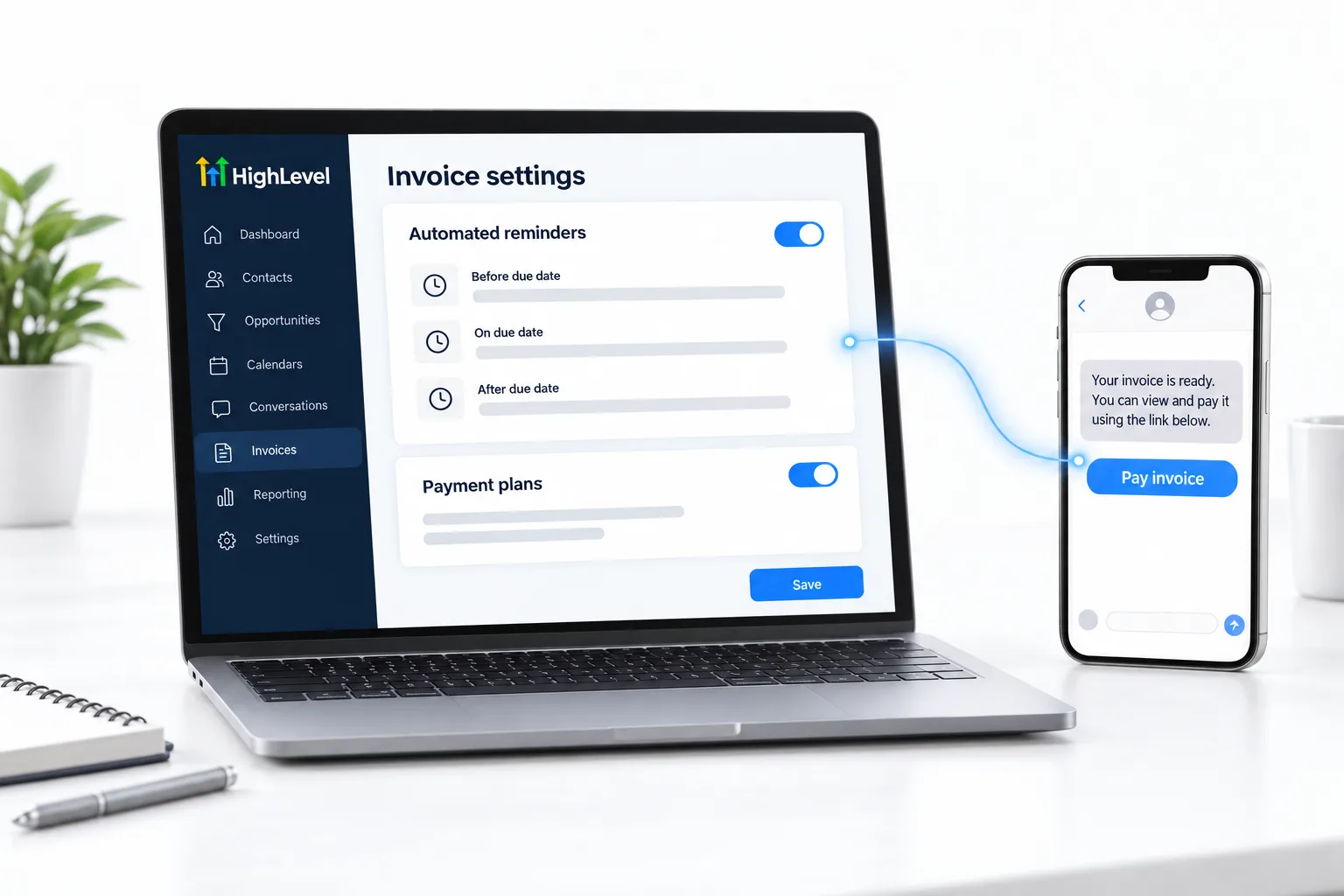
After you send
What happens after you send the invoice?
The customer gets the invoice by email, text or both, with a pay now link. They open it, usually on a phone, and pay through the payment provider you connected. The invoice then shows as paid under Payments, Invoices and Estimates.
If it is not paid, automated invoice reminders do the chasing for you. For a monthly service, a recurring invoice saves you typing the same invoice every month. For a larger amount, a payment plan splits the total into smaller payments.
A paid invoice is also a trigger. A workflow can send a thank you or a review request when the payment lands. If you quote before you bill, send an estimate from the same screen and invoice once the customer approves it. HighLevel with Stripe covers the wider payments picture.
Need a signature before the invoice? Read the guide to GoHighLevel Documents and Contracts.
Before you start
What do you need before you send your first invoice?
An invoice needs somewhere for the money to go. Before you click New Invoice in HighLevel (GoHighLevel), set these up.
- A connected payment provider. See connect Stripe
- Your logo, company details and default payment terms
- The customer saved as a contact with an email or mobile number
- The items and prices you will bill
- A phone number that can text, if you will send the invoice by text
Test it
How do you test your first invoice?
Invoice yourself first.
- Create an invoice to your own contact for a small amount.
- Send it by email and text.
- Open it on your phone and check the logo, details and terms.
- Pay it with your own card.
- Confirm the invoice shows as paid in Payments.
- Refund the payment in your payment provider.
Common mistakes
What mistakes should you avoid when you send your first invoice?
- No payment provider connected. Customers need a way to pay online.
- Sending by email only. People pay from their phone. Send by text as well.
- No reminders. Turn on automated invoice reminders so you are not chasing by hand.
- Typing every monthly invoice. Set up recurring invoices for monthly services.
- Stopping at paid. A paid invoice is a good moment to ask for a review. See build a review request workflow.

Send the invoice by text as well as email. People pay from their phone.
Questions
Common questions.
How do I send an invoice in HighLevel?
Go to Payments, then Invoices and Estimates. Click New, then New Invoice. Choose the customer, add the items, quantities and prices, and click Save. Then click Send and choose email, text or both. Set your logo, company details and default payment terms once from the settings gear on the same page before you send the first one.
Do I need Stripe first?
You need a connected payment provider, such as Stripe, so customers can pay online from the pay now link. Without one, the invoice has nowhere to send the money. Connect the provider before you click New Invoice, then invoice yourself for a small amount and pay it with your own card to confirm it works.
Can I send recurring invoices?
Yes. HighLevel supports recurring invoices and payment plans. A recurring invoice saves you typing the same invoice every month for a monthly service. A payment plan splits a larger total into smaller payments. Turn on automated invoice reminders as well, so unpaid invoices are followed up for you.
Can I remind people to pay?
Yes. Turn on automated invoice reminders and HighLevel does the chasing for you when an invoice is not paid. That saves you following up by hand. Send each invoice by text as well as email, because people pay from their phone. You can test reminders during a 30 day GoHighLevel trial through Michael's link.
Can customers pay an invoice from their phone?
Yes. The invoice arrives by email, text or both with a pay now link. The customer opens it, usually on a phone, and pays through the payment provider you connected. The invoice then shows as paid under Payments, Invoices and Estimates. Sending by text as well as email makes paying from a phone easier.
What is the difference between an invoice and an estimate?
An estimate is a quote for the customer to approve. An invoice is a request for payment. Both live under Payments, Invoices and Estimates. If you quote before you bill, send the estimate from the same screen and invoice once the customer approves it. Field service teams can see that flow in the request to invoice video.
What if an invoice payment fails?
Check that the payment provider is still connected, then see fix Stripe payments failing. Send yourself a small test invoice and pay it with your own card to confirm payments work again. If you are still deciding whether the platform fits your billing, read whether GoHighLevel is worth it.
Next step
See it in your own account. Thirty days, every feature.
Start a trial, build the first system and test it before the first invoice. Usage fees for phone, SMS, email and AI can apply during the trial.
HighLevel has three plans at a flat monthly price, each with unlimited users and contacts. See what each one includes and what it costs.
Compare the PlansStarter, Unlimited and Founder