
Build
An editor for documents
Text, images, videos, tables, product lists and page breaks. You can also upload an existing PDF.
Home/HighLevel/Features/Documents and contracts
HighLevel features · Documents and contracts
GoHighLevel Documents and Contracts is the part of the platform that builds proposals, contracts and estimates and collects the signature. This page covers what it does, how templates and sending work, how payment at signing works, how a signature moves a deal, and where dedicated contract software still fits.
The short answer
Documents and Contracts in GoHighLevel builds proposals, contracts and estimates, sends them by email, text or link, collects electronic signatures and can take payment at signing. A signed document can start a workflow that moves the deal. For most service businesses it can replace a separate signing tool. Complex legal review still suits dedicated contract software.
Michael is a sponsored HighLevel affiliate. Links to HighLevel use his partner link at no extra cost to you. HighLevel prices and product facts on this page come from HighLevel's own pricing page and help center, checked on the date above.
Capabilities
It creates, sends and tracks contracts, proposals and estimates inside the same account as your contacts, pipeline and invoices. You will find it in the subaccount under Payments, then Documents & Contracts. Go High Level contracts and GHL proposals are the same feature under other names.
Build
Text, images, videos, tables, product lists and page breaks. You can also upload an existing PDF.
Fields
Signature, Text Field, Date, Initials and Checkbox. Each signer sees only the fields assigned to them.
Signers
Add several recipients, with up to six signer roles per template. They sign in a set order or all at once. You can sign as the sender too.
Send
Send by email, by text or both, or share the document through a link.
Payment
A product list in the document can produce a one time or recurring invoice when the client signs.
Automation
Sent, Viewed, Signed or Accepted, Completed and Declined can each start a workflow.
The dashboard sorts every document into tabs: Draft, Waiting for others, Completed, Payments and Archived. Each signature generates a certificate that records the signer's IP address, email and timestamp. It is one of the GoHighLevel features that can stand in for a separate subscription.
The decision
For most service businesses and agencies, yes. If you use a signing tool to send a proposal or a standard agreement, get a signature and keep the signed copy, HighLevel covers that work. The document also sits beside the conversation, the deal and the invoice, so nobody copies details between tools.
| What you need | Documents and Contracts in HighLevel | When a dedicated tool still fits |
|---|---|---|
| Proposals and standard agreements | Editor, templates and a content library of reusable blocks | Rarely needed |
| Signatures from several people | Several recipients, up to six signer roles per template, in a set order or all at once | Rarely needed |
| Proof of signing | A certificate with IP address, email and timestamp per signature | If your industry requires a specific signature standard |
| Payment with the signature | Invoice generated from the product list, with redirect to pay | Rarely needed |
| Different clauses for different clients in one document | Not supported inside a document. Use separate templates | When you rely on conditional content |
| Negotiation, redlining and approval chains | Not described in the HighLevel help center | When contracts go back and forth with legal teams |
Source: HighLevel help center, Documents & Contracts articles, checked November 2026.
If you run an agency, the agency proposals and contracts guide covers what to write in each one. This page covers the tool that sends them.
Send
Sending a document for signature takes six steps. Build or pick the document, add the fields, add the signers and send.
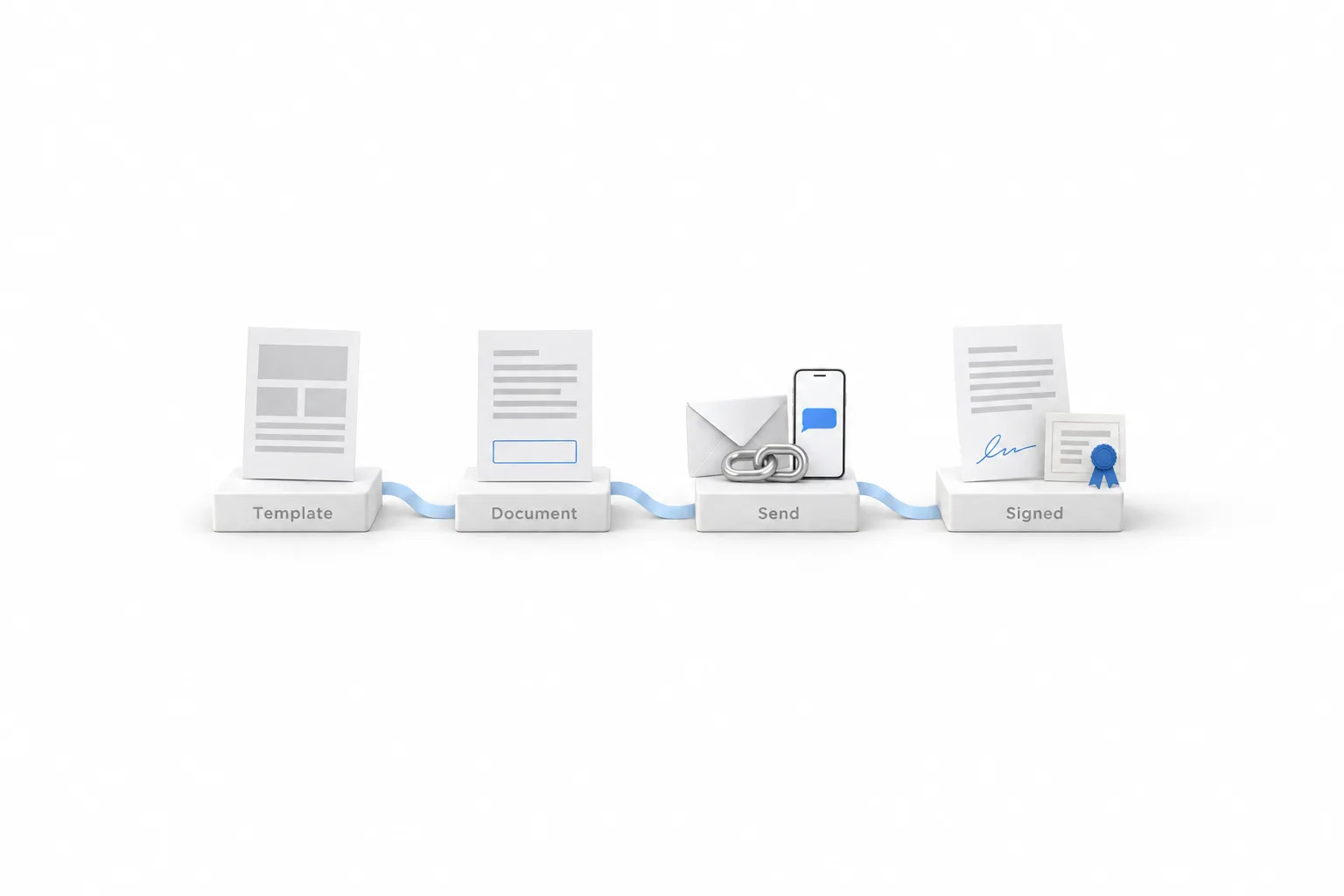
After you send, the document sits under Waiting for others while signatures are outstanding. You can resend it from the dashboard as a reminder. If you set an expiry date, the document moves to Expired when the date passes and can no longer be signed. A recipient can also decline. That marks the document Declined, archives it and closes it to signing.
Templates
A template is a saved document you reuse. Build your proposal or service agreement one time, save it as a template, and start every new document from it. You can also convert an existing document into a template, or import one from the Template Library.
HighLevel also publishes public APIs for Documents & Contracts. The GoHighLevel API overview explains how API access works, and GoHighLevel email templates covers reusable content for email.
Payment
Yes. Add a product list to the document and HighLevel can build the invoice from it when the primary signer signs. One time products produce a one time invoice. A recurring product produces a recurring invoice. Three settings control what happens next.
| Setting | When it is on |
|---|---|
| Direct Payment | If an invoice exists at signing, the primary signer is redirected to the invoice page right after signing |
| Send Invoice | The invoice is emailed when it is generated. When off, it stays a draft for you to send |
| Auto Payment | The card is saved on supported gateways and later recurring invoices are charged automatically |
Source: HighLevel help center, Automatically Generate Invoices from Signed Documents & Contracts, checked November 2026.
Three details matter. Only the primary signer is redirected to pay. A document can carry one recurring frequency. And a recurring invoice that starts at a later date does not redirect at signing. You need a connected payment provider, such as Stripe, first. If you have not billed from HighLevel yet, start with how to send your first invoice in GoHighLevel.
Automation
Through a workflow. HighLevel has a workflow trigger called Documents & Contracts, with filters for status, template, recipient type and value. Pair it with the Create or Update Opportunity action and a signature can move the deal to the stage you choose.
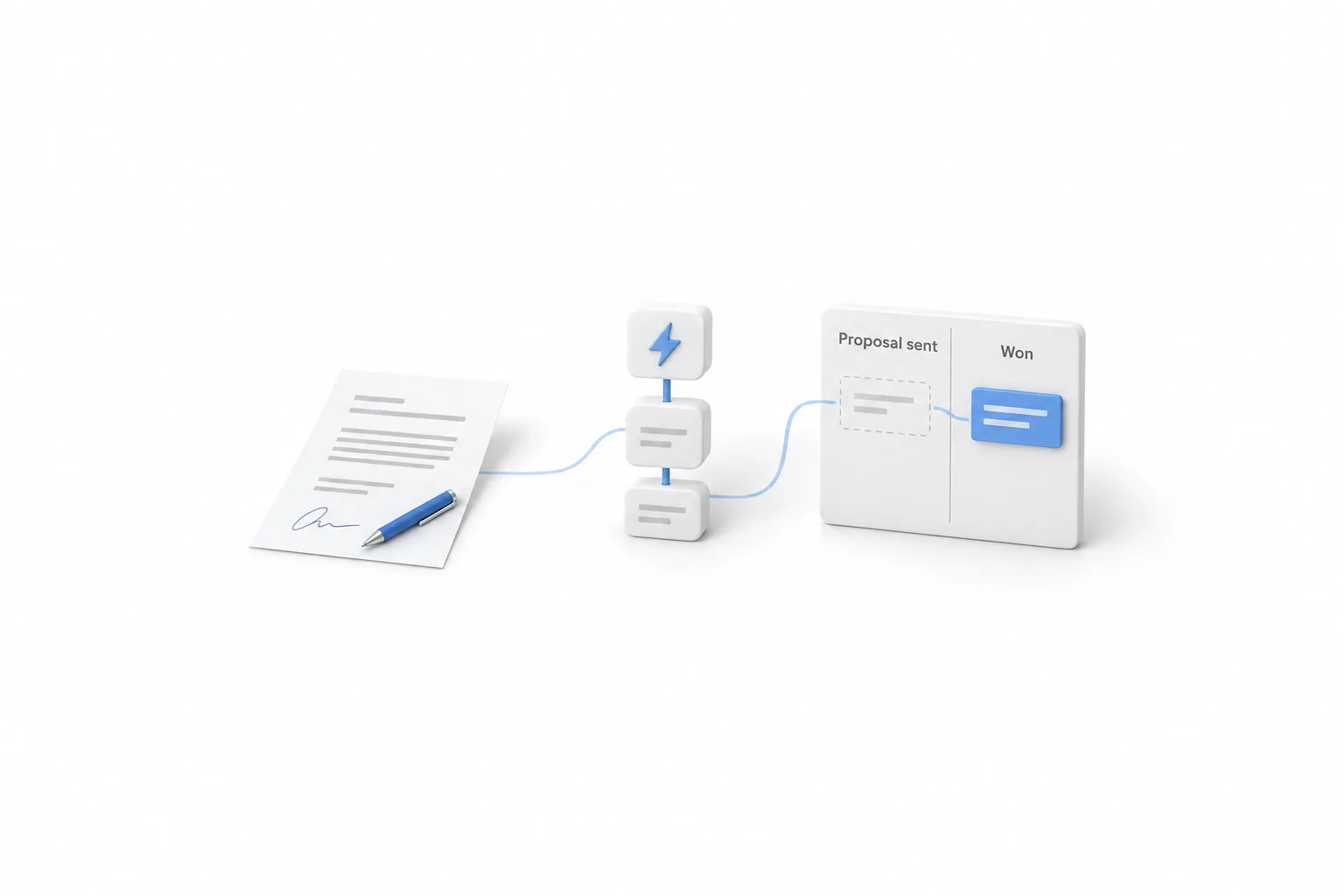
One caution from the help center. Each status change is a separate event, so a workflow that listens for both Viewed and Signed/Accepted can run twice for the same document. HighLevel suggests adding a condition, such as a tag check, so the same actions do not repeat. A second workflow on the Declined status can start a follow up when a client says no. If your pipeline is not built yet, build a sales pipeline first.
Limits
Documents and Contracts is built for sending, signing and getting paid. It is not built for managing a legal department. Know these limits before you cancel anything.
For a business that sends proposals and standard agreements, none of these is a blocker. HighLevel plans start at $97 a month, and the GoHighLevel pricing page lists what each plan costs. The best test is a real one: start the 30 day trial through Michael's link, rebuild your current proposal as a template and send it to yourself.
Planning events? Read HighLevel for event and wedding planners.

Send the first one to yourself. Sign it on your phone before a client ever sees it.
Questions
Documents and Contracts is the HighLevel feature for proposals, contracts and estimates. You build a document or start from a template, add signature fields, send it by email, text or link, and track it until it is signed. It sits under Payments in the subaccount.
For most service businesses, yes. HighLevel covers templates, signature fields, more than one signer, a signing certificate, payment at signing and workflow triggers. Teams that need negotiation, redlining or approval chains should keep dedicated contract software, because the HighLevel help center does not describe those features.
Yes. Add a product list to the document and turn on Direct Payment. When an invoice exists at signing, the primary signer is redirected to the invoice page right after signing. You need a connected payment provider.
Yes. You can add several recipients, with up to six signer roles per template. Turn on signing order to collect signatures in sequence, or leave it off and everyone receives the document at once. Each signer sees only the fields assigned to them, and you can include yourself as a signer.
HighLevel describes its signatures as legally binding, and each one generates a certificate with the signer's IP address, email and timestamp. The help center does not name specific signature laws. Whether that satisfies the rules for your contract and location is a question for a lawyer.
Next step
Start a trial, build the first system and test it before the first invoice. Usage fees for phone, SMS, email and AI can apply during the trial.
HighLevel has three plans at a flat monthly price, each with unlimited users and contacts. See what each one includes and what it costs.
Compare the PlansStarter, Unlimited and Founder