
Home/
Industries · Event and Wedding Planners
GoHighLevel as an event planner CRM. Inquiry to signed client, in one inbox.
Event and wedding planners win clients in the first few replies. GoHighLevel answers each inquiry, books the consultation, sends the proposal and reminds clients about payments. It does not plan the event itself, and this page shows where that line sits.

The short answer
GoHighLevel works as an event planner CRM for the client side of the business. It captures every inquiry, books the consultation, sends the proposal for signature, follows up unpaid invoices with payment reminders and keeps client messages in one inbox. It has no seating, timeline or vendor management tools. Plans start at $97 a month plus usage.
Michael is a sponsored HighLevel affiliate. Links to HighLevel use his partner link at no extra cost to you. HighLevel prices and product facts on this page come from HighLevel's own pricing page and help center, checked on the date above.
The job
What does an event planner CRM need to do?
An event planner CRM has one job: turn an inquiry into a signed client without losing anything on the way. Inquiries come from your website form, venue referrals, past clients, social media and phone calls.
After the first reply, the work is a short chain. Book a consultation. Send a proposal. Get the signature. Collect the deposit. Then keep the client informed until the event date.
Without one system, the same five things slip:
- Inquiries answered late or not at all
- Consultations booked by email back and forth
- Proposals sent with no follow up
- Deposits and balances chased by hand
- Client messages spread across email, text and social apps
HighLevel has no special edition for planners. As with the other industries GoHighLevel serves, you set up its standard tools around the way a planner sells.
The tools
How does GoHighLevel work as a CRM for event planners?
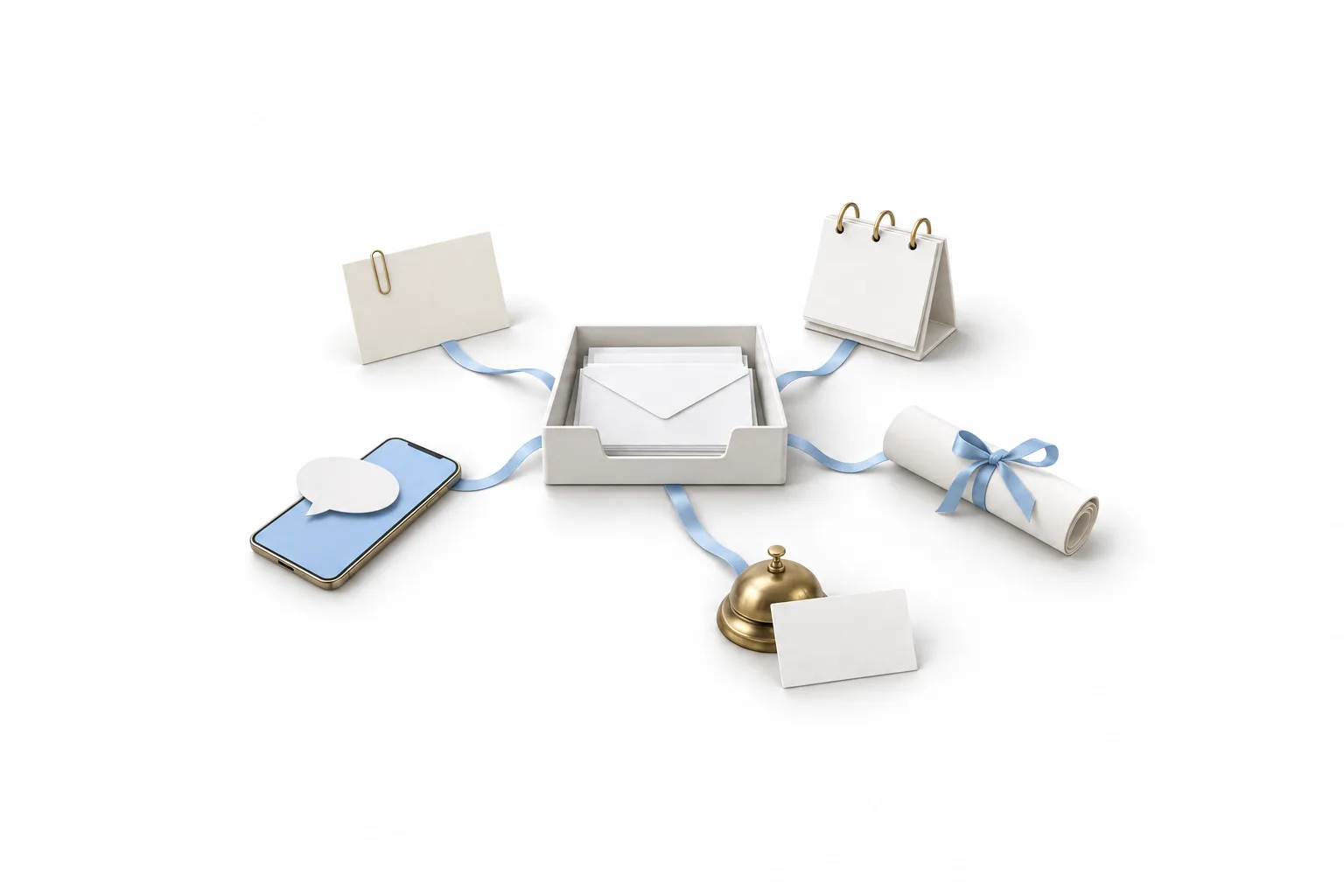
HighLevel covers five client jobs for a planner: inquiries, consultation booking, proposals, payment reminders and client communication. You may also see it written as Go High Level or GHL. It is the same platform. The table shows each job, the tool that does it and what happens.
| Job | HighLevel tool | What happens |
|---|---|---|
| Inquiries | Forms, chat widget and Conversations | Each inquiry creates a contact with the event date and type, and a workflow replies by text and email. |
| Consultation booking | Calendars | The client picks a time from a calendar link, gets a confirmation and then reminders before the call. |
| Proposals | Documents and Contracts | You send a proposal or contract by email, text or link and the client signs it electronically. |
| Payment reminders | Invoices and Estimates | Invoices carry a pay now link. Automated invoice reminders follow up when one is not paid. |
| Client communication | Conversations | Texts, emails and website chat arrive in one inbox, under the client's contact. |
Source: this site's HighLevel how to and feature pages, which are checked against the HighLevel help center. Checked November 11, 2026.
Inquiries. Put a form on your site that asks for the event date, event type, guest count and location. A workflow sends the first reply and assigns the inquiry to a person.
Consultation booking. Share one calendar link instead of trading times by email. The booking calendar guide covers availability, confirmations and reminders.
Proposals. Documents and Contracts in GoHighLevel builds the proposal from a template and collects the signature. Each signature generates a certificate with the signer's email, IP address and timestamp.
Payment reminders. Send the deposit invoice by email, text or both with a pay now link. Automated invoice reminders follow up if it goes unpaid, and a payment plan can split a larger total into smaller payments. The guide to sending your first invoice walks through it.
Client communication. Texts, emails and website chat messages land in Conversations under the client's contact. The whole history sits in one place, from first inquiry to event day.
One workflow
How does one inquiry become a signed client?
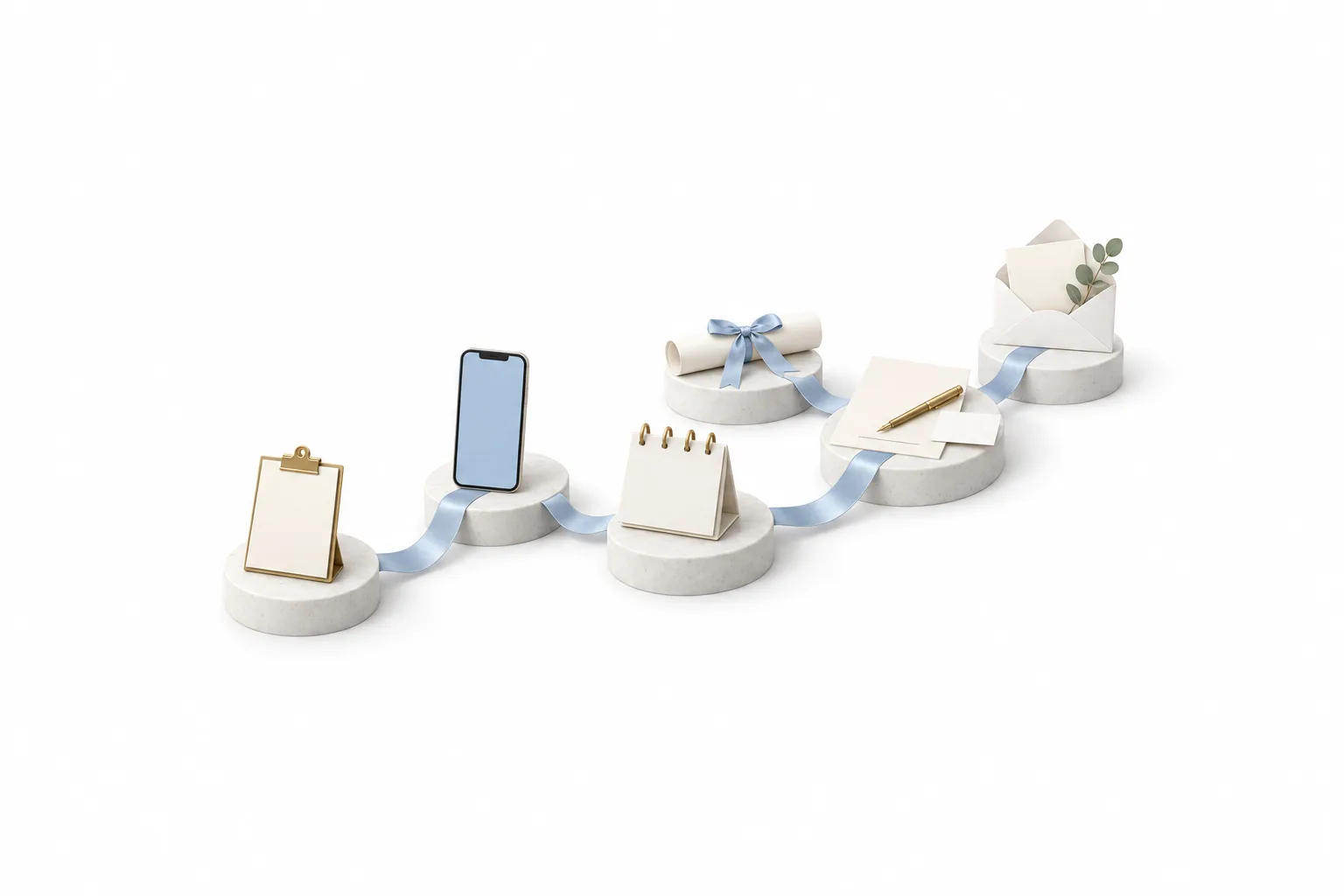
An inquiry becomes a signed client in six steps: form, instant reply, consultation, proposal, signature and welcome. Here is that workflow the way a wedding planner would build it. Each step uses a standard HighLevel tool.
- A couple fills in the inquiry form on your website. HighLevel creates the contact with their date, location and guest count, and a workflow adds an opportunity to the first stage of your pipeline.
- A workflow texts and emails a reply right away. It thanks them, confirms what they asked about and offers your consultation calendar link.
- The couple books a consultation. They get a confirmation and reminders before the call. A workflow moves the opportunity to the consultation stage.
- After the call, you send the proposal from a Documents and Contracts template. It lists your package in a product list and carries the signature fields.
- The couple signs. HighLevel can create the invoice from the product list at signing, and the signed document starts a workflow that marks the opportunity won.
- The same workflow sends a welcome email. Automated reminders follow up any invoice that is not paid.
If the couple goes quiet after the proposal, a short follow up workflow checks in by text and email. Set an exit condition so it stops as soon as they reply.
Photographers sell in much the same way. If you offer both services or work alongside a photographer, read HighLevel for photographers next.
Limits
What does HighLevel not do for event planners?
HighLevel is not event planning software. It has no seating chart builder, no day of timeline builder and no vendor management tools. If you search for a wedding planner CRM expecting those, you will not find them here.
| Planning job | In HighLevel? | What to do |
|---|---|---|
| Seating charts and floor plans for guests | No | Keep your planning tool. |
| Day of timelines and run sheets | No | Keep your planning tool or a shared document. |
| Vendor management | No dedicated tool | Keep your planning tool. You can still save vendors as contacts and message them. |
| Inquiries, booking, proposals, payments and client messages | Yes | Run these in HighLevel. |
The split is simple. HighLevel handles everything up to the signature and client communication after it. Your planning tool handles the event.
If you want a single product built only for planners, with seating and timelines in the same login as the CRM, a purpose built planning platform is the better fit. HighLevel suits the planner whose real problem is slow replies, unsigned proposals and late payments.
First 30 days
What should an event or wedding planner set up first?
Start with your phone number, calendar and A2P 10DLC registration. Then build the workflow above in order, one piece a week.
- Week 1: connect your phone number and calendar, and start A2P 10DLC registration. Texting US numbers from a local number depends on it, and it goes through carrier review.
- Week 1: build the inquiry form with event date, event type and guest count, and the instant reply.
- Week 2: add the consultation calendar with confirmations and reminders, and a pipeline with stages from new inquiry to signed.
- Week 3: connect a payment provider, then build your proposal template and your invoice settings.
- Week 4: send a test inquiry through the whole path, sign your own proposal on your phone and pay your own invoice.
While you wait for texting approval, import past clients and open inquiries as a CSV with consent details mapped.
Compliance
What rules apply to texting and emailing event clients?
Fit
Is HighLevel worth it for an event planning business?
Yes, if you lose inquiries to slow replies or spend evenings chasing signatures and payments. It is not the right buy if what you need is seating, timeline or vendor software.
A single planning business usually fits the Starter plan at $97 a month. Phone numbers, texts, calls, email and AI are billed on usage through a wallet on top of the plan. The GoHighLevel pricing hub lists every plan and rate.
Before you commit, read the full HighLevel review for the strengths and the limits. Then use the 30 day trial through Michael's link to build the inquiry to signed client workflow in your own account.
Three mistakes to avoid:
Replying without a next step. Every first reply should offer the consultation link.
Holding a date on a verbal yes. Send the proposal and take the deposit at signing.
Expecting it to plan the event. Keep your seating, timeline and vendor tools. HighLevel runs the client side.

Reply fast and offer a consultation time. Let HighLevel run the client side and keep your planning tool for the event.
Through my link
Start HighLevel through my link and the CRM Pros team comes with it.
Same HighLevel price. The difference is who is in your corner for the first ninety days.
- Setup help in your first 7 days
- Your onboarding call with Michael’s team
- Three live calls every week: tech, sales and Michael’s own call
- The private affiliate community
- Snapshots, templates and email swipes
- Four apps: Prompt, Demo, A2P and Sales On Demand
The Founder Plan is HighLevel’s top plan at $497 a month. It is the former Agency Pro plan with an exclusive feature set, rebilling with markup and the Founders Club. The full breakdown is here.
The Founder PlanWhat it includes and who it is for
Questions
Common questions.
Is GoHighLevel a good CRM for event planners?
Yes, for the client side of the business. GoHighLevel captures each inquiry, books the consultation, sends the proposal for signature, reminds clients about payments and keeps every message in one inbox. It has no seating, timeline or vendor management tools, so most planners keep a planning tool for the event itself.
Does HighLevel have seating charts, timelines or vendor management?
No. HighLevel has no seating chart builder, no day of timeline builder and no vendor management tools. It is a CRM and marketing platform. Use it to win and look after the client, and keep your planning software or spreadsheets for the event itself.
Can a wedding planner send proposals and contracts from HighLevel?
Yes. Documents and Contracts builds proposals and contracts, sends them by email, text or link and collects electronic signatures. A product list inside the document can create the invoice when the client signs, and a signed document can start a workflow that moves the client to the next pipeline stage.
Can HighLevel send payment reminders for deposits and final balances?
Yes. Invoices go out by email, text or both with a pay now link, and automated invoice reminders follow up when an invoice is not paid. A payment plan splits a larger total into smaller payments. You need a connected payment provider such as Stripe first.
How much does HighLevel cost for an event planning business?
Starter is $97 a month, Unlimited $297 and the Founder Plan $497, plus usage such as calls and texts. A single business usually fits Starter, which includes unlimited contacts and unlimited users. Usage is billed separately through a wallet. Through Michael's link you get a 30 day trial to test it first.
Is there a free trial of HighLevel for event and wedding planners?
Yes. HighLevel's standard free trial is 14 days. Through Michael's link the trial is 30 days, which gives you time to build the inquiry to signed client workflow and test it with a real inquiry. Usage fees for phone, SMS, email and AI can apply during the trial.
Next step
See it in your own account. Thirty days, every feature.
Start a trial, build the first system and test it before the first invoice. Usage fees for phone, SMS, email and AI can apply during the trial.
HighLevel has three plans at a flat monthly price, each with unlimited users and contacts. See what each one includes and what it costs.
Compare the PlansStarter, Unlimited and Founder