
Read
Pull data out
Fetch contacts, opportunities, appointments and conversations for a report, a dashboard or a backup.
HighLevel features · API
The API is how outside software talks to your HighLevel account. This plain words overview for owners and builders covers what it can do, which plans include it, where the keys live, and when a webhook, Zapier or the MCP server is the better tool.
The short answer
The GoHighLevel API lets outside apps, scripts and AI tools read and change data in a HighLevel account, such as contacts, opportunities, calendars and conversations. The current version is API version 2. Starter and Unlimited include basic API access, and the Founder Plan includes advanced API access, per HighLevel's API documentation.
Michael is a sponsored HighLevel affiliate. Links to HighLevel use his partner link at no extra cost to you. HighLevel prices and product facts on this page come from HighLevel's own pricing page and help center, checked on the date above.
Overview
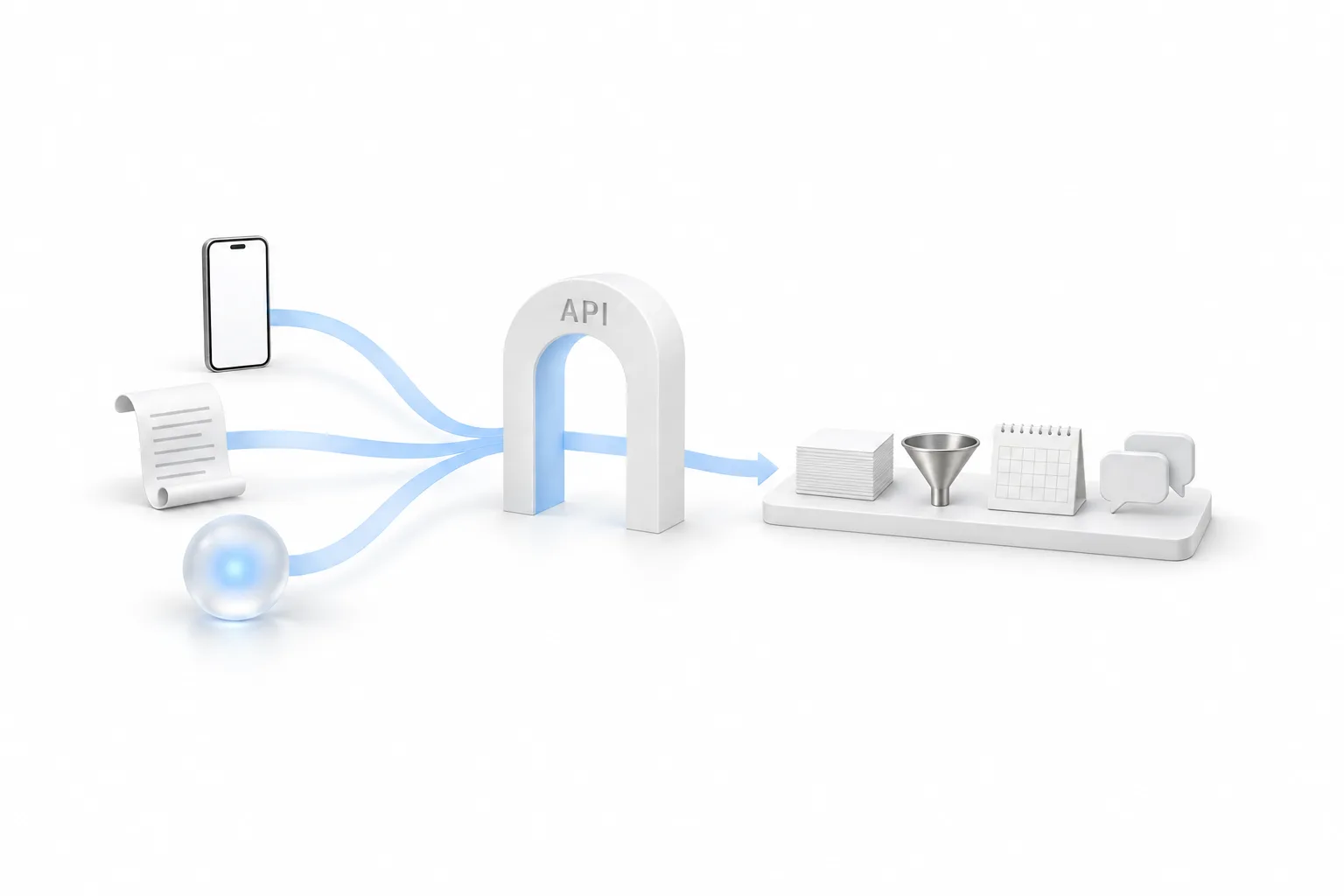
The API lets a program read and change the records in a HighLevel account, such as contacts, opportunities, appointments and conversations, inside the permissions you grant. Think of it as a door for software. Instead of a person clicking through HighLevel, a program sends a request and HighLevel answers. Some people search for it as the go high level API or the GHL API. It is the same thing.
Read
Fetch contacts, opportunities, appointments and conversations for a report, a dashboard or a backup.
Write
Create or update a contact from your own app, a custom form or another system the business already runs.
Build
Connect custom apps, scripts and AI agents to one agency or subaccount, limited to the scopes you choose.
Most owners never write a line of code against it. They use the API through a tool someone else built. It still helps to know what it is, because every tool asks the same question: which key, and with which permissions. If you only need two apps to pass data, check the HighLevel integrations list for a ready made option first.
Plans
Every plan includes API access. HighLevel's API documentation article says so directly, and it splits the access into two levels. Starter and Unlimited get basic API access. The Founder Plan, formerly Agency Pro, gets advanced API access, which the article describes as including agency level tokens.
| Plan | Monthly price | API access |
|---|---|---|
| Starter | $97 | Basic |
| Unlimited | $297 | Basic |
| Founder Plan | $497 | Advanced, including agency level tokens |
Sources: HighLevel pricing page and the help center article HighLevel API Documentation, checked November 2026.
One detail to know before you choose. HighLevel's pricing page lists basic API access under Unlimited and does not mention it under Starter, while the help center article names Starter as well. If API access on Starter decides your plan, confirm it with HighLevel support first.
The same article says OAuth and private integration tokens are available on all plans, and that certain endpoints need the $497 plan. So a single business on Starter can connect a tool to its own account. An agency that wants one integration working across every client account should look at the Founder Plan. GoHighLevel pricing lists what each plan costs, and HighLevel plans compared puts them side by side.
Versions
API version 2 is the current HighLevel API, the one HighLevel documents, supports and adds new features to. A request proves who is asking in one of two ways: a private integration token, or OAuth for apps.
Version 1 is the older API that used a simple API key from the settings page. HighLevel states that the version 1 APIs reached end of support on December 31, 2025. Existing version 1 connections continue to work, but they get no support and no updates. The same article says the ability to generate new API keys will be removed from both agency and subaccount settings.
Keys
You create it under Settings, then Private Integrations, in the agency or the subaccount. In version 2, what most tools call an API key is a private integration token. HighLevel's developer documentation describes it as a static, fixed access token, and it carries only the permissions, called scopes, that you select.
A token does not renew itself. HighLevel recommends rotating private integration tokens every 90 days, and when you rotate one, the old and new tokens both work for a 7 day window so nothing breaks during the switch. The full walk through is in how to create a private integration token. If requests come back refused, see fix HighLevel API 401 errors.
Apps
You need an OAuth app when many HighLevel accounts will install what you build. A private integration token fits one account, and HighLevel's help center calls private integrations ideal for internal tools, automated workflows and custom systems. An app for many accounts uses OAuth 2.0 instead.
With OAuth, the account owner signs in and approves the app, and the app receives its own access token. HighLevel's documentation notes that those access tokens expire daily and need to be refreshed, which the app handles in the background. Apps built this way are created in HighLevel's developer marketplace, the same site that hosts the API documentation.
Choose
Use the API when your own software needs to read or change records on demand, a webhook for real time events, Zapier for a no code connection and MCP for an AI assistant. The API is the most flexible route and the one that needs the most skill, so it is not always the right answer.
| Your goal | Tool to use | Why |
|---|---|---|
| Start a workflow when another app sends data | Webhook | The Inbound Webhook trigger gives the workflow its own URL |
| Send data out when something happens in HighLevel | Webhook | The Custom Webhook action posts to any destination URL |
| Connect two apps without code | Zapier | A no code builder handles the connection for you |
| Read or change records on demand from your own software | API | Your code asks when it needs to, using a token |
| Let an AI assistant work in the account in plain language | MCP | HighLevel's MCP server connects assistants with an OAuth sign in |
| Sell an app to other HighLevel users | API with OAuth | Each account approves the app for itself |
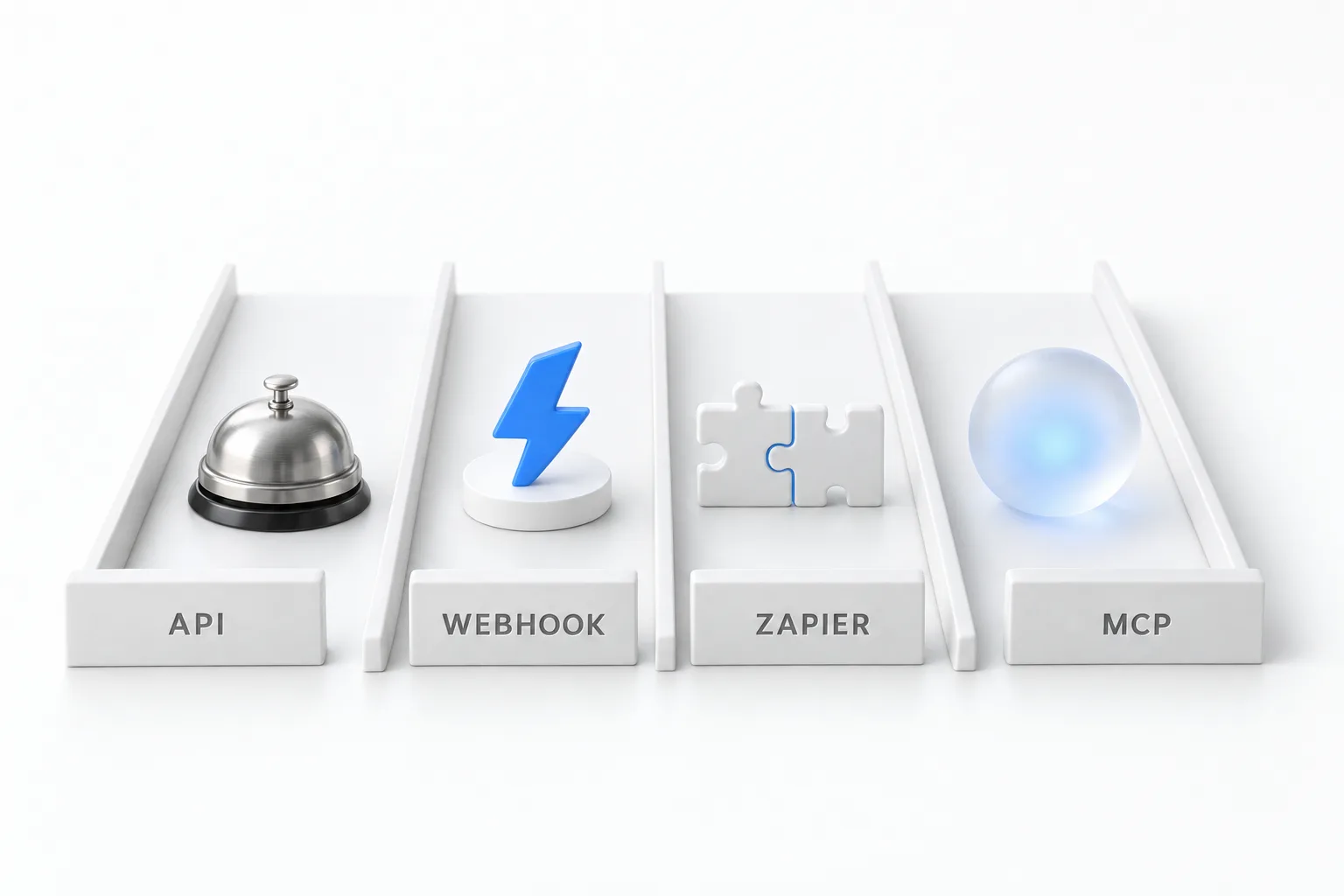
A webhook pushes data the moment an event happens. The API waits to be asked. That is the main difference, and how to use webhooks in GoHighLevel shows both directions. The no code route is in connect Zapier to HighLevel. For AI assistants, HighLevel MCP and Claude explains how the MCP server signs in with OAuth, with no API key to copy.
Limits
HighLevel documents two default limits for API version 2. The burst limit is 100 requests per 10 seconds. The daily limit is 200,000 requests per day. Both are counted per marketplace app, per agency or subaccount, so installing an app on more subaccounts does not split the allowance.
Every API response carries headers that show the limit and how many requests remain in each window, so a developer can watch usage as it happens. Where you can, let a webhook tell you when something changes instead of asking the API over and over. That is the simplest way to stay well under the limits.
For most small business integrations these limits never come up. They matter for bulk jobs, such as syncing a large contact list, where the developer should pace the requests across the day. To test an integration in a real account before you pay for a plan, start with the 30 day trial through Michael's link.

Reach for the simplest tool that does the job. A webhook or the MCP server solves most of what people think they need custom API code for.
Questions
Yes. GoHighLevel has a public API, and the current one is API version 2. It lets outside software read and change data in an agency or subaccount, using a private integration token or an OAuth app. HighLevel says API access is available on every plan: basic on Starter and Unlimited, advanced on the Founder Plan.
The documentation lives on HighLevel's developer marketplace site at marketplace.gohighlevel.com/docs. It lists every endpoint, the scopes each one needs and the sign in methods. HighLevel's developer home is developers.gohighlevel.com, which also links to the developer community and the place to report bugs.
No separate API fee appears in HighLevel's API documentation article. API access comes with the plan: basic on Starter at $97 a month and Unlimited at $297 a month, advanced on the Founder Plan at $497 a month. Inbound Webhook and Custom Webhook steps in workflows are premium features and can carry a small charge per execution.
Open Settings, then Private Integrations, in the agency or the subaccount, and create a private integration token. That token is what you paste where a tool asks for an API key. HighLevel's help center says the ability to generate new API keys of the older kind will be removed from agency and subaccount settings.
No. HighLevel states that the version 1 APIs reached end of support on December 31, 2025. Existing version 1 connections continue to work, but they get no support and no updates. For ongoing support and new features, build on API version 2.
HighLevel documents two default limits for API version 2: a burst limit of 100 requests per 10 seconds and a daily limit of 200,000 requests, counted per marketplace app, per agency or subaccount. Response headers show how many requests remain in each window.
No. HighLevel states that its support team does not provide hands on API development or debugging help, and does not audit setup code. For code questions, HighLevel points developers to its developer community, and bugs in the API itself are reported through the developer support page. For a blocked request, start with the full error response.
Next step
Start a trial, build the first system and test it before the first invoice. Usage fees for phone, SMS, email and AI can apply during the trial.
See the full details.
Compare the PlansSee the full details