
Contact managers
A smart address book.
CRM guide · Basics
CRM stands for customer relationship management. In practice it is software that remembers every person your business talks to, everything you said and what should happen next, so nothing slips through the cracks.
The short answer
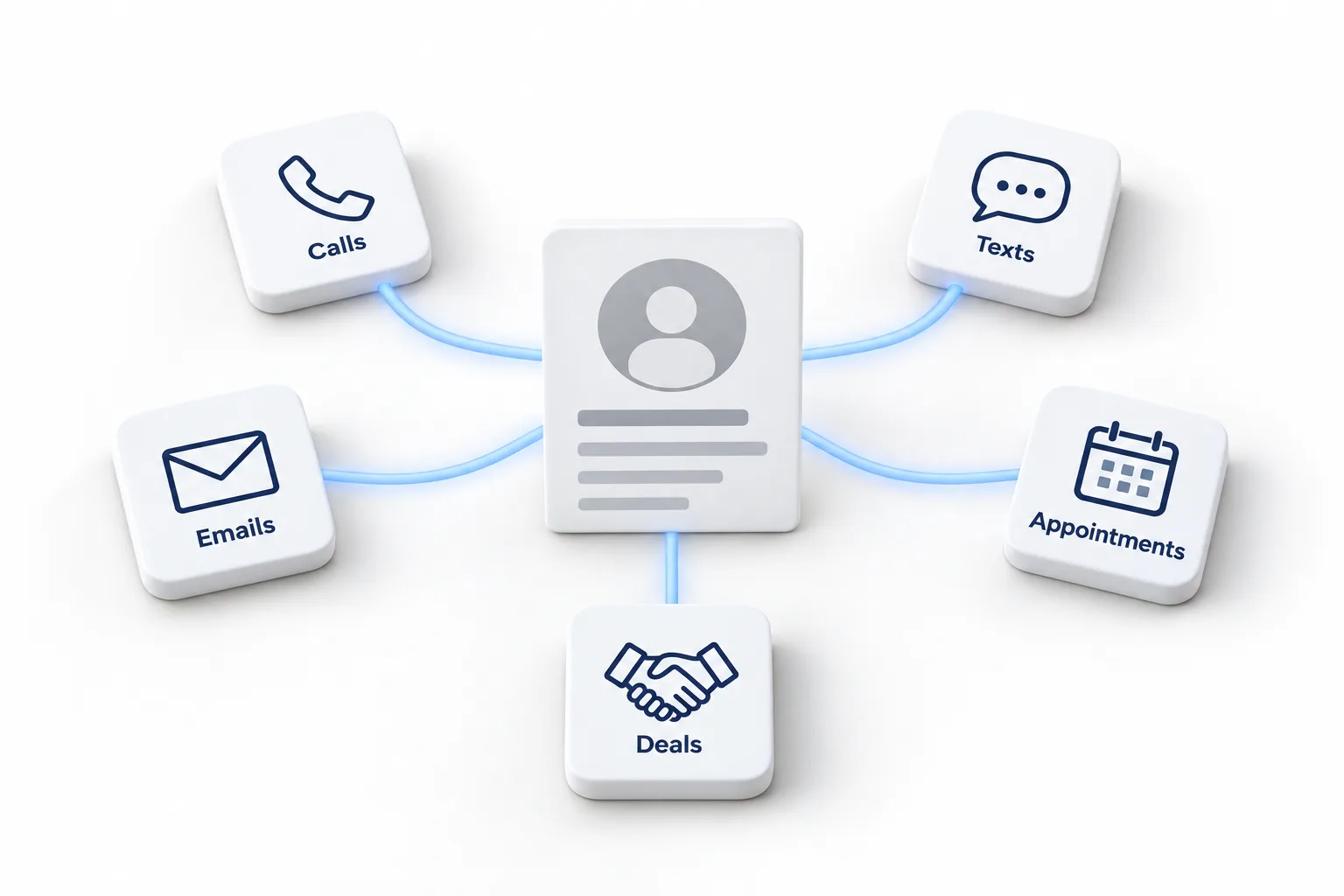
A CRM (customer relationship management) system stores every contact, conversation and deal in one place. Modern CRMs also capture leads from forms and calls, follow up automatically, book appointments and show your sales pipeline. All in one CRMs such as HighLevel add texting, calling, email and AI in the same system.
Michael is a sponsored HighLevel affiliate. Links to HighLevel use his partner link at no extra cost to you. HighLevel prices and product facts on this page come from HighLevel's own pricing page and help center, checked on the date above.
Inside
| Part | What it is |
|---|---|
| Contacts | People and their details |
| Companies | The businesses they belong to |
| Conversations | Calls, texts, emails and chats |
| Opportunities | Deals you are working |
| Pipelines | The stages a deal moves through |
| Tasks and appointments | What happens next |
What it does
Types
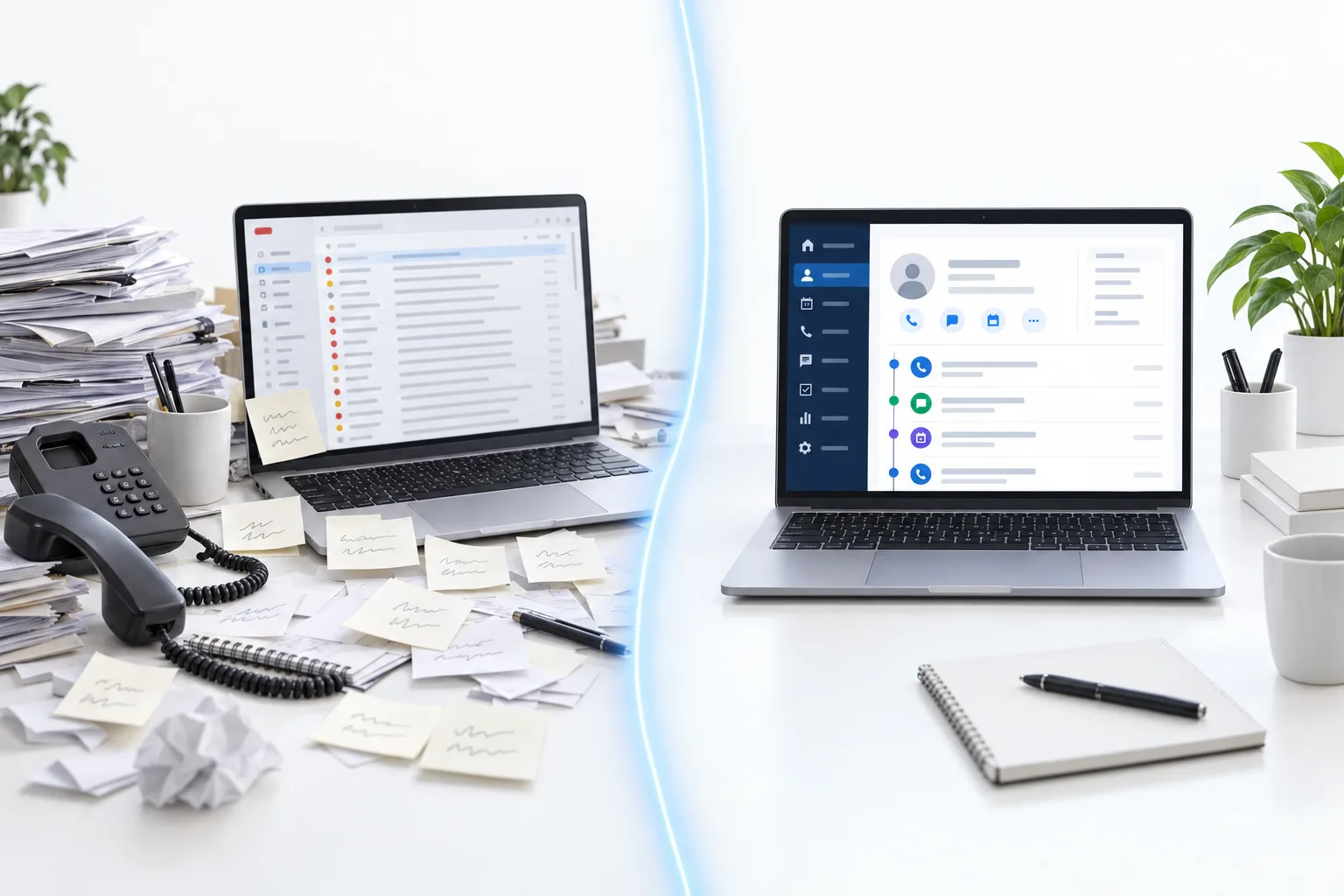
A smart address book.
Built around the pipeline.
CRM plus marketing, phone and AI.
Learn moreStep by step
The easiest way to understand a CRM is to follow one person through it.
That is all a CRM is: one record per person, a history that builds itself and reminders for the next step. Everything else is a refinement of those three things.
Do you need one
You probably need a CRM if leads reach you from more than one place, if more than one person talks to customers, or if you have ever forgotten to follow up with someone who wanted to buy. Those three situations cover most businesses with regular enquiries.
You can probably wait if you have a handful of customers, one person handles all of them and nothing needs to happen automatically. A spreadsheet or even a notebook will do for now. CRM vs spreadsheet lists the signs that you have outgrown it.
The size of the business matters less than people think. A one person company with a steady flow of enquiries benefits more than a larger company with five long term clients.
If you want to see how the options stack up, the best CRM for small business comparison sets them side by side, and the 30 day trial through Michael's link lets you test one with your own leads.
Compare
Many businesses start with an email tool and add a CRM later, then find they are paying for two systems that do not share information. That is the case for a platform that does both. Business CRM software explains how teams use one, client management software covers the after sale side, and how to choose a CRM walks through the decision. For cost, see the CRM pricing guide. And if you are wondering about one product in particular, is HighLevel a CRM answers that directly.
This guide is written by Michael Reimer, Founder of CRM Pros, the team that sets up and supports these systems for HighLevel users. CRM Pros also runs the CRM Pros affiliate community for people who recommend HighLevel. Neither one is a CRM product.
To see these jobs inside one platform, read the guide to the GoHighLevel CRM. Ready for the next step? Read what a CRM with marketing automation does.

If you have ever lost a lead because someone forgot to call back, you already know why a CRM exists.
Questions
CRM stands for customer relationship management. In practice the term means the software a business uses to keep one record for every person it talks to, with the conversations, deals and next steps attached. When someone asks which CRM you use, they are asking about that software.
A CRM is used for tracking contacts, conversations and deals, and for automating follow up. It captures leads from forms and calls, saves every call, text and email on the contact record, shows each deal in a pipeline, and reminds you or replies for you when the next step is due.
No. A CRM is not only for sales teams. Service businesses, coaches, consultants and agencies all use one, because anyone who talks to customers needs the history in one place. The size of the business matters less than whether enquiries arrive regularly and need a reply.
Yes. HighLevel, also known as GoHighLevel, is an all in one CRM. It keeps contacts, conversations, pipelines and appointments on one record and adds texting, calling, email, booking and AI in the same system, so the marketing and phone tools sit next to the customer history.
The basics of a CRM are not hard to learn. A contact record, a pipeline and one automatic follow up are enough to start, and you can add the rest over time. Follow one real lead from first contact to booked appointment and most of the system makes sense.
An email marketing tool sends campaigns to a list. A CRM keeps each person, every conversation and each deal together, and can follow up automatically. Email tools usually do not track individual deals, calls or texts, which is why many businesses pay for both until they move to one platform.
Yes, if enquiries arrive regularly. A CRM replies and reminds for you, which matters most when nobody else can. A one person business with a steady flow of leads often benefits more than a larger company with a few long term clients. With only a handful of customers, a spreadsheet can do for now.
Next step
Start a trial, build the first system and test it before the first invoice. Usage fees for phone, SMS, email and AI can apply during the trial.
HighLevel has three plans at a flat monthly price, each with unlimited users and contacts. See what each one includes and what it costs.
Compare the PlansStarter, Unlimited and Founder