
CRM
Contacts and pipeline.
CRM guide · All in one
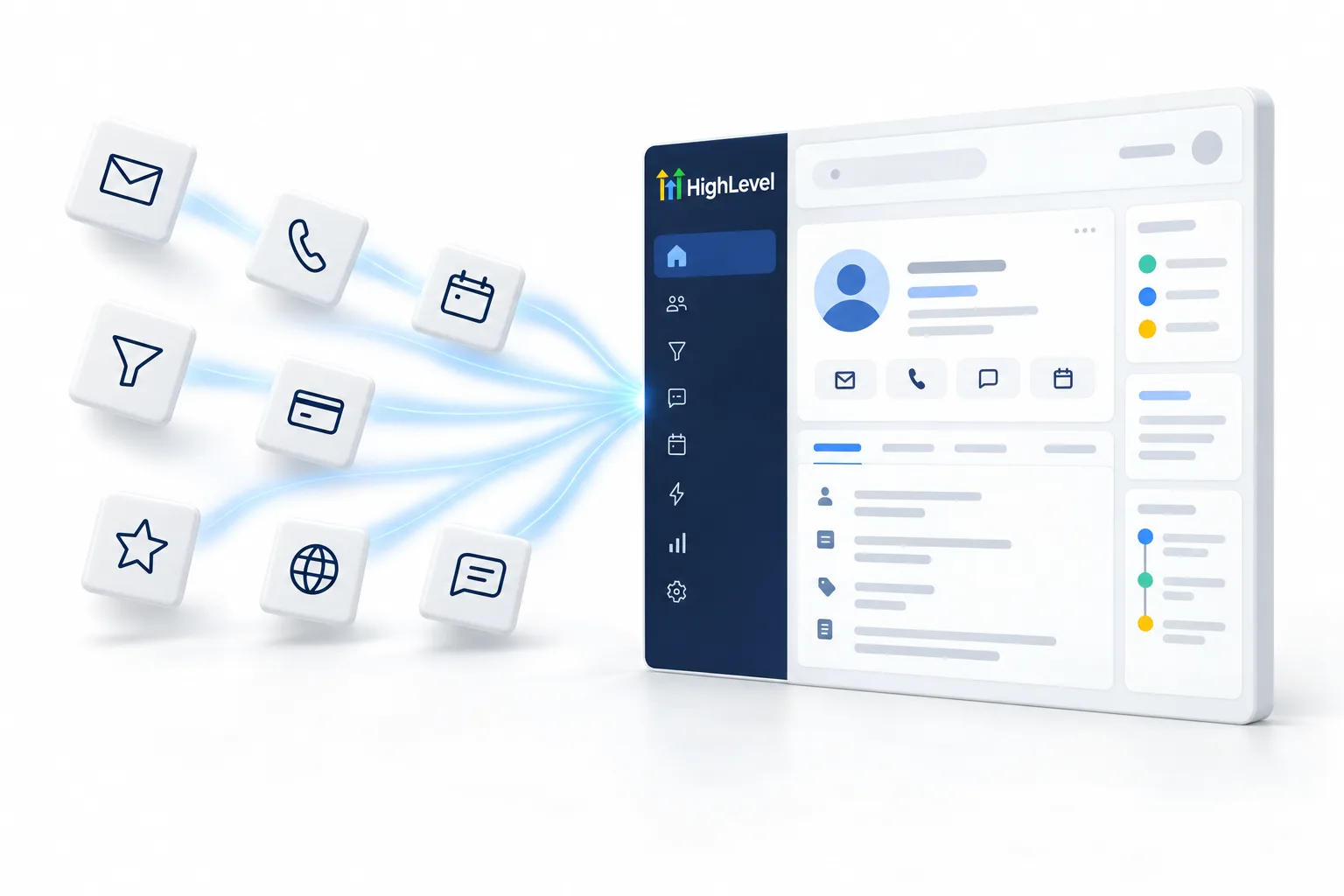
An all in one CRM puts the tools most businesses buy separately into one platform: the CRM, texting, calling, email, pages, booking, reviews and increasingly AI. The benefit is one record per customer and fewer handoffs.
The short answer
An all in one CRM combines CRM, texting, calling, email, funnels and websites, booking, reviews and AI in one platform, so every interaction lands on the same customer record. It suits businesses juggling several tools and agencies serving many clients. It may be more than you need for one simple job. HighLevel is one example, from $97 a month.
Michael is a sponsored HighLevel affiliate. Links to HighLevel use his partner link at no extra cost to you. HighLevel prices and product facts on this page come from HighLevel's own pricing page and help center, checked on the date above.
Inside
Contacts and pipeline.
Calls and two way SMS.
Campaigns and automation.
Funnels and websites.
Calendars and reminders.
Requests and replies.
Memberships and community.
Voice and chat agents.
Fit
Good fit
Maybe not
Example
| HighLevel plan | Monthly | Best for |
|---|---|---|
| Starter | $97 | One business, up to three subaccounts |
| Unlimited | $297 | Agencies with many clients |
| Founder Plan | $497 | Selling HighLevel under your own brand |
Usage such as calls, texts, email and AI is billed separately.
In practice
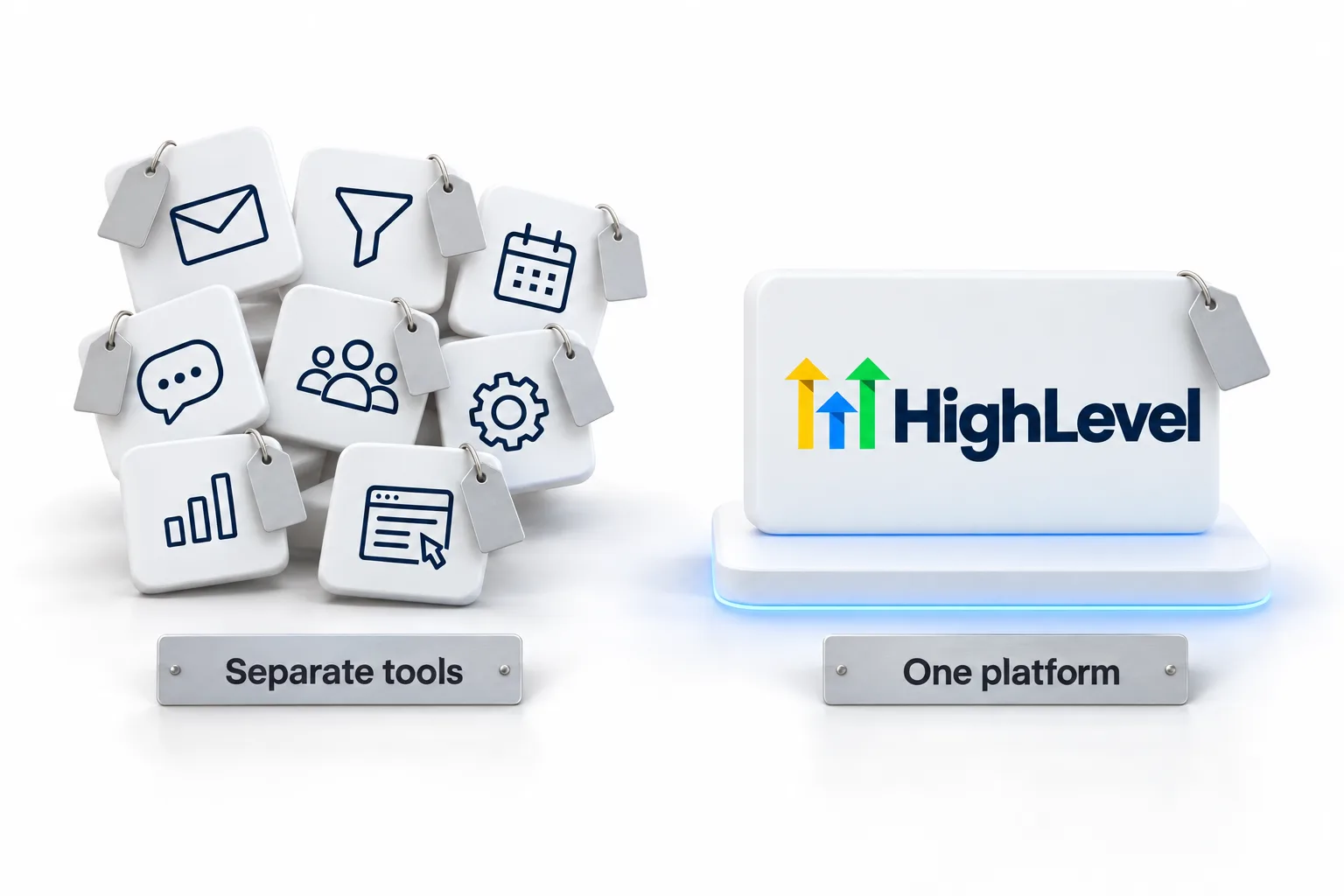
Follow one lead through a business that runs separate tools, then through one that runs an all in one CRM. The difference is easy to see.
With separate tools, a lead fills in a form on the website builder. Someone copies the details into the CRM. The follow up text goes out from a texting app, the booking happens in a calendar tool and the review request comes from another service. Five tools, five logins, and the story of that customer is scattered across all of them.
With an all in one CRM, the form creates the contact. The instant reply, the call, the booking, the reminder and the review request all attach to that same record. Anyone on the team can open the contact and see everything that happened, in order. Nothing has to be copied, and nothing depends on one tool passing data to another.
That single record is the real benefit. It is also what makes automation and AI useful, because both need the full history to act sensibly. This video on one business phone number and one inbox for missed calls covers the phone side.
Honest view
I would rather you hear these from me first. For the honest version specific to HighLevel, read who should not use HighLevel and the true cost of ownership. To see how the category compares with other options, read the best CRM for small business comparison.
Switching
The CRM implementation checklist gives a week by week plan, how to migrate from another CRM covers the data, and can HighLevel replace my other software answers the tool by tool question. The 30 day trial through Michael's link gives you a month to move that first job and test it with real leads. If you are doing all of this yourself, what a Founder does all day shows where the hours usually go.
Curious what AI adds? Read what an AI CRM is. For the automation side, read what a CRM with marketing automation does. Keeping your books in QuickBooks? Read choosing a CRM that integrates with QuickBooks.

The biggest win of all in one is not price. It is that the text, the call and the booking are on the same record.
Through my link
Same HighLevel price. The difference is who is in your corner for the first ninety days.
The Founder Plan is HighLevel’s top plan at $497 a month. It is the former Agency Pro plan with an exclusive feature set, rebilling with markup and the Founders Club. The full breakdown is here.
The Founder PlanWhat it includes and who it is for
Questions
It is one platform that combines the CRM with phone, texting, email, pages, booking, reviews and AI. Every call, message and appointment lands on the same customer record, so nothing has to be copied between tools and the whole team sees the same history in the same order.
Yes. HighLevel, also called GoHighLevel, puts the CRM, texting, calling, email, funnels and websites, booking, reviews, courses and AI agents in one login. Plans start at $97 a month for one business, and usage such as calls, texts, email and AI is billed separately.
Often, yes, when you compare it with the total of the separate tools it replaces. List every tool you pay for, its monthly cost and the job it does, then add usage for calls, texts, email and AI to the platform price. Do the math for your own setup before you switch.
Businesses that only need one simple job done. If a single specialist feature runs your business, or your team will not learn a bigger tool, a dedicated product can be the better choice. One platform that does eight jobs has more to learn at the start than a tool that does one.
No. Move one job at a time, usually lead capture and follow up first, because that is where leads leak. Run the old tool and the new platform side by side for a short overlap, then cancel each old tool once its job is running in the new platform.
Yes. You do not have to replace everything. Tools you keep can connect to HighLevel through Zapier or webhooks, so the data still reaches the customer record. Keep the specialist tool that runs your business and move the jobs around it, such as lead capture, follow up and booking.
No. Contacts and users are unlimited on every HighLevel plan, so adding team members or growing your list does not change the plan price. Usage such as calls, texts, email and AI is billed separately, so include it in your estimate when you compare costs.
Next step
Start a trial, build the first system and test it before the first invoice. Usage fees for phone, SMS, email and AI can apply during the trial.
HighLevel has three plans at a flat monthly price, each with unlimited users and contacts. See what each one includes and what it costs.
Compare the PlansStarter, Unlimited and Founder