

In this video Michael Reimer explains how running a business from a personal cell phone loses customers the owner never sees leave. His fix is to give the business its own home: a business phone number, one inbox, an after hours reply and a missed call text back.
He starts with one lead. Someone texts you while you are at dinner. They do not send a second text. They go with whoever answered. Michael says he is not telling this to beat anyone up, because his own business lived inside his personal phone for a long time. Customers had his cell. Leads came in during his kids' games. Quotes got buried between family messages and a group chat about a birthday party. He told himself it was fine because it was free. His verdict now: it was expensive in a way he could not see.
What jobs is your personal phone doing for the business?
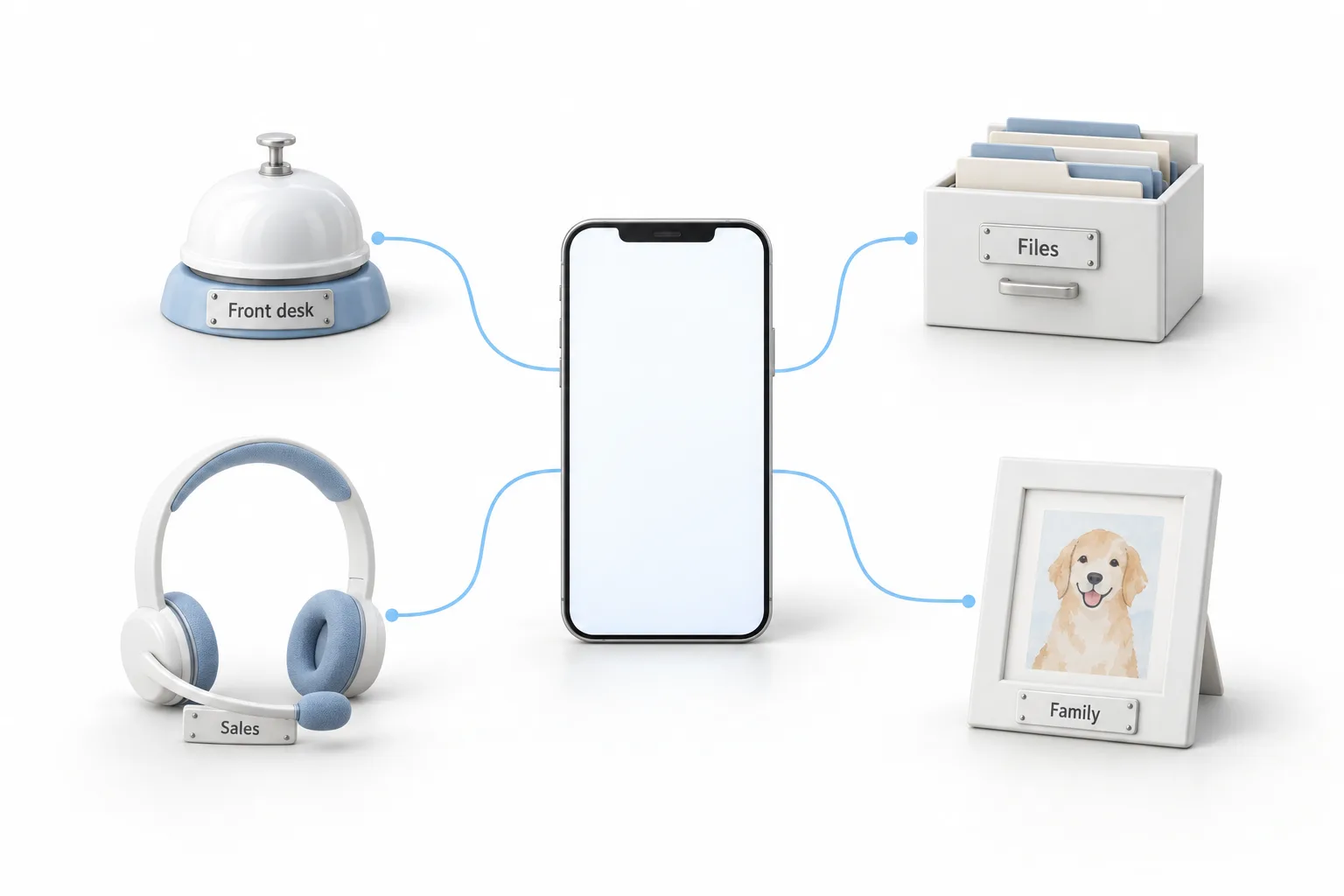
Michael lists them. The phone is your front desk. It is your filing cabinet. It is your sales team. It is also where your mom sends you pictures of the dog. That is a lot of jobs for one screen, and he argues it is not very good at any of them.
It is a bad front desk because it can only be in one place at a time. When you are up on a ladder, in the middle of a job or sitting in the dentist's chair, the front desk is closed. The person calling does not know that. They only know nobody picked up, so they call the next name on Google.
It is a bad filing cabinet because nothing has a place. The photo a customer sent of the job is in there somewhere. So is the quote you promised to send. So is the number of the person who said to call back in March.
It is a bad sales team because it never follows up. If you forget to text someone back, the phone lets that conversation die quietly. Nobody reminds you and nobody notices. The lead goes cold. Michael covers this leak on its own in his video on the follow up problem.
Why can't you clock out when customers have your cell?
This is the part Michael says nobody talks about. When the business and the family share a phone, the business follows you to dinner, on vacation and into bed. A personal cell has no closed sign. So you answer at 10:00 at night, or you lie there feeling guilty that you did not.
The losses stay hidden too. He asks owners to do a little math: if the phone lets one job a week slip through, that adds up across a month. And you never get a notification that it happened.
What does it mean to give the business its own home?
Michael says the fix is simpler than most people think. It starts with a separate business number. Customers text it and call it exactly as they do now. It lives in its own app on your phone and not in the middle of your family texts.
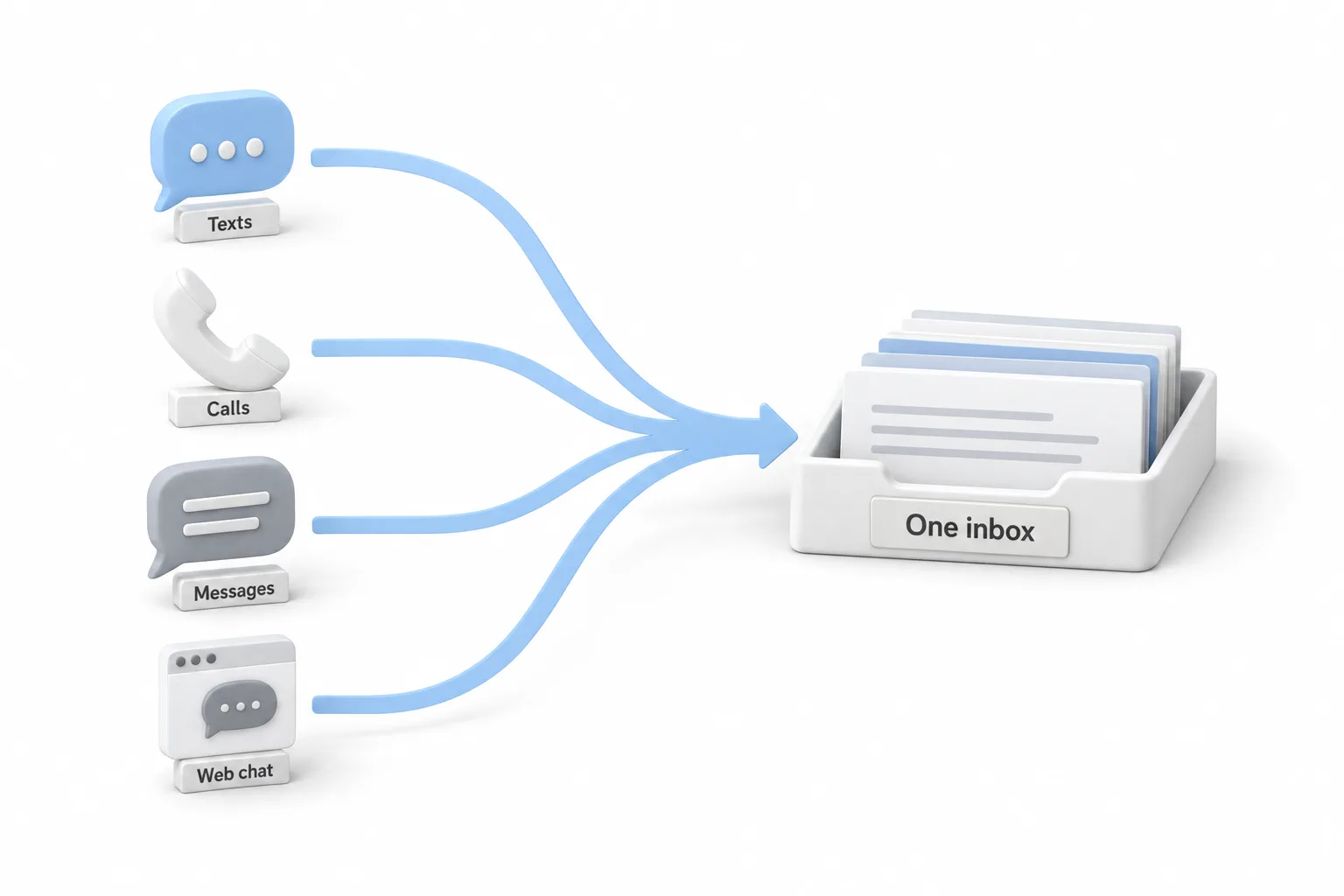
Then every text, call, Facebook message and website chat comes into one inbox. There is one place to check and nothing is buried.
Then the simple things answer themselves. Someone who texts at 10:00 at night gets a friendly note right away saying you are closed for the evening and will reach out first thing in the morning. Someone whose call you miss on the ladder gets a text back in seconds, so they do not move on to the next business. He is clear that you still do the real talking. You stop losing people in the gaps.
Every conversation is saved on the customer's record. Michael points to the day you hire someone: they can help, because the history is not locked in your pocket.
This is how he runs his own business and how he sets it up for the businesses he works with inside HighLevel, which you will also see called GoHighLevel. The guides on setting up LC Phone and setting up missed call text back cover the business number and the text back for missed calls.
How do you move a business off a personal phone?
Michael says you do not have to set up everything at once. The pieces go in this order.
- Get a business number. Use a separate number that customers can call and text, in its own app and away from your personal messages.
- Use one inbox. Bring texts, calls, Facebook messages and website chat into one place.
- Answer after hours. Turn on a reply that tells people you are closed and will reach out in the morning.
- Text back missed calls. Turn on a missed call text back so callers hear from you in seconds.
- Keep the record. Save every conversation on the customer record so a future hire can help.
- Start small. Begin with the business number and the after hours reply, then add the rest.
What changes once the business has its own number and inbox?
The first change Michael names is personal. Most people start with the business number and the after hours reply, and he says that alone gives them their evenings back. The phone can go down at dinner because the person texting at night still hears something.
The second is that the business stops depending on one phone in one pocket. Conversations live on the customer record, so someone else can pick them up.
He closes on the goal. It was never to be the person who answers fastest at midnight. It is to build a business that does not need you to. If texting customers from a shared number is new to you, the guide to two way texting in HighLevel is the next read. To see what callers get today, try the test in call your own business.
One inbox is part of what an all in one CRM does. For the setup, read missed call text back in HighLevel. Not on HighLevel yet? The GoHighLevel 30 day trial through Michael's link gives you 30 days to build and test. Unsure whether it earns its fee for your business? See whether HighLevel is worth it.