
Home/HighLevel/How to/Two way texting
How to · Conversations
How to set up two way texting in GoHighLevel. Text customers like a person.
Two way texting means customers can text the business and get real replies, all in GoHighLevel's Conversations inbox alongside email, chat and social messages. The setup is a phone number, compliance and a habit of fast replies.
Text customers like a person.
The short answer
To set up two way texting in GoHighLevel, buy a number in Settings, Phone System, complete A2P 10DLC registration in the Trust Center for US texting, then send and reply from a contact record or the Conversations inbox, where every reply lands in the same thread as email, chat and social messages.
Michael is a sponsored HighLevel affiliate. Links to HighLevel use his partner link at no extra cost to you. HighLevel prices and product facts on this page come from HighLevel's own pricing page and help center, checked on the date above.
Set up
How do you set up two way texting in HighLevel?
- Buy a local number in Settings, Phone System.
- Complete A2P 10DLC registration in the Trust Center.
- Open a contact and use the SMS tab in the message composer, or open Conversations.
- Send a message; replies appear in the same thread.
- Install the HighLevel mobile app and turn on notifications.
- Optional: set Conversation AI to Suggestive to draft replies.
Good habits
Texting etiquette.
- Reply within five minutes during business hours
- Use the person's name
- One question per message
- Honor STOP immediately
- Text only contacts who gave consent
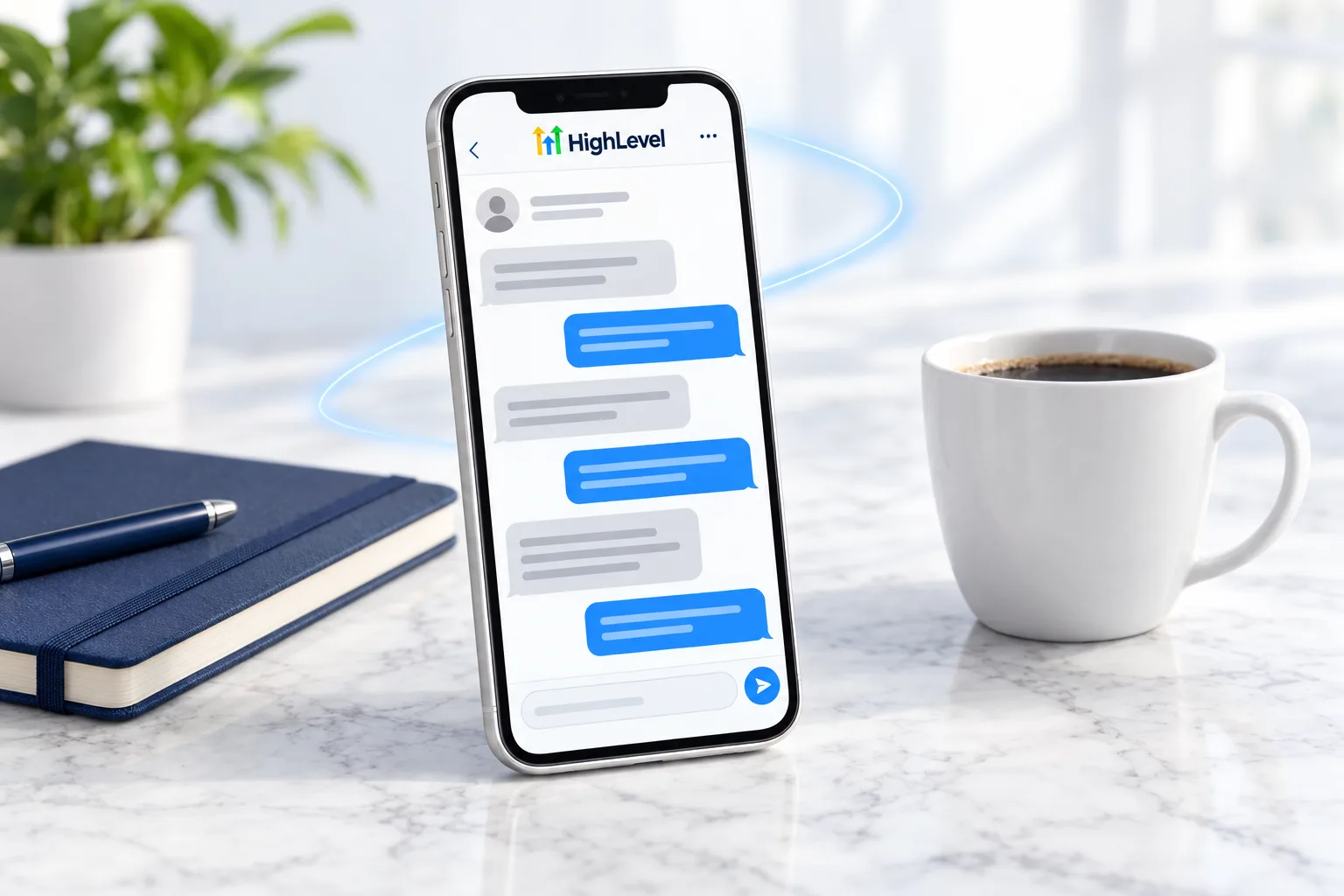
Before you start
What do you need before you set up two way texting?
Texting needs a number, a registration and a person who replies. Before you start in HighLevel (GoHighLevel), line these up.
- A local number. See set up LC Phone
- Approved A2P 10DLC registration for US texting
- Contacts who gave consent to receive texts
- A named person responsible for replies during business hours
- The mobile app installed on that person's phone. See use the mobile app
- A plan for after hours, such as Conversation AI
Test it
How do you test two way texting?
Have a real conversation with yourself.
- Create a contact with your own mobile number.
- Send a text from the contact record and confirm it arrives.
- Reply from your phone and confirm the reply lands in the same thread in Conversations.
- Answer that reply from the mobile app.
- Text STOP from a test number and confirm the contact is marked as opted out.
Common mistakes
What mistakes should you avoid when you set up two way texting?
- Texting before registration. US texting from a local number needs A2P 10DLC.
- Broadcasting. Texting is a conversation. One question per message.
- Slow replies. Aim to reply within five minutes during business hours.
- Ignoring opt outs. Honor STOP immediately.
- Not reading failures. A failed text has an error code. See fix SMS delivery problems.
Staying on top of it
How do you keep up with text replies?
Start with a person. Name who owns the inbox during business hours and put the HighLevel mobile app on their phone with notifications on. Every reply stays on the contact record, so whoever picks up the thread next sees the whole conversation.
When the volume grows, set Conversation AI to Suggestive. It drafts a reply and a person decides whether to send it. That keeps replies fast without handing the conversation over. The Conversation AI glossary entry explains the modes.
Calls feed the same inbox. Missed call text back sends a text when a call goes unanswered, and the reply lands in Conversations like any other message. For short answers on this topic, see GoHighLevel texting and messaging answers.

Texting is a conversation, not a broadcast. Write like you would to a neighbor.
Questions
Common questions.
Can customers text my business in HighLevel?
Yes. Customers can text the business number and get real replies. Every reply lands in Conversations, in the same thread as that contact's email, chat and social messages. You need a phone number, A2P 10DLC registration for US texting and a named person who replies quickly during business hours.
Do I need A2P?
Yes, for US texting from a local number. Complete A2P 10DLC registration in the Trust Center before you text customers. Texting before registration is a common mistake. Text only contacts who gave consent, and when a text fails, read the error code to find the cause.
Can I reply from my phone?
Yes. Install the HighLevel mobile app and turn on notifications, then answer texts from your phone. Put the app on the phone of whoever owns the inbox during business hours. Every reply stays on the contact record, so whoever picks up the thread next sees the whole conversation.
Where do text replies show up?
In Conversations, in the same thread as that contact's email, chat and social messages. You can also open the contact and use the SMS tab in the message composer. Calls feed the same inbox: missed call text back sends a text when a call goes unanswered, and the reply lands there too.
Can several team members reply to texts?
Yes. Users with access to Conversations can reply, from the desktop or the mobile app. Set who sees what in user permissions. Name one person who owns the inbox during business hours so replies go out within five minutes, and plan for after hours, for example with Conversation AI.
What does texting cost?
About $0.00747 per SMS segment on LC Phone in the US, billed as usage. See SMS and call pricing. A2P registration fees are extra. You can set up a number and test texting during a 30 day GoHighLevel trial through Michael's link, and usage fees can apply during the trial.
Do customers have to opt in before I text them?
Yes. Text only contacts who gave consent, and honor STOP immediately. Test it by texting STOP from a test number and confirming the contact is marked as opted out. For a wider look at how the platform handles messaging, read the full GoHighLevel review.
Next step
See it in your own account. Thirty days, every feature.
Start a trial, build the first system and test it before the first invoice. Usage fees for phone, SMS, email and AI can apply during the trial.
HighLevel has three plans at a flat monthly price, each with unlimited users and contacts. See what each one includes and what it costs.
Compare the PlansStarter, Unlimited and Founder