
Home/CRM guide/CRM implementation checklist
CRM guide · Rollout
CRM implementation checklist. Thirty days, no chaos.
Most CRM rollouts fail because they try to do everything at once. This checklist launches one core system first, gets the team using it, then adds more. It fits a small team in about 30 days.
The short answer
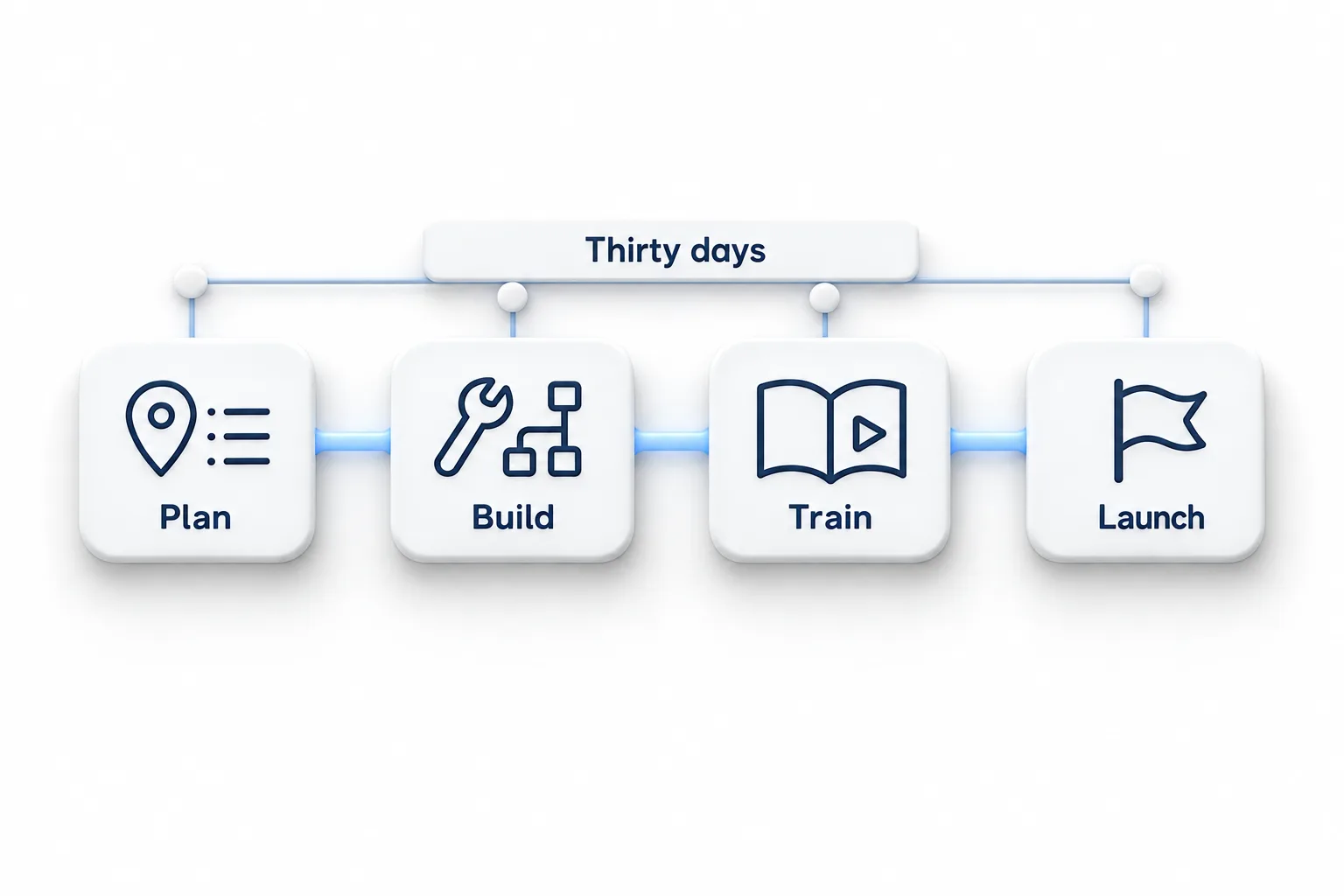
Implement a CRM in four weeks: week 1 plan and clean your data; week 2 import and build one core system (lead capture, follow up, booking, pipeline); week 3 train the team and test; week 4 launch, review daily and fix. Add campaigns, reviews and AI only after the core system is used every day.
Michael is a sponsored HighLevel affiliate. Links to HighLevel use his partner link at no extra cost to you. HighLevel prices and product facts on this page come from HighLevel's own pricing page and help center, checked on the date above.
Week 1
Plan and clean.
- Name one owner for the rollout
- Map where leads come from
- Decide pipeline stages
- Export and clean contact data
- List custom fields and tags
Week 2
Import and build.
- Create custom fields, then import contacts
- Build the pipeline
- Connect forms, phone and calendar
- Build the instant follow up workflow
- Set user roles and permissions
Weeks 3 and 4
Train, launch, review.
- Train each person on their daily tasks only
- Test with real leads
- Switch off the old tool for new leads
- Review the pipeline every morning for two weeks
- Write down what to add next
Why it goes wrong
Why do CRM rollouts fail?
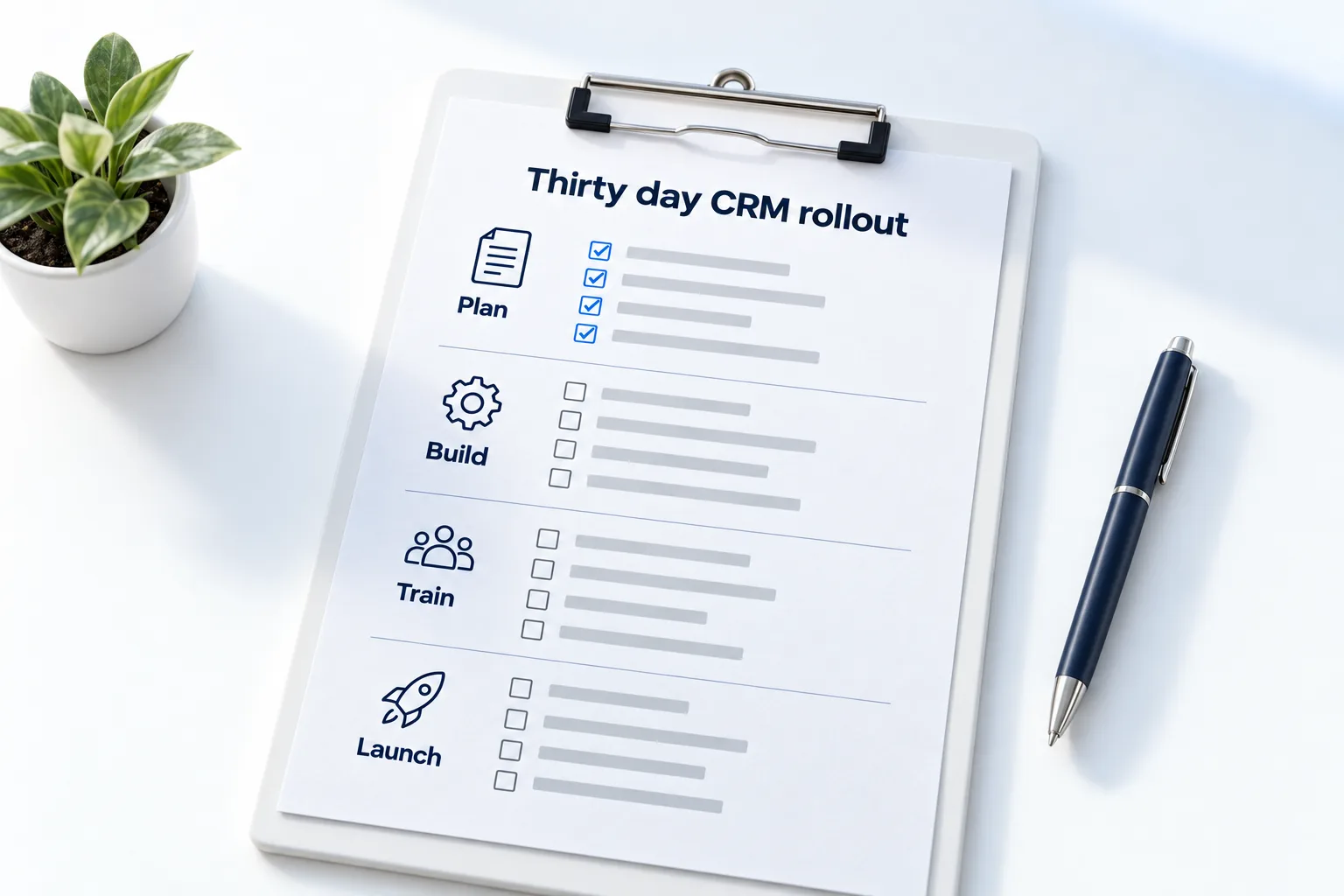
I have seen the same four causes again and again, and none of them is the software.
- Too much at once. The team is asked to learn pipelines, campaigns, reporting and AI in one week. They learn none of it.
- Dirty data. Duplicates and half empty records go in on day one, and people stop trusting what they see.
- No owner. Everyone assumes someone else is in charge of it.
- The old tool stays on. If the spreadsheet still works, people keep using the spreadsheet.
The checklist above is built to avoid all four: one owner, clean data first, one core system and a clear day when the old tool stops taking new leads. If you have not chosen a platform yet, the best CRM for small business comparison is a starting shortlist, and the 30 day trial through Michael's link covers the same thirty days as this plan.
Week 1 detail
How do you clean your data before the import?
- Export everything to one sheet. Every list, from every tool, in one place.
- Remove duplicates. Match on email and phone number.
- Fix the formats. One column for each field, with phone numbers and names written consistently.
- Decide what to leave behind. Contacts with no way to reach them, and lists you have no permission to message, do not belong in the new system.
- Mark the source and status. Add columns for where each contact came from and whether they are a lead, a customer or a past customer. These become tags.
- Test with a small batch. Import a handful, check them, then import the rest.
How to clean up your contact data and how to migrate from another CRM go further. If you would rather have help, migration help explains what is available through Michael's link.
After day thirty
What should you add once the core system is working?
The sign that you are ready for more is boring: the team opens the CRM every morning without being asked, and new leads get a reply without anyone remembering to send it. When that is true, add one thing a month. The small business automation checklist puts those additions in order.
- Reviews. A request after every completed job.
- Reactivation. A message to customers you have not seen in a while.
- Campaigns. A regular email to your list.
- AI. An agent for missed calls or after hours messages, once your answers are written down.
- Reporting. A dashboard for the numbers you now trust.
The sales pipeline guide and the first workflow guide cover the core builds, and the CRM feature checklist shows what belongs in each later stage.

Launch the boring core first. Fancy automations on top of an unused CRM just send messages nobody reads.
Questions
Common questions.
How long does CRM implementation take?
CRM implementation takes about 30 days for a small team that launches one core system first. Week one is planning and cleaning data, week two is importing and building, week three is training and testing, and week four is launch with a daily review. Trying to do everything at once is what makes rollouts drag.
What should I build first?
Build lead capture, instant follow up, booking and a pipeline first. That core system handles every new enquiry from first contact to booked appointment. Add campaigns, reviews and AI only after the team uses the core system every day, because automations on top of an unused CRM help nobody.
How do I get the team to use it?
Train each person on their daily tasks only, not the whole platform, and review the pipeline together every morning for the first two weeks. Switch off the old tool for new leads, because if the spreadsheet stays open, people keep using it. Name one owner who answers questions.
Can I get help with HighLevel setup?
Yes. Setup and migration help are included when you sign up for HighLevel through Michael's link. The CRM Pros team helps in your first 7 days, and the Tuesday tech call is the place to bring questions about your import, your pipeline and your first workflow.
Should I import all my old contacts?
No. Clean the list first. Export everything to one sheet, remove duplicates by matching on email and phone number, and leave out contacts you cannot reach or have no permission to message. Then import a small test batch before the full list, so mistakes show up early.
When should I switch off the old tool?
Switch it off for new leads in the launch week, after you have tested the new system with real leads. Keep the old data until the import is confirmed. If the old tool stays open for new leads, the team splits its attention and the rollout stalls.
What comes after the core system?
Add one thing a month once the team uses the core every day: review requests after each completed job, reactivation messages to past customers, a regular email campaign, an AI agent for missed calls and a reporting dashboard. One addition at a time keeps the rollout calm.
Next step
See it in your own account. Thirty days, every feature.
Start a trial, build the first system and test it before the first invoice. Usage fees for phone, SMS, email and AI can apply during the trial.
HighLevel has three plans at a flat monthly price, each with unlimited users and contacts. See what each one includes and what it costs.
Compare the PlansStarter, Unlimited and Founder