
Home/HighLevel/Start here/Migration help
Start here · Migration
HighLevel migration help. The team helps you move.
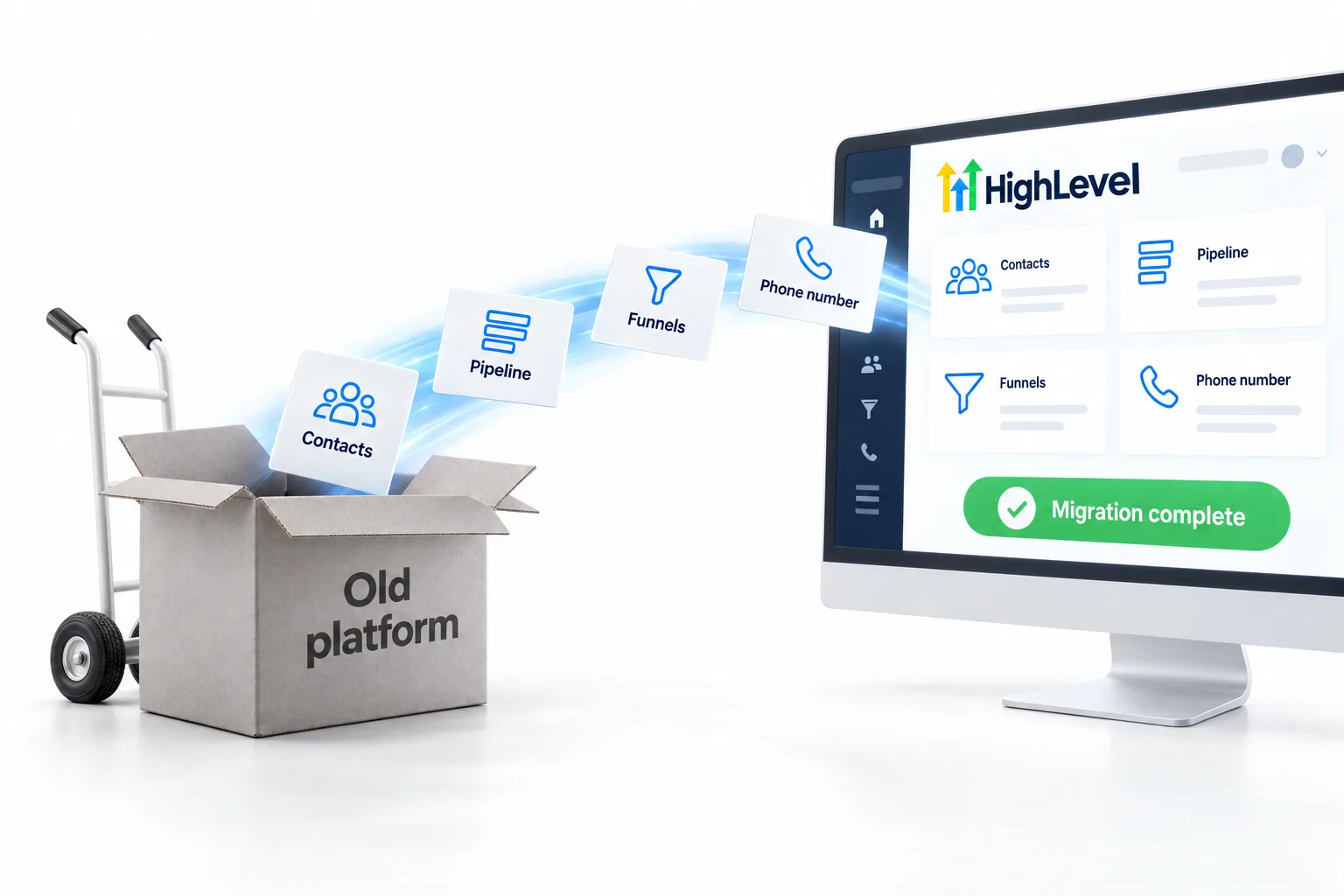
Switching platforms is the part people dread: years of contacts, a pipeline, funnels, automations and a phone number customers know. GoHighLevel migration help is included when you sign up through my link. This page covers what moves easily, what gets rebuilt and how to plan the switch so nothing drops.
The short answer
Migration help is included when you sign up for HighLevel through Michael's link, and the CRM Pros team helps move your contacts, tags, pipeline stages and deals, while funnels, emails and automations are usually rebuilt in HighLevel rather than copied. Phone numbers can often be ported. Book your onboarding call to plan the move.
Michael is a sponsored HighLevel affiliate. Links to HighLevel use his partner link at no extra cost to you. HighLevel prices and product facts on this page come from HighLevel's own pricing page and help center, checked on the date above.
What moves
What moves easily and what gets rebuilt.
| What you have | How it moves |
|---|---|
| Contacts, tags and custom fields | Exported from your old platform and imported into HighLevel |
| Pipeline stages and open deals | Recreated as a HighLevel pipeline, deals imported as opportunities |
| Funnels and landing pages | Rebuilt in HighLevel's builder, often from a template |
| Email sequences and broadcasts | Rebuilt as workflows and campaigns; your copy carries over |
| Automations | Rebuilt as HighLevel workflows, usually simpler than the original |
| Calendars and booking links | Recreated as HighLevel calendars |
| Phone numbers | Often ported to HighLevel's phone system; plan the timing |
| Courses and memberships | Rebuilt in HighLevel's course and community tools |
The plan
Switch without dropping a lead.
- List everything your current platform does for you today.
- Export your contacts and note your tags and custom fields.
- Build the HighLevel version of your most important system first, usually lead capture and follow up.
- Import contacts and test the system with a small group.
- Switch your forms, booking links and phone number over.
- Run both platforms in parallel for a short overlap, then cancel the old one.
Start the 30 day trial through Michael's link before you cancel anything, check GoHighLevel pricing for the plan you will land on, and see everything else that comes with signing up here. Common questions before you start are answered in the GoHighLevel sign up FAQ.
Common moves
Platforms people move from.
The most common moves are from separate tools stitched together: a CRM, an email platform, a page builder and a scheduler. HighLevel's help center has migration guides for many of them, and the switch from pages on this site cover the most common in detail.

Every migration I have seen go badly had one thing in common: the old platform was cancelled before the new one was ready. Overlap for a couple of weeks. It is cheap insurance.
Rebuilding automations sounds like work, but it is usually where the old mess gets cleaned up. Most of what people had in the old tool can be simpler in HighLevel.
The exact steps
How does a HighLevel migration move contacts and deals?
Contacts are the part that moves cleanly, and the steps are the same whatever you are leaving.
- Export contacts from the old platform as a CSV with one header row.
- In HighLevel, create any custom fields you need before the import.
- Go to Contacts, click Import, choose Contacts and upload the file. HighLevel accepts CSV files up to 50 MB.
- Map each column to a contact field, add a tag column so the batch is easy to find, and set consent preferences.
- Click Bulk Import, then spot check a few records.
- Create the pipeline, then bring open deals in as opportunities from Opportunities, Import.
Each contact needs at least an email or a phone number, and rows with neither are skipped. The full walkthroughs are in import contacts and migrate from another CRM.
Common mistakes
What trips people up in a migration.
- Importing before the custom fields exist, so data has nowhere to land.
- Leaving a website form or booking link pointed at the old tool. List every place a lead can enter and switch each one.
- Starting the number port late. Porting takes planning, so begin early if the number is on your marketing.
- Forgetting texting registration. Texting US numbers from a local number in HighLevel needs A2P registration in the subaccount.
- Copying every old automation. Rebuild the ones that still earn their place and drop the rest.
For example, an agency leaving an email platform and a separate scheduler would export its list, rebuild its main sequence as one workflow, recreate the booking calendar and keep both systems running side by side for about a week before canceling. Through Michael's link the trial is 30 days, which leaves room for that overlap. HighLevel's standard trial is 14 days. The switch cost calculator helps you compare what you pay now with what you would pay after.
If you would rather hand the move to a specialist, read how to hire a GoHighLevel expert.
Through my link
Start HighLevel through my link and the CRM Pros team comes with it.
Same HighLevel price. The difference is who is in your corner for the first ninety days.
- Setup help in your first 7 days
- Your onboarding call with Michael’s team
- Three live calls every week: tech, sales and Michael’s own call
- The private affiliate community
- Snapshots, templates and email swipes
- Four apps: Prompt, Demo, A2P and Sales On Demand
The Founder Plan is HighLevel’s top plan at $497 a month. It is the former Agency Pro plan with an exclusive feature set, rebilling with markup and the Founders Club. The full breakdown is here.
The Founder PlanWhat it includes and who it is for
Questions
Common questions.
Is migration help included?
Yes, when you sign up or upgrade through Michael's link. Book your onboarding call to plan it.
Can I move my contacts into HighLevel?
Yes. Contacts, tags and custom fields import from a spreadsheet export.
Will my automations transfer automatically?
No platform copies automations directly. They are rebuilt as HighLevel workflows, often simpler.
Can I keep my phone number?
Often yes, by porting it to HighLevel's phone system. Plan the timing so calls are not interrupted.
How long does a migration take?
It depends on size. Most small businesses have their main system and contacts moved within the first weeks.
What file do I need to import contacts into HighLevel?
A CSV file up to 50 MB with one header row. Each contact needs at least an email or a phone number.
Can I import my open deals?
Yes. Deals import as opportunities from Opportunities, Import, once the pipeline exists.
Is the free trial long enough to migrate?
Through Michael's link the trial is 30 days, which leaves room to move contacts, rebuild your main system and run both platforms side by side. HighLevel's standard trial is 14 days.
Next step
Moving platforms? Book your onboarding call to plan it.
Migration help is included with your signup through this site.
Already signed up through Michael’s link? You are in. Now the team steps in to help. Book your onboarding call and we set up your account with you.