
Home/HighLevel/Glossary/Custom Field
Glossary · Custom Field
What is a Custom Field in GoHighLevel? Extra data on each contact.
A custom field stores information about each contact beyond the standard fields, such as service interest, budget or lead score.
Extra data on each contact.
The short answer
A custom field stores data on each contact or record beyond the standard fields, for example service interest, budget or lead score, for use in forms, smart list filters, workflows and messages, unlike a custom value, which stays the same for the whole business.
Michael is a sponsored HighLevel affiliate. Links to HighLevel use his partner link at no extra cost to you. HighLevel prices and product facts on this page come from HighLevel's own pricing page and help center, checked on the date above.
In practice
How does a custom field work in HighLevel?
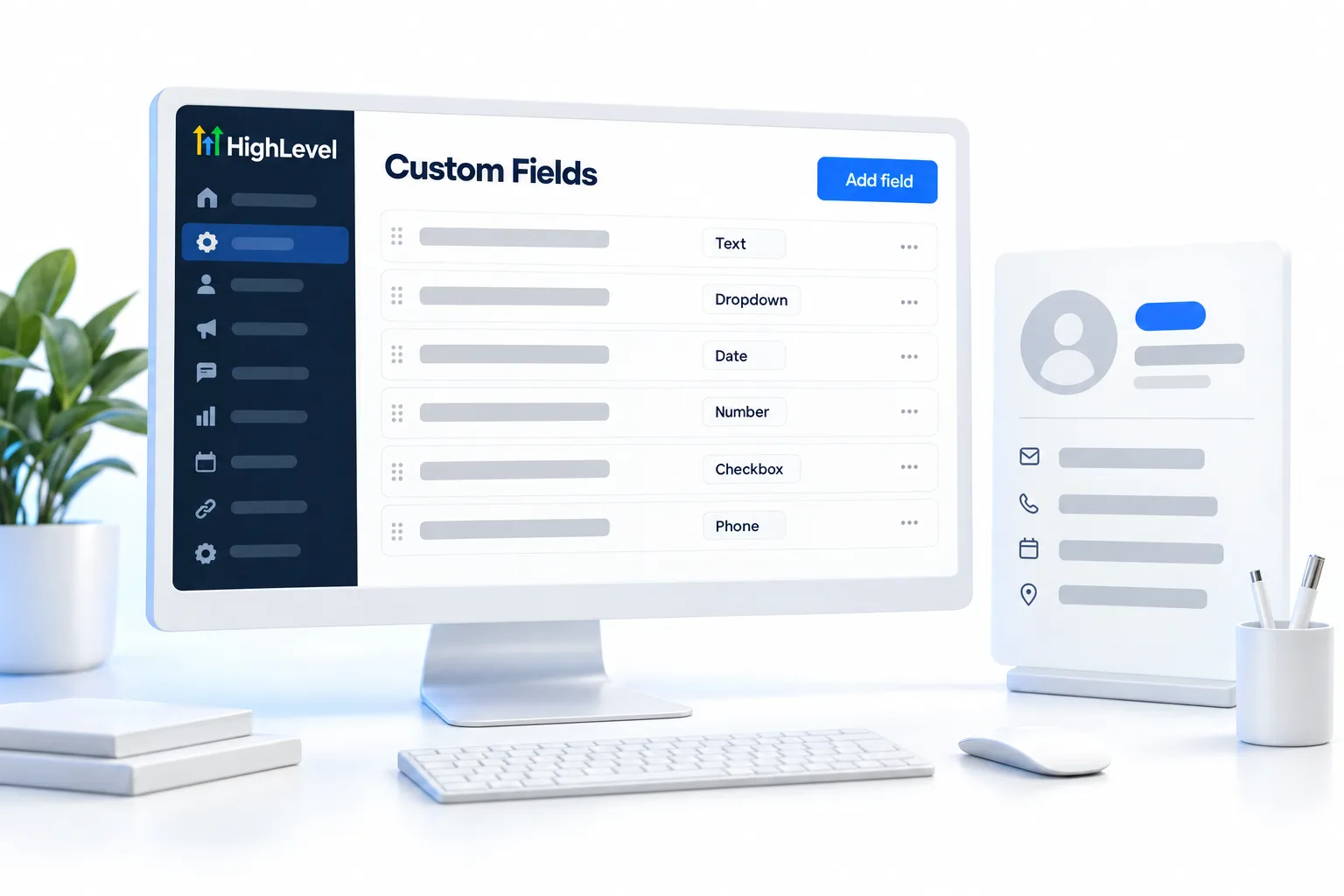
Every contact in HighLevel, or GoHighLevel as it is often called, comes with standard fields such as name, email and phone. A custom field is any extra box you add yourself. You create it in Settings, Custom Fields, or on the spot while mapping columns during an import.
Once the field exists, data gets into it three ways. A form or survey question can save its answer to the field. A CSV import can map a column to it. A workflow can write to it. After that the value is yours to use. Filter a smart list by it, branch a workflow on it, or drop it into a message as a merge field.
Custom fields travel with a snapshot, so the fields you design once can load into every new client account.
- Created in settings or during import
- Filled by forms, imports or workflows
- Used in smart list filters
- Included in snapshots
Example
What does a custom field look like in practice?
A lead form saves Service Interest; a workflow sends different follow up by answer.
Say a roofing company asks one question on its quote form: repair or full replacement. The answer saves to a custom field called Service Interest. The follow up workflow reads that field. Repair leads get a text offering a quick inspection. Replacement leads get an email about what to expect from an estimate. One field, two very different conversations.
Watch for
What mistakes do people make with custom fields?
The first is importing before the fields exist. Columns with no home get skipped. Create the custom fields first, or create them during mapping, so every column lands somewhere. Import contacts shows the mapping step.
The second is using a custom field for something that is the same for everyone. A business phone number or booking link belongs in a custom value, not on each contact.
The third is making near duplicates, like Budget and Budget Range. Pick one name and keep it. Clean fields make clean filters, and clean up your contact data helps when things have drifted.
When a field is not enough, read the guide to GoHighLevel custom objects.

Create custom fields before you import, so every column has a home.
Questions
Common questions.
What is a Custom Field in GoHighLevel?
A custom field in GoHighLevel is an extra data field you add to each contact beyond the standard name, email and phone. It stores details such as service interest, budget or lead score. Forms, imports and workflows fill it, and you use it in smart list filters, workflow branches and messages.
Where do I find custom fields in HighLevel?
Custom fields are in the subaccount under Settings, Custom Fields. You can also create one on the spot while mapping columns during a CSV import. Create the fields before you import or build a form, so every column and every form question has somewhere to save its answer.
What is the difference between a custom field and a custom value?
A custom field holds a value that differs for each contact, such as service interest or budget. A custom value holds one fact that is the same for the whole business, such as the business phone number or booking link. If a detail is the same for everyone, it belongs in a custom value.
Can I create a custom field during an import?
Yes. You can create a custom field while you map columns during a CSV import, and the data in that column lands in the new field. Columns with no matching field get skipped, so either create the fields first or create them during mapping so nothing is lost.
Are custom fields included in snapshots?
Yes. Custom fields travel with a snapshot, so the fields you design once can load into every new client subaccount. That keeps the forms, smart list filters and workflows that depend on those fields working in the new account without rebuilding each field by hand.
How do I use a custom field in a message?
Insert it with the custom value picker in the message editor. It prints as a merge field that fills with that contact's own data when the message sends. A workflow can also read the field and branch on it, for example sending one follow up to repair leads and another to replacement leads.
Keep reading
Related pages.
Next step
See it in your own account. Thirty days, every feature.
Start a trial, build the first system and test it before the first invoice. Usage fees for phone, SMS, email and AI can apply during the trial.
HighLevel has three plans at a flat monthly price, each with unlimited users and contacts. See what each one includes and what it costs.
Compare the PlansStarter, Unlimited and Founder