
Home/HighLevel/Glossary/Snapshot
Glossary · Snapshot
What is a Snapshot in GoHighLevel? A reusable copy of a subaccount setup.
A snapshot copies a subaccount's setup: funnels, forms, workflows, calendars, custom fields and settings, so you can load it into other subaccounts.
A reusable copy of a subaccount setup.
The short answer
A snapshot is a saved copy of a subaccount's assets, such as funnels, forms, workflows, calendars, custom fields and settings, that agencies load into new subaccounts to launch clients quickly, and once loaded it cannot be unloaded as a whole, so test it first.
Michael is a sponsored HighLevel affiliate. Links to HighLevel use his partner link at no extra cost to you. HighLevel prices and product facts on this page come from HighLevel's own pricing page and help center, checked on the date above.
In practice
How does a snapshot work in HighLevel?
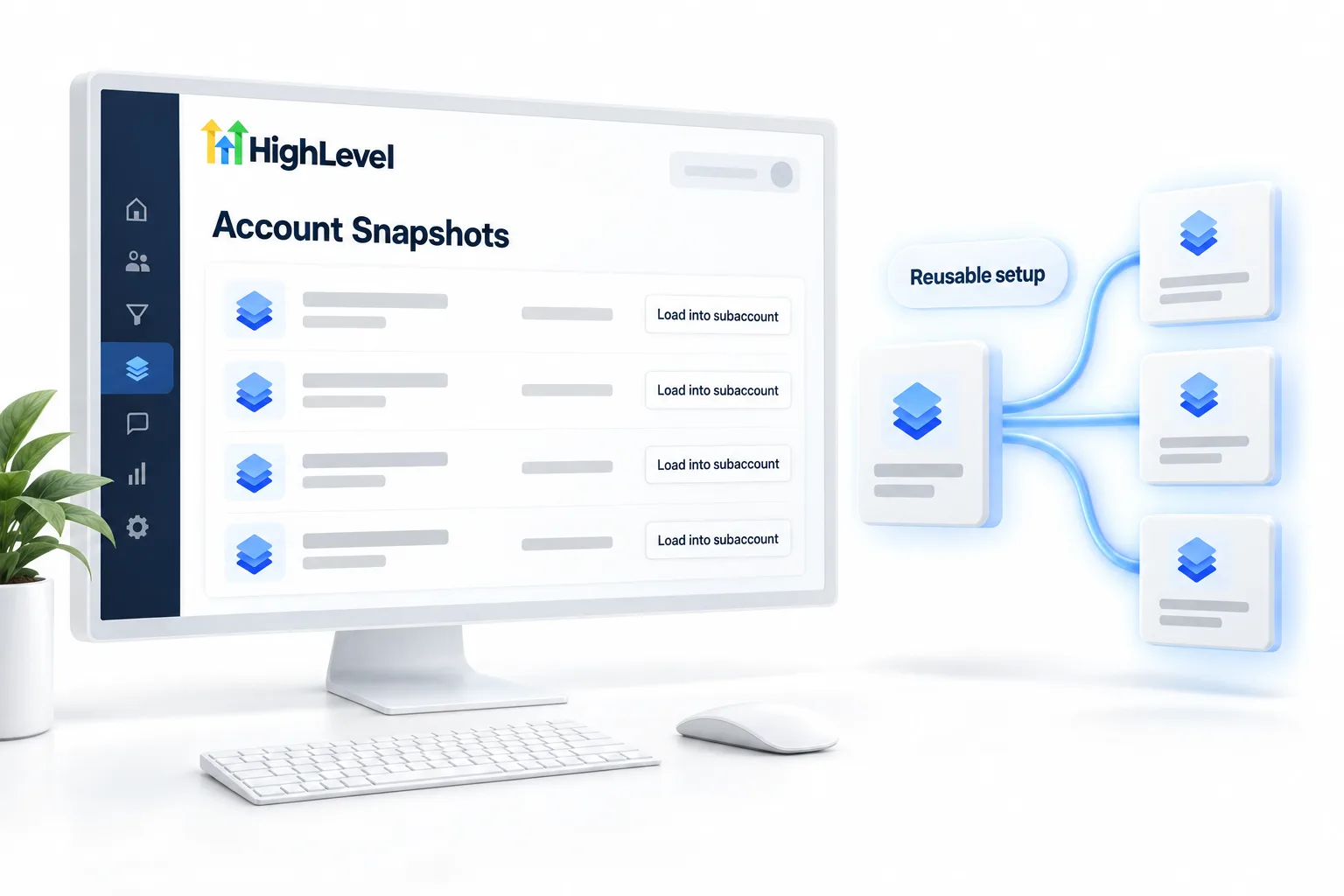
A snapshot is how agencies avoid building the same thing twice. You build and test everything in one template subaccount. Then, in Agency View, you open Account Snapshots, click Create New Snapshot, name it for its use case, select that subaccount and choose the assets to include. In HighLevel, or GoHighLevel as it is also known, the snapshot is stored at the agency level.
From there you have two ways to use it. Load it into an existing subaccount, or click Create New Account beside it and a new subaccount is created with the snapshot already loaded. Snapshots support versions, so you can push updates later.
You can also share one. A share link can be reusable, single use, agency restricted or subaccount restricted. The recipient imports it into their own snapshot library, then loads it into a subaccount. See create a snapshot and share a snapshot.
- Created from Account Snapshots in Agency View
- Can be shared with share links
- Can create a new subaccount directly
- Supports versions and pushed updates
Example
What does a snapshot look like in practice?
An agency builds an AI receptionist setup once, saves it as a snapshot and loads it for every new client.
A good snapshot carries funnels and website pages, forms and surveys, workflows, calendars, pipelines, custom fields and email and SMS templates. Business details go in as custom values, so the new client fills in a handful of values and every template is theirs. Workflows stay in draft inside the snapshot. Turning them on is a deliberate step for each client.
Watch for
What mistakes do people make with snapshots?
Loading an untested snapshot into a client account is the first. A snapshot cannot be unloaded as a whole. You can only edit or delete individual items afterward. Test it in a spare subaccount first.
Typing business details into templates is the second. The next client inherits the last client's phone number. Use custom values.
Leaving workflows published inside the snapshot is the third. Keep them in draft so nothing runs before the client is ready. If a load does not go as planned, see fix a snapshot not importing.

Build snapshots with custom values, not typed details. Then they fit every client.
Questions
Common questions.
What is a Snapshot in GoHighLevel?
A snapshot in GoHighLevel is a saved copy of a subaccount's setup, such as funnels, forms, workflows, calendars, custom fields and settings. Agencies build and test everything once in a template subaccount, save it as a snapshot at the agency level, then load it into new subaccounts to launch clients quickly.
Where do I find snapshots in HighLevel?
Snapshots are under Account Snapshots in Agency View. Click Create New Snapshot, name it for its use case, select the subaccount to copy and choose the assets to include. From the same screen you can load a snapshot into an existing subaccount or click Create New Account to start a new one with it.
Can I share a snapshot with another agency?
Yes, with a share link. A share link can be reusable, single use, agency restricted or subaccount restricted. The recipient imports the snapshot into their own snapshot library, then loads it into a subaccount. Pick the link type that matches how widely you want the snapshot to travel.
Can I remove a snapshot after loading it?
No. A snapshot cannot be unloaded as a whole once it is in a subaccount. You can only edit or delete the individual items it brought in. That is why you should test every snapshot in a spare subaccount first, before you load it into a live client account.
Can I update a snapshot later?
Yes. Snapshots support versions, so you can improve the template subaccount and push updates to accounts later. Keep workflows in draft inside the snapshot so nothing runs before a client is ready, and use custom values for business details so each update still fits every client.
What does a snapshot include?
A snapshot can include funnels, forms, workflows, calendars, pipelines, custom fields, templates and settings, depending on what you select when you create it. You choose the assets to include, so one snapshot can carry a whole client setup or only one system such as a review request workflow.
Keep reading
Related pages.
Next step
See it in your own account. Thirty days, every feature.
Start a trial, build the first system and test it before the first invoice. Usage fees for phone, SMS, email and AI can apply during the trial.
HighLevel has three plans at a flat monthly price, each with unlimited users and contacts. See what each one includes and what it costs.
Compare the PlansStarter, Unlimited and Founder