
Home/HighLevel/Glossary/Agency Account
Glossary · Agency Account
What is an Agency Account in GoHighLevel? The top level of HighLevel.
The agency account is the top level of HighLevel. It manages branding, billing, snapshots, users and all the subaccounts underneath it.
The top level of HighLevel.
The short answer
The agency account is the top level of HighLevel, where you manage company branding, white label settings, snapshots, agency users, billing and rebilling from Agency View, and where you create, open and organize every client subaccount that sits underneath it.
Michael is a sponsored HighLevel affiliate. Links to HighLevel use his partner link at no extra cost to you. HighLevel prices and product facts on this page come from HighLevel's own pricing page and help center, checked on the date above.
In practice
How does an agency account work in HighLevel?
Think of HighLevel, or GoHighLevel as many people still say, as two floors. The agency account is the top floor. It belongs to you, the agency or the business owner who signed up. Every subaccount sits on the floor below, one per business.
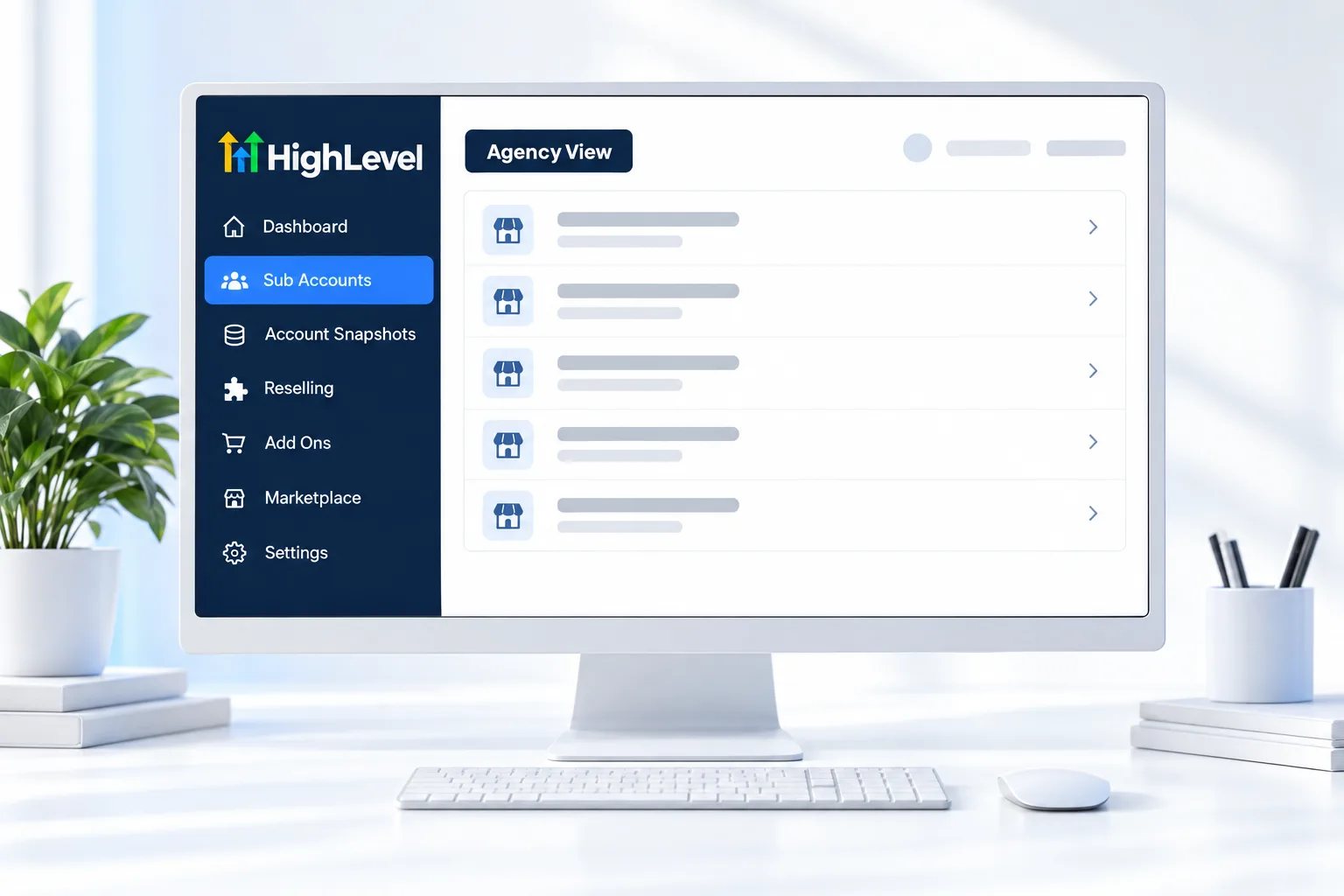
Agency View is where you work on the top floor. Company details and branding live in Agency Settings, Company. Your white label login domain is set there too. Snapshots are stored at this level, and so are agency users, billing and the Reselling page.
Some things never live at the agency level. Phone numbers, A2P registration, the email sending domain, workflows, calendars and pipelines all belong to a subaccount. Knowing which floor a setting lives on saves a lot of hunting. The setup order is in set up your GoHighLevel agency account.
- Holds company details and white label domain
- Stores snapshots
- Manages agency users and roles
- Handles billing, rebilling and reselling
Example
What does an agency account look like in practice?
You log in to Agency View to save a snapshot, then switch into a client subaccount to load it.
A normal day looks like this. You open Agency View, check the list of subaccounts and create a new one for a client who signed this morning. You load your snapshot into it, then switch into that subaccount to add the phone number and connect the owner's calendar. The client never sees Agency View. They log in to their own subaccount on your branded domain.
Watch for
What mistakes do people make with the agency account?
People build inside the agency account when they mean to build inside a subaccount. Funnels, workflows and contacts belong to a business, so they belong in a subaccount. Make your own business the first subaccount and build there.
Another one is giving every team member agency level access. Agency users can reach every client. Set roles first, and limit most people to the subaccounts they work in. Set up user permissions covers it.
The last is skipping the company details and branding. Those show on client facing screens, so fill them in before the first client logs in.

Set up the agency level once, properly. Every client inherits it.
Questions
Common questions.
What is an Agency Account in GoHighLevel?
An agency account in GoHighLevel is the top level of the platform. It belongs to the agency or business owner who signed up and manages company branding, the white label login domain, snapshots, agency users, billing and rebilling. Every client subaccount sits underneath it, one per business, and is created and opened from Agency View.
Where do I find the agency account in HighLevel?
Switch to Agency View after you log in. Agency View is where the agency account lives: company details and branding are in Agency Settings, Company, and the subaccount list, Account Snapshots, agency users, billing and the Reselling page are all at this level. Clients never see it, because they log in to their own subaccount.
Do clients see the agency account?
No. Clients log in to their own subaccount, usually on your branded domain, and never see Agency View. Only agency users work at the level above. Agency users can reach every client, so set roles first and limit most team members to the subaccounts they actually work in.
What is the difference between an agency account and a subaccount?
The agency account is the top level that manages branding, billing, snapshots and agency users. A subaccount is one business underneath it, with its own contacts, phone numbers, A2P registration, email sending domain, workflows, calendars and pipelines. Build funnels, workflows and contacts inside a subaccount, never at the agency level.
How many subaccounts can an agency account have?
It depends on the plan. Starter at $97 a month covers up to three subaccounts. Unlimited at $297 a month and the Founder Plan at $497 a month have no subaccount limit. Usage such as calls, texts and email is billed separately on top of the plan price.
Where do snapshots live?
Snapshots live at the agency level, under Account Snapshots in Agency View. You save a snapshot there and load it into a new client subaccount when you create it. A normal day starts in Agency View to create the subaccount from the snapshot, then moves into that subaccount to add the phone number and connect the owner's calendar.
Next step
See it in your own account. Thirty days, every feature.
Start a trial, build the first system and test it before the first invoice. Usage fees for phone, SMS, email and AI can apply during the trial.
HighLevel has three plans at a flat monthly price, each with unlimited users and contacts. See what each one includes and what it costs.
Compare the PlansStarter, Unlimited and Founder