
Home/HighLevel/Glossary/Smart List
Glossary · Smart List
What is a Smart List in GoHighLevel? A list that updates itself.
A smart list is a saved set of contact filters. Contacts join and leave it automatically as they match the rules.
A list that updates itself.
The short answer
A smart list is a saved filter of contacts, such as everyone tagged new lead this week, that updates in real time as contacts match or stop matching its rules, and you can use it for bulk actions, messaging and daily follow up without rebuilding the filter each time.
Michael is a sponsored HighLevel affiliate. Links to HighLevel use his partner link at no extra cost to you. HighLevel prices and product facts on this page come from HighLevel's own pricing page and help center, checked on the date above.
In practice
How does a smart list work in HighLevel?
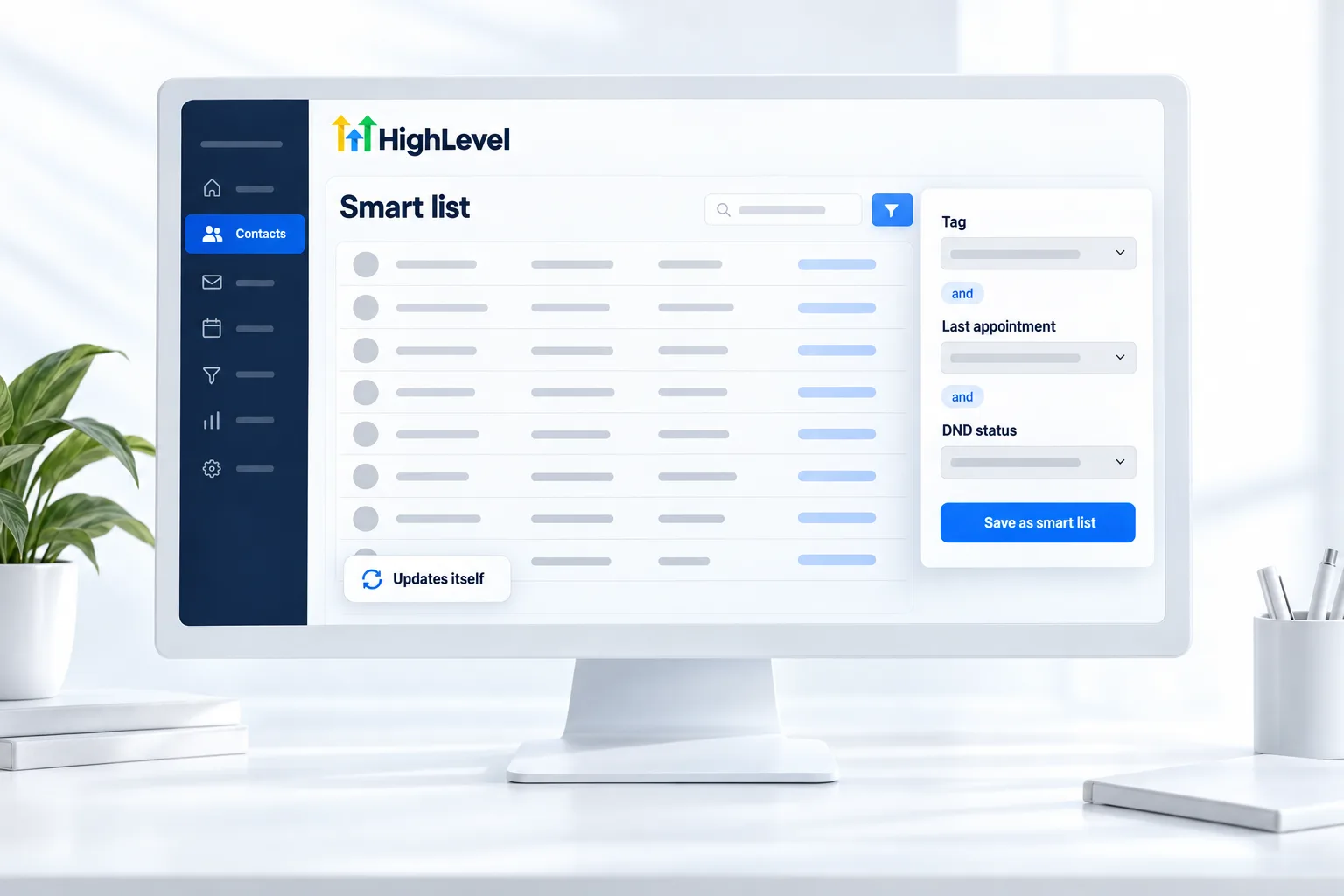
A smart list starts as a filter. In HighLevel, or GoHighLevel as many people still say, go to Contacts and click Add smart list. Pick a filter from the panel, such as a tag, a custom field, activity or pipeline stage, enter the details and click Apply. Add more filters if you need them, then click Create and name the list.
Filters join with AND by default, so a contact has to match every one. From then on the list keeps itself current. A contact who gets the tag joins. A contact who stops matching drops off. You never rebuild it.
You can view a smart list as a list or as a Kanban board, and Opportunities supports smart lists too. The steps are in use smart lists.
- Created from Contacts with Add smart list
- Filters joined with AND
- List and Kanban views
- Also available in Opportunities
Example
What does a smart list look like in practice?
A smart list of customers with no activity in 12 months feeds a reactivation campaign.
A few lists earn their place in most accounts. Hot leads: the new lead tag AND created in the last 7 days. No show follow up: appointment status no show. Engaged: opened an email in the last 30 days. Reactivation: customer AND no activity in 12 months. Each one answers a question you would otherwise ask by hand every week.
Watch for
What mistakes do people make with smart lists?
Expecting OR logic is the first. Filters join with AND by default. For an either or case, check the filter options in your account or build separate lists.
Messaging a list without checking consent is the second. A smart list finds people. It does not give you permission to text them.
Building lists on messy data is the third. If tags are inconsistent, the filter misses people. Clean up your contact data first. Then put the list to work in a database reactivation campaign.

Save a smart list for every question you ask about your contacts each week.
Questions
Common questions.
What is a Smart List in GoHighLevel?
A smart list in GoHighLevel is a saved set of contact filters, such as everyone tagged new lead this week. Contacts join and leave it in real time as they match or stop matching the rules. You use it for bulk actions, messaging and daily follow up without rebuilding the filter each time.
Where do I find smart lists in HighLevel?
Smart lists are in Contacts, under Smart Lists. Click Add smart list to build a new one. You can view a smart list as a list or as a Kanban board, and Opportunities supports smart lists too, so you can save filters for deals the same way you save them for contacts.
Can I message everyone on a smart list?
Yes, with bulk actions, as long as each contact has given consent. A smart list finds people. It does not give you permission to text or email them. Check consent before you send, and keep the filters tight so the message only reaches the people it is meant for.
Does a smart list update automatically?
Yes. Contacts join and leave a smart list in real time as they match or stop matching the filters. A contact who gets the tag joins the list, and a contact who no longer matches drops off. You never rebuild the list, which is what makes it useful for daily follow up.
Can smart lists use OR logic?
Filters join with AND by default, so a contact has to match every filter to appear on the list. For an either or case, check the filter options in your own account or build separate lists. Expecting OR logic is the most common reason a smart list shows fewer contacts than expected.
How do I create a smart list in GoHighLevel?
Go to Contacts and click Add smart list. Pick a filter from the panel, such as a tag, a custom field, activity or pipeline stage, enter the details and click Apply. Add more filters if you need them, then click Create and name the list. It keeps itself current from then on.
Keep reading
Related pages.
Next step
See it in your own account. Thirty days, every feature.
Start a trial, build the first system and test it before the first invoice. Usage fees for phone, SMS, email and AI can apply during the trial.
HighLevel has three plans at a flat monthly price, each with unlimited users and contacts. See what each one includes and what it costs.
Compare the PlansStarter, Unlimited and Founder