
Glossary · Tag
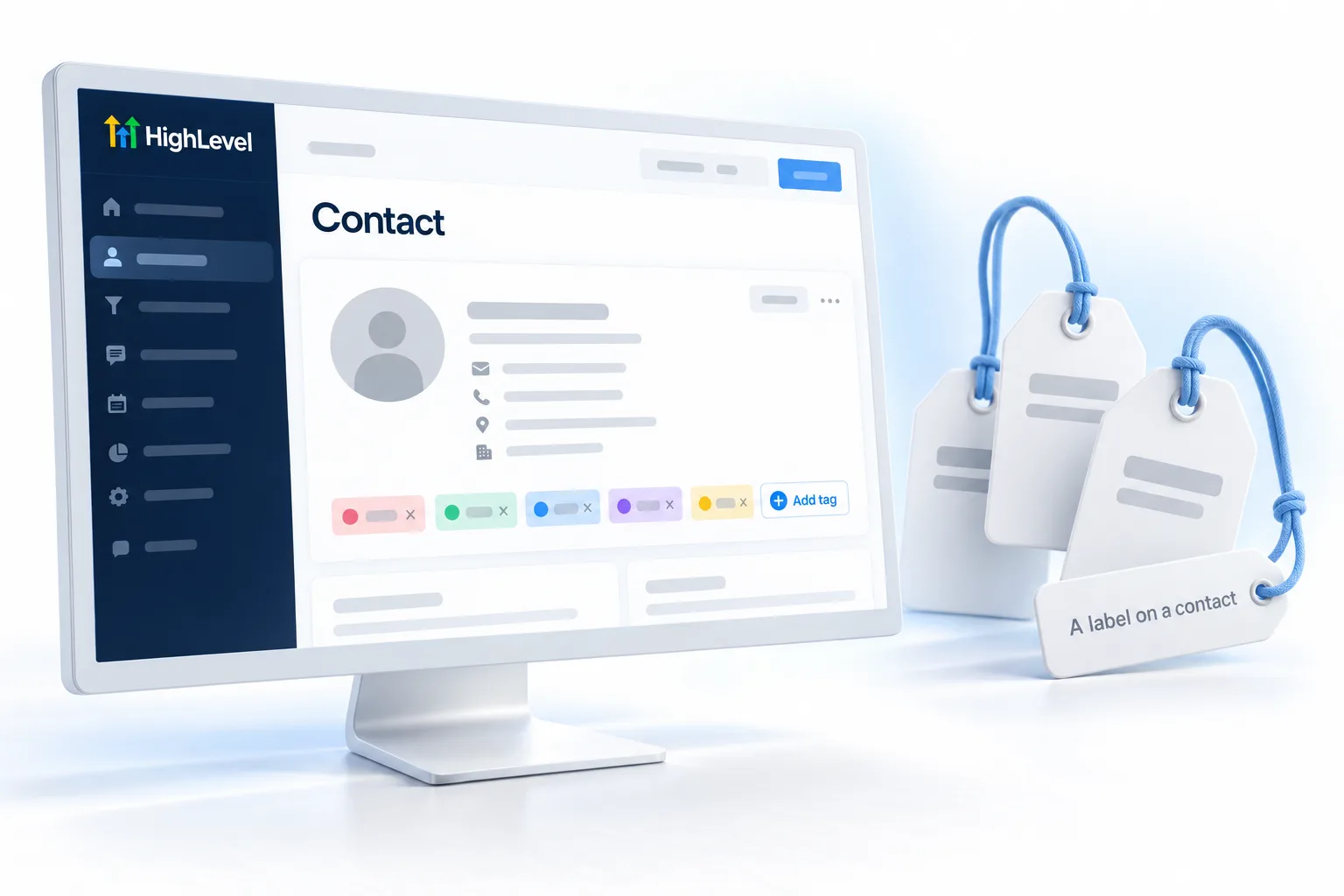
What is a Tag in GoHighLevel? A label on a contact.
A tag is a label on a contact, such as new lead or past customer. Tags trigger workflows, filter smart lists and segment campaigns.
A label on a contact.
The short answer
A tag is a label added to a contact, for example new lead, booked or past customer, that can start workflows through the Contact Tag trigger, filter smart lists and segment campaigns, and agencies can also tag subaccounts to organize clients.
Michael is a sponsored HighLevel affiliate. Links to HighLevel use his partner link at no extra cost to you. HighLevel prices and product facts on this page come from HighLevel's own pricing page and help center, checked on the date above.
In practice
How does a tag work in HighLevel?
A tag is the simplest piece of data in HighLevel, or GoHighLevel as it is often called. It is a word or short phrase stuck to a contact. A contact can carry many of them.
Tags get added four ways: by hand on the contact record, during an import, by a form, or by a workflow action. Once a tag is on a contact it can do three jobs. It can start a workflow through the Contact Tag trigger. It can filter a smart list. And it can segment who receives a campaign.
Agencies can also tag subaccounts to organize clients.
- Added by hand, import, form or workflow
- Contact Tag workflow trigger
- Used in smart list filters
- Keep one naming style
Example
What does a tag look like in practice?
A Facebook lead gets the tag fb lead, which starts the lead ads follow up workflow.
Here is a tag doing all three jobs. A lead comes in from a Facebook lead ad and a workflow adds the tag fb lead. That tag starts the lead ads follow up. A smart list filtered on the same tag shows the sales team every Facebook lead from this week. Later, a campaign goes only to people with that tag who have not booked.
Watch for
What mistakes do people make with tags?
Tag sprawl is the first. When new lead, lead new and newlead all exist, three tags mean one thing. Pick one naming style, such as source and status, write it down and stick to it.
Using a tag where a field fits better is the second. A tag is a simple label. A detail with a value, like a budget, belongs in a custom field.
Keeping tags nobody uses is the third. Delete them. The cleanup steps are in clean up your contact data. If a tag should start a workflow and does not, check fix contacts not entering a workflow.
For the clicks, read how to add tags to contacts in GoHighLevel.

Pick one tag naming style and stick to it. Tag sprawl is real.
Questions
Common questions.
What is a Tag in GoHighLevel?
A tag in GoHighLevel is a label on a contact, such as new lead, booked or past customer. A contact can carry many tags. Tags start workflows through the Contact Tag trigger, filter smart lists and segment who receives a campaign. Agencies can also tag subaccounts to organize clients.
Where do I find tags in HighLevel?
Tags show on any contact record, where you can add or remove them by hand. They are also added during an import, by a form or by a workflow action. Once a tag is on a contact, you can filter a smart list by it or use it to start a workflow.
How do I keep tags useful?
Pick one naming style, such as source and status, write it down and stick to it. Tag sprawl happens when new lead, lead new and newlead all exist and three tags mean one thing. Delete tags nobody uses, and move details that carry a value, like a budget, into a custom field.
Can a tag start a workflow?
Yes. A tag starts a workflow through the Contact Tag workflow trigger. When the tag is added to a contact, by hand, by a form, during an import or by another workflow, the workflow begins for that person. If a tag should start a workflow and does not, work through the checks for contacts not entering a workflow.
How many tags can a contact have?
A contact can have many tags. Each one is a word or short phrase attached to the contact, so one person can be tagged with a source, a status and an interest at the same time. Keep the list tidy with one naming style, or filters and workflows start to miss people.
Should I use a tag or a custom field?
Use a tag for a simple label, such as new lead or past customer. Use a custom field when you need to store a value, such as a budget or a service interest. A tag says something is true about a contact. A custom field records the detail itself.
Next step
See it in your own account. Thirty days, every feature.
Start a trial, build the first system and test it before the first invoice. Usage fees for phone, SMS, email and AI can apply during the trial.
HighLevel has three plans at a flat monthly price, each with unlimited users and contacts. See what each one includes and what it costs.
Compare the PlansStarter, Unlimited and Founder