

In this video Michael Reimer explains how to position GoHighLevel smart websites for local businesses as a business automation system, then builds one. A smart website adds AI chat, automated lead capture, nurturing, SEO and ongoing improvements. It is for agencies tired of competing on price for one time website projects.
The problem he sees is a website builder mindset. Most people selling websites to local businesses sell a design and basic functionality: a contact page, a basic chat and not much else. That leads to price competition with every freelancer, one time payments, clients who see no ongoing value and a constant hunt for new customers. Michael says he made this exact mistake for 18 months when he started.
What makes a website a smart website?
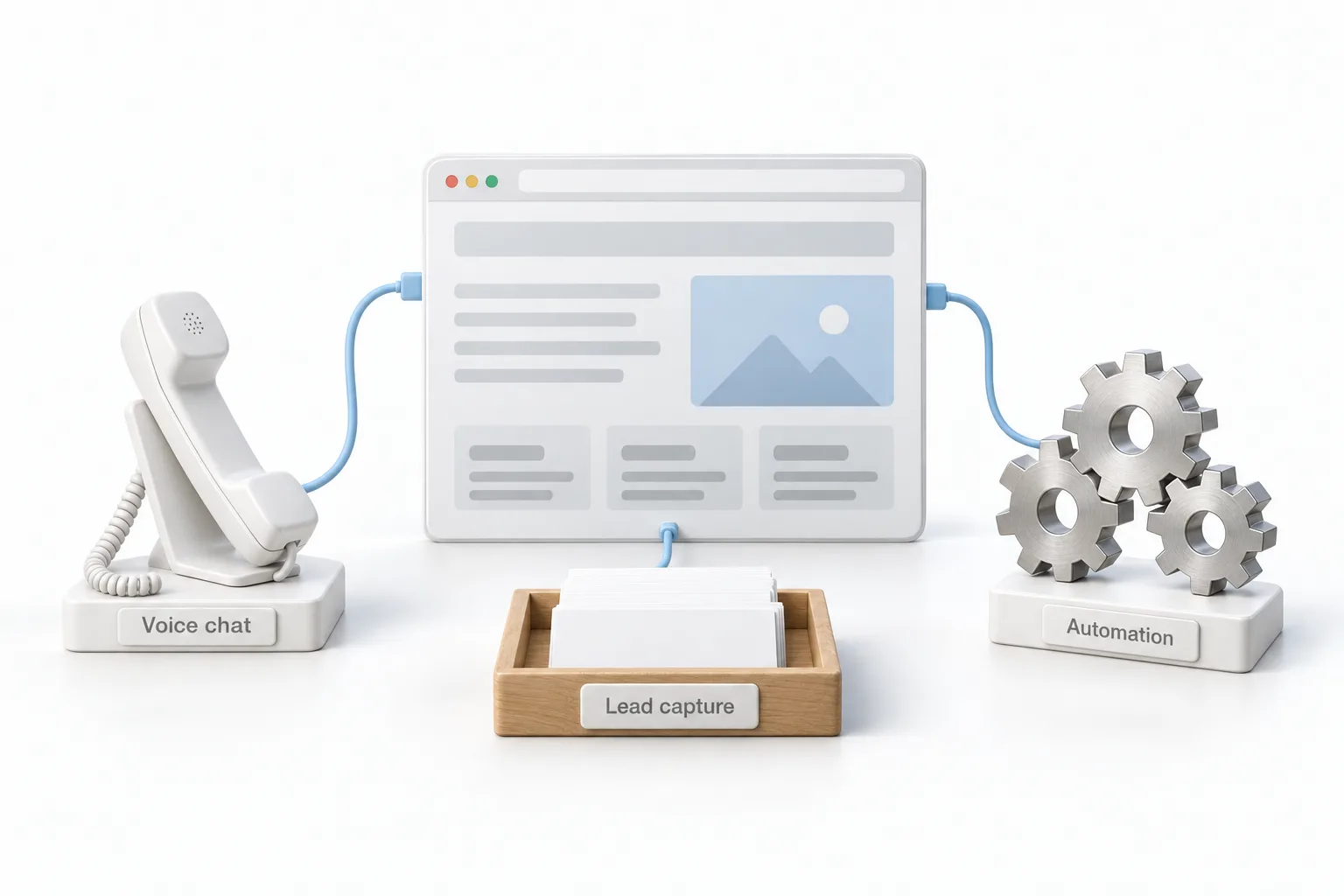
The difference is what sits behind the pages. Michael positions the offer as a smart website with trained AI chatbots, automated lead capture, lead nurturing, SEO and ongoing improvements, with HighLevel's automation on the back end. It does more than display information.
That positioning changes what the client is buying. They are paying for business automation and growth tools, not website hosting, and the monthly fee covers continuous improvements. It also puts the agency in a different category from basic site builders, because most of them cannot deliver those features.
How do you answer objections to a monthly website fee?
Michael walks through three he hears. The first is that local businesses will never pay a monthly fee for a website. His answer is that they will when it is presented as AI, automation and ongoing optimization, because then the fee is for growth tools.
The second is that there is too much competition in website services. His answer is that you are not competing with website builders at all. The third is that local businesses are too price sensitive. He weighs the cost against the value of a single new customer, since owners understand that math. For closing, he suggests offering payment plans on the setup fee and stressing the optimization and support that the monthly fee includes.
Where do you find local businesses that need a smart website?
He uses maps searches, his friends and family network, Facebook groups and chamber of commerce networking events. The target is a local business with a poor website or no online presence at all. He focuses on service based businesses that need lead generation, because they understand the value of a new customer and can see what a better online presence does for them.
What is the three step sales process?
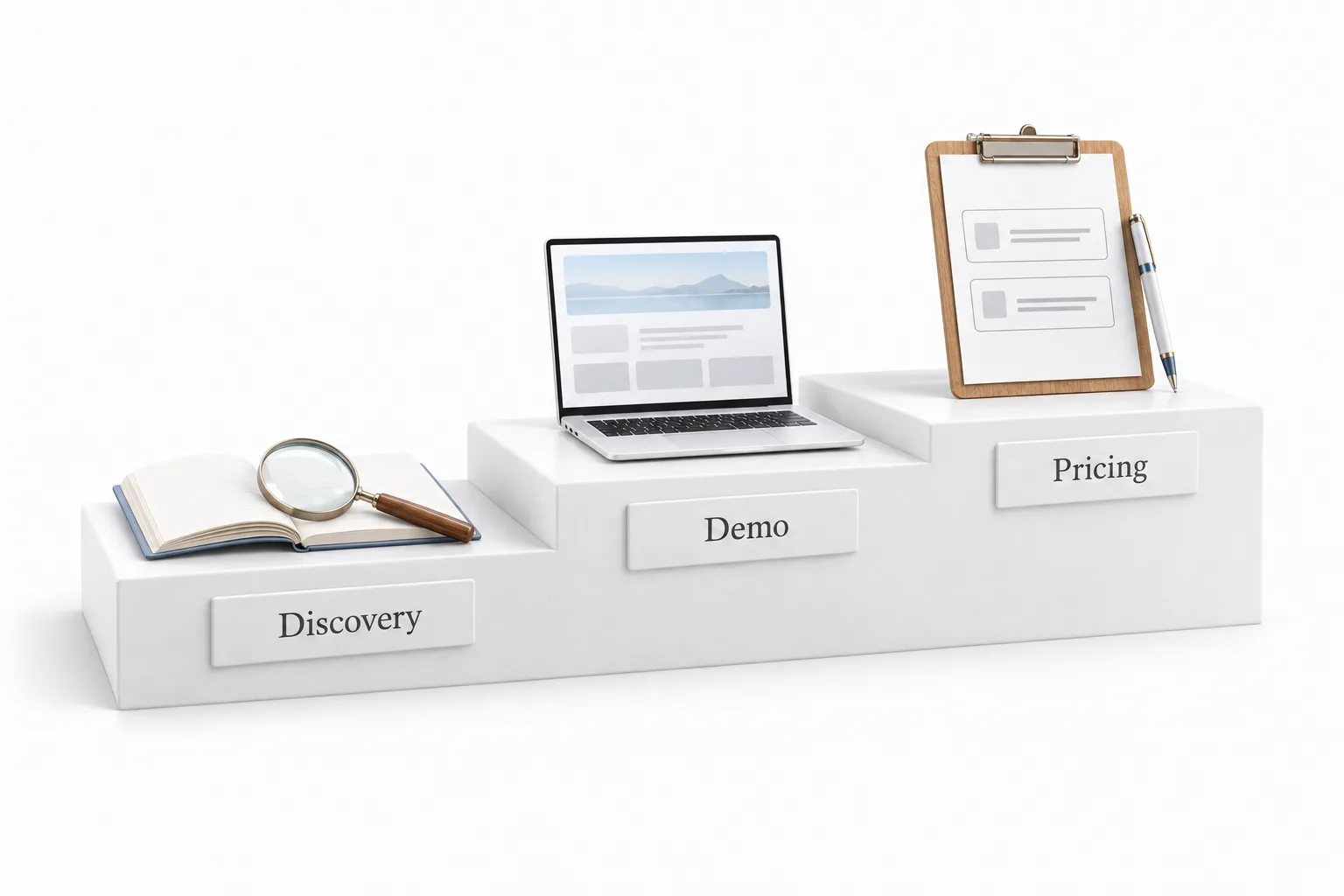
The presentation has three stages. Discovery comes first, where you learn what the business needs. Next is a demonstration of a sample smart website with their branding on it. Last is the pricing review, where you present the setup fee and the monthly service options.
The order is deliberate. It builds value and deals with concerns before a price is ever shown. Michael calls the pricing a hybrid: a setup fee up front plus a monthly fee based on features. If you are working out your own numbers, the guide to pricing your services goes through it.
How do you build the site in the HighLevel website builder?
In his GoHighLevel test account, Michael clicks create new website. There are two options, build from blank or from a template, and he suggests exploring the templates. You can filter them by category on the left. He picks one from beauty and fashion and it lands in the account.
Customizing is direct. The phone number in his template is a custom value, which you can load outside the builder or simply type over. In his words, if you can work in a word processor, you can work in this builder. You can change backgrounds and images, add pages and popups, and drop in elements such as columns, headlines, bulleted lists, buttons, blog posts, videos, countdown timers, dividers and social icons. Custom code and custom CSS are there too. SEO settings sit on the left side, along with cookies. Then you connect a domain, save and publish. The guide to building a website covers each of those steps.
How do you add a voice chat widget and automations?
This is the part that makes the site smart. Michael opens Chat Widget, clicks New and builds a voice chat widget, which lets a visitor talk to the website. It looks like a telephone, not a typing chat. He styles the colors and the icon to match the site, changes the question, sets a custom greeting for when the call picks up, picks the position and the language, and then chooses the agent from his voice agent settings.
The widget can also carry a contact form with a name and phone number. He strongly suggests turning on opt in messaging, because gathering consent now helps later if you do outbound calling. The page on adding a chat widget to your website covers placement.
The last piece is automation. His example is a testimonial request that reaches out to clients by text. Once an automation is built, you can include it in every package.
How do you sell and set up a smart website for a client?
The whole process from the video, in order.
- Find prospects. Look for local service businesses with weak or no websites through maps listings, your network and local business events.
- Position the offer. Present a smart website with AI chat, automated lead capture, SEO and ongoing improvements.
- Run three stages. Do discovery, show a sample site with their branding, then review pricing.
- Prepare for objections. Have your responses ready before the call.
- Build from a template. Start in the HighLevel website builder, then customize the pages and SEO settings.
- Add voice and automation. Create a voice chat widget with consent and opt in messaging, plus a testimonial request automation.
What changes when you stop selling basic websites?
The agency moves from one time projects to an ongoing service. The client is not buying pages. They are buying a site that talks to visitors, captures leads and follows up, and the agency keeps improving it every month.
For the local business, the website stops being a brochure. A visitor can talk to the site by voice and leave a name and phone number with consent, and a testimonial request can go out to clients by text. Michael's point is that bundling a widget and a few automations sets the package apart from a standard website build.
A smart website is one part of a larger local business offer. Michael covers the rest in the four pillars of an AI employee. To build a site with a voice widget yourself, start a GoHighLevel 30 day trial through Michael's link. Still deciding? Read whether HighLevel is worth it.