

In this video Michael Reimer shows how redirect to URL conditional logic now works inside GoHighLevel quizzes. Each visitor lands on a page that matches their score or highest category, and a workflow follows up. He sets it up click by click. It is for agencies and local businesses that send every visitor to the same page today.
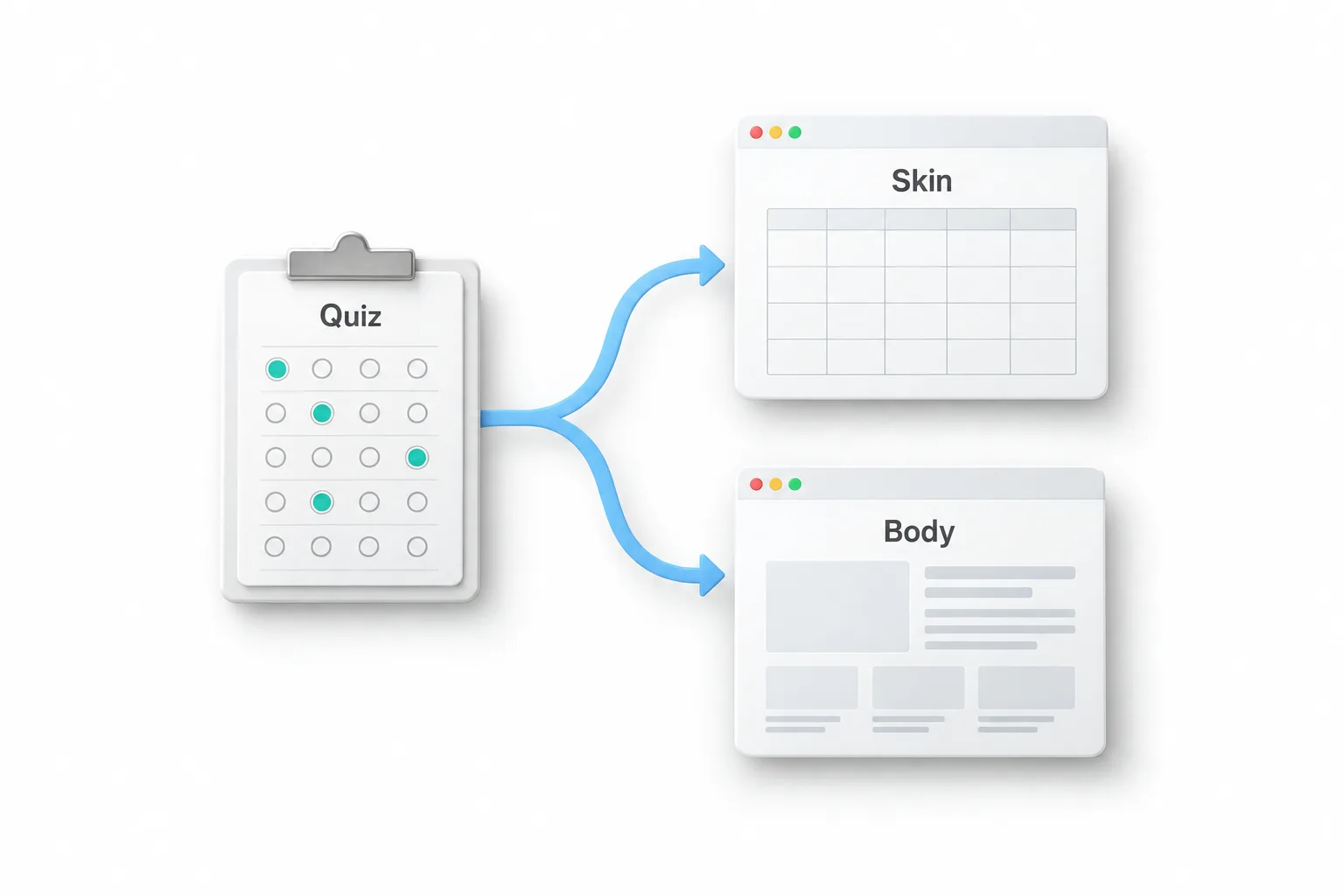
His opening example is a med spa owner with one website and five treatments she wants to book. A visitor answers six quick questions about her goals, her budget and how soon she wants results. Her highest category comes back as skin, so she lands on the facial page with the booking calendar right there. The next visitor scores highest in body and lands on a completely different offer. Nobody scrolled a price list or filled out a contact form and waited for a call back.
What can a HighLevel quiz redirect be based on?
Before this update, everyone landed on the same results page no matter how they scored. Now you can send each person to any page you want, based on four quiz conditions. Overall score is their total. Category score checks one category on its own. Highest category is where they scored the most, and lowest category is where they scored the least. You also keep the answer based rules that forms and surveys already use for redirects. Michael notes that HighLevel called this one of its most requested quiz features.
How do you score the answers and add the redirect rules?
The clicks are simple. Go to Sites, then Quizzes, and start a new quiz or pick one from the template library. Open Manage Categories and add one category for each offer you want to send people to. On every answer, pick a category and a score in the options panel on the right.
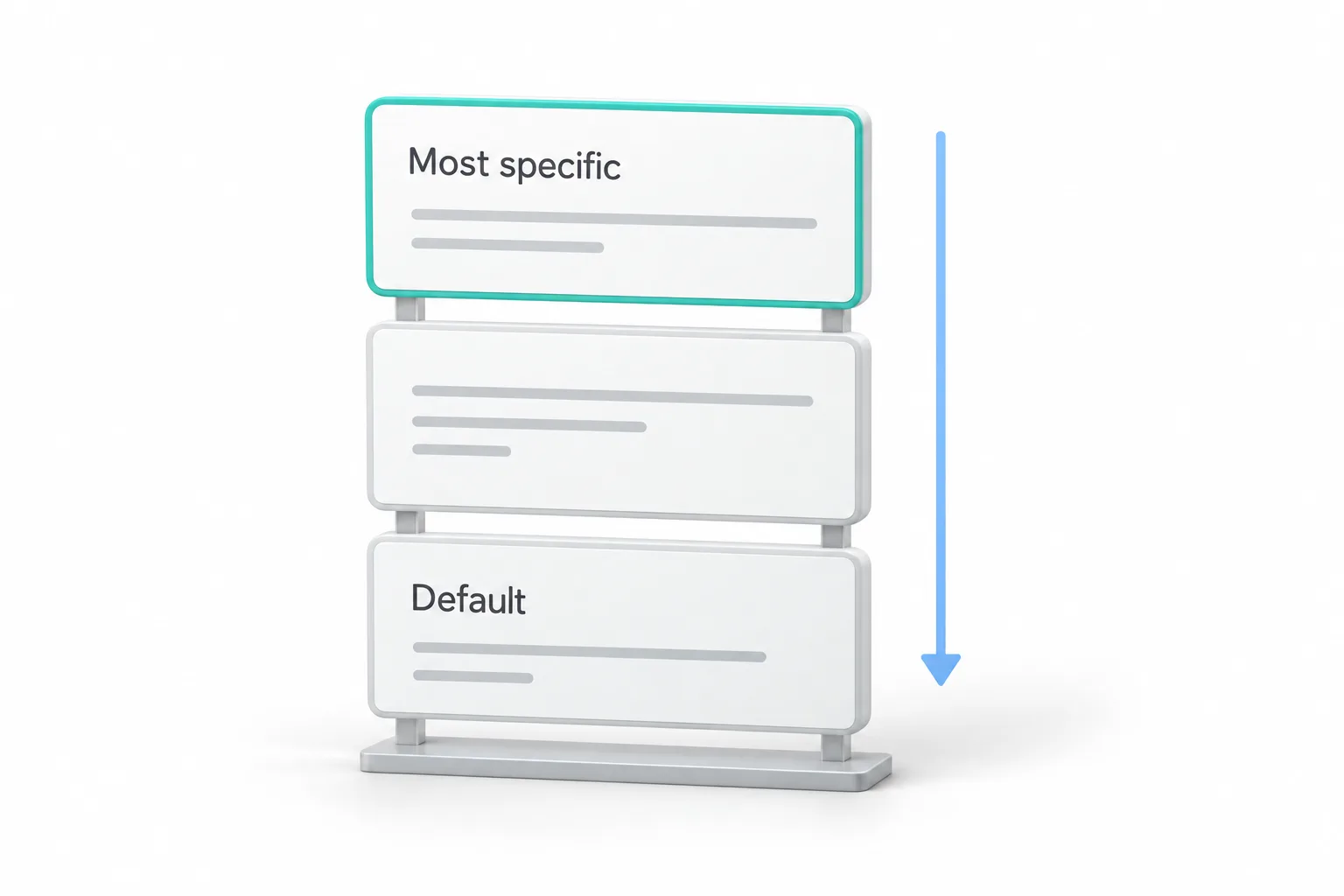
Then open Conditional Logic in the builder and choose Redirect to URL. Pick the field for the highest score, choose the category and paste the page that fits. Add one rule for every outcome and save. Here is the move Michael says most people miss. Conditions run from the top down, so put your most specific rule at the top. Then take the quiz yourself in preview, once for every outcome, before a real lead ever sees it. If the quiz is new territory, the guide to building a quiz funnel covers the basics.
How do you save quiz scores to the contact and follow up?
The redirect is only half of it. Open the results template and turn on the custom fields for the overall score and the highest category. Every result now saves on the contact record, and a retake simply updates it.
Then build a workflow with the Quiz Submitted trigger. You can filter it by quiz name or by an overall score between two numbers. In Michael's version, the high scores get a text, and the team gets a task to call them today. The middle group gets tagged and dropped into a nurture sequence that matches their category. The quiz moves the person and the workflow follows up, so every lead gets a next step. This pairs well with lead scoring if you already use it.
The destination can be a funnel step or a booking page, so the quiz becomes the front door. Quizzes also drop straight into funnels with the quiz element, with no embed code to copy, and each quiz gets its own link and a QR code for the front counter.
Which local businesses would use a scored quiz?
Michael gives three. A roofing contractor runs a repair or replace quiz about the roof's age, the leaks and the damage. A high overall score sends the homeowner to the replacement page, and a low score lands on repair, so the estimator walks in knowing which conversation he is having. An insurance agent runs a coverage check where every category is a type of coverage. The lowest category shows the gap, so the family lands on a quote page for exactly that. A gym owner asks about goals, so strength people get one trial offer and weight loss people get another.
What will the quiz redirect not do?
Michael is straight about it. A redirect moves the person, but it does not follow up, so you still build the workflow. It is only as smart as your scoring, and a sloppy point setup sends people to the wrong page. Set a real default too, because anyone who matches no rule gets your normal finish.
He also will not say it doubles bookings, because nobody can promise that before you test it. His advice to agencies is not to sell a conversion number. Sell a system you will measure together with the client every month.
How do you set up a quiz redirect in GoHighLevel?
The full build, in order.
- Start the quiz. Go to Sites, then Quizzes, and start a new quiz or pick one from the template library.
- Add categories. Open Manage Categories and add one category for each offer you want to send people to.
- Score every answer. Pick a category and a score for each answer in the options panel on the right.
- Add the redirect rules. Open Conditional Logic, choose Redirect to URL, pick the highest category field, choose the category and paste the matching page. Add one rule per outcome, most specific at the top.
- Set a default and test. Give anyone who matches no rule a real finish, then take the quiz in preview once for every outcome.
- Save the scores. In the results template, turn on the custom fields for overall score and highest category.
- Build the follow up. Create a workflow with the Quiz Submitted trigger, filtered by quiz name or a score range, to text, assign a task, tag or nurture each group.
What changes when a quiz replaces the contact form?
A contact form tells you who someone is. A quiz tells you what they want. Michael's line is that the quiz is the new front desk: it qualifies the lead and picks the offer before anyone on the team says a word. Every answer is a sales question the business never had to ask out loud, and the score is already on the contact when follow up starts.
For agencies, he lays out a couple of ways to package it. One is a build fee for the quiz, the result pages and the follow up. Another adds a monthly optimization fee, where you read the scores and adjust the questions and the routes. Some agencies fold it into a lead generation retainer. The monthly part is easy to show, because every result is saved on the contact. Build a smart list for each outcome and show the client where their leads landed that month.
From there, one quiz that works tends to become one quiz per service line. He also suggests pointing ads at the quiz instead of the homepage, so every click gets sorted.
To build a scored quiz and test every outcome, start a GoHighLevel 30 day trial through Michael's link. If you plan to build quizzes for clients, read who should get the Founder Plan first.