

In this video Michael Reimer walks through GoHighLevel profile cards and business cards, digital cards with their own link and QR code that HighLevel builds for you. With exchange contact switched on, a person who scans a card lands in the CRM with that card as the source. It is for agencies setting this up for client teams.
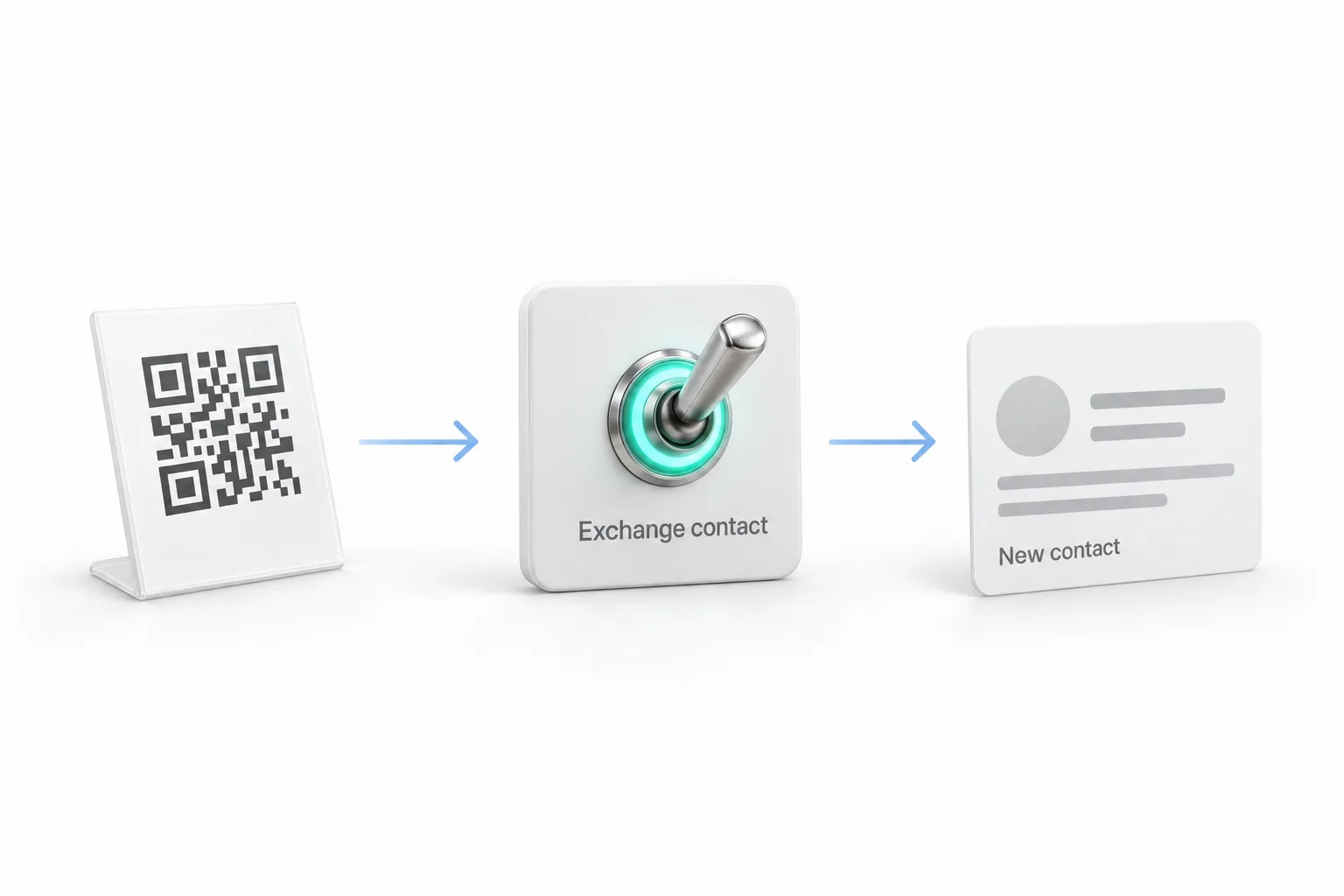
Michael opens with a realtor running an open house on a Saturday afternoon. There is no sign in sheet on the kitchen island. There is a small stand with her QR code. A couple scans it and taps Save Contact, so her number lands in their phone. Then they tap Exchange Contact and add a name and an email. By the time they reach the driveway they are a contact in her CRM, and the contact source shows her profile card.
What is the difference between a profile card and a business card in HighLevel?
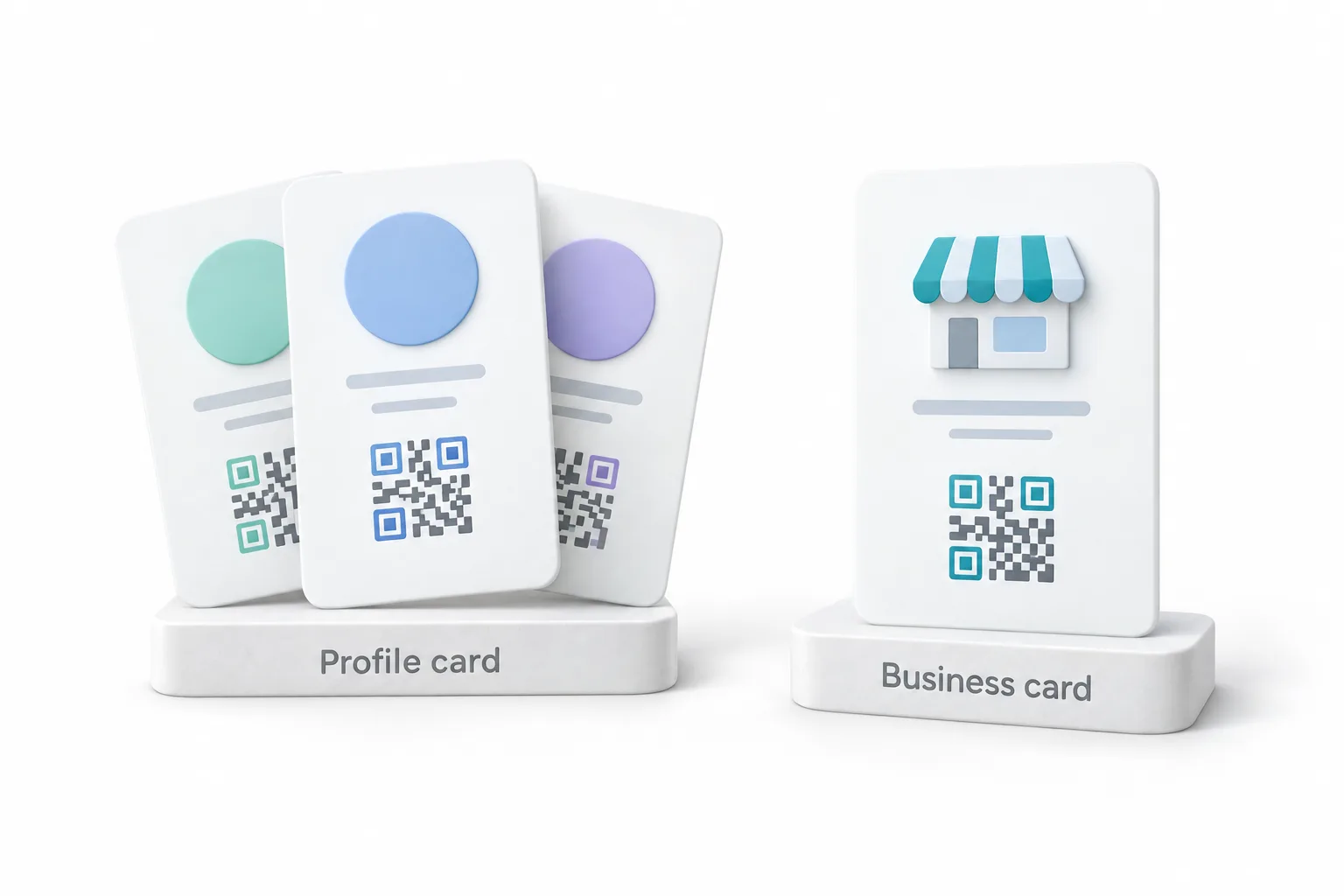
The first time you open them, HighLevel builds both cards for you. Your profile card is built from your user details, so every team member gets their own. The business card is built from the business details of the subaccount, so the whole account shares one. Each card gets its own link, a downloadable QR code and its own scan analytics. Nobody on a client's team has to design anything to have a card on day one.
Where do you find the cards and turn on exchange contact?
The setup lives in a spot most people never click. Open any subaccount and click your profile picture in the top right corner. Next to your name there is a small QR icon. Click it and a window opens with a tab for each card, plus preview, analytics, download and copy link.
Click Edit profile page to open the editor. It has tabs for your information, styles and links, so you can add your socials and a booking link in one place. The switch that matters is on the Exchange Contact tab. It is off by default, so turn it on. You can use the built in form or pick one of your own HighLevel forms. Michael's one tip is to use your own form, so a workflow can pick up each new contact. The guide to building a form covers that part. You can rename the button too, so it says something like Get my free quote.
On the last step there is a button called Add to wallet. Scan the code it shows with your phone and the card lives in Apple Wallet or Google Wallet. The pass opens even offline, so you can pull up your code at a busy trade show.
Why lock the branded domain before you print a QR code?
Michael gives one warning before anything gets printed for a client. If you ever change your branded domain, every printed QR code on that domain stops working. So lock the domain first, then print the truck magnets. Every card also sits under Sites, then QR Codes, in a protected section called System Folders.
Which businesses would use a HighLevel business card this week?
He gives three. An electrician prints his business card QR on a magnet for both doors of his truck. A neighbor scans it in a driveway and taps Exchange Contact to ask for a quote, and the office sees the request and the card it came from. A med spa puts a small QR stand on the front desk where clients check out, so each client saves the spa's details and leaves an email for the next promo. A financial advisor at a chamber mixer keeps his profile card in his phone wallet and lets people scan it right off the screen.
The one Michael says most people miss is giving every salesperson their own profile card. Each rep's card tracks its own scans, so you can see who is out meeting people. Every lead shows whose card it came from, so there is no arguing about credit.
What will a profile card not do?
Michael is straight about the limits. A card collects the lead, but it does not follow up, so you still build the workflow. A lead nurture workflow is the usual next piece. Exchange contact starts switched off, so a card nobody turned on collects nothing. Users only see the QR icon when they have QR codes access plus card permission. Regular users only get their own profile card, while the business card is shared. Saving a contact can look different on each phone, so test it on iPhone and Android.
How do you set up profile cards in GoHighLevel?
The clicks, in the order Michael makes them.
- Find the QR icon. Open a subaccount, click your profile picture in the top right corner, then click the QR icon next to your name.
- Edit the card. Choose the profile or business tab, then click Edit profile page to add your information, styles, socials and a booking link.
- Turn on exchange contact. Open the Exchange Contact tab and switch it on, because it is off by default.
- Connect your own form. Pick one of your own HighLevel forms so a workflow can pick up each new contact, and rename the button if you like.
- Add it to your wallet. On the last step, scan the Add to wallet code so the card lives in Apple Wallet or Google Wallet.
- Lock the domain. Settle your branded domain before printing any QR code, because changing it later breaks every printed code.
- Build and test the follow up. Build the workflow for the form, then test saving a contact on both iPhone and Android.
What changes when every handshake lands in the CRM?
A paper card gives your details away. This card trades them. You give first with Save Contact, then you ask with Exchange Contact, so it feels fair. Michael puts it this way: a business card is a handout, and an exchange card is a conversation that has already started. Handouts end up in a drawer. Conversations end up in the pipeline.
For agencies, he packages it in two parts. The setup is a card for every person on the team, branded colors and a cover image, the form connected to a follow up workflow, print files for truck magnets, counter stands and an event banner, and a short call to get each card into a phone wallet. He suggests a setup fee for that, because it is real work the client will not do. The monthly part is running the follow up and sending a scan report, since each card's analytics shows its scans and every contact shows which card it came from. He does not promise a number, because that depends on how many people the client meets.
Two more details for agencies. If you run HighLevel as SaaS, you can switch QR codes on per plan in the SaaS configurator. And when someone hands your client a paper card, the HighLevel mobile app can scan it into the CRM too.
To open your own cards and turn on exchange contact, start a GoHighLevel 30 day trial through Michael's link. Still deciding on the platform? Read whether HighLevel is worth it.