

In this short video Michael Reimer shows Super Cloner, a third party Chrome extension that copies a funnel or website page into a GoHighLevel funnel step. He is firm that it is for a baseline layout you then rewrite, not for reusing someone's page word for word. It is for people who build funnels and websites in HighLevel.
Michael says up front that he is not affiliated with the company. He is reporting on a tool in the GoHighLevel ecosystem that many builders have not seen, and he repeats the ground rule several times in three and a half minutes: change it, improve it and make it your own before you publish.
What is Super Cloner meant for?
Inspiration and a head start. If you are making funnels or websites and you like the format of a page, the extension gives you that layout as a baseline. Michael's example is seeing a page whose format you like and wanting to use that structure for an auto dealer. You take the format, then you repurpose it and make it better.
What it is not designed for is grabbing somebody's website and reusing it word for word. He says that more than once. The value he sees is time. Building from a layout is faster than building from nothing.
The extension sits in the Chrome extensions bar and works on a credit system. You choose how many credits to buy, and he notes that the deal per credit gets better as the number goes up.
How do you copy a page into a HighLevel funnel?
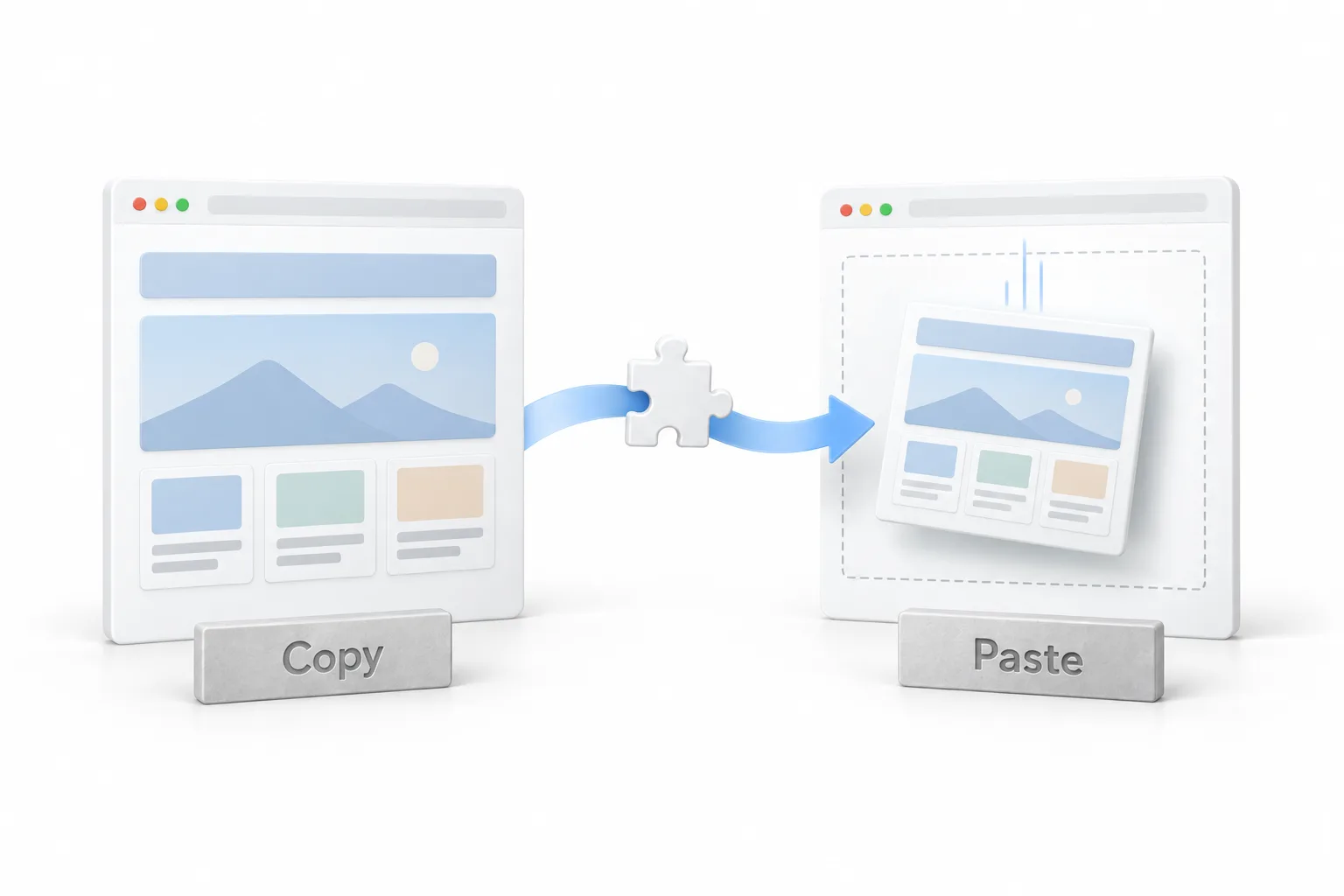
The whole thing takes a few clicks. On the page you want to use as a reference, open the extension and click Copy funnel data. It copies on its own and confirms when it is done.
Then go into your subaccount. Michael creates a new funnel and starts from blank. Inside it he adds a new step and creates the funnel step, which opens as an empty page. He goes back up to the extension and clicks Paste funnel data. After a second, the page is there inside his HighLevel account. If funnels are new to you, the guide to building a funnel explains funnels and steps first.
What should you change before you publish?
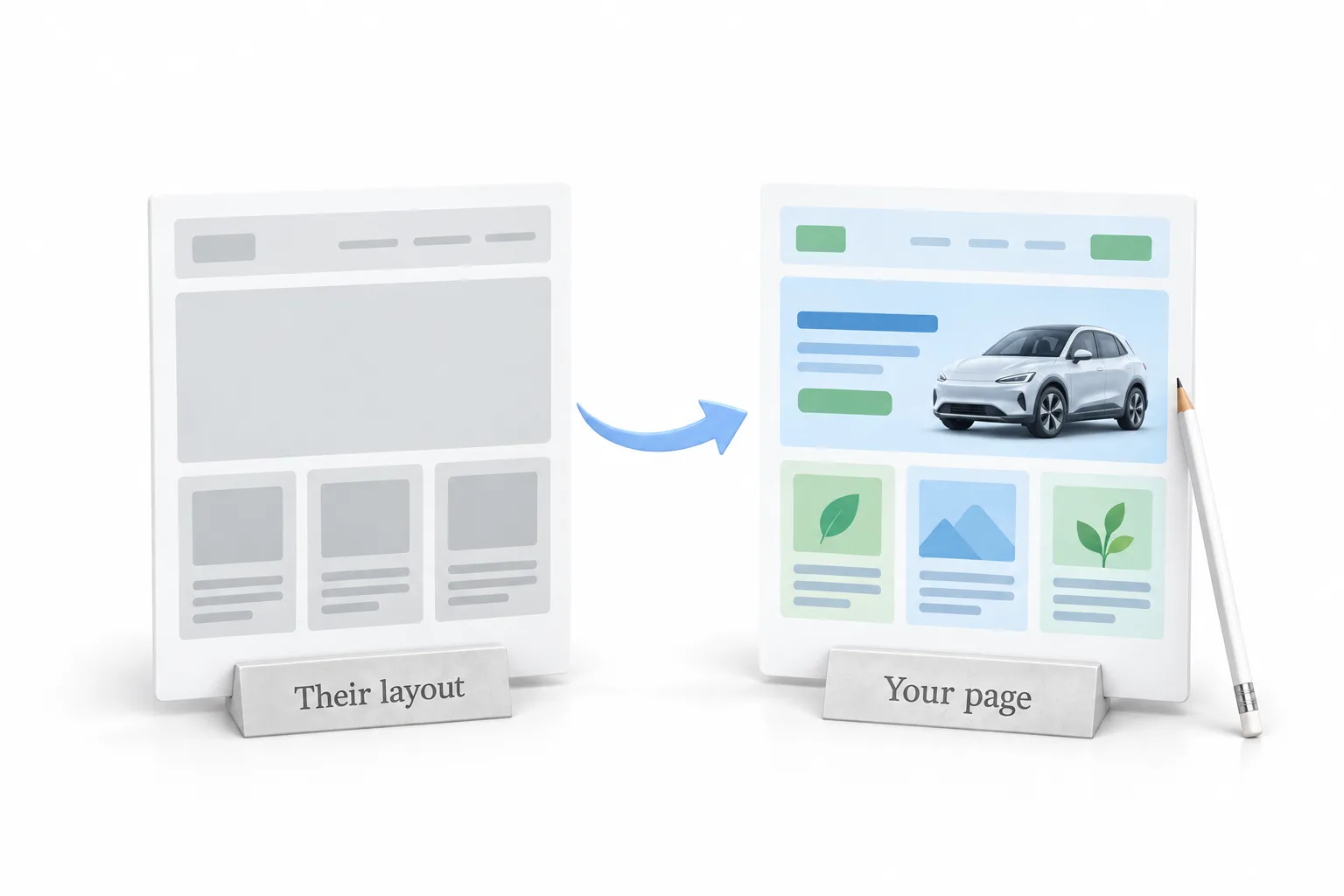
Everything on the pasted page can be edited, and Michael says to use that. Change it up. Do not go word for word. Keep the format you liked, rewrite the copy for your own business or your client's, and adjust the design. Then publish it as your page.
What other tools does the same company make?
He mentions two. Super Editor is another Chrome extension. It lets you edit a HighLevel funnel or website without going into the account. The company also has a tool for moving a subaccount from one HighLevel agency account into another. He shows them only so viewers know they exist.
How do you use Super Cloner step by step?
Five steps, in the order shown.
- Install and add credits. Add the Super Cloner Chrome extension and buy credits, since it works on a credit system.
- Copy the reference page. Open the page you want to use as a reference, click the extension and choose Copy funnel data.
- Create a blank step. In your HighLevel subaccount, create a funnel from blank and add a new funnel step.
- Paste it in. Open the extension again and choose Paste funnel data to load the page into that step.
- Rewrite it. Change the copy and the design so the page is your own before you publish it.
What changes when you start from a layout?
You are not starting from an empty page. The format you liked is already sitting in the funnel step, so your time goes into changing it and making it your own. Michael calls it a huge time saver when you are building these pages out.
The responsibility stays with you. The tool hands you a starting point, and what you publish has to be your own work. Once the page is yours, the guide to a lead capture funnel covers the form and follow up behind it, and the video on smart websites shows the HighLevel builder in more depth.
If you are checking whether the platform fits before you install anything, see the answer to can you build funnels in HighLevel. Another walkthrough covers the new navigation and saved sidebar layouts. To get a funnel builder to paste into, start a GoHighLevel 30 day trial through Michael's link, and see HighLevel plans compared for what each plan includes.