
The short answer
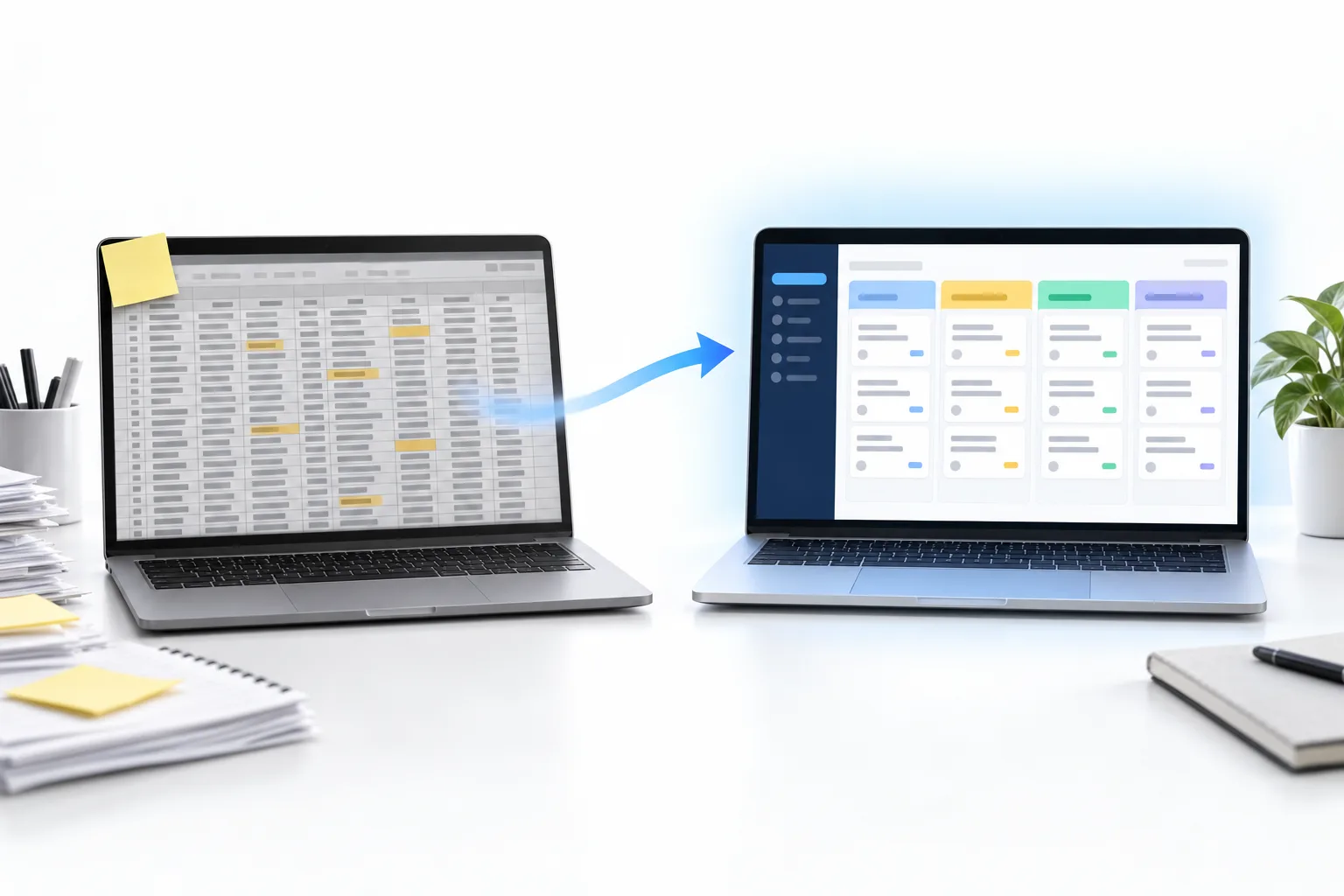
A spreadsheet is enough when you have a handful of contacts, one person managing them and no follow up to automate. Move to a CRM when leads come from several places, more than one person works them, you forget follow ups, or you want texts, emails and bookings to happen automatically. Importing a spreadsheet into a CRM takes an afternoon.
Michael is a sponsored HighLevel affiliate. Links to HighLevel use his partner link at no extra cost to you. HighLevel prices and product facts on this page come from HighLevel's own pricing page and help center, checked on the date above.
Compare
Side by side.
| Need | Spreadsheet | CRM |
|---|---|---|
| List of contacts | Yes | Yes |
| Leads added automatically | No | Yes |
| Conversation history | Manual notes | Every call, text and email |
| Automatic follow up | No | Yes |
| Booking | No | Yes |
| Team access | Risky with edits | Roles and permissions |
Signs
Six signs you have outgrown it.
- Leads arrive from forms, calls and ads faster than you can type.
- You find leads nobody followed up.
- Two people edit the same sheet.
- You cannot tell where your best customers came from.
- You copy and paste the same follow up messages.
- You search your inbox to remember what someone said.
Move
From sheet to CRM.
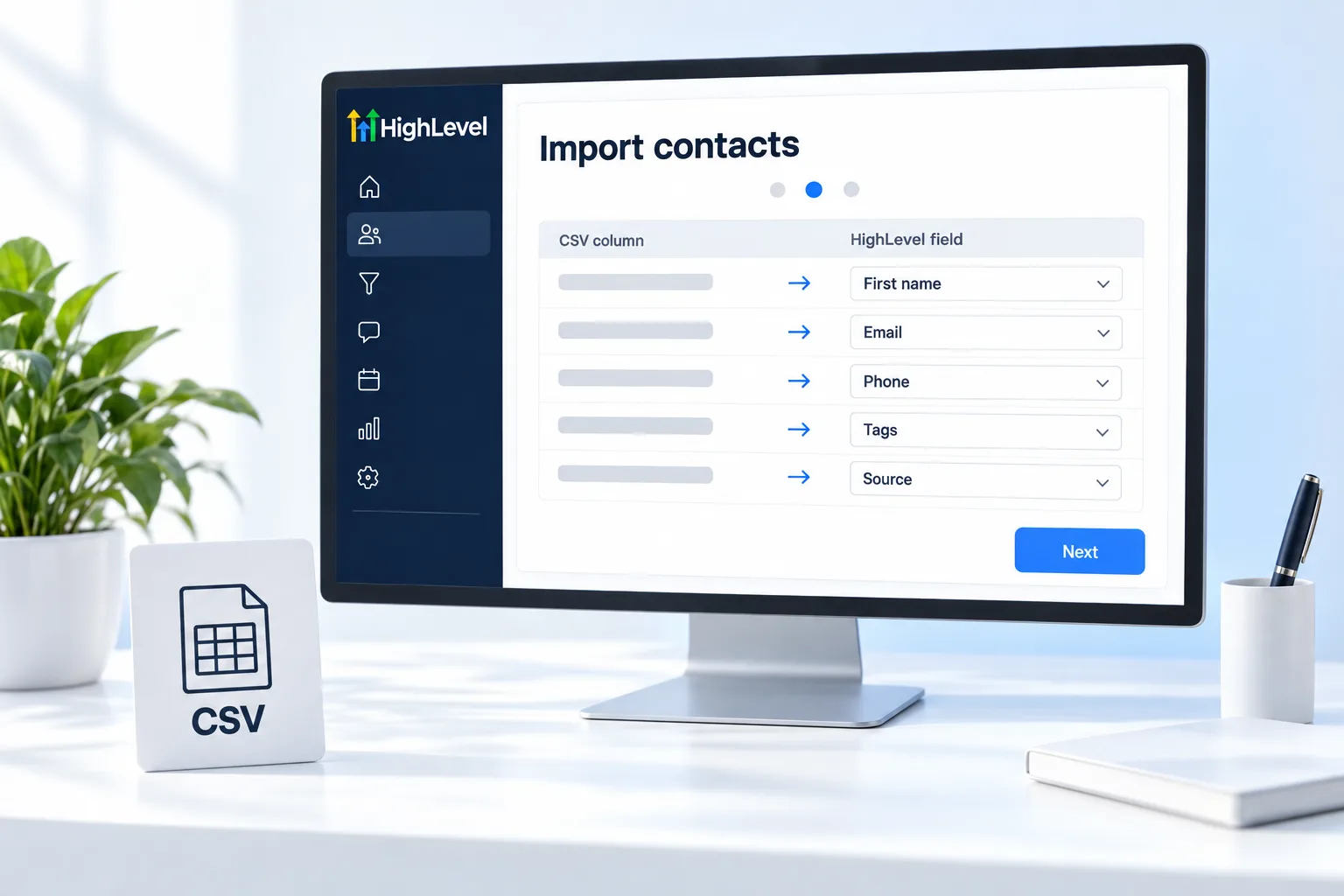
Clean the sheet, save it as CSV and import it. See how to import contacts.
The real cost
What does staying on a spreadsheet cost you?
A spreadsheet is free to use, which makes it feel like the cheap option. The cost shows up somewhere else: in the leads that were never called back.
A sheet does not do anything on its own. It will not notice that a lead came in at nine at night. It will not send a reply, set a reminder or tell you that a quote has been sitting for a week. Every one of those depends on a person remembering, on a day when that person is also doing the actual work.
So the honest comparison is not a free sheet against a paid CRM. It is the price of the CRM against the customers you lose while follow up depends on memory. If you lose even one good customer a month that way, you already know which side is more expensive. For the next step in that thinking, free vs paid CRM looks at when a free tool stops being enough. When you are ready to compare, the best CRM for small business comparison is a starting shortlist, and the 30 day trial through Michael's link lets you import your sheet and test it with real leads.
The move
How do you prepare a spreadsheet for a CRM import?
- Make one row per person. Split any rows that hold two people, and merge duplicates.
- Make one column per fact. First name, last name, email, phone, and so on. No combined cells.
- Tidy the phone numbers and emails. Fix obvious typos and remove rows with no way to contact the person.
- Add a source column. Where did each contact come from? You will want that later.
- Add a status column. Lead, customer or past customer. This becomes a tag after the import.
- Move the notes. If a notes column holds history, keep it. It imports as a field you can read on the contact.
- Save as CSV and import a small test. Check ten records before you bring in the rest.
How to clean up your contact data covers the tidy up in more detail. Keep the original sheet as a backup until you have checked the import.
After the import
What should you set up in your first week on a CRM?
Do not try to rebuild your whole business in the CRM on day one. Set up the three things a spreadsheet could never do, and stop there.
- Automatic capture. Connect your website form, so new leads create a contact without typing. See the form guide.
- An instant reply. One short text or email that goes out the moment a lead arrives.
- A simple pipeline. Four or five stages, so you can see every open deal at a glance.
Use those for two weeks. You will quickly see what to add next. The CRM implementation checklist lays out the full thirty days, and if you run the business alone, the best CRM for solo Founders covers a setup built for one person.
This guide is written by Michael Reimer, Founder of CRM Pros, the team that helps new HighLevel accounts with imports like this one. CRM Pros also runs the CRM Pros affiliate community for people who recommend HighLevel.

Keep your spreadsheet for budgets. Put your customers somewhere that follows up for you.
Questions
Common questions.
Can I use a spreadsheet as a CRM?
Yes, for a handful of contacts managed by one person. A spreadsheet can list names, numbers and notes. It cannot add leads on its own, save conversations, follow up automatically or book appointments, so it stops working once leads arrive faster than you can type them in.
When should I switch?
Switch when leads come from several places, more than one person works them, you find leads nobody followed up, or you want texts, emails and bookings to happen automatically. If you copy and paste the same follow up messages every week, the sheet is already costing you time.
Can I import my spreadsheet?
Yes. Clean the sheet, save it as a CSV file and import it. Make one row per person and one column per fact, tidy the phone numbers and emails, and add source and status columns. Import a small test batch first. The whole job usually takes an afternoon.
Is a CRM expensive?
It depends on the platform. HighLevel starts at $97 a month plus usage for calls, texts, email and AI. A spreadsheet is free to use, so the honest comparison is the monthly price against what the leads you fail to follow up are worth to your business.
Will I lose my data when I move to a CRM?
No, if you prepare the sheet and test with a small batch first. Keep the original spreadsheet as a backup until you have checked the import. If a notes column holds conversation history, move it onto the contact record so nothing you wrote down is left behind.
Can a spreadsheet send follow ups automatically?
No. A spreadsheet stores information. It does not reply to leads, send reminders or book appointments on its own. Every follow up depends on someone remembering to open the sheet and send the message, which is why leads go quiet on busy days.
What should I set up first after importing?
Set up three things in the first week: automatic lead capture from your website form, one instant reply by text or email, and a simple pipeline with four or five stages. Use those for two weeks before adding anything else, and you will see what to build next.
Next step
See it in your own account. Thirty days, every feature.
Start a trial, build the first system and test it before the first invoice. Usage fees for phone, SMS, email and AI can apply during the trial.
HighLevel has three plans at a flat monthly price, each with unlimited users and contacts. See what each one includes and what it costs.
Compare the PlansStarter, Unlimited and Founder