
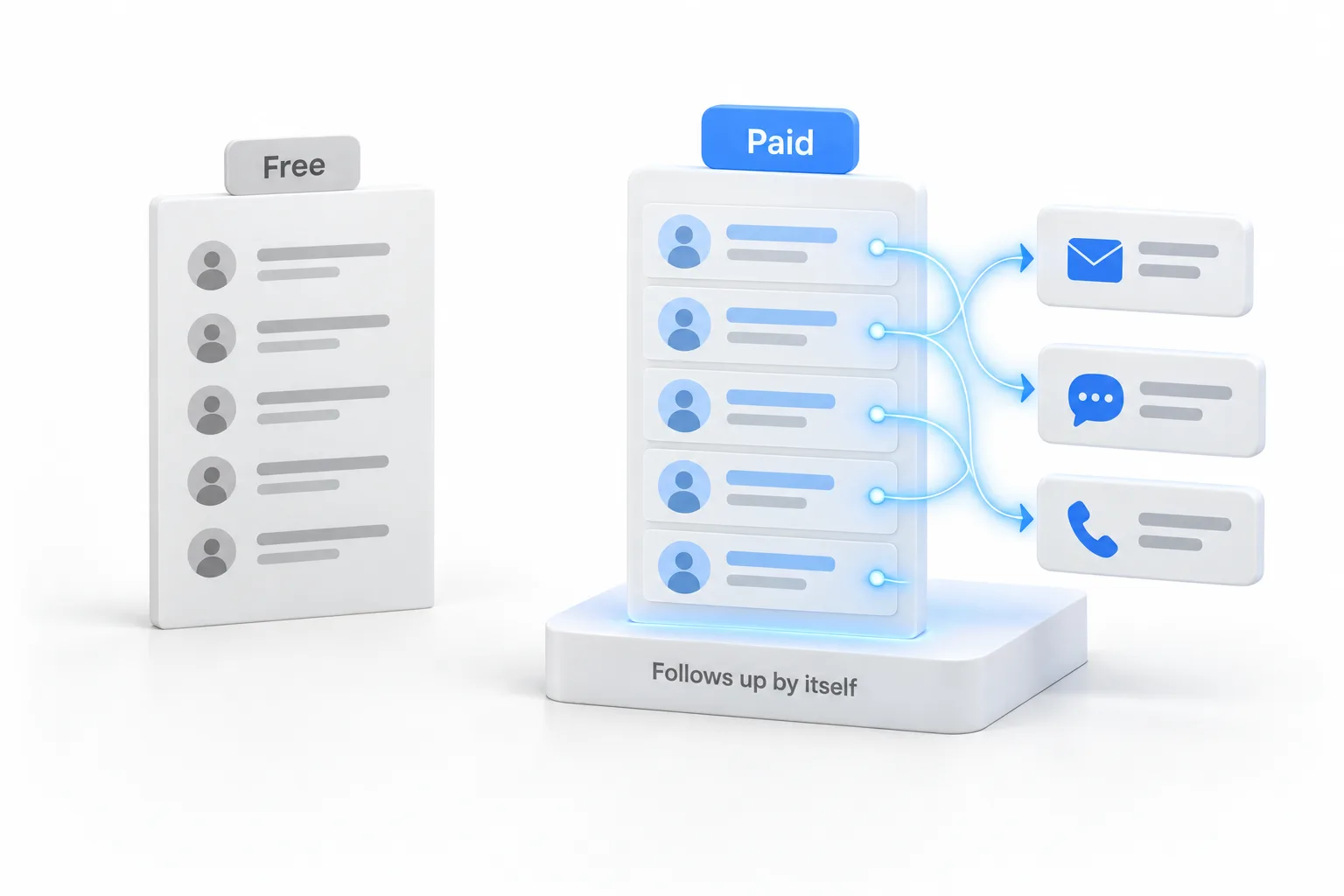
Free CRMs often
The basics
- Contact records
- A simple pipeline
- Basic forms
- Limited users or features
The short answer
A free CRM is usually enough for storing contacts and tracking a few deals. A paid CRM earns its cost when you need automatic follow up, texting and calling, booking, more users or AI. Decide by what one extra closed deal a month is worth to you compared with the paid plan.
Michael is a sponsored HighLevel affiliate. Links to HighLevel use his partner link at no extra cost to you. HighLevel prices and product facts on this page come from HighLevel's own pricing page and help center, checked on the date above.
Compare
Free CRMs often
Paid CRMs add
Every vendor draws the line differently, so check the free plan's limits on its own site.
Signs
Decide
Estimate how many leads go cold each month without follow up. If saving one of them is worth more than the paid plan, the paid plan pays for itself.
| HighLevel plan | Monthly | Best for |
|---|---|---|
| Starter | $97 | One business, up to three subaccounts |
| Unlimited | $297 | Agencies with many clients |
| Founder Plan | $497 | Selling HighLevel under your own brand |
Usage such as calls, texts, email and AI is billed separately.
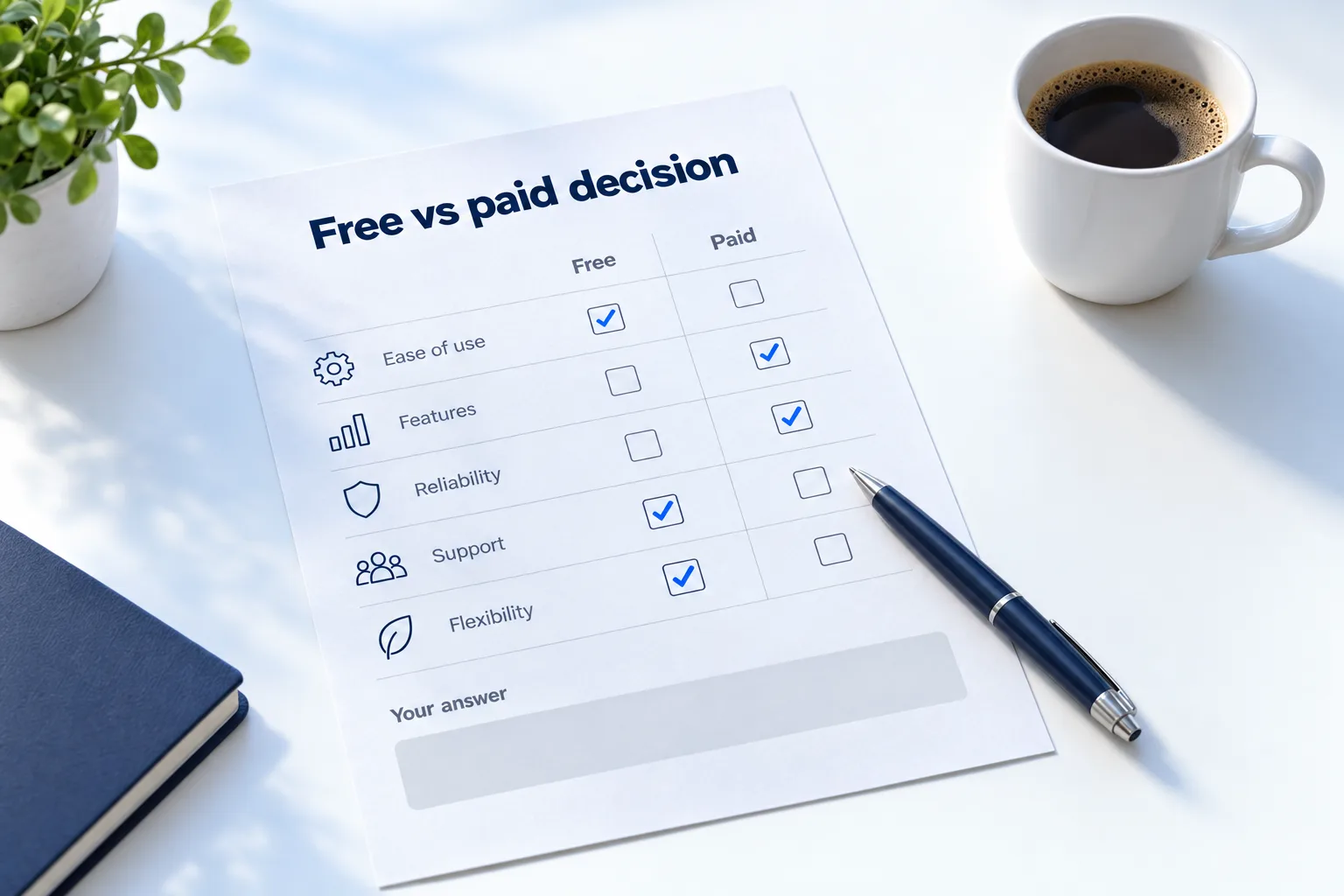
Read the limits
Free plans are real, and they are also designed to lead somewhere. Before you build your business on one, read its limits on the vendor's own pricing page and ask five questions.
Every vendor draws these lines differently and changes them over time, so check the current page instead of relying on a comparison article, including this one.
Timing
It depends on what the business needs this month. If you are moving off a spreadsheet and mainly need one place for contacts, a free CRM is a sensible first step. You will learn what you actually use.
If leads are already slipping because nobody follows up in time, starting free delays the fix. You will set up the free tool, hit the automation limit and then move again. Moving has a cost: exporting, cleaning, importing and retraining. In that situation it is cheaper to start on the platform you expect to stay on.
A fair way to decide is to test the paid option without paying yet. The 30 day HighLevel trial you get through Michael's link is long enough to build one working system, and what happens when the trial ends explains the next step. Usage fees for phone, SMS, email and AI can apply during a trial. Some paid features can become revenue of their own. One example is paid private channels in HighLevel Communities, covered in this video.
A fair test
That test tells you more than any feature table. How to choose a CRM has the full six step method, the CRM feature checklist lists what to look for, and does HighLevel have a free trial gives the short answer on the trial. For a shortlist to test, see the best CRM for small business comparison.
Comparing tools before you commit? Read the best CRM for nonprofits.

Free CRMs remember. Paid CRMs follow up. The follow up is where the money is.
Questions
For storing contacts and tracking a few deals, a free CRM is often good enough. For automatic follow up, texting and calling, booking or AI, it usually is not, because those are the features vendors charge for. Free CRMs remember. Paid CRMs follow up.
No. HighLevel does not have a free plan. It has a free trial: 14 days as standard and 30 days when you sign up through Michael's link. Usage fees for phone, SMS, email and AI can apply during the trial. Plans start at $97 a month after that.
Automation. A paid CRM follows up, sends reminders and takes bookings without manual work. That is usually where the line between free and paid sits, along with texting and calling, more users, AI and reporting. Every vendor draws the line differently, so check the plan page.
Yes. Export your contacts from the free CRM as a CSV file and import them into the new one. Clean the list before you import it, and check that the free CRM lets you export everything, including notes and deal history, before you rely on it.
Yes, if you mainly need one place for contacts. If leads are already being lost to slow follow up, starting on a platform with automation saves you a second move. A fair way to decide is to test a paid CRM with real leads before you commit.
The standard HighLevel trial is 14 days. Through Michael's link it is 30 days. Usage fees for phone, SMS, email and AI can apply during the trial. Thirty days is enough to build one system, send it real leads and check the usage on your bill.
Check five limits: how many contacts and users are allowed, whether there is any automation, whether it can text and call, what the next tier costs, and whether you can export everything. Vendors draw these lines differently and change them, so read the current plan page.
Next step
Start a trial, build the first system and test it before the first invoice. Usage fees for phone, SMS, email and AI can apply during the trial.
HighLevel has three plans at a flat monthly price, each with unlimited users and contacts. See what each one includes and what it costs.
Compare the PlansStarter, Unlimited and Founder