

In this video Michael Reimer builds a paid private channel inside a GoHighLevel community from scratch. Members see the locked channel in the sidebar and pay to join. He then adds a community plan that unlocks chosen channels, courses and events, tours the new analytics dashboard and lists the limits to know before a client sells access.
His example is a client who runs a busy gym, with a community full of members who already show up every week. Right now every extra she sells lives in a separate group or a payment link she sends by hand. With this update her members open the sidebar and see a paid channel with a small lock beside it. When they want in, they pay right there, with nobody on her team involved. It works from the mobile app too.
How do you create a paid private channel in a HighLevel community?
One thing comes first. The client needs a payment provider connected in payment settings, because a paid channel cannot be created without one. If that is not done, connect Stripe before anything else.
Then open Memberships, go to Communities and open the group. Click the plus next to Channels and create a new channel. Michael calls his Inner Circle and gives it one short line that tells members what they get inside.
Now turn on Private Channel and set it to visible. He is firm on this: the lock is the thing that sells it. Hidden channels exist too, but nobody can buy a room they cannot see. Continue, choose recurring so it bills every month, and add an annual price for members who want to commit. If you would rather sell a course or a challenge once, pick one time instead. Before anything real happens, switch on test mode and run a purchase through yourself. Click Create Channel and it appears in the sidebar with the lock.
How do community plans decide what a member can open?
This is the part Michael calls brand new. One community can now hold several plans, so you do not need a separate group for every tier. Open the community settings, go to Subscriptions and add a plan.
On the Access tab you pick exactly which channels, courses and events the plan unlocks, or you give it full access. He names his VIP, includes Inner Circle and adds a seven day free trial on the plan so joining feels easy. On the Benefits tab you write what members get, and a preview on the right shows how it will look.
Then the move he says most people skip. Open the three dot menu and mark one plan as most popular, because people compare plans side by side and you want one obvious pick. Preview Member View shows exactly what members will see. If the client wants it hands off, a workflow can grant access to a private channel the moment someone buys or fills out a form. The guide to launch a community covers the base settings underneath all of this.
What does the new community analytics dashboard show?
It sits under settings, in Analytics. At the top are total earnings, total members, inactive members and pending invitations. Every card compares against the period before, so the client sees right away whether things are growing.
The inactive card has an export button that downloads every quiet member as a list. Michael treats that list as a win back campaign, since those people already said yes once and drifted off. Peak activity hours is a heat map of when members show up, which tells you when to schedule posts and live sessions. Traffic sources shows whether people found the community through Instagram, YouTube, Facebook or LinkedIn. For an agency, he says, this dashboard becomes the monthly report to the client.
What will paid channels not do?
Michael sets expectations before the first sale. Pricing and visibility only work on private channels, so public channels stay as they are. If you turn on the option to make the community free, your paid plans pause while it is on. Taxes come from the client's payment settings, so set those up first.
And it will not fill the room for you. In his words, a locked channel with nothing inside is just a refund request.
How do you set up a paid channel and plans for a client?
This is the order Michael builds in.
- Connect payments. Make sure the client has a payment provider connected in payment settings, since a paid channel cannot be created without one.
- Create the channel. Open Memberships, go to Communities, open the group and click the plus next to Channels. Give the channel a short description.
- Lock it and price it. Turn on Private Channel and set it to visible so members can see the lock, then choose recurring or one time billing and add an annual price if you want one.
- Test the purchase. Switch on test mode and run a purchase through yourself before anything goes live.
- Add a plan. In the community settings, open Subscriptions and add a plan. On the Access tab pick the channels, courses and events it unlocks, and on the Benefits tab describe what members get.
- Pick the obvious plan. Mark one plan as most popular from the three dot menu, then check Preview Member View.
- Use the dashboard. Export inactive members for a win back campaign and plan posts around peak activity hours.
What changes for a business that adds a paid channel?
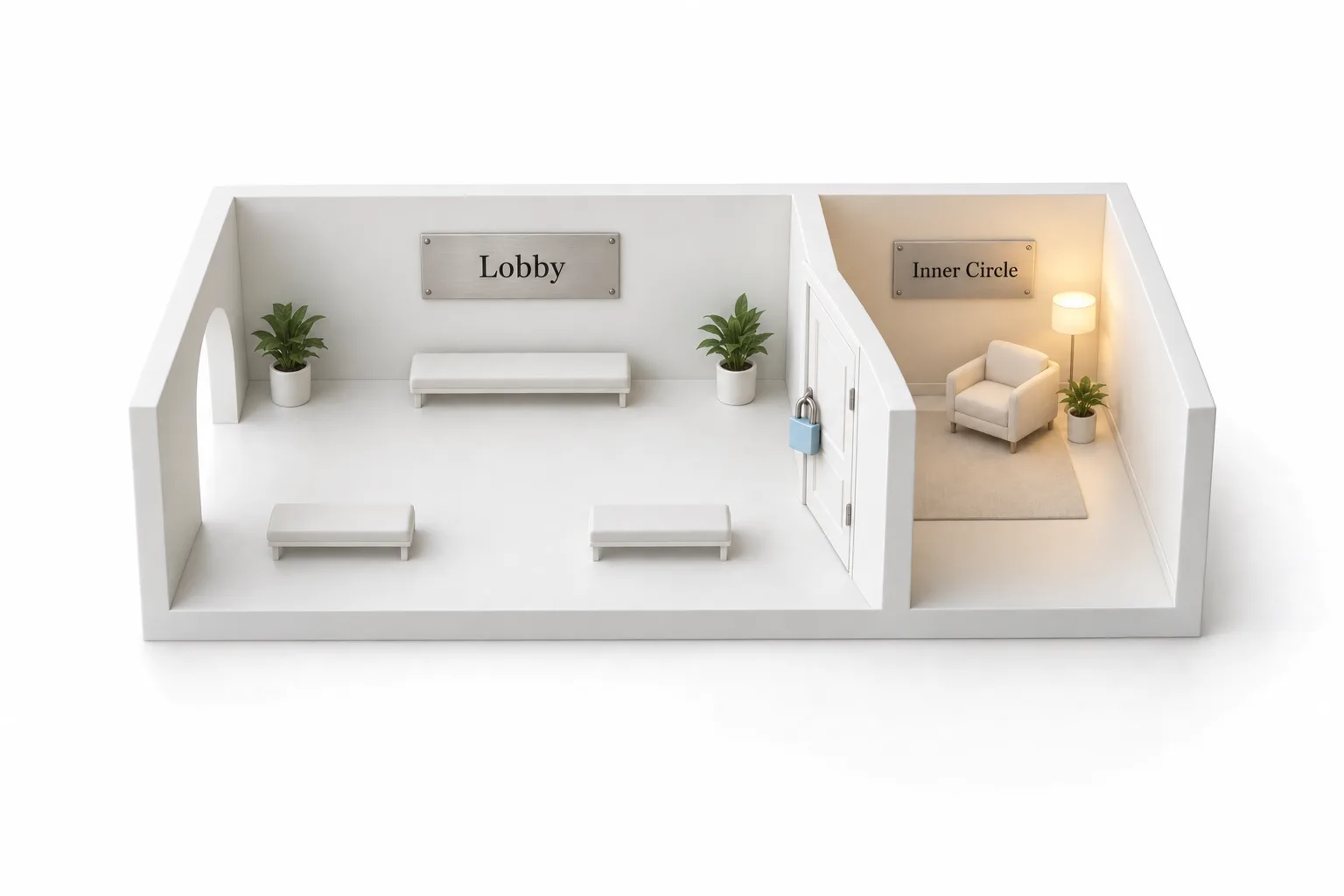
Michael's picture is simple. The community is the lobby and the paid channel is the back room. People will hang out in a lobby for free, and some will pay to sit closer to the expert. A room people can see but cannot enter does its own marketing.
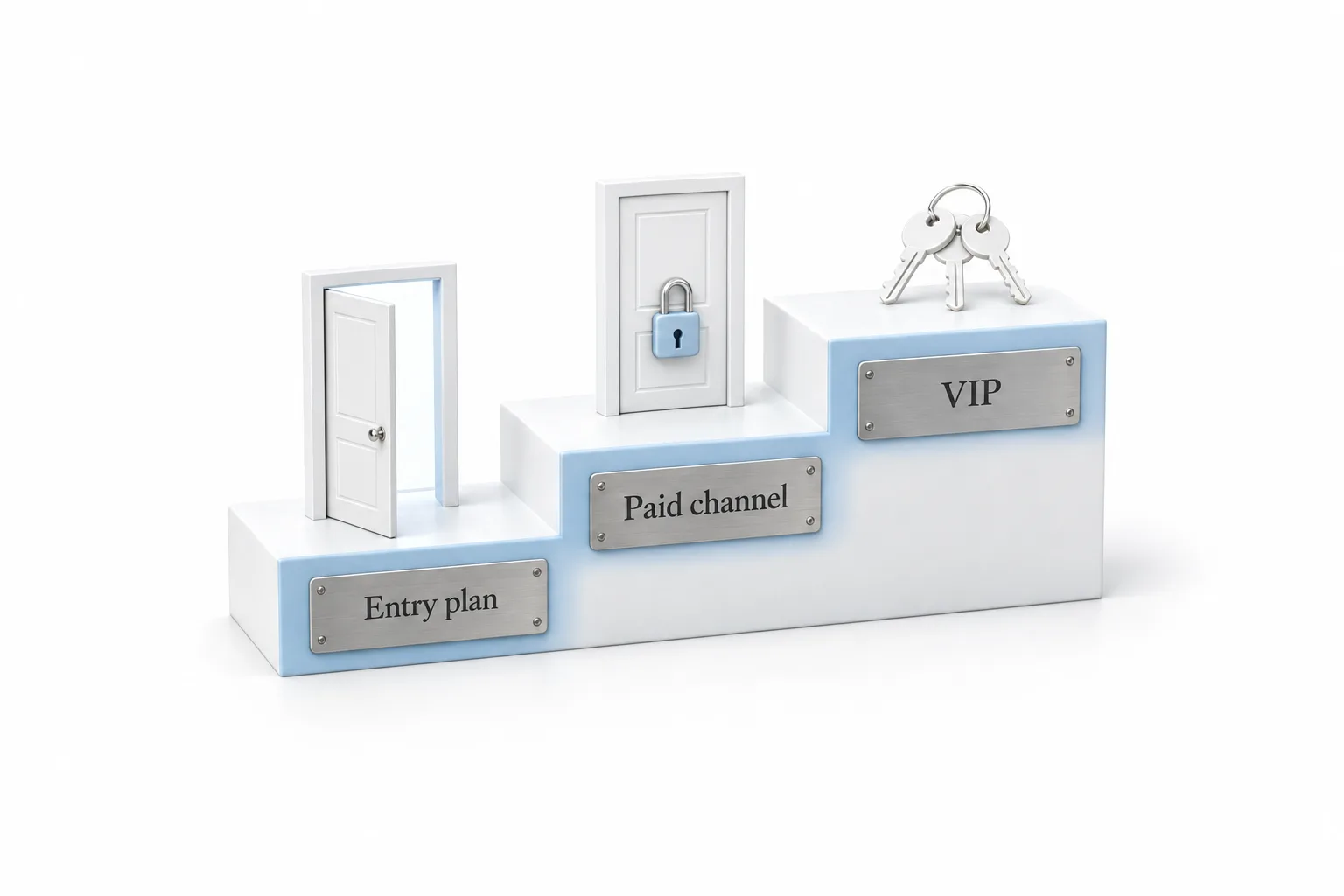
He would build the same ladder for every client. The front door is an entry plan with a free trial. Next is a visible paid channel that people can see from day one. The top is VIP, which bundles every room, the courses and the paid events into one plan. Members can move up without the client finding a single new lead.
It fits any business that already has people showing up, such as coaches, gyms, studios and churches. For agencies he describes the build as the product: the rooms, the plans and the checkout testing, followed by ongoing work posting content, running live events and working the inactive list. He is clear that he will not promise a number, because results depend on the client's audience and what is inside the room. The related pieces are covered in set up a membership site, create a course and the ticketed event setup video. GoHighLevel also offers a branded mobile app that puts courses and the community under the client's own name, which agencies can resell.
To build a paid channel and run a test purchase yourself, start a GoHighLevel 30 day trial through Michael's link. If you are weighing other community platforms, compare the best HighLevel alternatives first.