
HighLevel · CRM
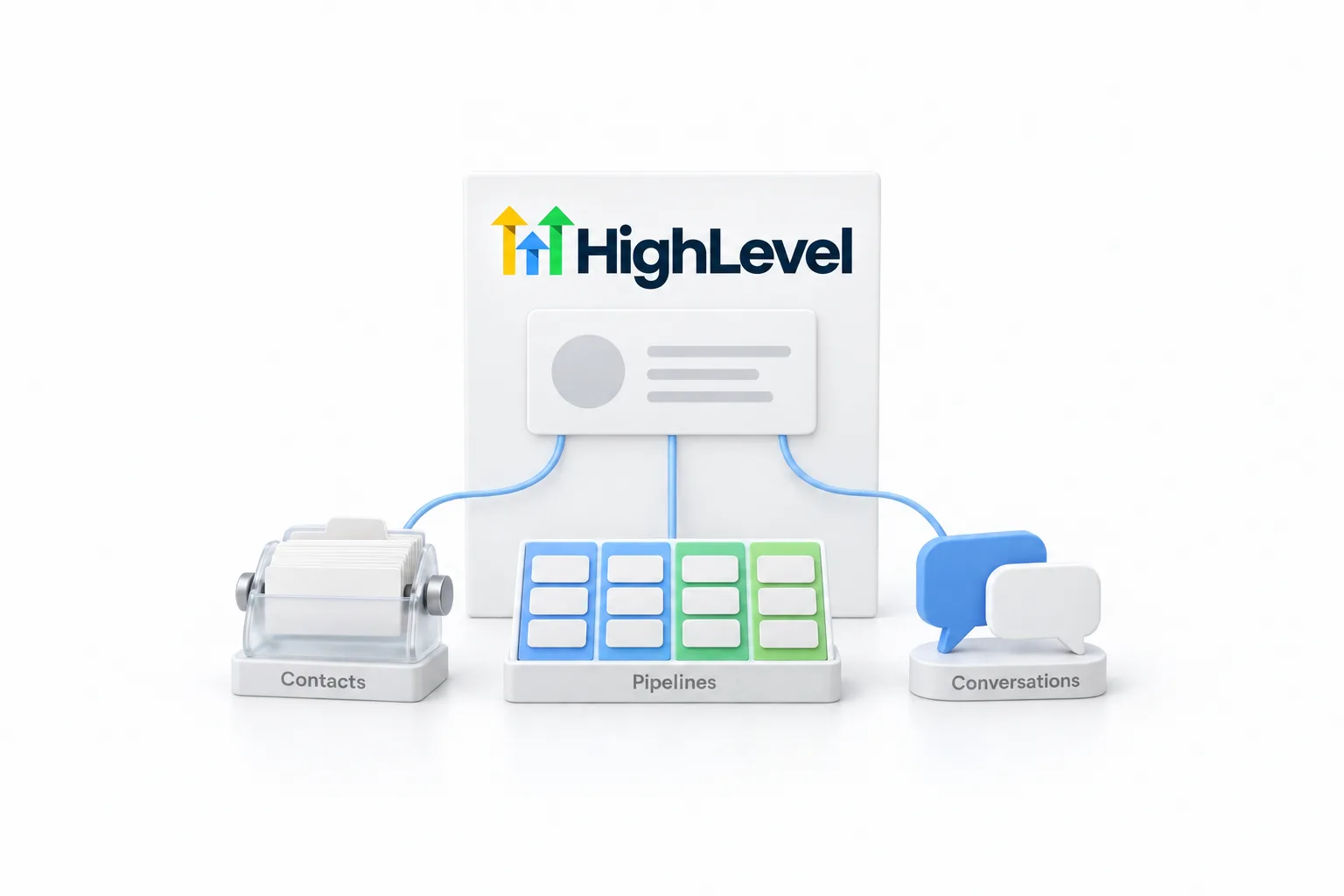
GoHighLevel CRM. Contacts, pipelines and conversations in one place.
HighLevel, which many people still call GoHighLevel or Go High Level, has a full CRM at its center. Here is what that CRM includes, how the parts work together, who it fits and what it costs.
The short answer
The GoHighLevel CRM is the contact and sales layer inside HighLevel, a platform that also runs texting, calling, email, booking, websites and automation. It includes contacts, smart lists, pipelines and opportunities, a conversations inbox, tasks, custom fields and reporting. Every plan includes unlimited contacts and unlimited users, from $97 a month.
Michael is a sponsored HighLevel affiliate. Links to HighLevel use his partner link at no extra cost to you. HighLevel prices and product facts on this page come from HighLevel's own pricing page and help center, checked on the date above.
Definition
What is the Go High Level CRM?
The Go High Level CRM is the part of HighLevel that stores your contacts and tracks every conversation, task and deal with them. Go High Level, GoHighLevel, GHL and HighLevel are four ways of writing one product name, so the Go High Level CRM, the GoHighLevel CRM and the HighLevel CRM are the same thing.
A CRM, short for customer relationship management, is software that keeps one record per customer and logs what happened with that person: the form they filled in, the messages you traded, the appointment they booked and the deal they are part of. Most CRM tools stop there and connect to other products for the rest.
HighLevel does not stop there. The same account sends the texts and emails, places the calls, takes the bookings, hosts the pages and runs the follow up. That is why this site describes HighLevel as a platform with a CRM inside it. The GoHighLevel overview covers the whole platform, and what is GoHighLevel explains it from the start.
What is inside
What does the GoHighLevel CRM include?
The CRM in HighLevel includes seven parts: contacts, smart lists, pipelines and opportunities, conversations, tasks, custom fields and reporting. They all sit inside one subaccount and work from the same contact records. Some people write the name as go high level CRM. It is the same product.
| CRM part | What it does | Where you find it |
|---|---|---|
| Contacts | One record per person, with standard fields, custom fields, tags, notes and activity history. Contacts can belong to companies. | Contacts |
| Smart lists | Saved contact filters that update in real time as people match or stop matching the rules. | Contacts, Add smart list |
| Pipelines and opportunities | Your sales process as stages on a board. Each opportunity is a deal tied to a contact, with a value and a status of open, won, lost or abandoned. | Opportunities |
| Conversations | One inbox thread per contact for SMS, email, calls, web chat, Facebook, Instagram and WhatsApp. | Conversations |
| Tasks | A to do tied to a contact, with a due date and a person responsible for it, so the next step always has an owner. | Contacts |
| Custom fields | Extra data on each record, such as service interest or budget, filled by forms, imports or workflows. | Settings, Custom Fields |
| Reporting | Dashboards and reports for opportunities, appointments, calls and attribution, including the value sitting in each pipeline stage. | Dashboard and Reporting |
Sources: HighLevel help center articles on smart lists, pipelines, opportunities and custom fields, checked November 2026. Menu labels can move as HighLevel updates the app.
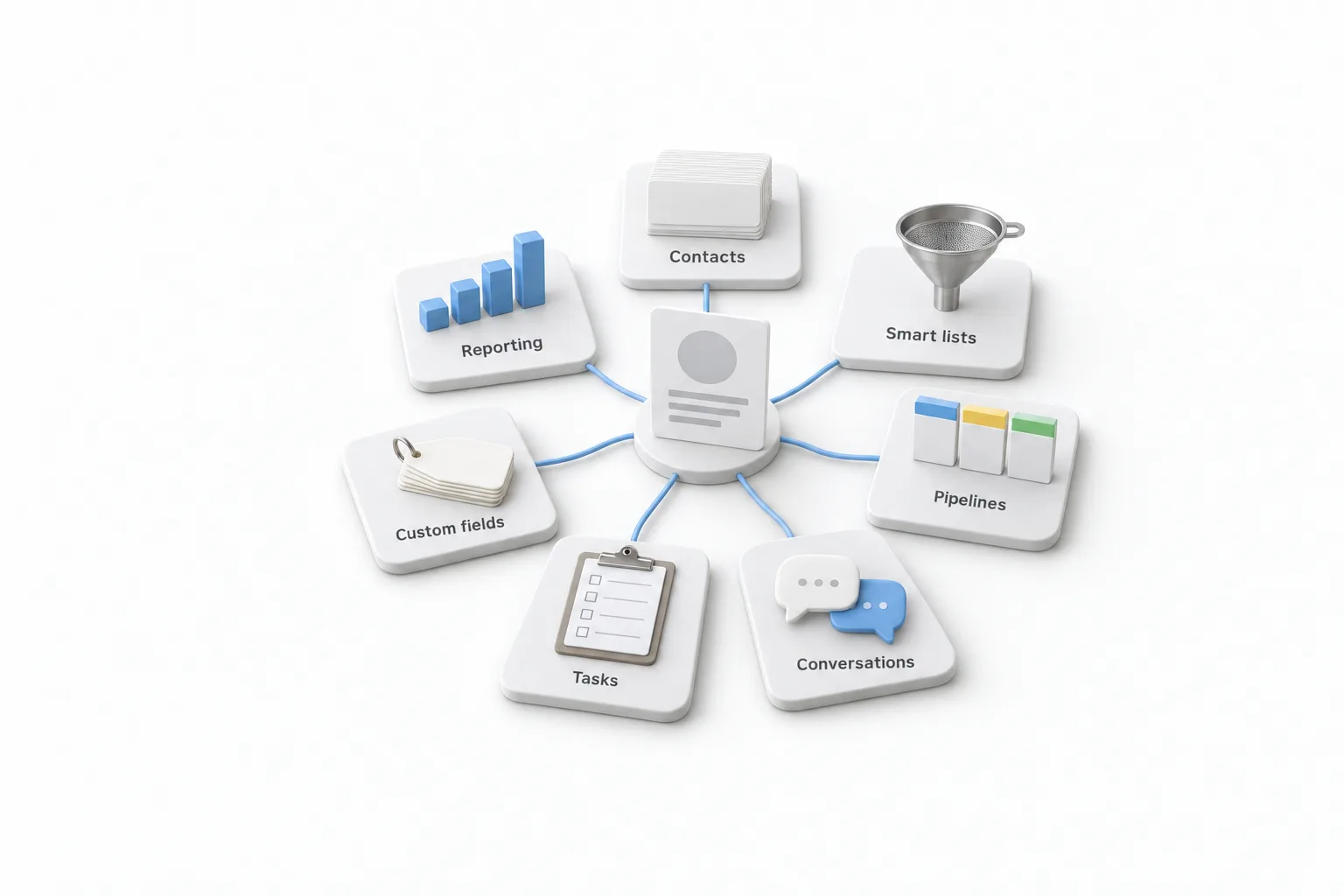
The glossary defines the terms you will meet first: smart list, pipeline, opportunity and custom field. The CRM is one group in a longer list. The GoHighLevel features directory shows everything else on the same login, and the HighLevel guide hub is the place to start if the platform is new to you.
In practice
How do the parts of the CRM work together?
The parts work together through the contact record. Every form, message, deal and task attaches to the same person. Follow one lead through a roofing company's account.
A homeowner fills in the quote form on the website. HighLevel creates a contact and saves the answer to the repair or replacement question in a custom field. A workflow creates an opportunity in the first stage of the pipeline and sends a text. The homeowner replies, and the reply lands in Conversations on the same thread as the form submission and any later call or email.
The office manager adds a task to call back before the end of the day and assigns it to the estimator. Each morning the estimator opens a smart list of new leads from this week, which keeps itself current without anyone rebuilding it. When the estimate is signed, the opportunity moves to won, and the pipeline report on the dashboard counts that value as won.
Nobody copied anything from one tool to another. That is what you gain when the CRM and the follow up share the same records. The stage setup is in how to build a sales pipeline in HighLevel.
The difference
How is GoHighLevel different from a CRM only tool?
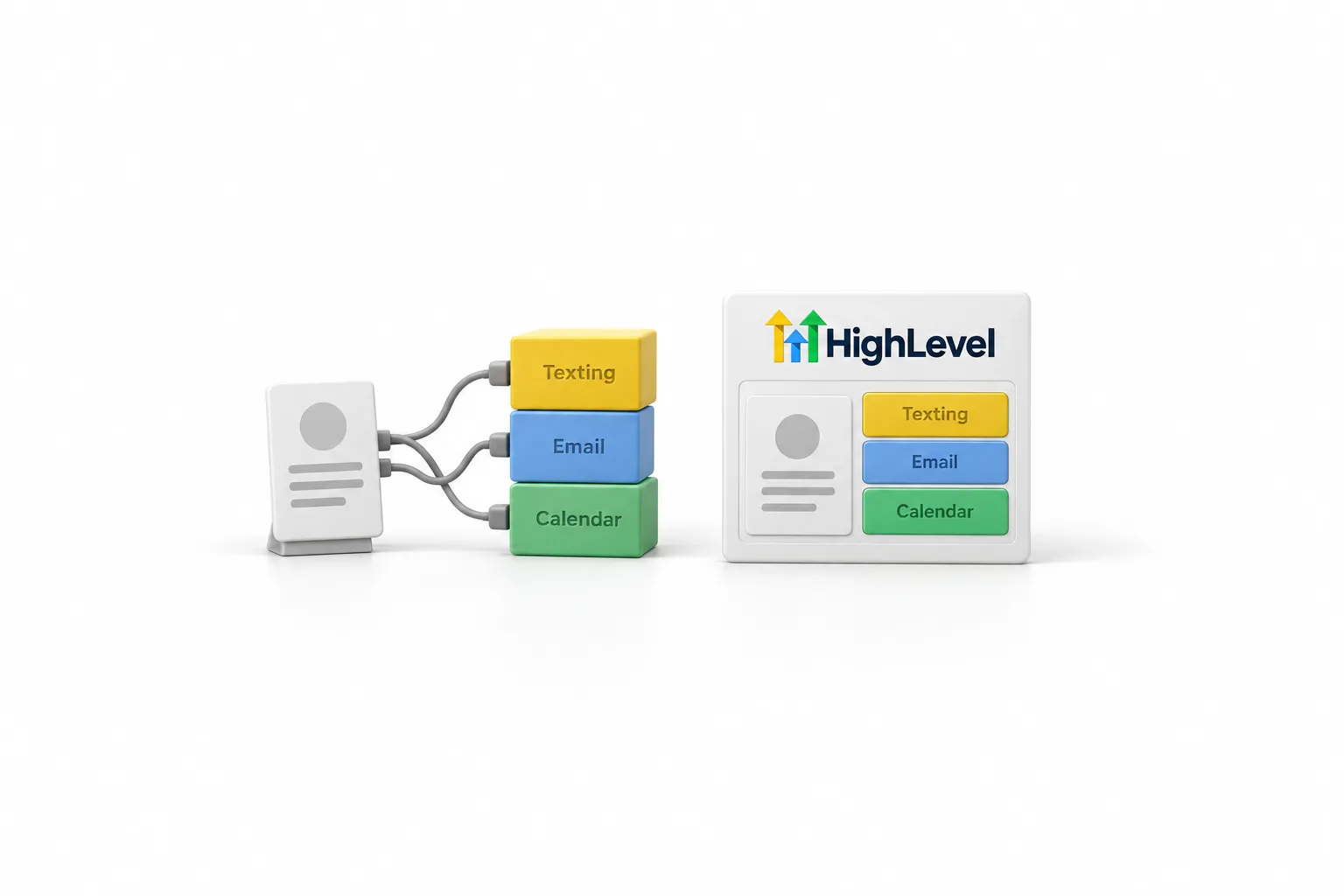
A CRM only tool stores contacts and tracks deals, then connects to other products for everything else. HighLevel is an all in one platform with the CRM at its center, so the contact record is also where the texting, calling, email, booking and automation happen. Neither approach is better for everyone.
| Job | A CRM only tool | HighLevel |
|---|---|---|
| Contacts and deals | The core of the product | Included: contacts, pipelines and opportunities |
| Texting and calling | Often a separate tool or an integration | Built in, billed on usage |
| Email campaigns | Often a separate tool or an integration | Built in, billed on usage |
| Booking calendars | Often a separate tool | Built in |
| Follow up automation | Varies by tool and by tier | Workflow builder on every plan |
| Funnels, websites and forms | Usually a separate tool | Built in |
| How you pay | Many charge per user | By plan, with unlimited contacts and users |
| Learning curve | Usually lighter | Heavier at first, because there is more in it |
The left column describes the category in general. Check the pricing and feature pages of any specific tool you compare.
The GoHighLevel review goes through the strengths and the harder parts in more detail.
Side by side
How does the GoHighLevel CRM compare with HubSpot, Pipedrive and other CRMs?
The GoHighLevel CRM comes at a flat monthly price with unlimited users, while many well known CRMs charge per user and sell texting, calling or landing pages separately. Each tool below is a good choice for a certain kind of team, and each has a full comparison on this site with the prices and the sources.
| CRM | Where it may fit better | What HighLevel adds | Full comparison |
|---|---|---|---|
| HubSpot | Larger in house teams already invested in its hubs | Texting, calling, funnels and booking on one flat plan | HighLevel vs HubSpot |
| Pipedrive | A sales team that only needs deal tracking | Texting and landing pages in the same account | HighLevel vs Pipedrive |
| Salesforce | Large organizations with complex, customized processes | Texting and landing pages without a separate edition | HighLevel vs Salesforce |
| Zoho CRM | Teams already inside the Zoho suite, and small sales teams that only need sales tracking at a lower price | Texting, landing pages and a booking page | HighLevel vs Zoho CRM |
| Keap | Businesses with long standing campaigns already running there | Unlimited users and contacts on a flat plan | HighLevel vs Keap |
| ActiveCampaign | Teams whose main channel is email automation | Texting, calling, pipelines, funnels and booking beside email | HighLevel vs ActiveCampaign |
Each row summarizes the linked comparison, where the figures and the sources are listed. Check the pricing page of any tool before you decide.
The pattern is the same in every row. If you only need to track deals or send email, a focused tool can cost less and take less time to learn. If you want the follow up, the phone and the pages on the same contact record, HighLevel replaces several tools at once. Every comparison is listed in the HighLevel comparison hub.
Fit
Who is the HighLevel CRM for, and who should pick a simpler CRM?
The CRM in HighLevel is for teams that will use the follow up tools built around it. A team that only needs a contact list should pick a simpler CRM.
- It fits a service business that follows up by text and phone. Leads, replies, bookings and deals stay on one record, and missed follow up becomes visible.
- It fits a team paying for several tools now. A CRM, a texting platform, an email tool and a scheduler can become one login and one plan.
- It fits agencies. Each client gets a subaccount with its own contacts and pipelines, and the Unlimited plan and Founder Plan include unlimited subaccounts.
A simpler CRM is the better choice in a few cases.
- You only need a contact list. If you want a smart address book and nothing else, HighLevel is more than you need.
- Nobody will take the time to learn it. There is a learning curve. An unused all in one platform is worse than a simple tool your team opens every day.
- Your company is locked into another ecosystem. If every other system you run is tied to one vendor, staying there can be the practical choice.
Two things surprise new users. Usage for calls, texts, email and AI is billed on top of the plan, which the usage fees page breaks down. And US carriers ask a business to register before it texts from a local number, so read how to register for A2P 10DLC early. Plan for both in your first week.
Cost
How much does the GoHighLevel CRM cost?
The CRM is not sold on its own. It is part of the core platform on every HighLevel plan: Starter at $97 a month, Unlimited at $297 a month and the Founder Plan at $497 a month. Every plan includes unlimited contacts and unlimited users, so the price does not climb as your list or your team grows.
| Plan | Monthly price | Subaccounts | CRM included |
|---|---|---|---|
| Starter | $97 | 3 | Yes, unlimited contacts and users |
| Unlimited | $297 | Unlimited | Yes, unlimited contacts and users |
| Founder Plan | $497 | Unlimited | Yes, unlimited contacts and users |
Phone numbers, texts, calls, email sending and premium AI are billed on usage on top of every plan. Prices verified on the HighLevel pricing page on November 16, 2026.
The full breakdown is on the GoHighLevel pricing page, and GoHighLevel plans compared shows what changes as you move up. HighLevel's standard free trial is 14 days. Through Michael's link it is 30 days, which the 30 day trial page explains.
HighLevel's pricing page lists no free plan. It lists a 14 day free trial on every plan, and billing starts automatically when the trial ends unless you cancel. Plans are month to month, so you can upgrade, downgrade or cancel from inside the account. The Founder Plan page covers what the top plan adds.
Setup
How do you set up the CRM in HighLevel?
Set up the CRM in seven steps, in this order. Each step gives the next one something to work with.
- Start a 30 day trial through Michael's link and open your first subaccount.
- Create your custom fields in Settings, Custom Fields, so every column in your list has a home.
- Import your contacts from a clean CSV and map each column to a field.
- Build one pipeline under Opportunities, Pipelines, with stages named the way your team talks.
- In Contacts, click Add smart list and save one filter for daily follow up, such as new leads this week.
- Reply to a lead from Conversations, then add a task with a due date and an assignee for the next step.
- Open the Dashboard and check that your opportunities and their value show up by stage.
The import is where most accounts go right or wrong, so read how to import contacts into HighLevel before you upload a file. Once those seven steps work with real contacts, add the next piece, such as a booking calendar or a follow up workflow. If you get stuck, how to contact HighLevel support lists the ways to reach the support team.

Think of HighLevel as a CRM that also does the follow up for you.
Questions
Common questions.
Is GoHighLevel a CRM?
GoHighLevel has a full CRM inside it, and it does more than a CRM does. It stores contacts, companies, conversations, opportunities, pipelines and tasks in one account. Texting, calling, email, booking and automation run on the same contact records instead of in separate tools.
What is GHL CRM?
GHL is short for GoHighLevel, so the term means the CRM inside GoHighLevel, the platform the company now calls HighLevel. It is the same product under each name. It includes contacts, smart lists, pipelines and opportunities, a conversations inbox, tasks, custom fields and reporting dashboards.
Is GoHighLevel a good CRM?
Yes, for a business that wants contacts, follow up, texting, calling and booking in one place, and for agencies that manage many clients. It asks more of you than a simple contact manager. There is a learning curve, and usage for calls, texts and email is billed on top of the plan.
Does GoHighLevel have a CRM on every plan?
Yes. The CRM is part of the core platform on Starter, Unlimited and the Founder Plan. Every plan includes unlimited contacts and unlimited users. The plans differ in subaccounts, white label, rebilling and the Founder feature set, not in whether you get the CRM.
How much is the GoHighLevel CRM?
The CRM is not sold on its own. It comes with every HighLevel plan: Starter at $97 a month, Unlimited at $297 a month and the Founder Plan at $497 a month. Phone numbers, texts, calls, email sending and premium AI are billed on usage on top of the plan.
How do you use the CRM in GoHighLevel?
Start with five things. Create your custom fields, import your contacts from a clean CSV, build one pipeline that matches how you sell, save one smart list for daily follow up, and reply to leads from the Conversations inbox. Add tasks and a dashboard once those are in use.
Is there a free version of the GoHighLevel CRM?
No. HighLevel's pricing page lists no free plan. It lists a 14 day free trial on every plan, and through Michael's link the trial is 30 days. Billing starts automatically when a trial ends unless you cancel, and usage fees can apply during the trial.
Next step
See it in your own account. Thirty days, every feature.
Start a 30 day trial through Michael's link, build the first system and test it before the first invoice. Usage fees for phone, SMS, email and AI can apply during the trial.
HighLevel has three plans at a flat monthly price, each with unlimited users and contacts. See what each one includes and what it costs.
Compare the PlansStarter, Unlimited and Founder