
Home/CRM guide/CRM for AI agencies
CRM guide · AI agencies
CRM for AI agencies. Where your agents live and work.
An AI agency sells systems: AI receptionists, chat agents, reactivation and follow up. The CRM is where those systems run for each client, so it needs client accounts, AI built in, templates and billing.
The short answer
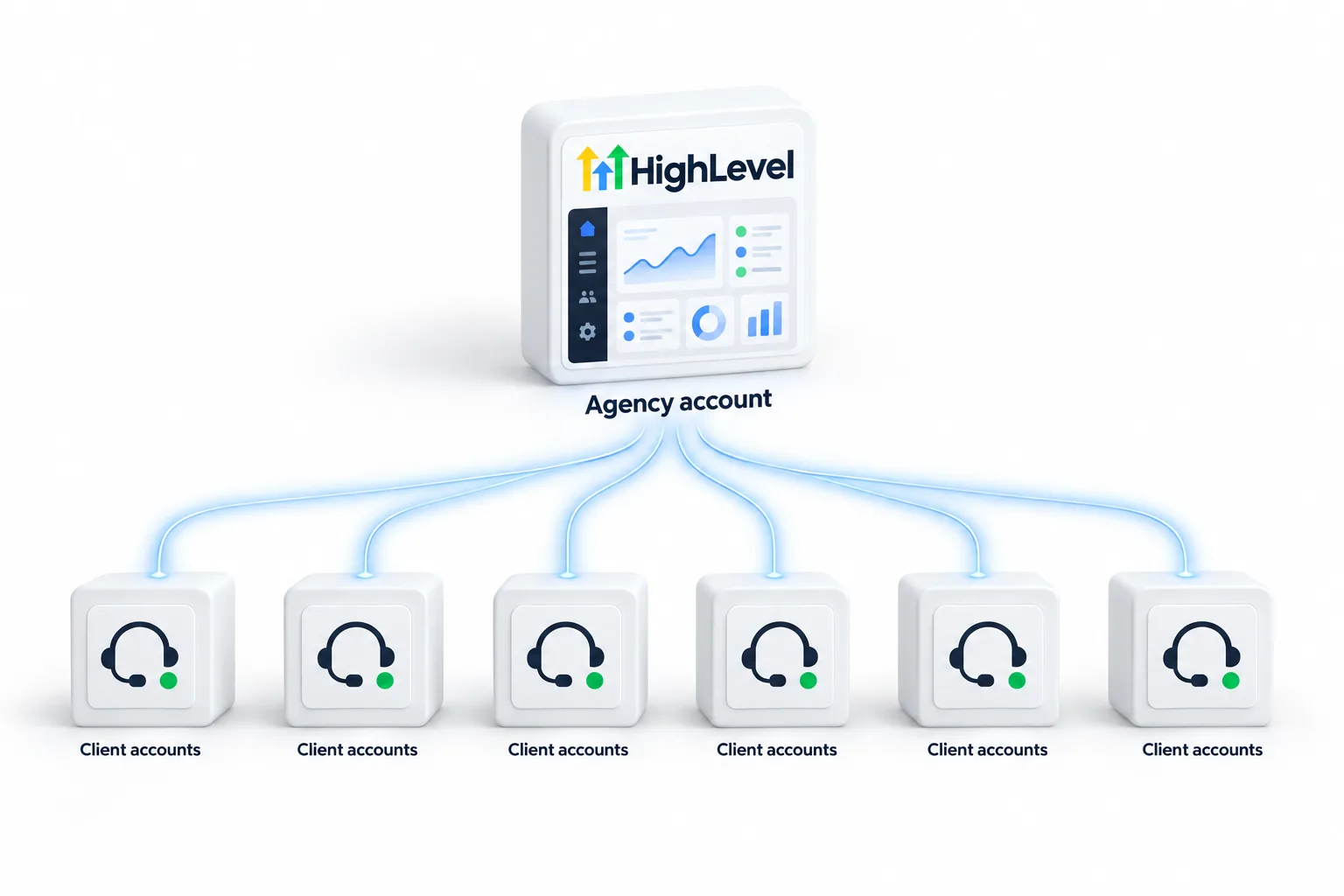
A CRM for an AI agency must run separate client accounts, include Voice AI and Conversation AI, let you package each offer as a template, rebill AI and phone usage with markup, and carry your brand. HighLevel covers all five, and rebilling AI usage with markup needs the Founder Plan.
Michael is a sponsored HighLevel affiliate. Links to HighLevel use his partner link at no extra cost to you. HighLevel prices and product facts on this page come from HighLevel's own pricing page and help center, checked on the date above.
Must haves
Five must haves.
| Must have | In HighLevel |
|---|---|
| Client accounts | Subaccounts |
| AI agents | Voice AI, Conversation AI, Managed Agents |
| Templates | Snapshots |
| Billing | Rebilling and markup |
| Your brand | White label domain and app |
Offers
Package each offer as a snapshot.
- Build the system in a template subaccount.
- Test it with real calls and messages.
- Save it as a snapshot.
- Load it into each new client and set custom values.
- Rebill usage and review results monthly.
Plans
Which plan.
| HighLevel plan | Monthly | Best for |
|---|---|---|
| Starter | $97 | One business, up to three subaccounts |
| Unlimited | $297 | Agencies with many clients |
| Founder Plan | $497 | Selling HighLevel under your own brand |
Usage such as calls, texts, email and AI is billed separately.
AI usage is billed per use, or through an AI Employee plan for each subaccount: Growth at $50 a month, Unlimited at $97, and Starter at $20 for agencies on the Founder Plan. Rebilling AI usage to clients needs the Founder Plan. See AI usage costs.
Worked example
What does onboarding a new AI client look like?
The five must haves earn their keep on the day you sign a client. With the right platform, onboarding is a repeatable routine, not a fresh project.
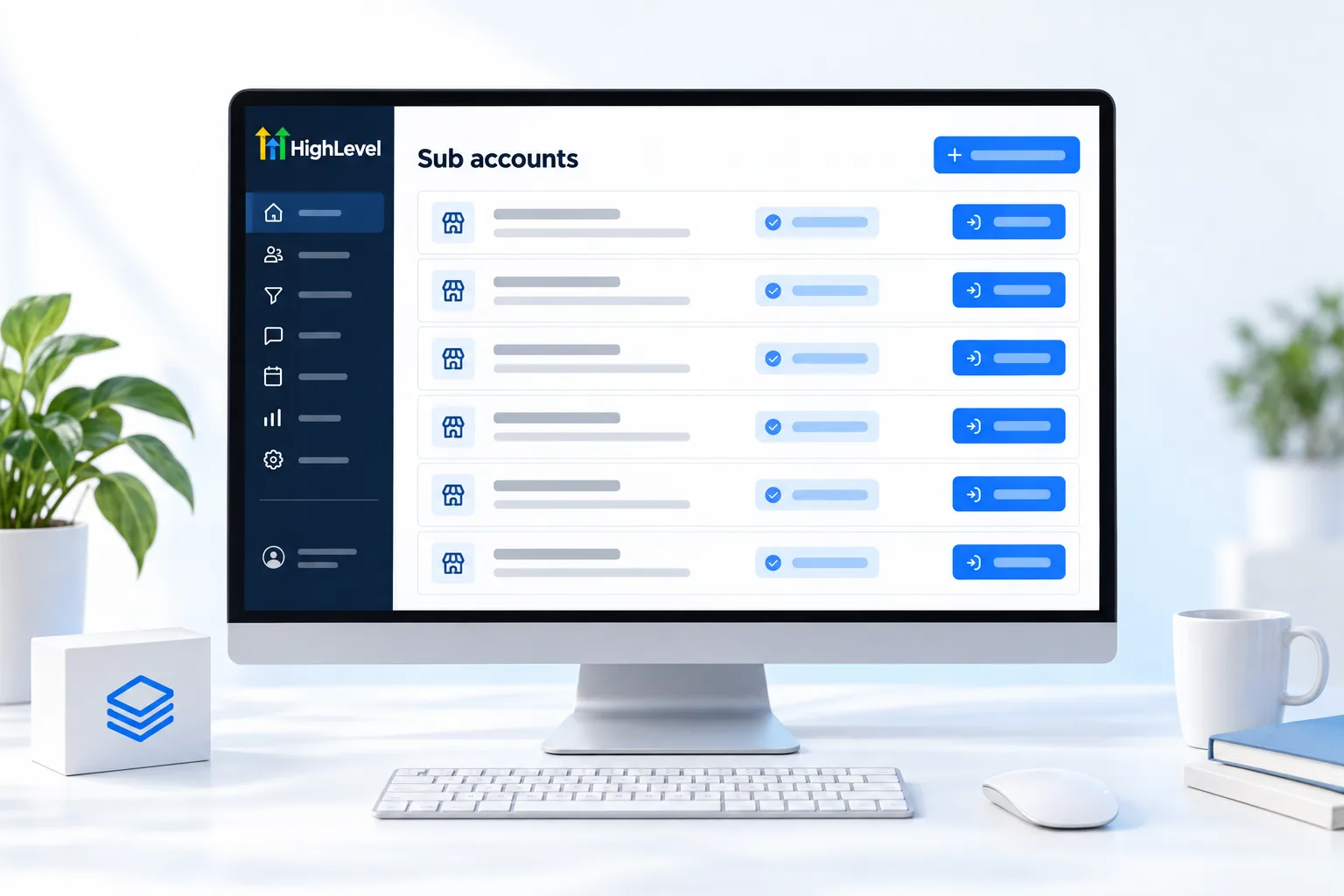
- Create the client account. A new subaccount keeps the client's contacts, numbers and agents separate from everyone else.
- Load the snapshot. Your offer arrives already built: pipeline, calendar, workflows and agents. The snapshot guide covers packaging.
- Fill in the client details. Custom values put the business name, hours and links everywhere at once. See how to use custom values.
- Train the agents. Add the client's website, FAQs and prices to the knowledge base.
- Connect the channels. Set up the phone number and submit A2P registration for texting.
- Choose the AI plan. Pick an AI Employee plan for the subaccount that matches the client's volume. Which AI plan is best helps.
- Test and launch. Make real calls and send real messages before the client does.
The first client takes days. The fifth takes an afternoon, because the snapshot carries what you learned. For an example of one packaged offer, see the AI receptionist for insurance agencies.
Billing
How does the money flow between you, the client and the platform?
There are three bills to understand. You pay HighLevel for your agency plan. Usage in each client subaccount, such as calls, texts, email and AI, draws on your agency wallet. And the client pays you.
How the client pays you depends on your plan. On Unlimited, you can pass phone and email usage through at cost, and AI usage is a cost you carry inside your retainer. On the Founder Plan, you can rebill usage with your own markup and turn on AI Employee rebilling, so the client's AI usage becomes a line item with a margin. The rebilling setup guide covers the settings. If you are still comparing platforms, the best CRM for small business comparison covers the general options, and the 30 day trial through Michael's link gives you time to build and test your first snapshot.
Avoid
What mistakes do AI agencies make choosing a platform?
- Stitching five tools together. Every connection is something to maintain for every client. The AI agency stack shows a smaller setup.
- No client separation. One shared account for several clients becomes a data and billing problem.
- Building each client from scratch. If you cannot template it, you cannot scale it.
- Ignoring usage until the invoice. Decide who pays for AI and phone usage before launch.
- Leaving the brand for later. Clients remember the first login. The white label CRM guide covers branding.

Sell one AI system really well before you add a second. Snapshots make the second client easy; the first one teaches you everything.
Through my link
Start HighLevel through my link and the CRM Pros team comes with it.
Same HighLevel price. The difference is who is in your corner for the first ninety days.
- Setup help in your first 7 days
- Your onboarding call with Michael’s team
- Three live calls every week: tech, sales and Michael’s own call
- The private affiliate community
- Snapshots, templates and email swipes
- Four apps: Prompt, Demo, A2P and Sales On Demand
The Founder Plan is HighLevel’s top plan at $497 a month. It is the former Agency Pro plan with an exclusive feature set, rebilling with markup and the Founders Club. The full breakdown is here.
The Founder PlanWhat it includes and who it is for
Questions
Common questions.
What CRM do AI agencies use?
Many AI agencies use HighLevel because AI agents, subaccounts, snapshots, rebilling and white label are built in. An AI agency needs separate client accounts, Voice AI and Conversation AI, a way to package each offer as a template, usage billing with markup and its own brand on the login.
Which plan suits an AI agency?
The Founder Plan at $497 a month suits an AI agency that wants to rebill AI and phone usage with its own markup. Unlimited at $297 a month works if you bill clients another way. Either way, give each client a separate subaccount so contacts, numbers and agents stay apart.
Can I rebill AI usage?
Yes, on the Founder Plan. It lets you rebill AI usage to each client with your own markup. Unlimited works if you bill clients another way. Decide who pays for AI and phone usage before launch, not when the first invoice arrives.
How do I reuse an AI setup?
Save it as a snapshot. Build the system once in a template subaccount, test it with real calls and messages, then save it. Load the snapshot into each new client and set the custom values, such as the business name and hours. The first client takes days and later ones take far less.
Does each client need its own subaccount?
Yes. Give each client its own subaccount. It keeps contacts, phone numbers, agents and billing separate, which protects client data and makes usage easy to track. One shared account for several clients becomes a data and billing problem as soon as you grow.
Are AI Employee plans bought per client?
Yes. AI Employee plans are billed monthly per enabled subaccount and cover every user in that subaccount. You choose a plan for each client account that needs one, or leave a subaccount on pay per use. Decide this during onboarding, before the client starts using the agents.
Can clients log in under my brand?
Yes. The white label desktop app, on your own domain with your logo, is included on Unlimited and the Founder Plan. Clients log in to your brand, not to HighLevel. Set it up before the first client arrives, because clients remember the first login.
Next step
See it in your own account. Thirty days, every feature.
Start a trial, build the first system and test it before the first invoice. Usage fees for phone, SMS, email and AI can apply during the trial.
HighLevel has three plans at a flat monthly price, each with unlimited users and contacts. See what each one includes and what it costs.
Compare the PlansStarter, Unlimited and Founder