
Home/CRM guide/HIPAA compliant CRM
CRM guide · Healthcare
HIPAA compliant CRM. What to check before you buy.
A CRM is usable under HIPAA when its vendor will sign a business associate agreement and the software gives you access controls, audit logs and encryption. No software is compliant by itself. How your practice uses it decides that. GoHighLevel offers all four through a paid HIPAA upgrade at $297 a month.
The short answer
A HIPAA compliant CRM is one whose vendor will sign a business associate agreement and that gives you access controls, audit logs and encryption. No software is compliant by itself. How your practice uses it decides that. GoHighLevel offers all four through a paid HIPAA upgrade at $297 a month.
Michael is a sponsored HighLevel affiliate. Links to HighLevel use his partner link at no extra cost to you. HighLevel prices and product facts on this page come from HighLevel's own pricing page and help center, checked on the date above.
The four checks
What makes a CRM HIPAA compliant?
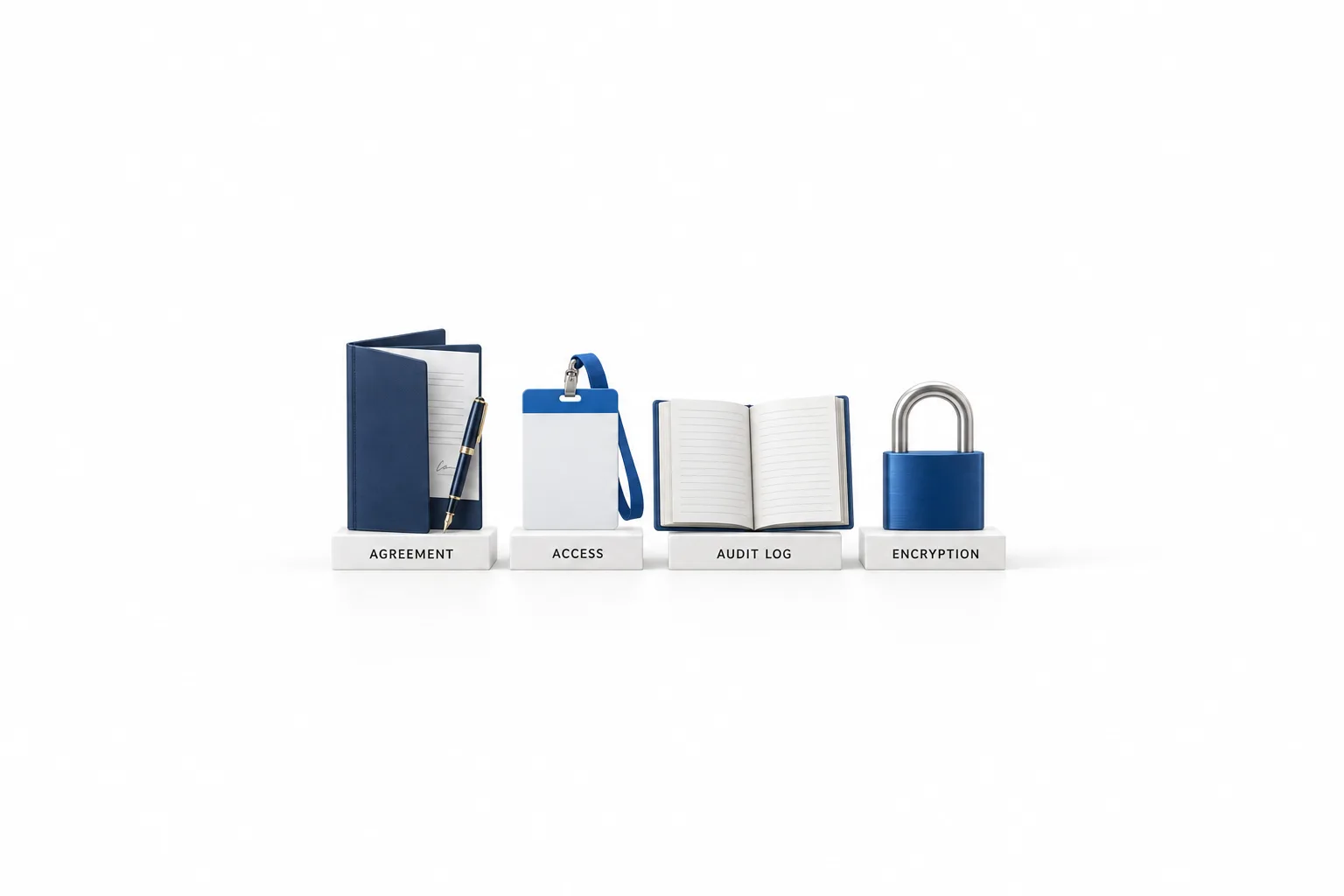
A CRM is usable under HIPAA when four things are in place: a signed business associate agreement, access controls, audit logs and encryption. HIPAA applies to health care providers, health plans and clearinghouses, and to the vendors that handle patient information for them. The law calls those vendors business associates. A CRM that stores patient details for a covered practice is acting as one, so the first check is paperwork and the other three are safeguards inside the software.
| What you need | What it means | What to look for |
|---|---|---|
| Business associate agreement | A written contract in which the vendor agrees to protect the patient information it holds for you. | A vendor that will sign one, and a copy you can download and keep. |
| Access controls | Each person has their own login and sees only what their job needs. | Individual users, role based permissions and multi factor authentication. |
| Audit logs | A record of activity in the account, so you can review who did what. | Logging that is on for your account and that you know how to review. |
| Encryption | Data is scrambled while it is stored and while it travels. | Encryption at rest and in transit, stated in writing by the vendor. |
The agreement comes from HIPAA's business associate rules. The other three follow the technical safeguards in the HIPAA Security Rule. Your advisor can tell you what else applies to your practice.
If you are still deciding what a CRM should do in the first place, start with the CRM guide for small business and come back to this page once you have a short list.
The honest part
Is any CRM HIPAA compliant out of the box?
No. No CRM is HIPAA compliant out of the box, because compliance describes how an organization handles patient information. It is not a feature a product can ship with. There is also no government HIPAA certification for software. The U.S. Department of Health and Human Services does not endorse or certify products, so treat a "HIPAA certified" badge as marketing and ask for the signed agreement instead.
The split works like this. The vendor provides the agreement and the safeguards. You decide who gets a login, what your staff type into texts, emails and notes, how you collect consent, and which other tools connect to the account.
Who needs it
Does a small practice need a HIPAA ready CRM?
A small practice needs one when protected health information will live in the CRM. That is health information that can be tied to a specific person. Think about what really ends up in the account: intake form answers, appointment reasons, staff notes, call recordings and message threads.
Not every business in a health adjacent field is covered by HIPAA. It depends on what you do and how you bill, and that is your advisor's call. What you control is the data. Some practices keep the CRM for marketing and scheduling and leave clinical details in their practice management system. Others want one inbox for everything and need full protection switched on. Decide which one you are before you import a contact.
The industry guides show where the line usually sits. HighLevel for dentists covers recall and reviews next to the practice software, and HighLevel for med spas covers lead follow up and rebooking. Both carry the same advice: until HIPAA protection is on, keep clinical information out of texts, emails, notes and AI instructions.
GoHighLevel
How does GoHighLevel handle HIPAA?
GoHighLevel handles HIPAA through a paid upgrade. Accounts are not HIPAA compliant by default. The HIPAA package is an optional add on at $297 a month on top of the plan price, and HighLevel's help center says agencies on any plan can subscribe.
| Check | What HighLevel states |
|---|---|
| Business associate agreement | Included with the HIPAA package. It is generated and signed inside HighLevel, and you can view and download it later from the Compliance section. |
| Encryption | With the package, data is encrypted before it is written to disk using 256 bit AES. HighLevel's Security and Compliance Overview also says data is encrypted in transit with TLS. |
| Audit logs | Audit logging is part of the package. |
| Access controls | The package enforces multi factor authentication. Roles and user permissions limit what each person can see. |
| Data it lists | Contacts, notes, custom fields, SMS and MMS, voice recordings, email bodies and attachments, form and survey submissions, calendars and invoices. Conversations, calendars and contacts in the mobile app inherit the same controls. |
| Price | $297 a month, on top of the plan price. |
| Can you reverse it? | No. Once HIPAA is on for a subaccount it cannot be turned off, and HighLevel states the package cannot be cancelled, refunded, removed or downgraded. |
Source: HighLevel's help center and pricing page. Plans and terms can change, so read the Before You Buy details in your own account before you subscribe.
There are two parts, and both are needed. The agency buys the package under Settings, then Compliance, and signs the agreement. Then HIPAA is switched on for each subaccount that handles patient data. The exact clicks are in is GoHighLevel HIPAA compliant.
Is HighLevel secure covers hosting, backups and two factor authentication, and the guide to setting up user permissions shows how to give each staff member their own login with only the modules they need.
Plans start at $97 a month for Starter, and the HIPAA package is added to whichever plan you choose. GoHighLevel pricing lists every plan and add on. The switch is permanent, so make the decision with your advisor before patient data goes in.
Vendor checklist
What questions should you ask any CRM vendor?
Ask every vendor on your list these ten questions, HighLevel included, and get the answers in writing.
- Will you sign a business associate agreement, and can I read it before I pay?
- Is HIPAA protection part of my plan or a paid add on, and what is the full monthly cost?
- Which data and which channels are covered: contacts, notes, forms, texts, email, call recordings, the mobile app?
- How is data encrypted when it is stored and when it is sent?
- Is there an audit log, and how do I review it?
- Can I require multi factor authentication for every user and limit each person to the records they need?
- Is protection switched on for the whole account or for each location, and who can change it?
- If there is a security incident that involves my data, how and when will you tell me?
- What happens to my data, and to the agreement, if I cancel?
- Do the AI features and the integrations I plan to use fall under the same agreement?
For HighLevel, the table above answers most of the first seven. Read the agreement itself for the last three.
Rollout
How do you set up a HIPAA ready CRM without a mistake?
Set it up in this order: decide first, build with test data second, import patient data last.
- Ask your compliance advisor whether HIPAA applies to you and which information counts.
- Write down every place patient details could land in the CRM: forms, notes, texts, email, call recordings and AI agents.
- Send the vendor questions above and keep the answers.
- Build and test with made up contacts. The 30 day trial through Michael's link gives you time to build forms, calendars and follow up in HighLevel before any real data is involved.
- Sign the business associate agreement and switch on HIPAA protection for the account or subaccount.
- Give every person their own login, turn on multi factor authentication and limit each role to what it needs.
- Import patient data only after the first six steps are done.
- Train staff on what belongs in a text or an email, and review access when someone joins or leaves.
The mistake to watch for is the other tools: a form builder, a spreadsheet export or an automation that copies patient details somewhere the agreement does not reach.
Comparing tools before you commit? Read the best CRM for medical practices. Comparing tools before you commit? Read the best CRM for therapists.

Ask for the signed agreement first. If a vendor cannot show you one, nothing else on the feature list matters for patient data.
Questions
Common questions.
What is a HIPAA compliant CRM?
It is a CRM whose vendor will sign a business associate agreement and that gives you access controls, audit logs and encryption. No software is compliant by itself, because compliance depends on how your practice uses it. GoHighLevel offers all four through a paid HIPAA upgrade at $297 a month.
Is GoHighLevel HIPAA compliant?
GoHighLevel is not HIPAA compliant by default. It offers a HIPAA upgrade at $297 a month on top of the plan price. HighLevel's help center says the package includes a signed Business Associate Agreement, 256 bit AES encryption, audit logging and enforced multi factor authentication. Once it is on for a subaccount, it cannot be turned off.
Do I need a business associate agreement with my CRM vendor?
If you are covered by HIPAA and the CRM will hold protected health information for you, yes. The vendor is then acting as your business associate, and the rules call for a written agreement before the data goes in. If a vendor will not sign one, keep patient information out of that tool. Confirm your own situation with a compliance advisor.
How much does a HIPAA compliant CRM cost?
It depends on the vendor. Some include HIPAA terms in a higher plan and others sell them as an add on, so ask for the full monthly figure in writing. In GoHighLevel the HIPAA package is $297 a month on top of the plan price, and plans start at $97 a month for Starter. Usage fees for phone, SMS, email and AI are separate.
Can I test a CRM before I add patient data?
Yes, and you should. Build your forms, calendar, pipeline and follow up with made up contacts first, so you can judge the tool without putting real patient details at risk. The 30 day trial through Michael's link gives you time to do that in GoHighLevel. Keep patient data out of the account until the HIPAA package is on.
Next step
See it in your own account. Thirty days, every feature.
Start a trial, build the first system and test it before the first invoice. Usage fees for phone, SMS, email and AI can apply during the trial.
HighLevel has three plans at a flat monthly price, each with unlimited users and contacts. See what each one includes and what it costs.
Compare the PlansStarter, Unlimited and Founder