
Home/CRM guide/Best CRM for startups
CRM guide · Best CRM for startups
The best CRM for startups. Simple now, ready for later.
Startups need a CRM that is quick to set up today and does not force a painful move in a year. The trick is to start with one simple system inside a platform that can grow with you.
The short answer
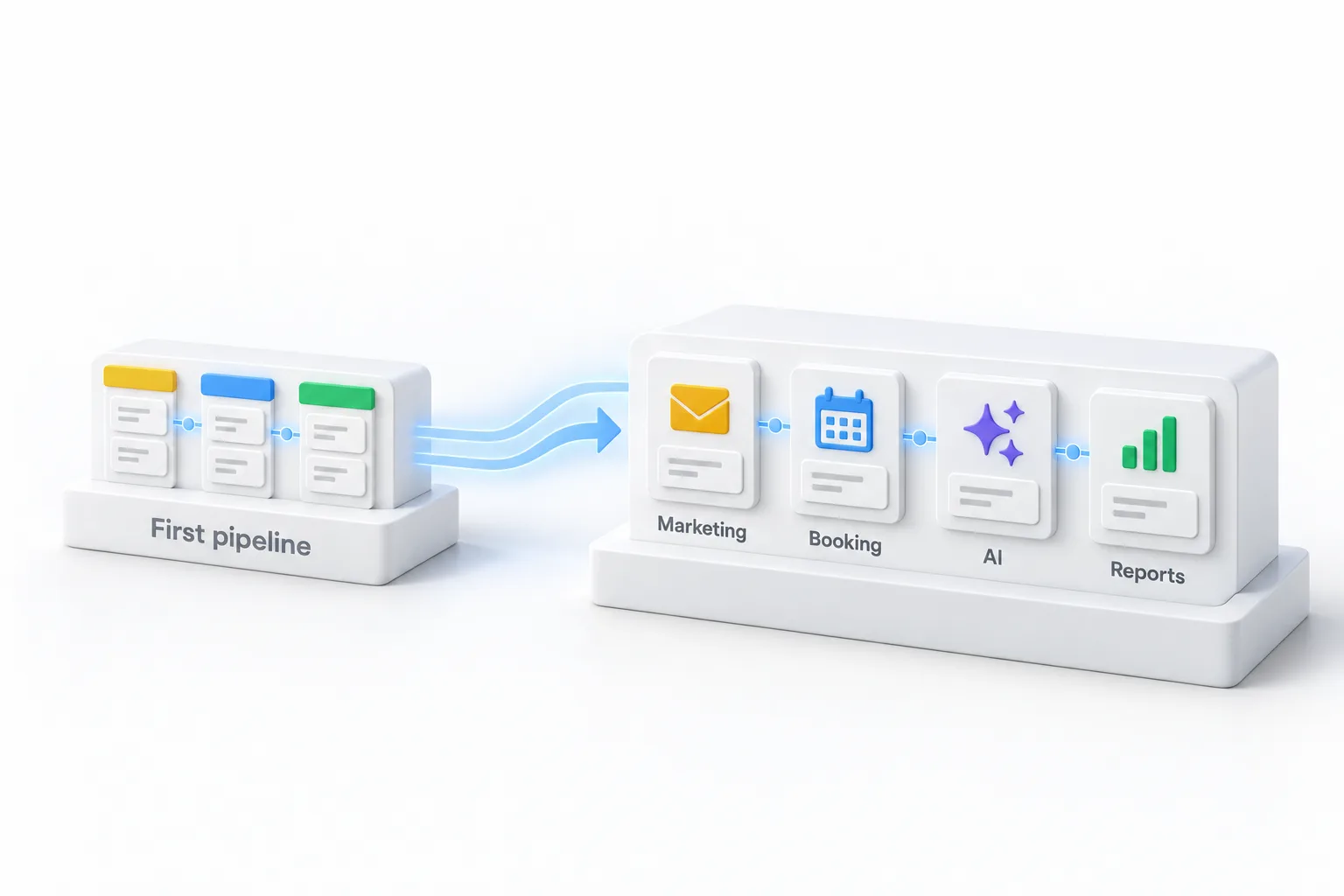
The best CRM for a startup is quick to set up, follows up automatically, has a mobile app, and can grow into marketing, phone and AI without a migration. Start with one pipeline and one follow up workflow. All in one platforms such as HighLevel start at $97 a month and add tools as you need them.
Michael is a sponsored HighLevel affiliate. Links to HighLevel use his partner link at no extra cost to you. HighLevel prices and product facts on this page come from HighLevel's own pricing page and help center, checked on the date above.
Needs
What startups need.
| Need | Why |
|---|---|
| Fast setup | Time matters more than features |
| Automatic follow up | Founders forget to follow up |
| Room to grow | Avoid migrating in a year |
| Predictable cost | Plan plus usage you can forecast |
| Investor ready reporting | Pipeline and conversion numbers |
A setup
A simple first system.
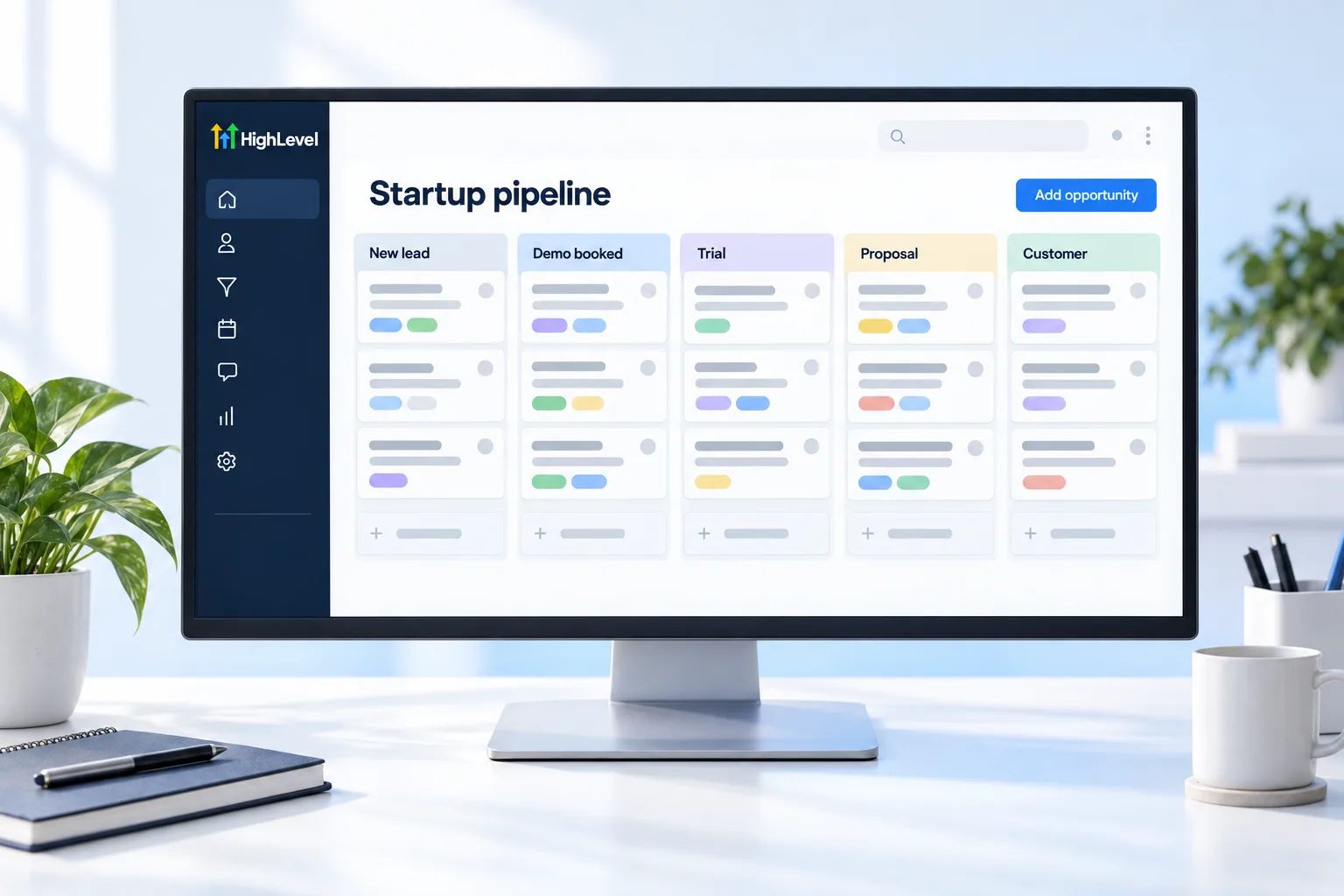
- Create one pipeline with four or five stages.
- Add a lead form to your website.
- Build one follow up workflow: instant text and email.
- Add a booking calendar for demos or calls.
- Review the pipeline every Monday.
Compare
Check these on any CRM.
- The price of the plan you would really need
- Limits on contacts, users and sends
- Whether texting, calling and AI are included or extra
- How easy it is to export your data
- Whether there is a free trial
| HighLevel plan | Monthly | Best for |
|---|---|---|
| Starter | $97 | One business, up to three subaccounts |
| Unlimited | $297 | Agencies with many clients |
| Founder Plan | $497 | Selling HighLevel under your own brand |
Usage such as calls, texts, email and AI is billed separately.
Think ahead
How do you avoid outgrowing your CRM?
A migration in year two costs more than the software ever did. You lose history, retrain the team and pause selling. You can lower that risk on the day you choose.
- Check how the price grows. Per user and per contact pricing rise as you hire and market. Ask what you would pay at three times your current size.
- Check what is on the next tier. If automation or reporting sits behind an expensive upgrade, you will hit that wall early.
- Check the channels. If you will ever text or call customers, make sure the platform can do it without another tool.
- Check the exit. Confirm you can export contacts and history. Can I export my data from HighLevel covers that question for HighLevel.
- Check the room to grow. Marketing, phone and AI in the same platform means adding features, not moving systems.
HighLevel includes unlimited contacts and users on every plan, so growth in the team or the list does not change the plan price. Usage is billed separately. The CRM pricing guide shows how to total any vendor. The best CRM for small business comparison covers other options, and the 30 day trial through Michael's link gives you a month to test the fit. The CRM Pros team helps with setup in your first 7 days when you start through Michael's link.
Restraint
What should a startup not build yet?
Early stage teams lose weeks to CRM setup that nobody needed. Leave these until the basics are used every day. Still choosing what to build? See these AI startup ideas.
- Lead scoring models, before you have enough leads to learn from
- A dozen custom fields nobody fills in
- Complex routing rules for a sales team of two
- Dashboards for every metric
- Long nurture sequences, before the first reply is working
Build one pipeline, one form and one follow up. The sales pipeline guide and the form guide are enough to start.
Reporting
What numbers should the CRM give a startup?
You need a small set of honest numbers, and you need them without a spreadsheet: how many leads arrived and from where, how many moved to each stage, how long deals take and how many closed. Those four tell you where to spend next week, and they are the numbers investors and advisors ask for.
A CRM only produces them if the team updates the pipeline, which is why a simple pipeline beats a clever one. The dashboard guide shows how to put them on one screen. If you are still on a free tool, free vs paid CRM helps you judge the timing, and how to migrate from another CRM covers the move.
Selling to other businesses? Read CRM for B2B sales.

Do not spend a month configuring a CRM. Spend a day, then sell.
Through my link
Start HighLevel through my link and the CRM Pros team comes with it.
Same HighLevel price. The difference is who is in your corner for the first ninety days.
- Setup help in your first 7 days
- Your onboarding call with Michael’s team
- Three live calls every week: tech, sales and Michael’s own call
- The private affiliate community
- Snapshots, templates and email swipes
- Four apps: Prompt, Demo, A2P and Sales On Demand
The Founder Plan is HighLevel’s top plan at $497 a month. It is the former Agency Pro plan with an exclusive feature set, rebilling with markup and the Founders Club. The full breakdown is here.
The Founder PlanWhat it includes and who it is for
Questions
Common questions.
What is the best CRM for a startup?
The best CRM for a startup is quick to set up, follows up automatically, has a mobile app and can grow into marketing, phone and AI without a migration. Start with one pipeline and one follow up workflow, inside a platform you will not have to leave in a year.
Should a startup use a free CRM?
Maybe at first. A free CRM can hold contacts while you find your first customers. Before you commit, check what you would pay once you need texting, automation and more users, because a migration in year two costs more than the software ever did.
Is HighLevel good for startups?
Yes, especially for startups that sell to small businesses or run services. HighLevel includes unlimited contacts and users on every plan, so growth in the team or the list does not raise the plan price, and marketing, phone and AI sit in the same platform when you need them.
How long does setup take?
A basic system can run in a day: one pipeline with four or five stages, a lead form on your website, one follow up workflow and a booking calendar. Do not spend a month configuring a CRM. Build the simple version, start selling and add to it as real leads show what is missing.
Does HighLevel charge per user?
No. HighLevel does not charge per user. Contacts and users are unlimited on every plan, so adding a teammate does not change the plan price. Usage such as calls, texts, email and AI is billed separately, which is the part of the cost to forecast.
What should a startup build first in a CRM?
One pipeline, one lead form and one follow up workflow. Add a booking calendar for demos or calls and review the pipeline every Monday. Add more only when those are used every day. Lead scoring, long nurture sequences and dashboards for every metric can wait.
How do I avoid migrating CRMs later?
Check four things before you choose: how the price grows with users and contacts, what sits on higher tiers, which channels such as texting and calling are included, and how you would export your data. A platform with room for marketing, phone and AI saves you a move later.
Next step
See it in your own account. Thirty days, every feature.
Start a trial, build the first system and test it before the first invoice. Usage fees for phone, SMS, email and AI can apply during the trial.
HighLevel has three plans at a flat monthly price, each with unlimited users and contacts. See what each one includes and what it costs.
Compare the PlansStarter, Unlimited and Founder