
Home/HighLevel/How to/Build a dashboard
How to · Reporting
Build a custom GoHighLevel dashboard. The numbers that matter, on one screen.
A GoHighLevel dashboard puts the numbers you choose on one screen. HighLevel lets you create several dashboards in each subaccount, each with its own widgets and permissions. Build one for the owner, one for the sales team and one for your own weekly review.
The numbers that matter, on one screen.
The short answer
To build a custom dashboard in GoHighLevel, open Dashboard in the subaccount, open the dashboard menu and click Add Dashboard, enter a name, set it private or choose access for agency users, account admins and account users, then create it and add widgets, titles, images and text boxes for the numbers you track.
Michael is a sponsored HighLevel affiliate. Links to HighLevel use his partner link at no extra cost to you. HighLevel prices and product facts on this page come from HighLevel's own pricing page and help center, checked on the date above.
Build
How do you build a custom dashboard in HighLevel?
- Open Dashboard in the subaccount.
- Open the dashboard selection menu and click Add Dashboard.
- Name it, such as Owner Weekly.
- Turn Private Dashboard on, or off and set access for Agency User, Account Admin and Account User.
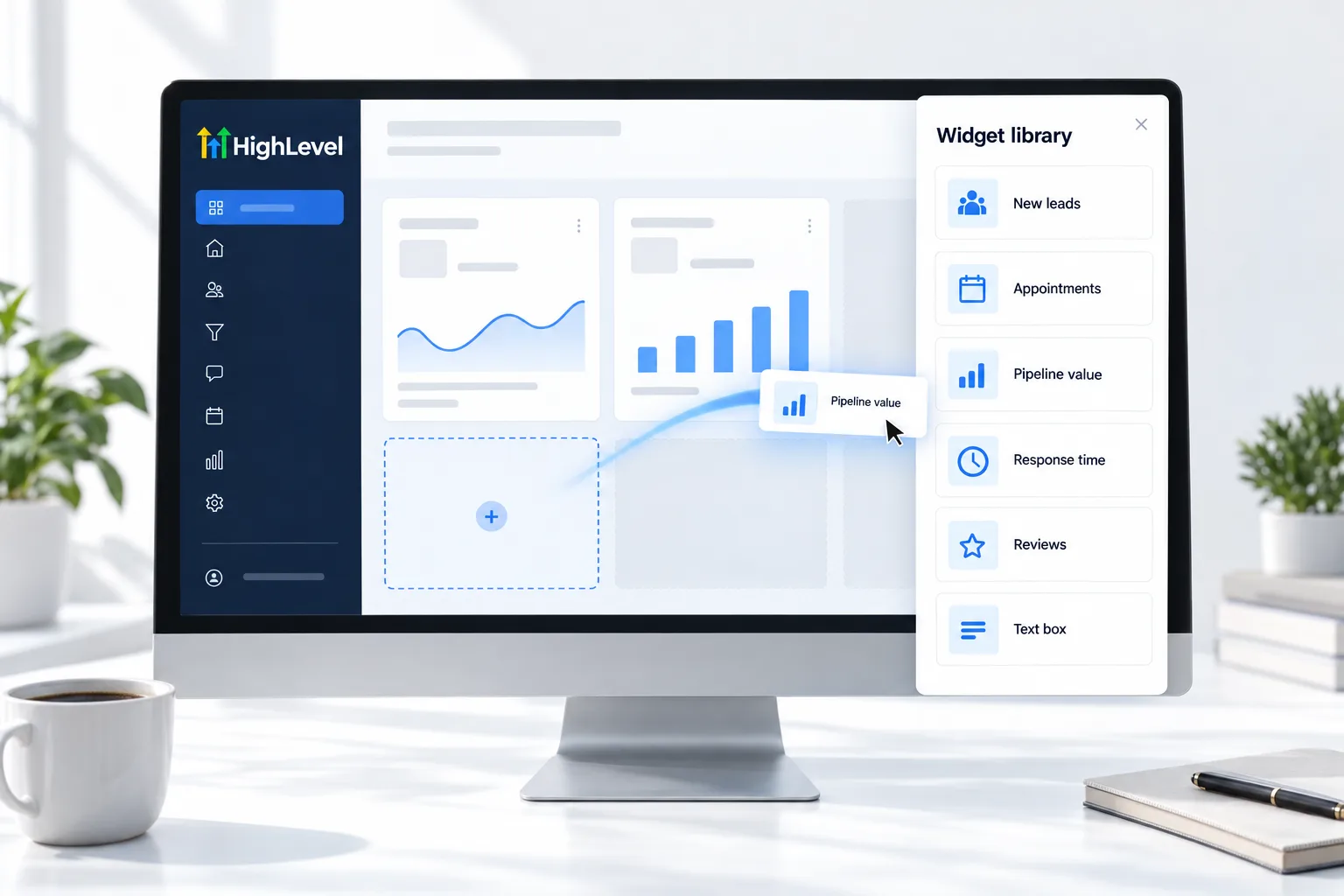
- Create it, then add widgets for leads, appointments, pipeline, conversations and reviews.
- Add a title and short text boxes that explain what each number means.
What to show
Five numbers an owner cares about.
- New leads this week
- Appointments booked and showed
- Pipeline value by stage
- Response time to new leads
- New reviews and average rating
Before you start
What do you need before you build a custom dashboard?
Dashboards read what is already in the account. Before you add widgets in HighLevel, also known as GoHighLevel, make sure the data underneath is worth showing.
- A user role that can add dashboards in the subaccount
- A sales pipeline with stages your team keeps current
- Calendars in use, with appointment statuses updated
- A short list of the questions the dashboard must answer
- The names of the people who should see it, and who should not
The longer build, with every widget, is the reporting dashboard guide. Plan differences are on GoHighLevel plans compared, and you can build your first dashboard during a 30 day trial through Michael's link.
Test it
How do you test a new dashboard?
A dashboard is tested by the people who read it. Check the numbers, then check the audience.
- Pick one widget and count the same thing by hand in Contacts or Opportunities.
- Change the date range and confirm the widgets update.
- Log in as a user in each role and confirm who can and cannot see the dashboard.
- Ask the owner to read it without help. Time them.
- Remove any widget nobody mentioned.
Common mistakes
What mistakes should you avoid when you build a custom dashboard?
- One dashboard for everyone. Owners, sales reps and you need different numbers. Create one for each.
- Leaving a private dashboard private by accident. If the team cannot find it, check the Private Dashboard setting and the role access.
- Widgets with no explanation. Add a short text box that says what the number means and what good looks like.
- Reporting on stages nobody updates. Pipeline widgets are only as accurate as the opportunities behind them.
- Never revisiting it. Review the dashboard each quarter and delete what no longer drives a decision.

If an owner cannot read the dashboard in thirty seconds, it has too many widgets.
Questions
Common questions.
How do I create a custom dashboard in GoHighLevel?
Open Dashboard in the subaccount, open the dashboard selection menu and click Add Dashboard. Name it, turn Private Dashboard on or set access for Agency User, Account Admin and Account User, then create it. Add widgets for the numbers you track, plus a title and short text boxes that explain them.
Can I have more than one dashboard?
Yes. You can create several dashboards in each subaccount, each with its own widgets and permissions. A common setup is one for the owner, one for the sales team and one for your own weekly review, so each person opens a screen built for the decisions they make.
Can I hide a dashboard from users?
Yes. Turn Private Dashboard on to keep it to yourself, or turn it off and set access by role for Agency User, Account Admin and Account User. Log in as a user in each role afterward to confirm who can and cannot see the dashboard.
Can I show custom values on a dashboard?
Yes. Custom values can be used in dashboards and reports. A custom value stores a business detail once, such as a phone number or a booking link, so the same detail can appear on a dashboard, in a report and in your messages without being typed again each time.
Why can a user not see my dashboard?
The dashboard is either set to private or that user role was not given access. Open the dashboard settings and check access for Agency User, Account Admin and Account User. Then log in as a user in that role and confirm the dashboard now shows in the dashboard menu.
What should go on a first dashboard?
New leads, appointments booked and showed, pipeline value by stage, response time to new leads and new reviews. Start small and add only what someone asks for. If an owner cannot read the dashboard in thirty seconds, it has too many widgets, so remove any widget nobody mentions.
Is a client reporting dashboard different?
It is the same tool with a different audience. A client dashboard sits in the client's subaccount and usually adds Google and Facebook ad reporting. See build a client reporting dashboard for the client version with ad reporting and client access.
Next step
See it in your own account. Thirty days, every feature.
Start a trial, build the first system and test it before the first invoice. Usage fees for phone, SMS, email and AI can apply during the trial.
HighLevel has three plans at a flat monthly price, each with unlimited users and contacts. See what each one includes and what it costs.
Compare the PlansStarter, Unlimited and Founder